MCPE Innovative Ore Plants Add-On for Minecraft Bedrock
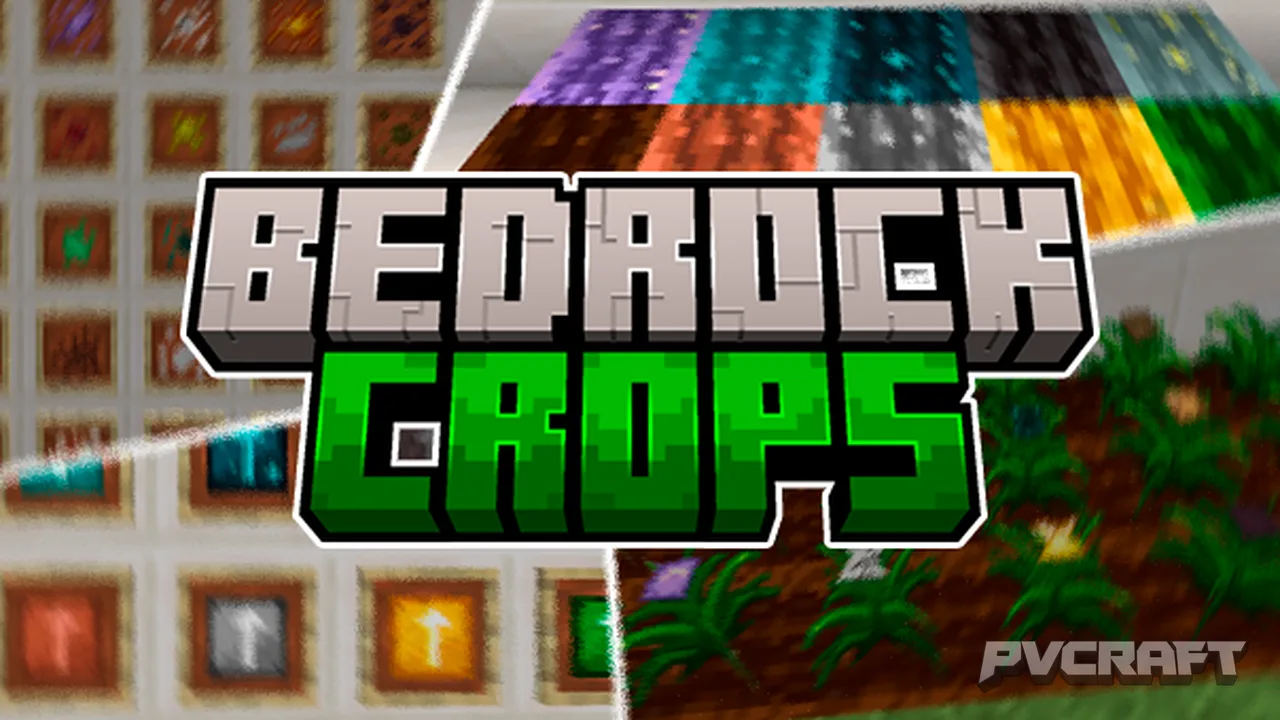
Skip to DownloadDiscover the Bedrock Crops add-on, an innovative enhancement for Minecraft Bedrock Edition that allows players to cultivate ore plants and other resources. Grow your materials efficiently and sustainably with this unique crafting experience!
Description
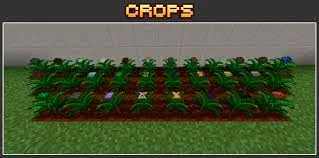
The Bedrock Crops add-on is an exciting enhancement for players looking to diversify their farming options in Minecraft Bedrock Edition. This add-on introduces a variety of ore plants that allow you to cultivate essential resources directly from your farm, making resource gathering easier and more enjoyable. With this add-on, players can grow various types of plants that correspond to the ores found throughout the game, including iron, gold, and diamond. This innovation not only beautifies your landscape but also transforms the way you gather materials.
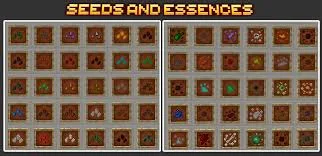
One of the standout features of the Bedrock Crops add-on is the introduction of the Crops Crafting Table. This specialized crafting station is essential for players who want to create seeds from the different ores. To get started, players must first create the Crops Crafting Table using standard materials available in-game. Once crafted, you can produce various essential seeds needed to grow ore plants. For instance, growing iron plants will eventually yield iron essence, which can be further processed into iron ingots.
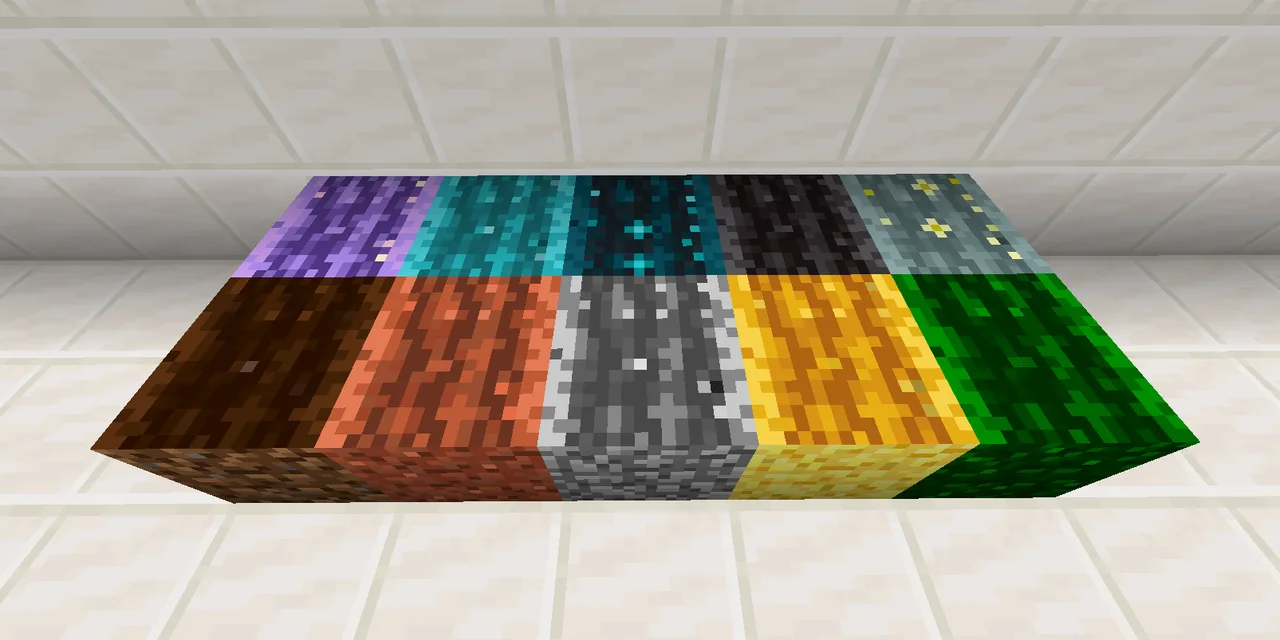
In addition to the crafting table, the add-on introduces Enhanced Farmland, which is vital for increasing the efficiency of your crops. Players can create this special farmland by using Improved Bone Meal, which is crafted from resources obtained through the new farming mechanics introduced in this add-on. The Enhanced Farmland promotes faster growth rates for your plants, making it a significant upgrade over regular farmland. This means you no longer need to wait long periods for your crops to flourish; just plant your seeds, apply some Improved Bone Meal, and watch them thrive!
The add-on also features various machines like the Harvester, which automates the harvesting process. When using the Harvester, simply plant your crops, and the machine will automatically collect the mature plants when they are ready for harvest. This is particularly helpful for players managing large-scale farms, as it reduces the manual labor involved in gathering resources. The Harvester can be equipped with hoes to maximize efficiency, and players can also add Improved Bone Meal to speed up the growth process further.
Moreover, players will receive a guide book upon entering the world that serves as a quick reference for all the new features introduced in this add-on. If lost, the guide book can easily be recreated using a crafting table. This feature is particularly helpful for newcomers who may find themselves overwhelmed with the array of new mechanics and crafting recipes.
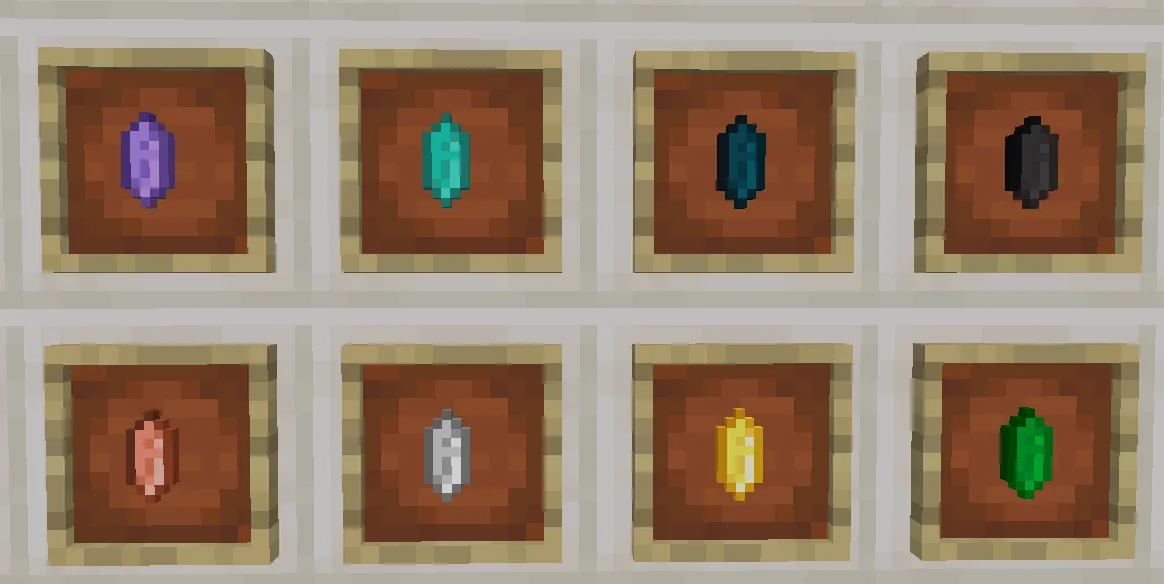
Alongside the plants and crafting tables, neutral items such as Neutral Crystals and Neutral Shards are also added to the game. These items allow players to create customized ores from other add-ons, increasing their versatility and compatibility with various gameplay styles. Players are encouraged to experiment with these new mechanics to discover unique combinations and workflows.
Overall, the Bedrock Crops add-on not only enhances the farming aspect of Minecraft but also deepens the gameplay experience by introducing new crafting options, farming mechanics, and automation technologies. It challenges players to rethink the way they gather resources, making each adventure in the world of Minecraft feel fresh and innovative. Whether you’re a seasoned player looking for new challenges or a newcomer eager to explore, this add-on offers something exciting for everyone.
About the Content
CHANGELOG:
- Introduced new plant types based on Minecraft ores.
- Added a Crops Crafting Table to facilitate new recipes.
- Improved farming mechanics with the introduction of Enhanced Farmland.
- Enhanced the automatic harvesting capability of the Harvester machine.
- Included a guide book for easier navigation of new features.
Installation
To install the Bedrock Crops add-on, follow these straightforward steps for Minecraft Bedrock Edition:
1. **Download the Add-on Files**: Ensure you have both the resource and behavior packs for the Bedrock Crops add-on. They may be provided as individual files or as a single .mcaddon file.
2. **Importing the Add-on**: If you have the .mcaddon file, simply tap on it, and it should automatically open and import into Minecraft. If you have separate resource and behavior pack files, open Minecraft, go to ‘Settings’, then ‘Storage’, and select ‘Import’. Locate your files and import them.
3. **Activating the Add-on**: Once imported, head to the ‘Play’ menu in Minecraft. Select the world you want to use the add-on in or create a new world. In the world settings, scroll down to the ‘Behavior Packs’ and ‘Resource Packs’ sections. Here, you will see your installed add-ons.
4. **Enable the Packs**: Click on the Bedrock Crops add-on to activate it for both behavior and resource packs. Make sure both are applied to the world.
5. **Start Playing**: After activating the add-on, start your world. You’ll now have access to the new crops, crafting tables, and farming mechanics introduced by the add-on. Get ready to explore the new features and enjoy a fresh experience in your Minecraft adventures!
Following these steps will ensure that you can enjoy the full scope of the Bedrock Crops add-on, enhancing your gameplay with innovative farming options.
Supported Minecraft Versions
1.21.120
If the download button doesn't work, click here for alternatives
If you are the original creator and would like this content removed, please submit a request through our DMCA page.