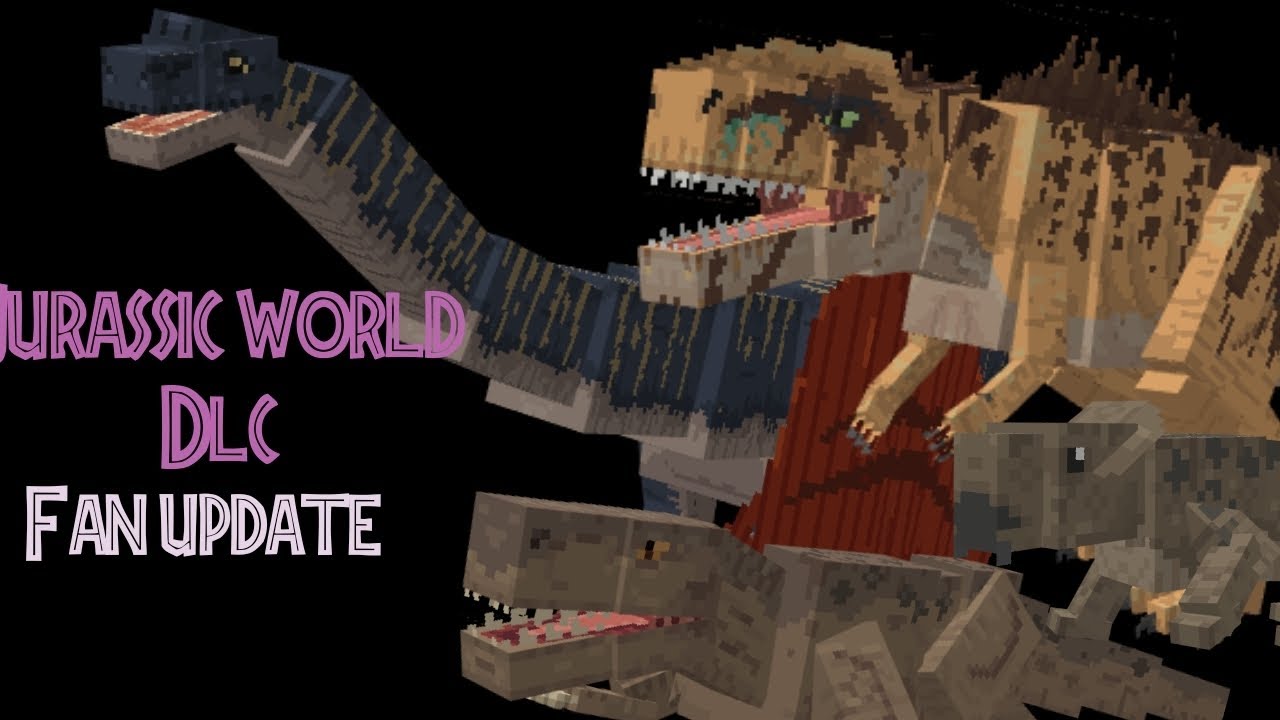
MCPE Jurassic World Fan Update Add-On
Skip to DownloadThe ultimate creative-mode expansion for Jurassic World in Minecraft! This fan-made addon builds upon Mojang's official DLC, adding 100+ new species, hybrids, vehicles, and more, all using authentic models and animations. Perfect for builders and storytel

Loading video...
Description
Unlock the full potential of the Jurassic World universe in Minecraft with this monumental fan-made expansion. The Jurassic World Fan Update Add-On is a massive tribute that seamlessly integrates with the aesthetic and quality of Mojang's original DLC. We've taken the foundation they built and expanded it exponentially, adding a treasure trove of over 100 new species to your creative inventory.
This addon is a celebration of the entire franchise, meticulously crafted for creators. It introduces not just new dinosaurs, but also aerial and marine reptiles, genetic hybrids, and a fleet of new vehicles to populate your parks and scenes. Please note: this is a creative-mode exclusive experience, designed for unlimited building and storytelling without the constraints of survival mechanics.
About the Content
The Jurassic World Fan Update Add-On is a love letter to both Minecraft and the Jurassic franchise, designed specifically for players who express their creativity through building and world-making. Its primary goal is to expand the official content in a way that feels completely authentic, leveraging the existing models and animations from the Minecraft Marketplace DLC to ensure a seamless and professional look.
An Unprecedented Creative Catalog:
This addon is essentially a massive DLC pack for the DLC itself, dramatically widening the tools available to builders.
Massive Species Expansion: The core of the addon is its staggering roster of over 100 new creatures. This includes fan-favorite dinosaurs that were missing from the original DLC, rare and obscure species, and creatures from across the films' history. You'll also find a complete suite of aerial reptiles like the Tapejara and Dimorphodon, and marine reptiles like the mighty Tylosaurus, allowing you to create fully functional aviaries and lagoons.
Genetic Hybrids and Sci-Fi Elements: For those who want to build the most advanced genetics labs, the addon includes notorious hybrids like the Indoraptor and Scorpios Rex. These creatures come with their own unique animations and behaviors, perfect for creating dramatic and thrilling exhibits.
Vehicles and Functional Props: No park is complete without infrastructure. The addon adds a variety of new vehicles, from different Jeep models to utility trucks and tour vehicles, all designed to match the Jurassic World aesthetic. You'll also find new functional props like different types of gates, signage, and building blocks to give your park a polished, official feel.
A Builder-First Philosophy:
It is crucial to understand that this addon is not designed for survival gameplay. There are no crafting recipes or natural spawning for these entities. Every item, dinosaur, and vehicle is intended to be accessed through the creative mode inventory. This design choice was made to empower builders, map-makers, and role-players with an unlimited resource pack, freeing them to focus entirely on construction and storytelling without any grinding or resource gathering.
Installation
Setup for Creative Architects:
Installing this addon is your first step to unlocking a vast new creative library. The process is quick, but requires a specific step to function correctly with the original DLC.
Step 1: Foundation Check
Before you begin, ensure you have the official Jurassic World DLC from the Minecraft Marketplace installed. This Fan Update is built upon its assets and will not work without it.
Step 2: Download the Expansion
Click the download link on this page to get the JW_Fan_Update.mcaddon file. This file contains all the new content that will plug into the base DLC.
Step 3: Merge with Minecraft
Find the downloaded file and double-click it. When prompted, choose to open it with Minecraft. The game will open and automatically integrate the new content with your existing DLC files. You'll receive a confirmation when the process is finished.
Step 4: Activate and Access
The addon is now merged with your game. To use it, you must load a world in Creative Mode. There is no need to activate it in the settings like a standard behavior pack; its items will automatically appear in your creative inventory. Simply open your inventory and search for "JW" or browse the spawn egg and decorative blocks sections. Your expanded Jurassic toolkit is now ready!
Supported Minecraft Versions
1.21
If the download button doesn't work, click here for alternatives
If you are the original creator and would like this content removed, please submit a request through our DMCA page.