
MCPE Bloody Mist Horror Addon V3.2: A Terrifying Upgrade for Your World
Skip to DownloadThe Bloody Mist Horror Addon V3.2 enhances your Minecraft Bedrock experience with a chilling atmosphere, improved textures, and immersive visuals. Transform your world into a nightmarish landscape that heightens the horror elements and keeps players on ed
Description
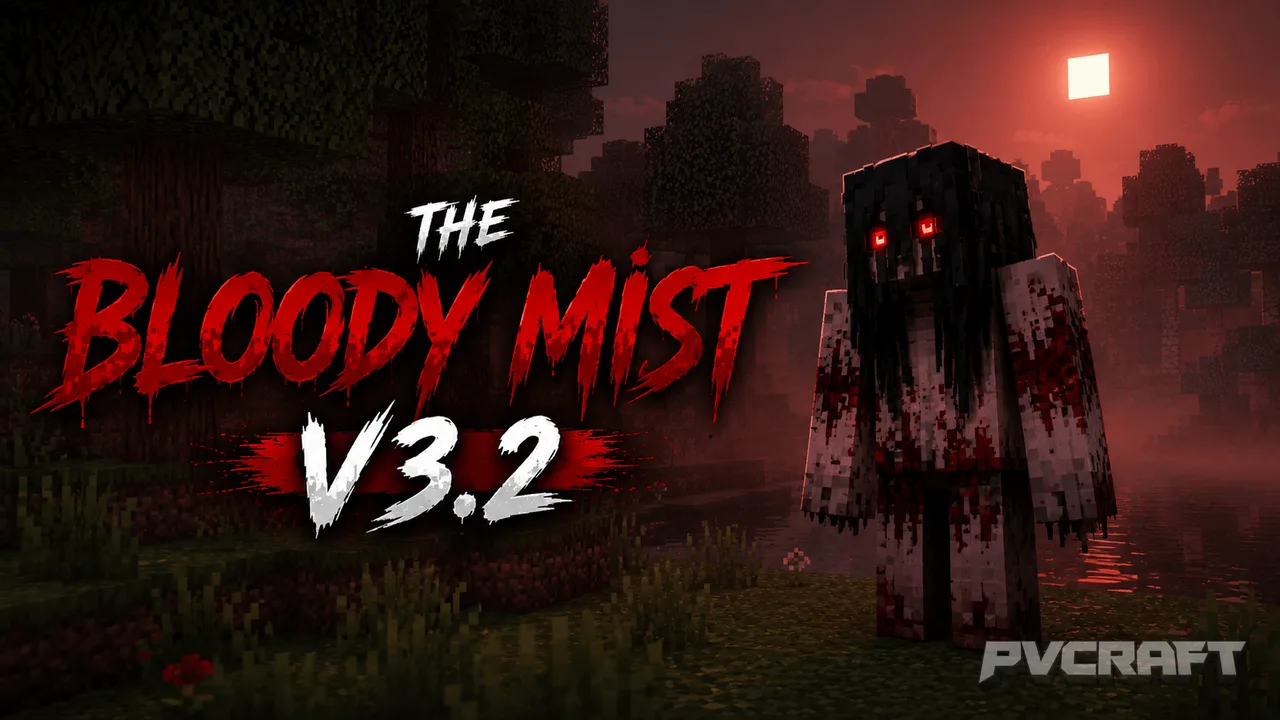
The Bloody Mist Horror Addon V3.2 is a significant enhancement for players who thrive on the excitement of horror-themed gameplay in Minecraft Bedrock Edition. Designed to elevate the atmospheric experience, this addon takes the original concept a step further, providing players with a redefined horror adventure. The update, led by the talented GGSTUDIOS, emphasizes visual fidelity while ensuring that core gameplay mechanics remain intact.
One of the standout features of this addon is its improved texture quality. The terrifying entities and environments in the game have been reimagined with richer details and more realistic shading. The blood details are now more pronounced, allowing for a more visceral experience when encountering hostile mobs. These enhancements breathe new life into familiar environments, making every corner of your world potentially dangerous and unsettling.
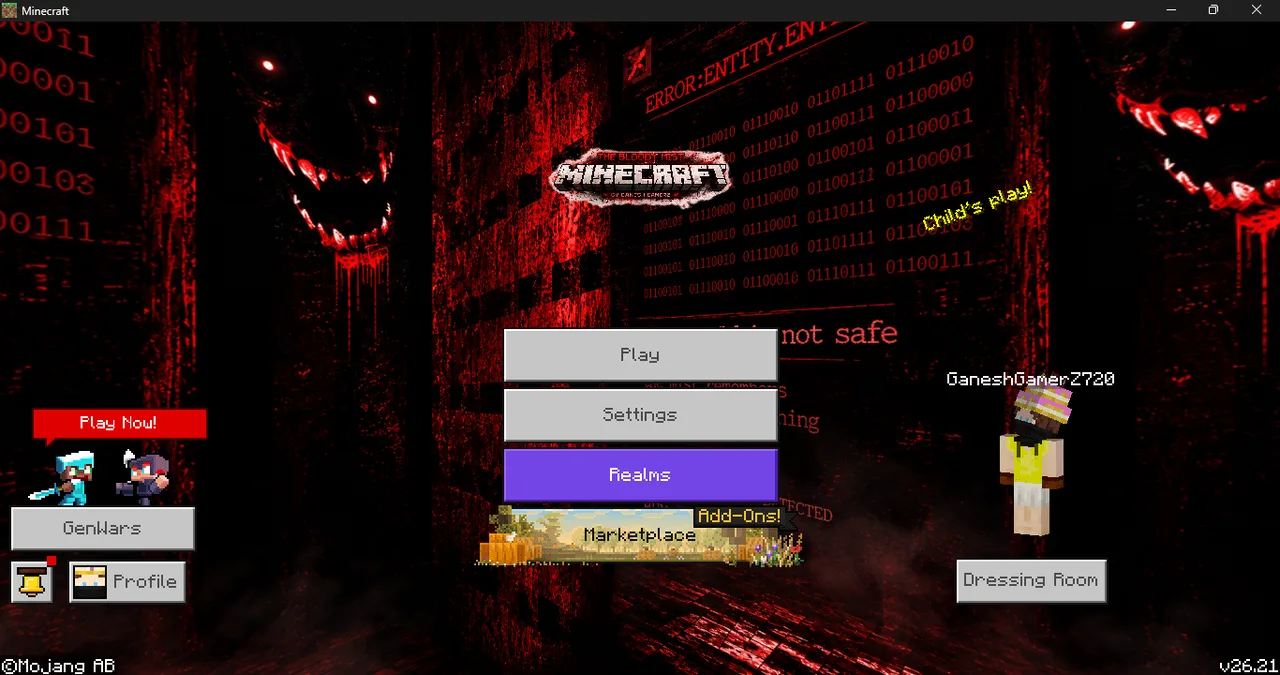
In addition to the texture upgrades, players will notice a complete redesign of the user interface. The horror-themed UI immerses players further into the chilling atmosphere, with menu options and navigation elements now fitting the ominous theme. The unique custom panorama offers a stark contrast to the traditional Minecraft landscapes, wrapping players in a fog of unease right from the start.
The atmosphere itself has undergone a profound transformation. The addon introduces darker visuals that enhance the tension during gameplay. Dungeons, forests, and even villages can feel menacing under the new lighting effects and visual cues. This shift allows players to engage more intensely as they explore their surroundings, knowing danger could be lurking just out of sight.
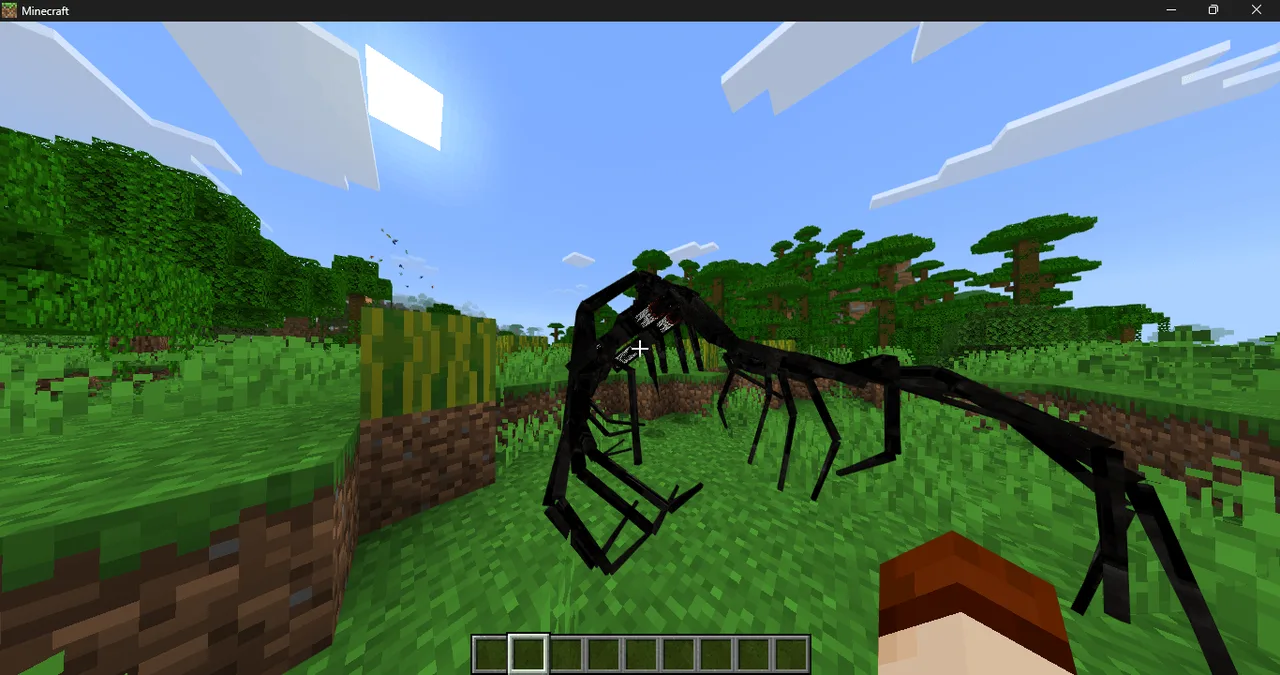
Moreover, the Bloody Mist Horror Addon V3.2 enhances the experience by providing more engaging horror elements. Improved entity behaviors ensure that hostile mobs act unpredictably, keeping players alert and wary. This unpredictability is key to creating an adrenaline-pumping gameplay experience, as players must adapt to new challenges presented by the enhanced mobs. These carefully designed mechanics ensure that each encounter is thrilling and fresh.
For those looking to fully embrace the horror experience, the addon also lays the groundwork for future updates. With the potential for additional features like extreme weather effects, blood particle visuals, and dynamic fog systems, players have plenty to look forward to as they delve deeper into their horror-themed worlds.
Using this addon also encourages players to explore different narrative angles in their gameplay. With the added horror elements, players can create custom survival maps, roleplay scenarios, or simply challenge themselves in terrifying settings. The flexibility of the Bloody Mist Horror Addon V3.2 ensures that it caters to various play styles, whether you prefer survival, adventure, or creative storytelling.
In summary, the Bloody Mist Horror Addon V3.2 is a must-have for Minecraft Bedrock players who wish to intensify their gaming experience with haunting visuals and engaging gameplay mechanics. It not only expands the horror aspect of the game but also enriches the overall aesthetic, giving players a true sense of fear and adventure in their crafted worlds. Whether you're battling fearsome creatures in dimly lit caves or navigating through fog-laden landscapes, this addon transforms every game session into an unforgettable nightmare.
About the Content
CHANGELOG:
- Updated textures for improved realism and detail
- Redesigned UI for a more horror-themed experience
- Custom panoramic views to enhance the atmospheric feel
- Enhanced dark visuals for a more immersive environment
- New spawn egg names for better entity identification
Installation
To install the Bloody Mist Horror Addon V3.2 on your Minecraft Bedrock Edition, follow these steps:
1. **Download the Addon File:** Start by downloading the Bloody Mist Horror Addon V3.2 file, which is usually available in .mcaddon format for easy installation.
2. **Open Minecraft Bedrock Edition:** Launch the Minecraft Bedrock game on your device.
3. **Access Settings:** From the main menu, navigate to the 'Settings' option. This can typically be found in the lower portion of your screen.
4. **Select Storage:** In the settings menu, scroll down and choose 'Storage.' This section allows you to manage your downloaded content.
5. **Import the Addon:** Locate the downloaded .mcaddon file and tap on it to import it into Minecraft. You might see a prompt indicating that the import is in progress.
6. **Create or Edit a World:** Once the addon is imported, go back to the main menu and either create a new world or edit an existing one. Be sure to enable the addon in the world settings under the 'Behavior Packs' and 'Resource Packs' sections.
7. **Start Your Adventure:** After enabling the addon, start the world and immerse yourself in the horrifying atmosphere that the Bloody Mist Horror Addon V3.2 offers. Explore, survive, and enjoy the enhanced gameplay experience that awaits you.
If you experience any issues during installation, double-check your Minecraft version to ensure compatibility or revisit the download page for any updates or troubleshooting tips.
Supported Minecraft Versions
26.20
If the download button doesn't work, click here for alternatives
If you are the original creator and would like this content removed, please submit a request through our DMCA page.