MCPE Ore Finder – "Advanced Ore Scanner"
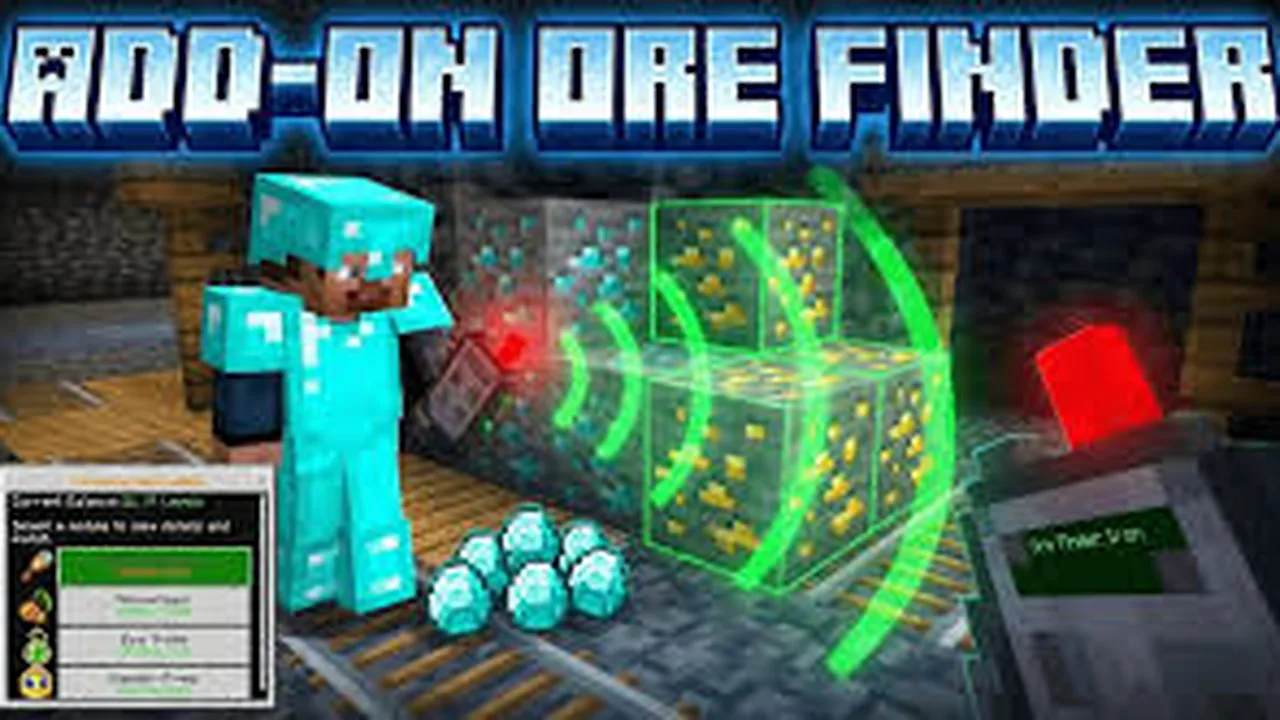
Skip to DownloadThe Ore Finder – Advanced Ore Scanner is a powerful Minecraft addon designed to help players locate valuable ores with ease, enhancing resource gathering in survival mode.
Description
The Ore Finder – Advanced Ore Scanner is an innovative addon that revolutionizes the way Minecraft players approach mining. Designed specifically to assist in locating valuable ores such as diamonds, gold, emeralds, and more, this tool allows users to gather resources more effectively and avoid the tiresome and often frustrating process of blind mining. This is particularly valuable in survival mode, where securing essential materials can significantly impact your game progress and success.
Using the Ore Finder is straightforward. Players can simply activate the scanner, and it will highlight nearby ores within a specified radius, making it much easier to plan mining expeditions. The addon uses a unique scanning mechanism that provides real-time data on ore locations, allowing players to navigate swiftly to the richest veins. The interface typically displays a mini-map or visual cues, indicating ore types and their proximity to your current location.
The primary purpose of the Ore Finder is to save players time and frustration. Mining can often be a repetitive and tedious task, with players often spending countless hours searching for elusive resources. With this addon, the time spent searching is minimized, allowing players to focus on building, crafting, and exploring the vast world of Minecraft. This is particularly useful during the early game phase, where efficient resource acquisition can set the stage for rapid progress.
The addon is designed for everyone—whether you are a beginner still getting a hang of the game or a veteran player looking to enhance your efficiency in resource gathering. It takes away some of the tediousness associated with mining, enabling players to enjoy more exciting aspects of Minecraft.
However, it’s worth noting that while the Ore Finder greatly enhances resource identification, it does not grant unlimited resources or cheating abilities. Players still need to mine the ores manually, which preserves the challenge and integrity of the game. Additionally, using the addon can alter the traditional mining experience, making it important for players to consider their style and objectives in gameplay.
Further, players should be aware that the effectiveness of the Ore Finder could vary depending on the game version and any modifications they might have in place, which could affect compatibility.
Installing the Ore Finder is a simple process, typically involving a few easy steps. First, players need to download the addon from the designated source, ensuring it is compatible with their Minecraft version. Once downloaded, players should navigate to their Minecraft directory, usually found in the AppData folder for Windows users or within the library for Mac users. After accessing the correct folder, they can follow these steps:
1. **Locate the Minecraft Addons Folder:** This is usually found under "com.mojang" within the Minecraft game files.
2. **Place the Downloaded Addon:** Drag and drop the Ore Finder addon file into your Addons folder. Make sure it’s in the correct directory to be recognized by the game.
3. **Start Minecraft:** Open the game and navigate to the settings menu.
4. **Activate the Addon:** Go to the 'Global Resources' section and enable the Ore Finder to ensure it’s active in your game.
5. **Create or Load a World:** You can either create a new world or load an existing one. Make sure that the menu indicates the addon is active.
6. **Enjoy your Mining Adventures:** Start exploring the depths of Minecraft with the Ore Finder by your side, maximizing your ore discoveries swiftly.
In summary, the Ore Finder – Advanced Ore Scanner addon provides Minecraft players with an essential tool for optimizing their mining sessions. By offering valuable information about ore locations and maintaining the challenge of gathering resources, this addon enhances the overall playing experience. Its ease of use, combined with its practical functionality, makes it a must-have for anyone aiming to mine efficiently in the expansive world of Minecraft.
About the Content
This addon serves as a tool for players who wish to optimize their mining experience in Minecraft by finding ores more efficiently. With its intuitive interface and user-friendly mechanics, the Ore Finder is suitable for both novice players and seasoned miners looking to maximize their resource input.
Installation
To install the Ore Finder – Advanced Ore Scanner, players should follow these detailed steps: 1. **Download the Addon**: Obtain the Ore Finder addon file from a reputable source. Ensure that it is compatible with your version of Minecraft (Java or Bedrock). 2. **Locate Your Minecraft Directory**: Depending on your operating system, navigate to your Minecraft installation folder. In Windows, you can typically find this by searching for %appdata%/.minecraft. On Mac, look for the Library folder under your user profile. 3. **Access the Addons Folder**: Open the 'com.mojang' folder within the Minecraft directory, and then locate the 'behavior_packs' folder. If you're using the Java Edition, you will need to place the files in the appropriate resource pack folders. 4. **Add the Downloaded File**: Drag and drop the Ore Finder addon file into the appropriate directory. Ensure that all necessary files (behavior and resource packs) are placed correctly. 5. **Launch Minecraft**: Open your Minecraft game. 6. **Activate the Addon in Settings**: Go to 'Settings', then 'Storage', and ensure the Ore Finder is listed. 7. **Create or Select a World**: Either start a new game or load an existing world, ensuring that you select the Ore Finder in the 'Behavior Packs' section. 8. **Start Mining**: Once your world is ready, commence your mining activities, utilizing the Ore Finder to locate valuable ores. With these straightforward steps, you’ll be set to enhance your mining adventures in Minecraft.
Supported Minecraft Versions
1.21
If the download button doesn't work, click here for alternatives
If you are the original creator and would like this content removed, please submit a request through our DMCA page.