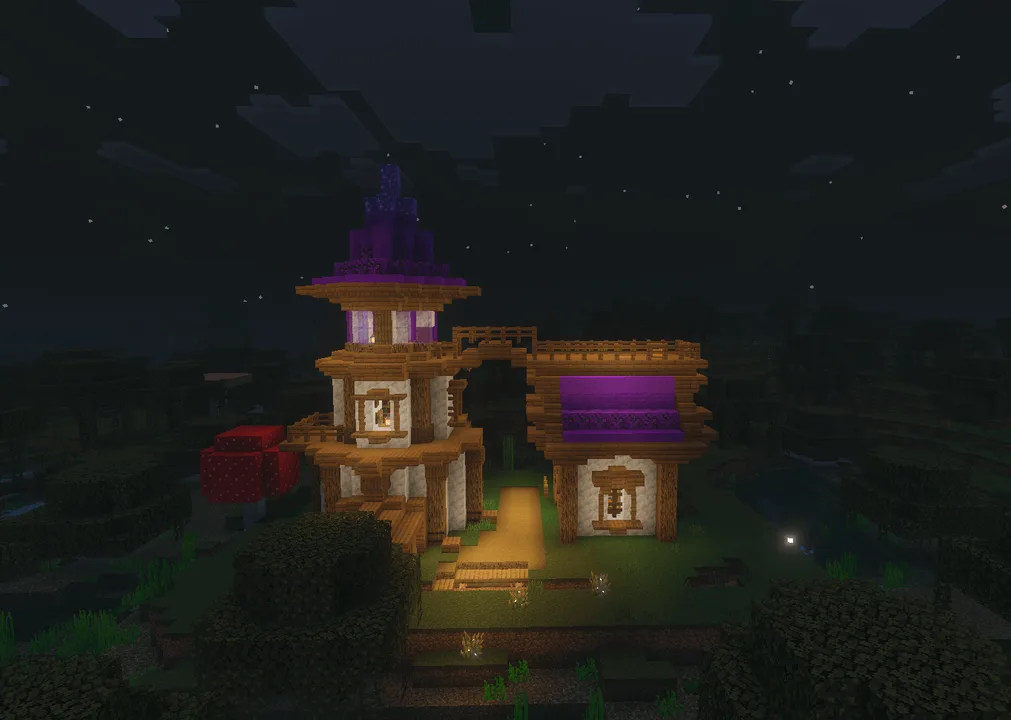
MCPE Explore Unique Structures in Your World
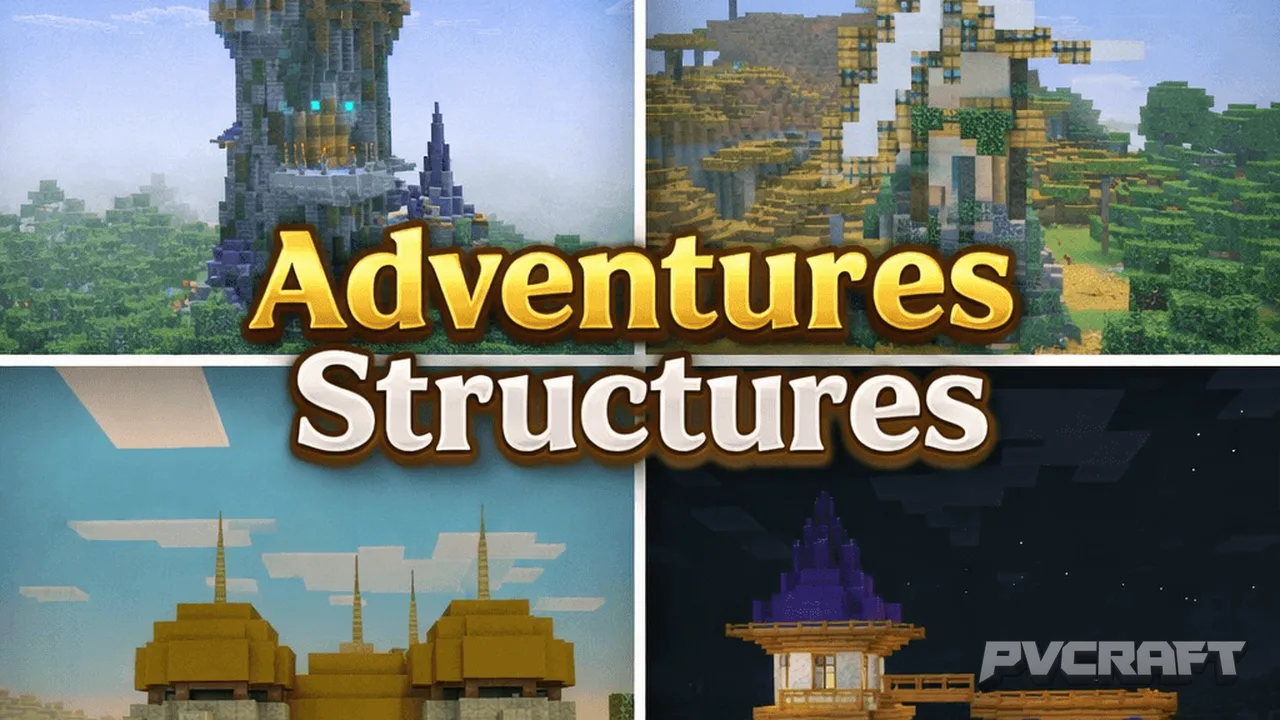
Skip to DownloadAdventures Structures offers a comprehensive collection of over 75 unique, handcrafted builds for Minecraft Bedrock. These structures enhance your world by adding thematic points of interest and custom loot, making exploration more rewarding and immersive
Description
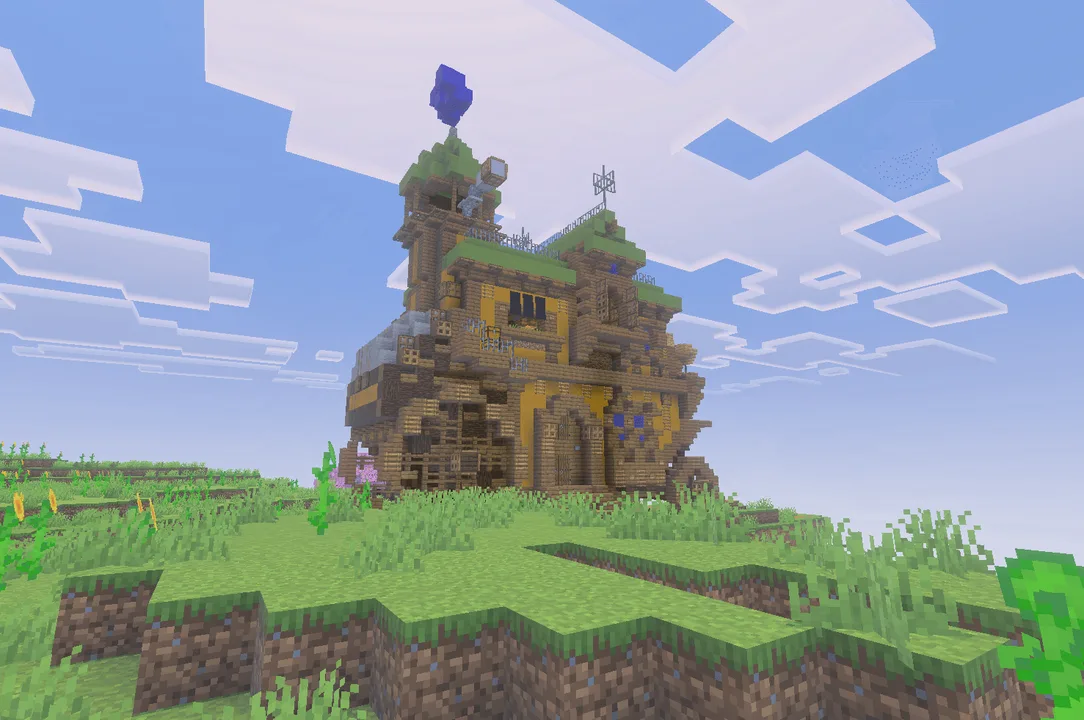
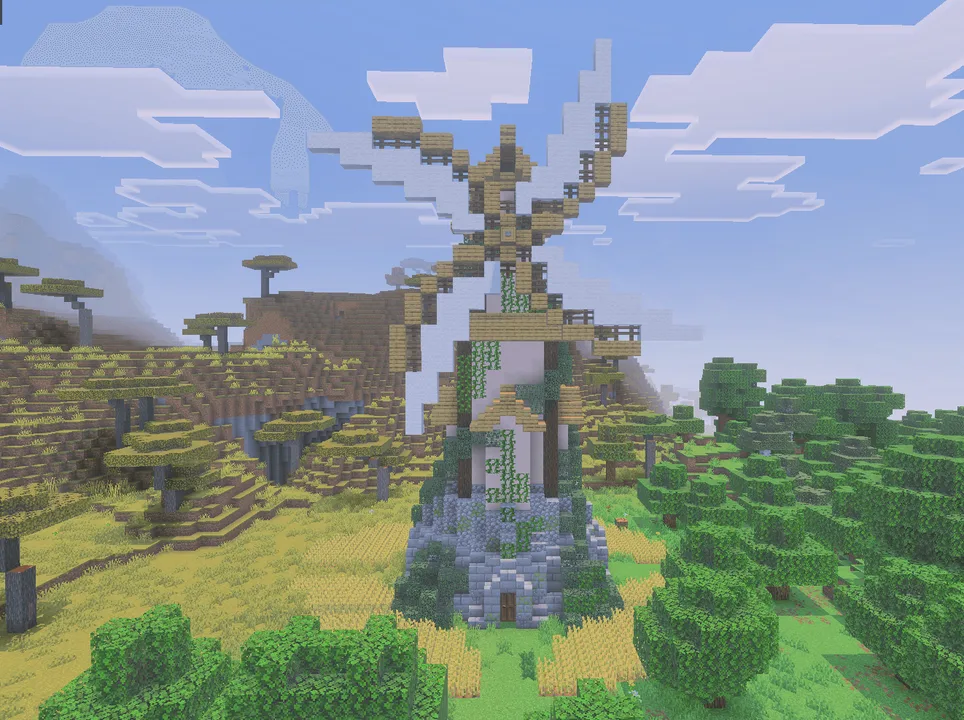
When diving into the world of Minecraft Bedrock, players often seek ways to enhance their gameplay experience. Adventures Structures is an addon that aims to transform your Minecraft world by introducing a diverse range of unique structures. With over 75 handcrafted designs organized by biomes and themes, players can now find compelling points of interest that not only beautify their environments but also contribute to a richer gameplay experience.
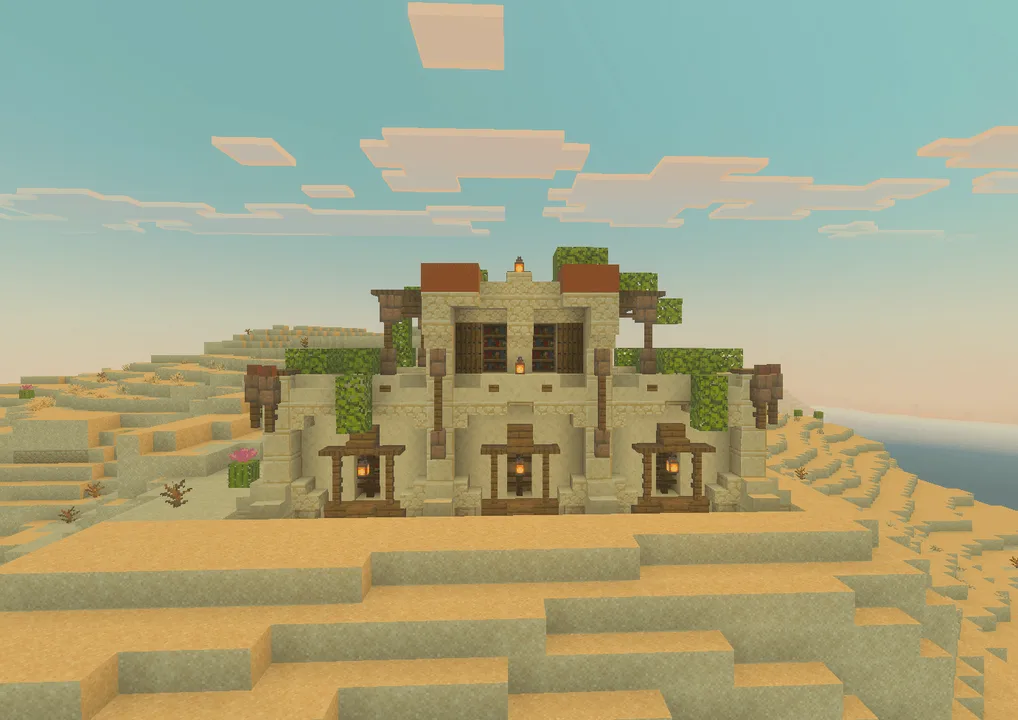
The structures are categorized into various themes, including Beach, Desert, Jungle, Swamp, Snowy, and even The End, each offering its own distinct aesthetic and functionality. For instance, if you wander into a jungle biome, you'll encounter charming jungle sheds and hidden ruins that entice players to explore further and engage with their surroundings. These structures are not mere decorations; they are designed to enhance gameplay by providing thematic loot and increasing player engagement.
One of the standout features of Adventures Structures is its custom loot tables. Each structure contains chests and barrels filled with unique items that relate to the theme and purpose of the structure. In the Desert, for example, players may discover libraries filled with knowledge or temples that guard rare treasures. This loot not only rewards exploration but also encourages players to delve into different biomes and experience the diversity of the Minecraft world. This systematic approach to loot makes each exploration feel purposeful, pushing players to scour their surroundings for hidden gems.
In terms of installation, Adventures Structures comes in a .mcstructure format that is compatible with Minecraft Bedrock Edition. This ensures that players can seamlessly integrate these structures into their worlds without the need for complex setups or modifications. Simply download the addon, place the structures where you desire, and enjoy enhanced builds that fit naturally into your environment.
The addon is particularly beneficial for players who enjoy building themed villages or cities, as it saves time and effort. Instead of spending countless hours creating individual buildings, players can instantly add these ready-made structures to their worlds. This not only enhances the aesthetic quality of the landscape but also allows players to focus on other aspects of their gameplay, such as exploration, survival, or combat.
However, players should note that while Adventures Structures enriches the gameplay experience, it is essential to consider compatibility with existing worlds and the performance of their devices. Since Minecraft Bedrock can vary in performance across mobile and console platforms, some players may experience frame drops in cluttered areas with many structures. To mitigate this, it’s advisable to distribute structures evenly across the landscape rather than clustering them in one area. This practice ensures smoother performance while still enjoying the aesthetic benefits of the addon.
Moreover, Adventures Structures can be a fantastic addition for players who love creating adventure maps or immersive role-playing experiences. The variety of structures available means you can create unique quests or storylines centered around these locations. For instance, a wizard tower can serve as a quest hub where players must collect items from surrounding areas to unlock magical secrets, creating an engaging storyline centered around exploration and discovery.
In summary, Adventures Structures is an addon that significantly enhances the Minecraft Bedrock experience. By providing a multitude of stylish and functional builds, players can create diverse environments that encourage exploration and creativity. Whether you're a builder looking to save time or an adventurer seeking unique loot and challenges, this addon opens up new avenues for gameplay, making every journey into the world of Minecraft feel fresh and exciting. Install Adventures Structures today to see your world in a whole new light, and immerse yourself in the countless adventures that await.
About the Content
CHANGELOG:
- Initial release featuring 75+ handcrafted structures.
- Organized by biome and theme for easier navigation.
- Added custom loot tables for thematic structures.
- Improved compatibility with various Bedrock devices.
- Enhanced visual fidelity of structures for better immersion.
Installation
Installing Adventures Structures is straightforward. Follow these steps to integrate the addon into your Minecraft Bedrock experience:
1. **Download the Addon**: Ensure you have the .mcaddon or .mcstructure file saved on your device.
2. **Open Minecraft**: Launch Minecraft Bedrock Edition on your mobile, console, or Windows device.
3. **Access Settings**: Navigate to the ‘Settings’ menu from the main screen.
4. **Select Storage**: Scroll down and find the ‘Storage’ option. Here, you can manage your worlds and addons.
5. **Import the Addon**: Locate the downloaded file and select it to import into Minecraft.
6. **Create or Edit a World**: Choose to create a new world or edit an existing one. In the world settings, scroll down to the ‘Behavior Packs’ or ‘Resource Packs’ section, and apply Adventures Structures.
7. **Load Your World**: Once the packs are applied, create or load your world to see the new structures integrated into your gameplay.
By following these steps, you can easily expand your Minecraft world and start enjoying the diverse structures and unique gameplay features Adventures Structures has to offer.
Supported Minecraft Versions
1.21
If the download button doesn't work, click here for alternatives
If you are the original creator and would like this content removed, please submit a request through our DMCA page.