MCPE Edds' VeinCapitator Addon for Efficient Mining and Tree Chopping
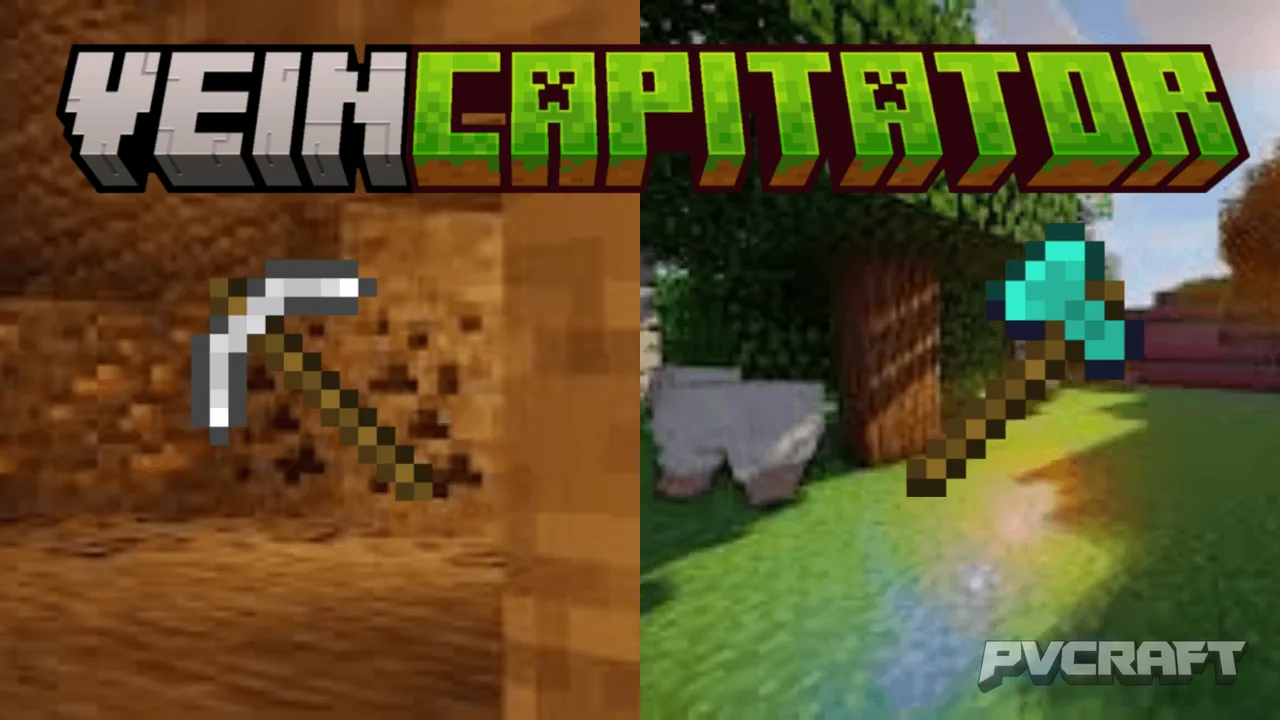
Skip to DownloadExperience a new level of efficiency in Minecraft Bedrock Edition with Edds' VeinCapitator. This addon allows players to chop down entire trees and mine ores in a single action, making resource gathering faster and more enjoyable. With a block limit of up
Description
Edds' VeinCapitator is an innovative addon designed specifically for Minecraft Bedrock Edition, aimed at revolutionizing the way players gather resources such as wood and ores. If you've ever found yourself frustrated with the slow process of mining or chopping down trees one block at a time, this addon is your solution. With VeinCapitator, players can efficiently collect resources, making gameplay more enjoyable and allowing for greater creativity in building and crafting.
At its core, the VeinCapitator feature allows players to mine and chop entire trees or ore veins in just a single action. This means that you can gather resources much faster without the repetitive strain of breaking each block individually. Whether you're in a dense forest or deep in a cave, VeinCapitator empowers you to maximize your gathering potential. The addon boasts an impressive block limit of 1000, providing ample opportunities for resource collection.
To use the VeinCapitator effectively, players must crouch or sneak while using the appropriate tool for mining or chopping. For example, if you're looking to fell a tree quickly, simply crouch and strike the tree with an axe, and watch as the entire tree comes crashing down! The same principle applies to ores—crouch and mine, and you’ll collect everything within reach. This feature not only cuts down on time spent collecting but also makes resource management far more efficient.
Moreover, Edds' VeinCapitator is thoughtfully designed to support various enchantments such as Fortune, Unbreaking, and Silk Touch, which means that your enchanted tools will still provide their bonuses when using the VeinCapitator functionality. This guarantees that you won't lose the benefits of your meticulously enchanted gear while enjoying the enhanced efficiency of the addon.
One of the standout aspects of VeinCapitator is its compatibility with custom tools based on their identifiers. This means that if you're using modded tools or unique creations from other addons, VeinCapitator can still work seamlessly with them. The developers have ensured that the addon remains flexible and adaptable, making it an excellent choice for those who enjoy combining various mods and tools.
Additionally, players have the option to customize their experience with various pack settings. You can choose to enable only the vein miner function, or opt for just the tree capitator feature, depending on your gameplay style. This versatility allows players to tailor their experience to match their preferences, ensuring that everyone can enjoy the benefits of Edds' VeinCapitator.
In conclusion, Edds' VeinCapitator is an essential addon for any Minecraft Bedrock player looking to enhance their resource gathering experience. By streamlining the process of mining and tree chopping, this addon not only saves time but also enriches the overall gameplay experience. Dive into a faster, more efficient Minecraft world with Edds’ VeinCapitator today!
About the Content
CHANGELOG:
- Initial release of VeinCapitator with core features for tree and ore mining.
- Enhanced support for custom trees and ores, creating a more immersive experience.
- Adjusted vein miner functionality for smoother gameplay mechanics.
- Added compatibility with numerous tools, including those with special identifiers.
- Optimized for better performance and stability across all Bedrock devices.
Installation
Installing Edds' VeinCapitator addon in Minecraft Bedrock Edition is straightforward and can be accomplished in just a few steps. Here’s a simple guide to help you get started:
1. **Download the Addon**: First, ensure you have the latest version of the Edds' VeinCapitator addon file. This will typically be in a .mcaddon format.
2. **Open Minecraft Bedrock Edition**: Launch your Minecraft game on your preferred platform, whether it be mobile, console, or Windows.
3. **Access Settings**: From the main menu, navigate to the 'Settings' option.
4. **Select Storage**: In the settings menu, find and click on the 'Storage' option to manage your game files.
5. **Import the Addon**: Locate the downloaded .mcaddon file on your device. You can usually do this by navigating to your downloads folder. Once found, simply tap or click on the addon file. This should automatically import the addon into Minecraft.
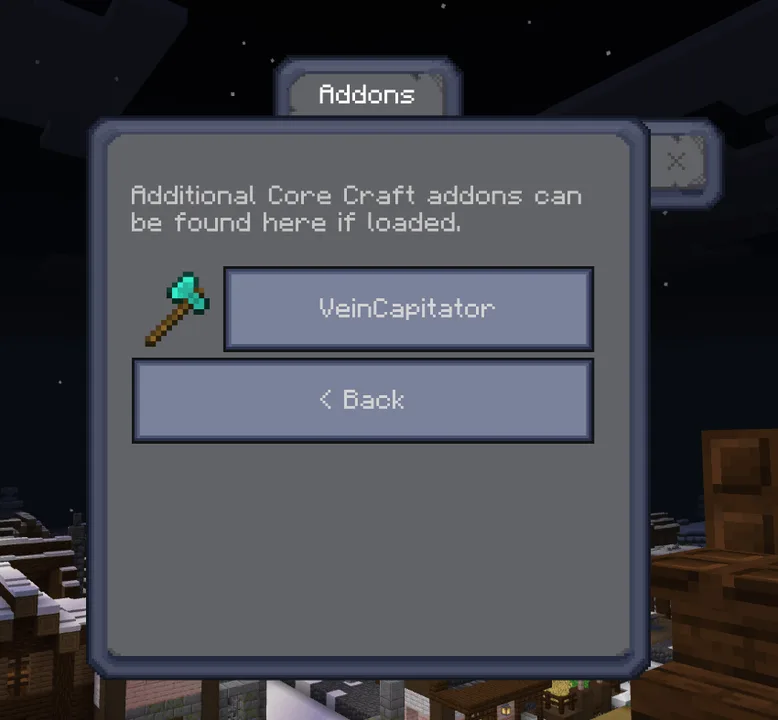
6. **Create or Edit a World**: Once the addon is imported, go back to the main menu and either create a new world or edit an existing one. Make sure to enable the addon in the world settings by going to 'Behavior Packs' and 'Resource Packs' and selecting Edds' VeinCapitator from the list.
7. **Start Your Game**: After enabling the addon, start your world. You are now ready to enjoy the enhanced mining and tree chopping features provided by Edds' VeinCapitator.
Remember to crouch while using the appropriate tools to get the most out of this addon. Happy crafting!
Supported Minecraft Versions
26.10
If the download button doesn't work, click here for alternatives
If you are the original creator and would like this content removed, please submit a request through our DMCA page.