MCPE Enhancing Your Minecraft Experience with Immersive Ambient Sounds
Skip to DownloadImmerse yourself in the world of Minecraft Bedrock with the Immersive Ambient Sounds addon. This unique modification enhances your gameplay by introducing realistic sounds that adapt to your surroundings, time of day, and biome. Experience a richer audio
Description
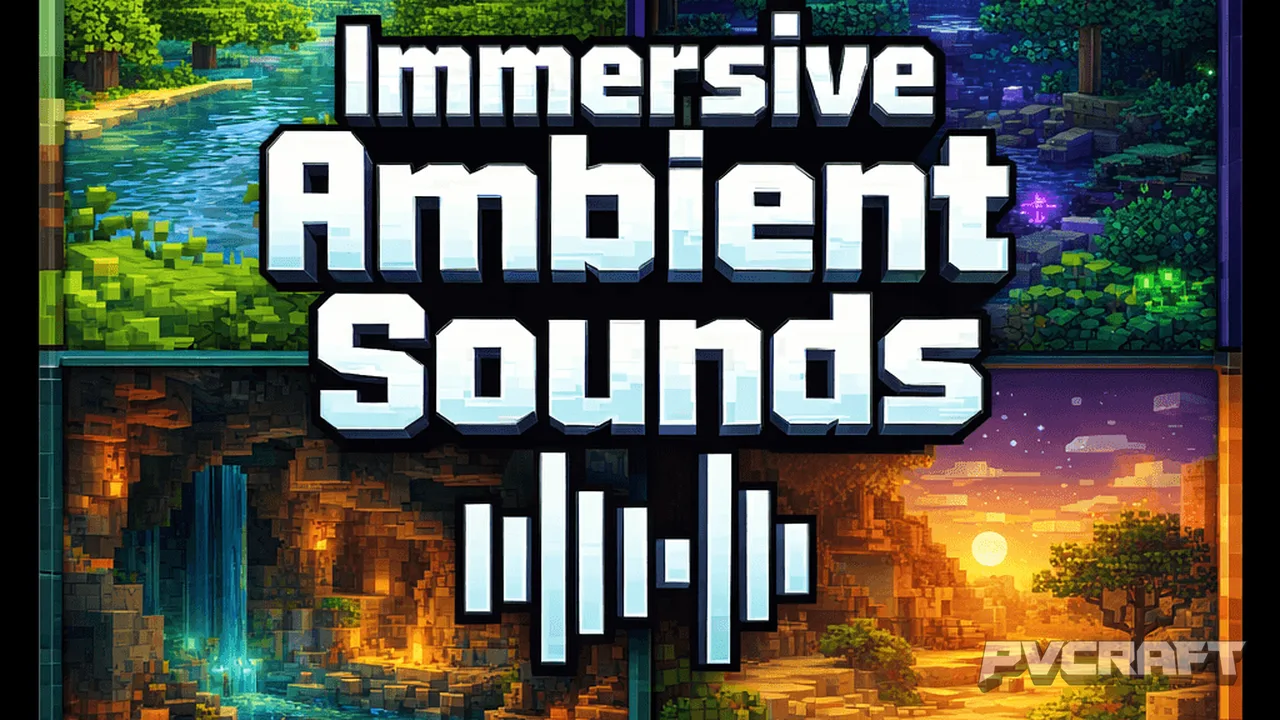
The Immersive Ambient Sounds addon for Minecraft Bedrock Edition is designed to transform the audio experience within your game world dramatically. As you wander through lush forests, arid deserts, or dark caverns, the sounds you hear will now correspond with your specific surroundings, creating an engaging and authentic atmosphere that draws you deeper into the Minecraft experience. One of the most noticeable changes after installing this addon is the introduction of dynamic audio that is biome-aware. When players explore different environments, they will hear unique sounds that reflect the characteristics of those places. For instance, in a forest, you may hear birds chirping and the rustling of leaves, while in a desert, you might catch the distant calls of coyotes or the soft whisper of wind across the dunes.
This enhancement is not just about adding a few new sound effects; it fundamentally alters the player's immersion. The addon features separate soundscapes for day and night, ensuring that as the sun sets, the sounds transition from the lively chatter of daytime wildlife to the eerie silence of night, punctuated by the sounds of nocturnal creatures. This shift is vital in creating an authentic survival experience, where players can feel the changes in their environment and adapt their strategies accordingly. For example, players may choose to build shelter earlier in the evening when the ambient sounds hint at increasing dangers, such as the growls of nearby mobs.
The addon also introduces a dedicated cave ambience, essential for players who enjoy exploring the underground layers of the Minecraft world. As you delve below the surface, the sounds shift to echoing drips, distant rumblings, and deep resonant tones that mimic the feeling of being inside a vast cavern. This audio experience not only enhances exploration but also adds tension and excitement, making cave exploration feel more hazardous and rewarding. Players will find that the atmospheric sounds can serve as both a guide and a warning, alerting them to potential threats in their subterranean adventures.
In terms of compatibility, the Immersive Ambient Sounds addon is designed with Minecraft Bedrock in mind, ensuring seamless integration with the game without any conflicts. It works well alongside many other resource packs and addons, making it easy for players to expand their Minecraft experience without sacrificing performance. This is particularly important for mobile and console users, where resource management can be crucial for maintaining smooth gameplay. The addon does not require additional resources, meaning players can enjoy the enriched audio without worrying about performance hits.
One practical tip for players is to adjust their in-game volume settings to fully appreciate the nuances of the ambient sounds. Setting the audio levels appropriately can significantly enhance the immersive experience, allowing players to hear distinct environmental audio without overwhelming sound effects from other sources, like mob sounds or block-breaking noises.
While the immersive sound changes are beneficial for most players, those who prefer a quieter experience or play in more creative-focused environments may find the constant audio changes somewhat distracting. However, for the majority of survival and adventure players, the addon provides a richer and more engaging atmosphere that encourages exploration, creativity, and survival strategies. If you’re seeking to deepen your connection to the Minecraft world and make every journey feel unique, the Immersive Ambient Sounds addon is a worthwhile addition to your Minecraft Bedrock experience.
In conclusion, whether you’re building your dream castle in the plains or venturing into the treacherous depths of a cave, Immersive Ambient Sounds enhances your gameplay by offering a soundscape that truly reflects your environment and the time of day. Embrace this addon to enrich your Minecraft adventures and transform the auditory experience of your beloved game.
About the Content
CHANGELOG:
- Initial release featuring basic ambient sounds tied to biomes.
- Implemented day and night cycle variations for improved realism.
- Optimized audio transitions for smoother immersion.
- Added unique sounds for caves and underwater environments.
- Enhanced compatibility with various Minecraft Bedrock resource packs.
Installation
Installing the Immersive Ambient Sounds addon in Minecraft Bedrock Edition is a straightforward process that will enhance your audio experience significantly. Here’s a step-by-step guide:
1. **Download the Addon**: Obtain the Immersive Ambient Sounds addon file, typically in .mcaddon format, from a trusted source.
2. **Open Minecraft Bedrock Edition**: Launch the game on your device, whether it’s mobile, console, or Windows.
3. **Access Settings**: From the main menu, navigate to the 'Settings' option.
4. **Behavior Pack and Resource Pack**: Go to the 'Storage' or 'Behavior Packs' section. Here, you’ll need to add both the Behavior Pack and Resource Pack that come with the addon. Select 'My Packs' and click on the addon to add it to your world.
5. **Create or Edit a World**: Either create a new world or edit an existing one. In the world settings, locate the 'Behavior Packs' and 'Resource Packs' sections and apply the Immersive Ambient Sounds packs.
6. **Play the Game**: Start your world. As you explore, you will notice that the sounds change dynamically based on your current biome and the time of day.
7. **Adjust Audio Settings**: For the best experience, remember to adjust your audio settings in the game menu to ensure that the ambient sounds are balanced with other audio sources.
With these steps, you’ll be ready to enjoy a more immersive audio experience in your Minecraft adventures!
Supported Minecraft Versions
26.40 26.30 26.20 26.13 26.12
If the download button doesn't work, click here for alternatives
If you are the original creator and would like this content removed, please submit a request through our DMCA page.