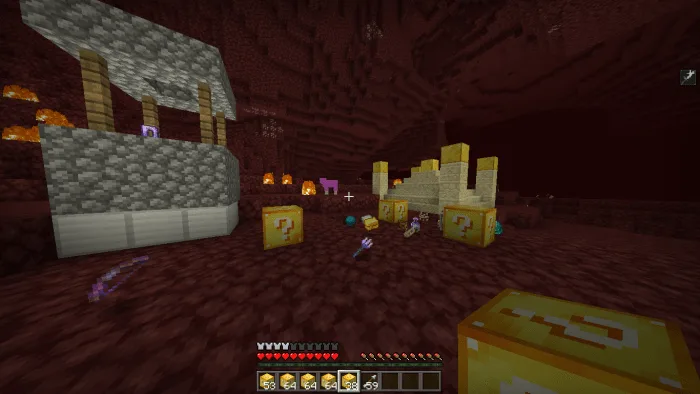
MCPE Lucky Blocks Expansion for Minecraft Bedrock
Skip to DownloadThe Lucky Blocks addon transforms your Minecraft experience by introducing a variety of unique blocks that yield unexpected surprises. With multiple lucky block types, players can enjoy a mix of structures, mobs, and items, bringing a new level of excitem
Description
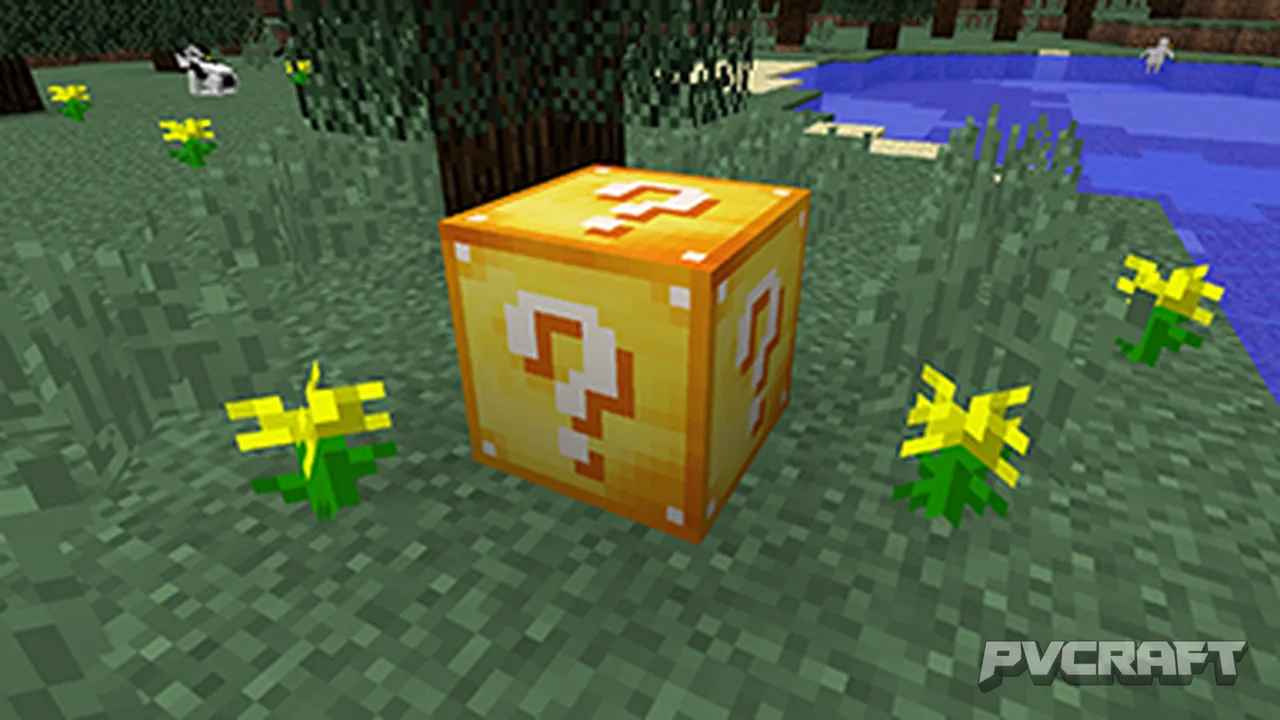
The Lucky Blocks addon for Minecraft Bedrock Edition takes the concept of chance and surprise to a new level, offering players an exhilarating way to explore the unknown. This unique addon introduces not just one, but eight different types of lucky blocks, each with its own set of surprises and challenges. Players can now discover a plethora of outcomes, ranging from beneficial items to unexpected dangers, making every interaction with these blocks a thrilling experience.
### Overview of Lucky Blocks
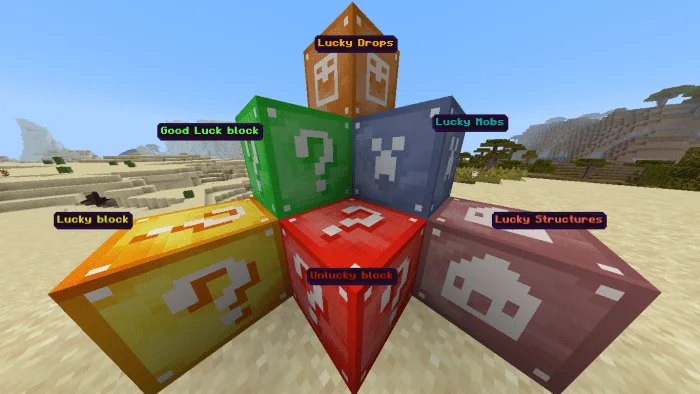
The Lucky Blocks addon includes a variety of blocks designed to create distinct gameplay scenarios. The primary blocks include:
1. **Good Luck Block**: This block is designed to yield positive outcomes most of the time. When broken, players can expect to receive helpful items, powerful weapons, or even rare armor.
2. **Unlucky Block**: Contrary to the Good Luck Block, breaking this block may lead to dangerous foes or detrimental items. Players should approach with caution, as the risks often outweigh the rewards.
3. **Lucky Mobs Block**: This block generates various mobs, including friendly and hostile creatures. The potential for rare mobs to spawn makes it an exciting addition to any player’s adventure.
4. **Lucky Structures Block**: This block generates random structures, which could be anything from a simple house to a complex fortress filled with treasures or traps.
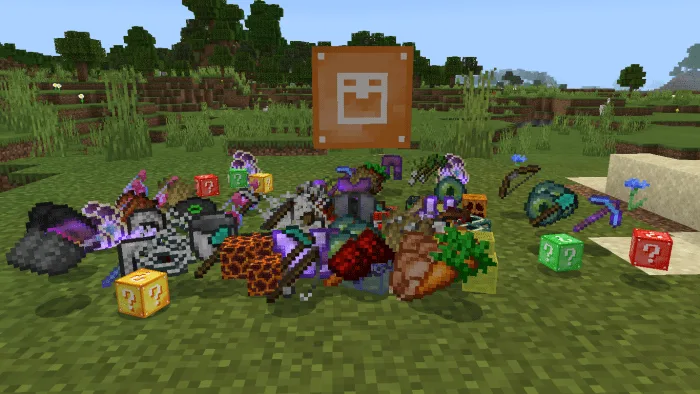
5. **Lucky Drops Block**: When broken, this block releases a variety of loot, allowing players to stock up on resources.
6. **Lucky PvP Block**: Perfect for players who enjoy combat, this block generates exclusive PvP items, enhancing your fighting capabilities.
7. **Withered Lucky Block**: This special block has a unique twist, offering players weapons and items specifically related to combating the Wither.
8. **Fountain Block**: This innovative block allows players to throw items into its water to receive random gifts, adding an element of fun to item disposal.
### Crafting Mechanics
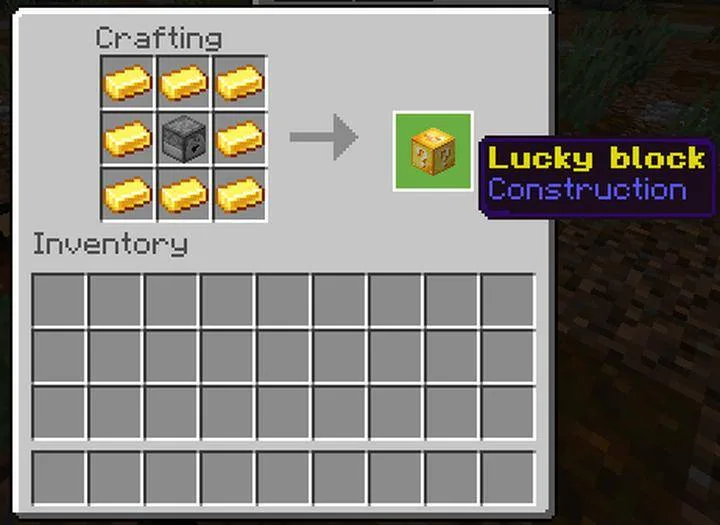
One of the standout features of the Lucky Blocks addon is the crafting system that allows players to create specific types of lucky blocks. For example, you can craft a Good Luck Block by throwing an experience bottle at a standard lucky block. In contrast, to obtain an Unlucky Block, players need to either have lightning strike a lucky block or defeat a witch nearby. This crafting feature encourages exploration and experimentation, as players will need to interact with their environment creatively.
### Gameplay Dynamics
Each lucky block operates under the condition that experimental gameplay mode must be enabled in Minecraft Bedrock. This activation allows the blocks to function correctly, ensuring that all expected outcomes and features are available during gameplay. When players break a lucky block, they can witness a variety of effects, which can significantly alter their gaming experience. For example, a player might summon an army of mobs, discover rare resources, or even trigger environmental changes. This unpredictability adds layers of excitement and strategy as players decide whether to take the risk or avoid the unknown.
The interaction with lucky blocks is not just limited to single-player; it can also be seamlessly integrated into multiplayer sessions. Friends can join in the fun, and the competitive aspect of discovering the best outcomes from the blocks can lead to thrilling adventures and challenges.
### Tips for Maximizing Lucky Blocks
1. **Strategic Placement**: Place lucky blocks in areas where you can retreat if needed, especially when dealing with Unlucky Blocks.
2. **Inventory Management**: Always keep your inventory organized to quickly access items gained from the lucky blocks. This will be crucial during unexpected mob spawns.
3. **Experiment and Explore**: Don’t hesitate to try different combinations for crafting blocks. Each block type holds the potential for unique outcomes.
4. **Collaborate with Friends**: Engage in cooperative gameplay by creating challenges around the lucky blocks, enhancing the fun and competitiveness.
In conclusion, the Lucky Blocks addon for Minecraft Bedrock Edition is a fantastic way to add excitement and unpredictability to your gameplay. Whether you’re seeking valuable resources, thrilling combat, or simply an entertaining way to pass the time, this addon delivers a plethora of new possibilities. The blend of chance, strategy, and collaboration creates a rich experience that keeps players coming back for more.
About the Content
CHANGELOG:
- Initial release featuring eight unique lucky blocks.
- Introduced various block types: Good Luck, Unlucky, Lucky Mobs, and more.
- Added unique crafting mechanics for specific lucky blocks.
- Enhanced functionality of lucky blocks across all dimensions.
- Improved user interface for easier navigation and usage.
Installation
To install the Lucky Blocks addon in Minecraft Bedrock Edition, follow these steps:
1. **Download the Addon**: First, ensure you have the Lucky Blocks addon file ready to install. It should be in .mcaddon format.
2. **Open Minecraft**: Launch Minecraft Bedrock Edition on your device.
3. **Access Settings**: From the main menu, navigate to the 'Settings' option.
4. **Select Storage**: In the settings menu, scroll down and select the 'Storage' section.
5. **Import the Addon**: Under 'Storage', look for the 'Import' option. Select your downloaded Lucky Blocks .mcaddon file to begin the import process.
6. **Create or Edit a World**: After the addon is imported, go back to the main menu and either create a new world or edit an existing one. Ensure that 'Experimental Mode' is enabled in the world settings under 'Game'.
7. **Activate the Addon**: In the world creation or editing menu, scroll down to the 'Behavior Packs' and 'Resource Packs' sections. Add the Lucky Blocks addon to both sections to ensure it functions properly.
8. **Start Your Adventure**: Once everything is set, enter your world and start breaking lucky blocks to experience the surprises they hold! Make sure to keep track of your inventory and have fun exploring the many outcomes that await.
Supported Minecraft Versions
1.21.93
If the download button doesn't work, click here for alternatives
If you are the original creator and would like this content removed, please submit a request through our DMCA page.