MCPE Bedrock Perfected Survival Expansion
Skip to DownloadTransform your Minecraft Bedrock experience with Bedrock Perfected, an addon that enhances survival gameplay through new biomes, structures, mobs, and innovative mechanics. Dive into a world enriched with quality of life improvements and immersive feature
Description
The Bedrock Perfected Survival Expansion is a meticulously crafted addon designed to elevate your Minecraft Bedrock adventures to new heights. Created by daniswastaken, this addon brings a plethora of enhancements that focus on survival gameplay while preserving the essence of the original game. With new biomes, structures, and mechanics introduced, players can expect a fresh and dynamic environment that encourages exploration and creativity.
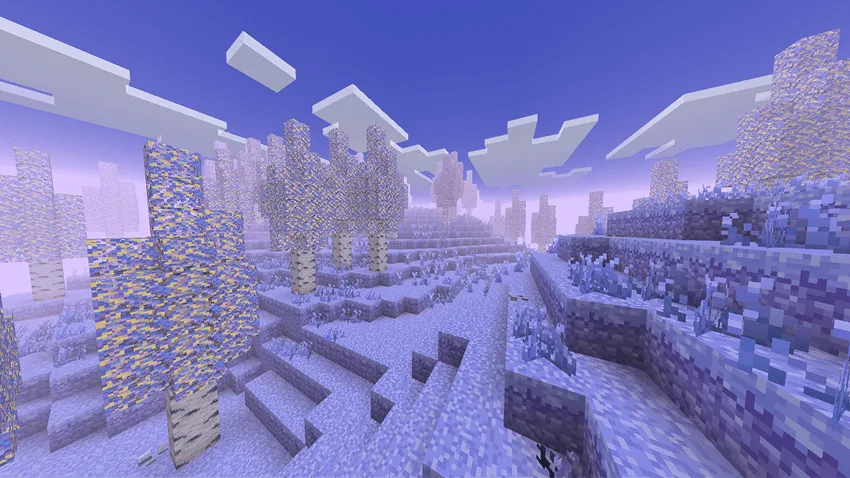
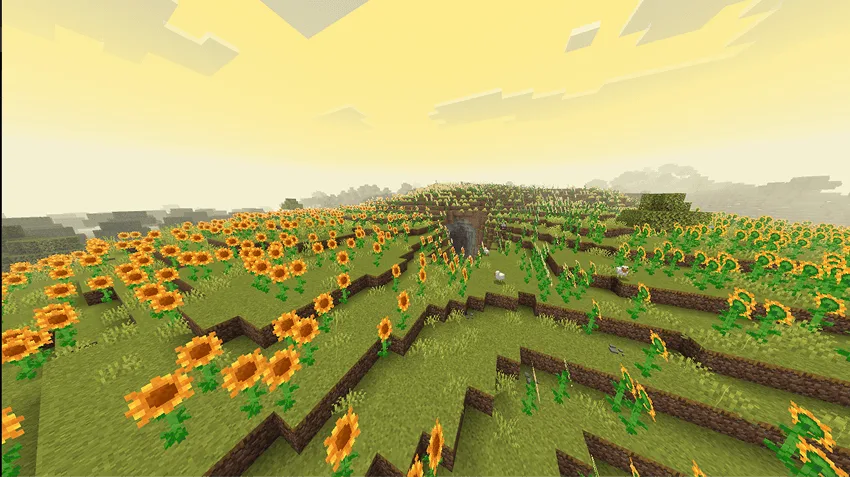
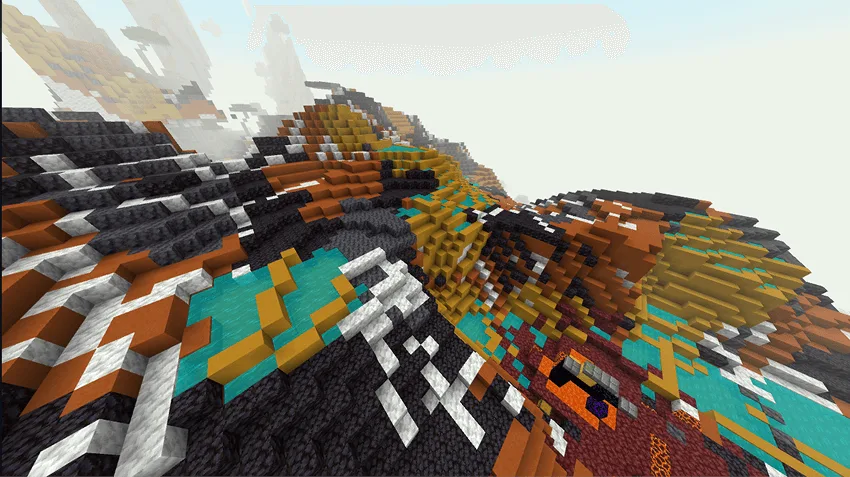
One of the standout features of this addon is the introduction of several new biomes. Each biome comes with its unique characteristics, flora, and fauna, providing players with a diverse world to explore. For instance, players might encounter lush forests filled with new tree types, vibrant flower fields, or even eerie swamps that house unique mobs. The added variety not only enriches the visual landscape but also offers new resources and challenges, inviting players to adapt their survival strategies.
In addition to biomes, the Bedrock Perfected addon introduces a range of new structures scattered across the landscape. These structures serve as points of interest that add depth to exploration. Imagine stumbling upon an ancient ruin, a hidden village, or a mysterious tower filled with treasure and dangers. Each structure encourages players to engage with the world more actively, whether it’s through combat, resource gathering, or simply uncovering lore.
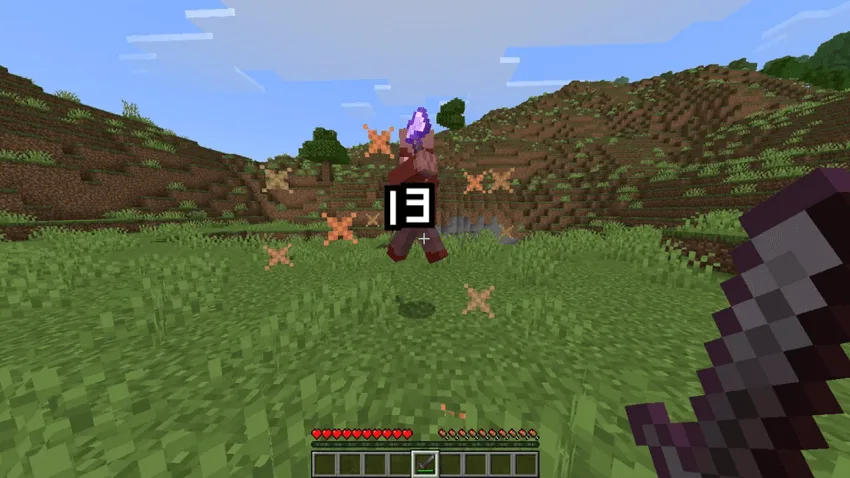
The mobs introduced in this expansion are equally noteworthy. New creatures roam the land, each with distinct behaviors and ecosystems. Some may be friendly, providing resources or companionship, while others pose a threat, requiring players to strategize their encounters. This variability in wildlife not only makes the world feel alive but also enhances the survival aspect of gameplay, pushing players to constantly adapt to their environment.
Mechanically, Bedrock Perfected brings innovative features that alter how players interact with the game. New crafting recipes and survival mechanics allow for deeper gameplay. For example, players may discover new ways to gather resources or craft items that enhance their survival capabilities. These mechanics are designed to integrate seamlessly into the existing gameplay, ensuring they feel like a natural extension of the Minecraft experience.
Quality of life (QoL) improvements are another significant aspect of this addon, aimed at making gameplay smoother and more enjoyable. Enhancements such as clearer inventory management systems, better crafting interfaces, and intuitive mechanics help reduce frustration and streamline the gaming experience. These tweaks are particularly beneficial for players looking to immerse themselves in survival mode without unnecessary distractions.
Moreover, all visual elements have been upgraded, with improved textures that enhance the overall aesthetic of the game. From the lush greenery of new biomes to the intricate details of added structures, every visual aspect is refined to create an immersive environment. This attention to detail ensures that players not only enjoy a more engaging gameplay experience but also a visually stunning one.
In summary, the Bedrock Perfected Survival Expansion is a comprehensive addon that redefines survival gameplay in Minecraft Bedrock Edition. Through new biomes, structures, mobs, mechanics, and quality of life enhancements, players are invited to explore a richer, more varied world. Whether you are a seasoned survivor or a newcomer to Minecraft, this expansion offers countless opportunities for adventure and discovery, making it a must-have for any fan of the game.
About the Content
CHANGELOG:
- Initial release with an array of new biomes and structures.
- Introduced several new mobs to diversify gameplay.
- Added unique mechanics to enrich survival experiences.
- Implemented quality of life improvements for player convenience.
- Enhanced existing textures for a more visually appealing environment.
Installation
To install the Bedrock Perfected Survival Expansion, follow these simple steps:
1. **Download the Addon**: First, ensure you have downloaded the addon file from a trusted source. This will typically be in .mcpack format, which is compatible with Minecraft Bedrock Edition.
2. **Open the File**: Locate the downloaded .mcpack file in your device's file manager and tap on it. This action should automatically open Minecraft and prompt you to import the addon.
3. **Import the Addon**: Minecraft will show a message indicating that the addon is being imported. Wait until the process is complete, which usually only takes a few moments.
4. **Create a New World**: Once the addon is imported, start Minecraft and click on 'Play', then select 'Create New' to begin a new world. Ensure that you have selected the 'Behavior Packs' and 'Resource Packs' tabs to apply the Bedrock Perfected addon.
5. **Apply the Addon**: In the 'Behavior Packs' section, find Bedrock Perfected and activate it. Do the same in the 'Resource Packs' section. This step is crucial for ensuring that all features of the addon function correctly.
6. **Adjust World Settings**: Before finalizing your world creation, you may want to customize other settings such as difficulty, cheats, or seed to enhance your gameplay experience.
7. **Start Playing**: After applying the addon and customizing your settings, click on 'Create New World'. You will soon find yourself in an enriched survival experience, ready to explore all the new features this addon has to offer!
By following these straightforward steps, you can easily install and enjoy the Bedrock Perfected Survival Expansion, significantly enhancing your Minecraft Bedrock gameplay.
Supported Minecraft Versions
26.20
If the download button doesn't work, click here for alternatives
If you are the original creator and would like this content removed, please submit a request through our DMCA page.