MCPE Project Walker - Zombie Survival Experience
Skip to DownloadProject Walker plunges players into a haunting post-apocalyptic landscape teeming with zombies. Survival relies on resourcefulness and strategic planning as you scavenge for supplies and fend off relentless undead foes. Discover new gameplay mechanics tha
Description
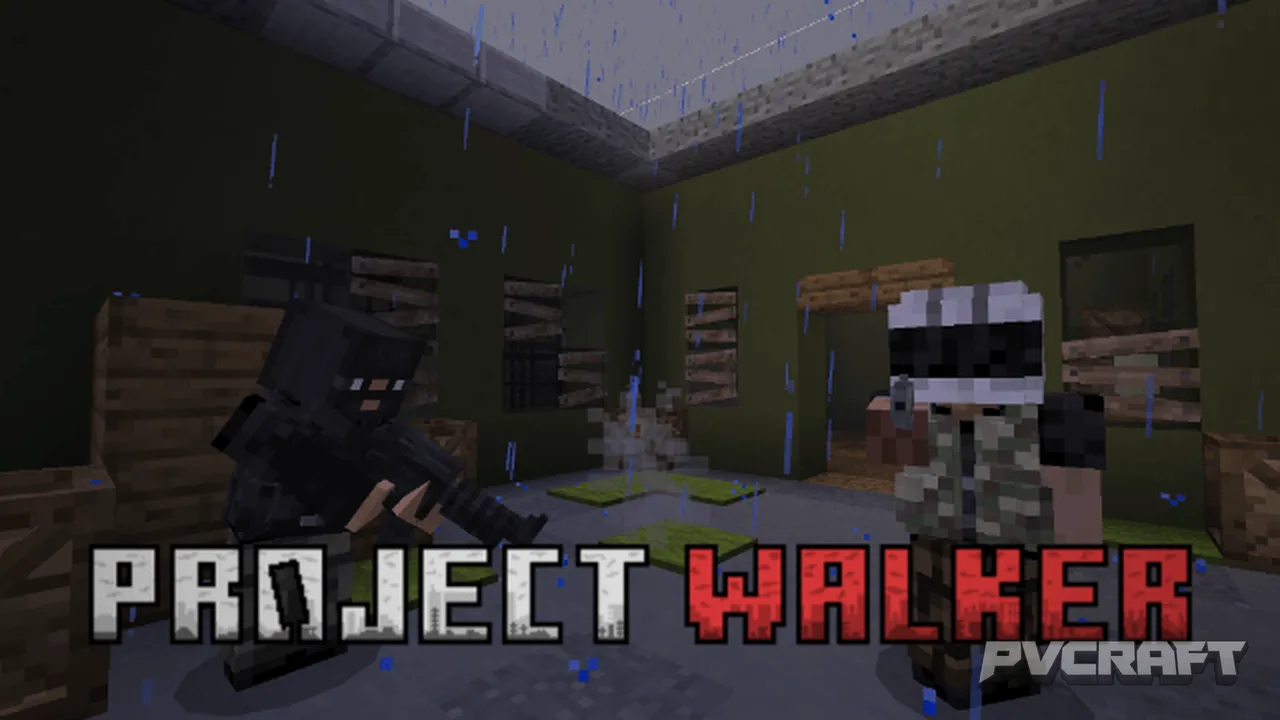
Project Walker transforms your Minecraft Bedrock world into a gripping zombie apocalypse scenario where every decision can mean the difference between life and death. In this immersive addon, you will navigate a beautifully crafted landscape reclaimed by nature and fraught with danger, as the undead roam freely. This environment fosters an intense survival experience, making it crucial for players to learn how to scavenge, craft, and fight against relentless hordes.
One of the standout features of Project Walker is the introduction of complex survival mechanics, which go beyond simply avoiding zombies. Players must manage their thirst, injuries, and even infections, adding layers of depth to the gameplay. For instance, if bitten by a zombie, you face the threat of infection. You'll need to act fast and utilize resources like Cure Syringes or First Aid Kits to stave off this grim fate.
Additionally, the addon introduces various health states, such as bleeding or broken limbs. If you sustain damage from enemy attacks, you will have to use items like bandages and splints to treat your wounds effectively. This level of detail not only enhances immersion but also encourages players to think strategically about their health and resource management.
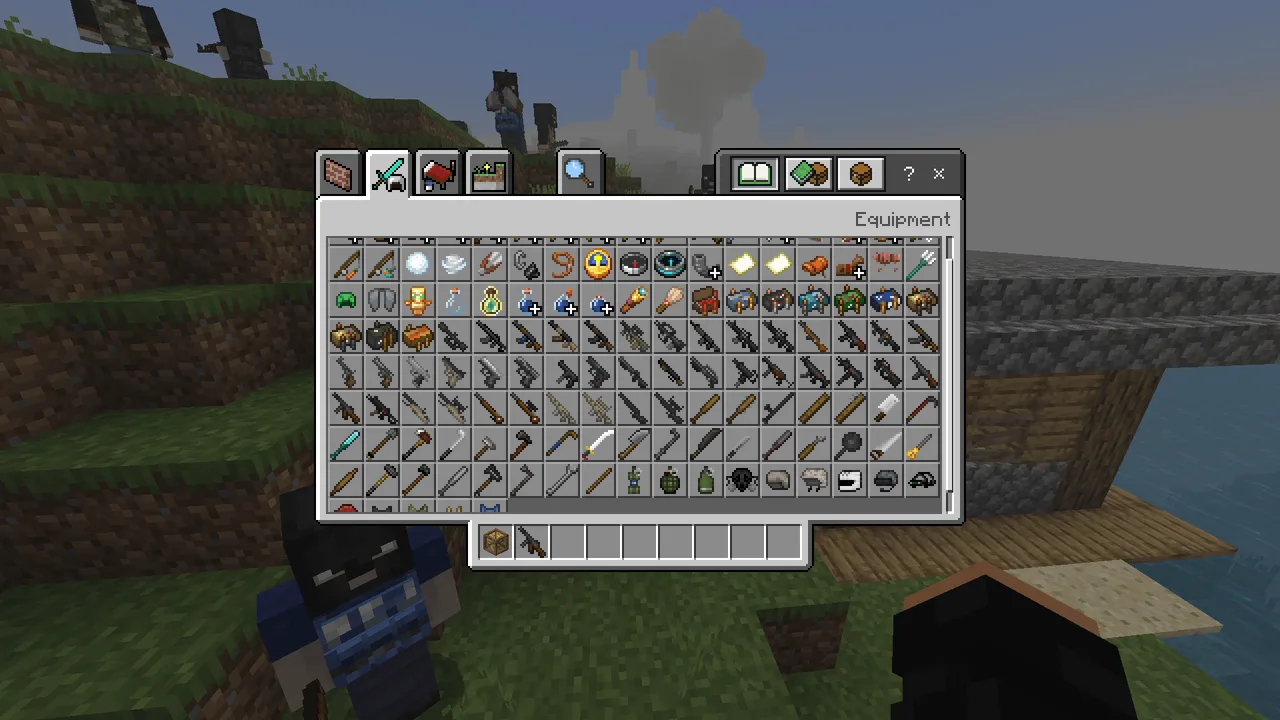
The addon features a diverse arsenal of weapons, ranging from firearms to melee options, each designed to help you confront the zombie menace. However, caution is warranted; firing a weapon will attract nearby zombies, so players must choose their moments wisely. Stealth can often be the most effective approach, as you navigate through abandoned buildings and streets littered with valuable supplies.
As you explore the world of Project Walker, you will encounter dynamic zombie variants, each with distinct behaviors. Some zombies may crawl, while others sprint toward you, forcing you to adapt your tactics on the fly. This unpredictability makes each encounter thrilling and heightens the overall tension of survival.
In your quest for survival, you will also discover functional vehicles that can be crafted or found during your journeys. These vehicles significantly enhance your mobility across the terrain. To operate a vehicle, players will need to use a Car Key in the saddle slot, making transportation a strategic element of gameplay.
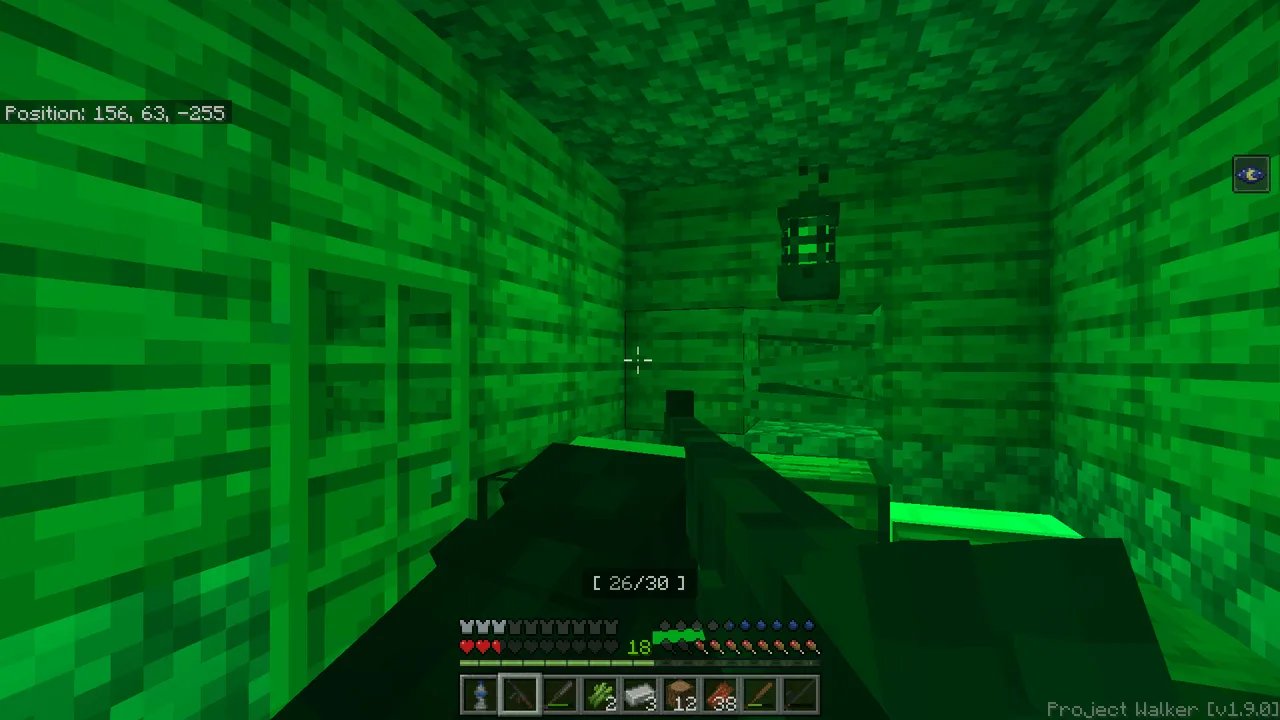
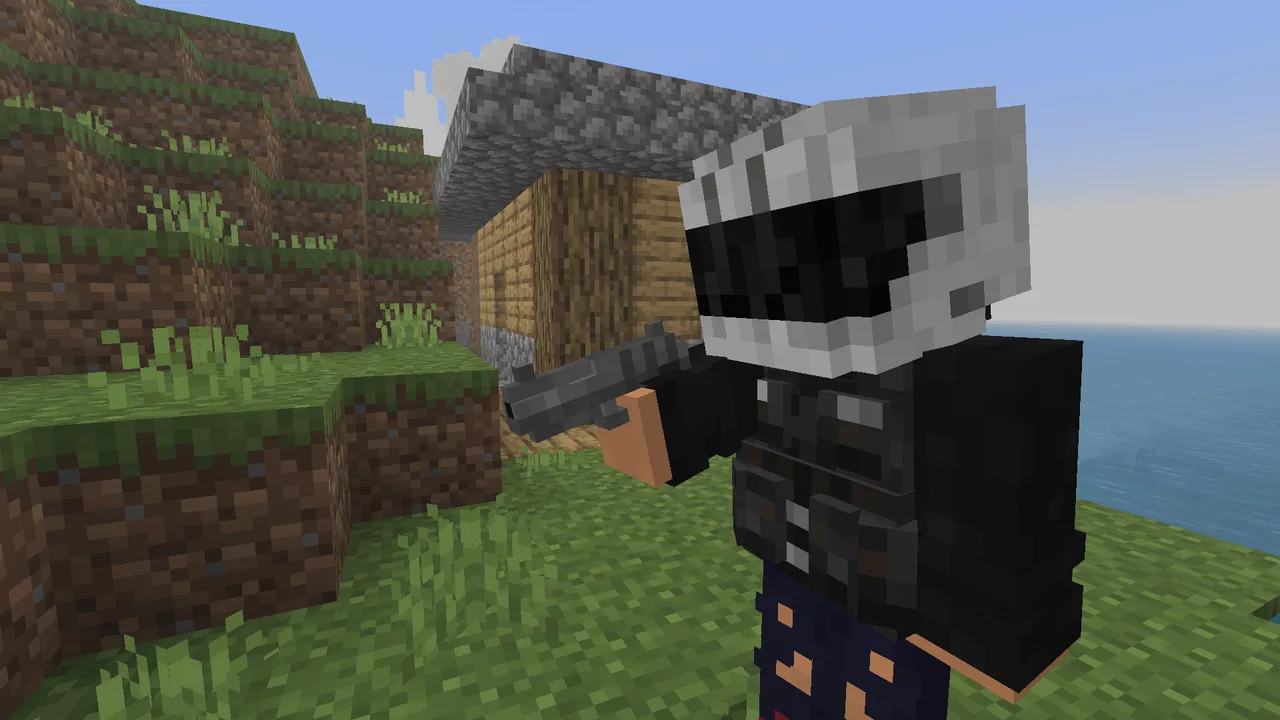
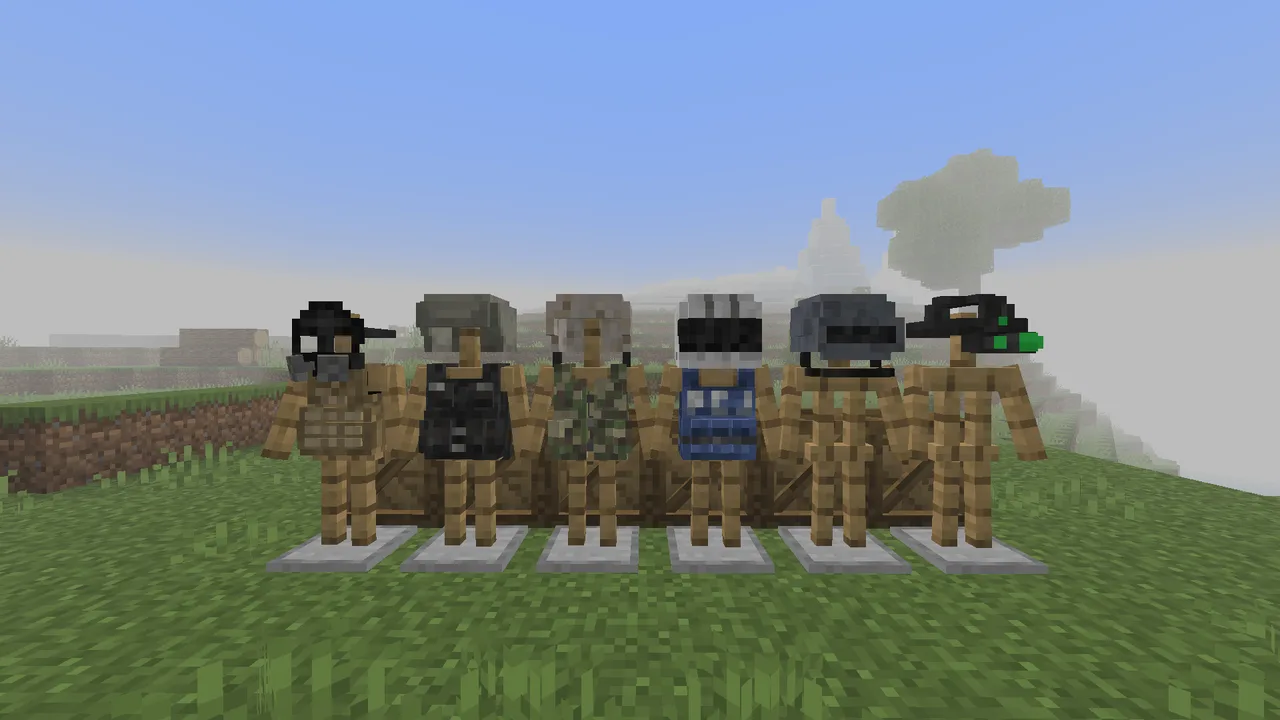
Moreover, protective gear plays a vital role, allowing you to fend off attacks more effectively. Armor sets, along with special items like Night Vision Goggles, can enhance your survivability during nighttime expeditions or in dimly lit areas, creating opportunities for exploration that would otherwise be risky.
The Project Walker addon also enriches the game with custom structures and blocks that reflect the post-apocalyptic theme. Players can utilize these new building materials to create safe havens or aesthetic decorations, blending functionality with creativity.
Visual and audio enhancements contribute to the immersive experience, featuring stylized graphics and smooth animations that bring the haunting world to life. Distant zombie growls and environmental sounds keep players on edge, reminding them that danger lurks around every corner.
Optimized for a smooth performance, Project Walker is designed to run efficiently even on lower-end devices. This accessibility ensures that all players can experience the gripping world of survival without significant lag or performance issues, making it a fantastic addition to any Minecraft Bedrock player's library.
In summary, Project Walker is not just an addon; it is a comprehensive survival experience that challenges players to think critically and adapt to their surroundings. With intricate mechanics, an array of weapons, and a beautifully crafted world filled with danger, this addon is perfect for those looking to test their survival skills in an unforgiving environment.
About the Content
CHANGELOG:
- Initial release featuring core survival mechanics
- Introduced dynamic zombie variants with unique behaviors
- Added environmental audio cues for immersive gameplay
- Enhanced visual graphics for better experience
- Improved crafting system for new weapons and supplies
Installation
Installing Project Walker is a straightforward process that enhances your Minecraft Bedrock experience with new survival mechanics and challenges. Follow these steps to set up the addon:
1. **Download the Addon**: Start by downloading the latest version of Project Walker from your chosen source. The download will typically be a .zip or .mcpack file.
2. **Extract the Files**: If you receive a .zip file, extract it using a file extraction tool. You should find two files named "Project-Walker-BP.mcpack" and "Project-Walker-RP.mcpack".
3. **Open the Files in Minecraft**:
- **For Windows**: Simply double-click the .mcpack files. This action will automatically open them in Minecraft.
- **For Android**: Use a file explorer app, such as File Manager, to locate the .mcpack files. Tap on each file to open it with Minecraft.
- **For iOS**: Use the Documents app to navigate to the downloaded files. Tap on the .mcpack files to open with Minecraft.
4. **Activate the Addon**: Once opened in Minecraft, the addon will be automatically added to your game. To activate it, go to your Minecraft settings and navigate to the "Storage" or "Behavior Packs" section. From there, apply the add-on to your world.
5. **Create a New World or Edit an Existing One**: You can either start a new world or edit an existing world to apply Project Walker. Ensure you select the addon before loading your world to fully experience its features.
6. **Start Playing**: Once you have activated the addon and created or edited your world, dive into the thrilling experience of Project Walker where survival against the undead is your ultimate goal. Enjoy your adventure!
Supported Minecraft Versions
1.21.70
If the download button doesn't work, click here for alternatives
If you are the original creator and would like this content removed, please submit a request through our DMCA page.