MCPE Enhanced Zoom Functionality for Survival Exploration
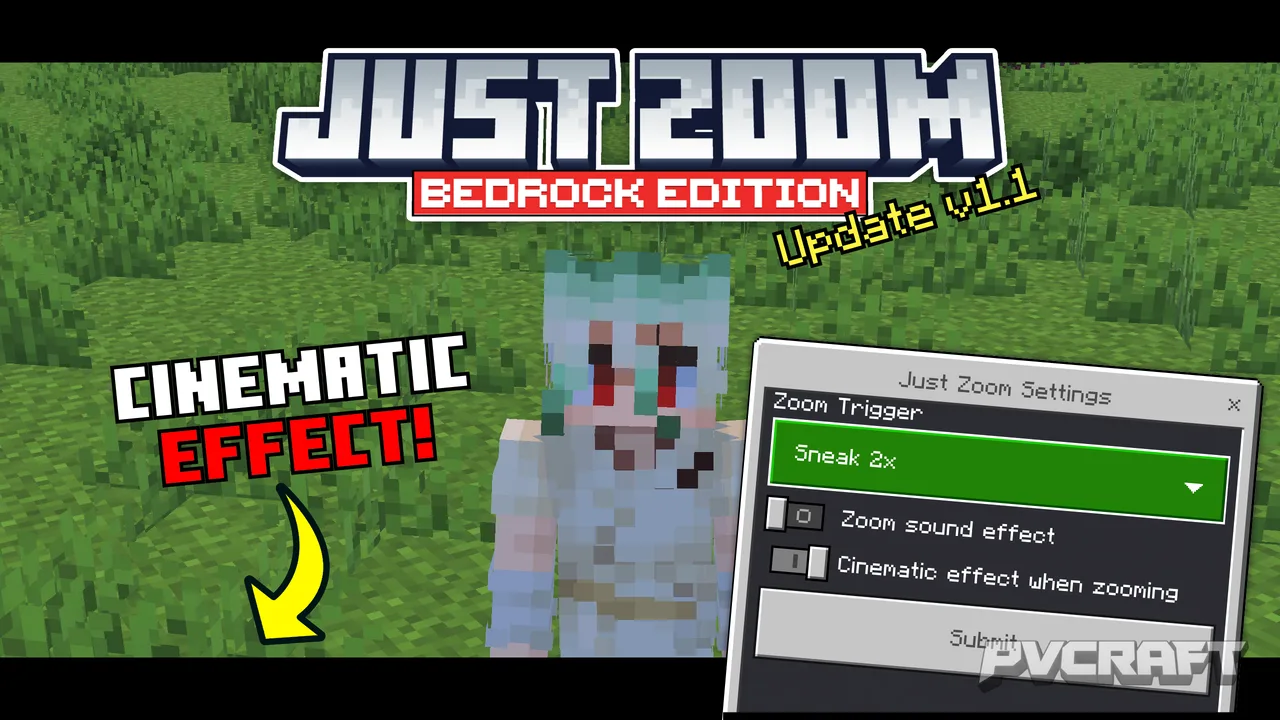
Skip to DownloadThe Just Zoom addon allows Minecraft Bedrock Edition players to zoom in on distant objects without needing a spyglass. Simply use customizable controls like double sneaking or a specific key combination to enhance your exploration experience!
Description
The Just Zoom addon is a game-changing enhancement for players in Minecraft Bedrock Edition, particularly for those who enjoy exploration and adventure in survival mode. This innovative addon allows users to zoom in on distant landscapes, mobs, and structures without the traditional spyglass. The ability to focus in on faraway locations enhances gameplay, making it easier to scout ahead for resources, locate mobs, or simply take in the stunning views of your Minecraft world.
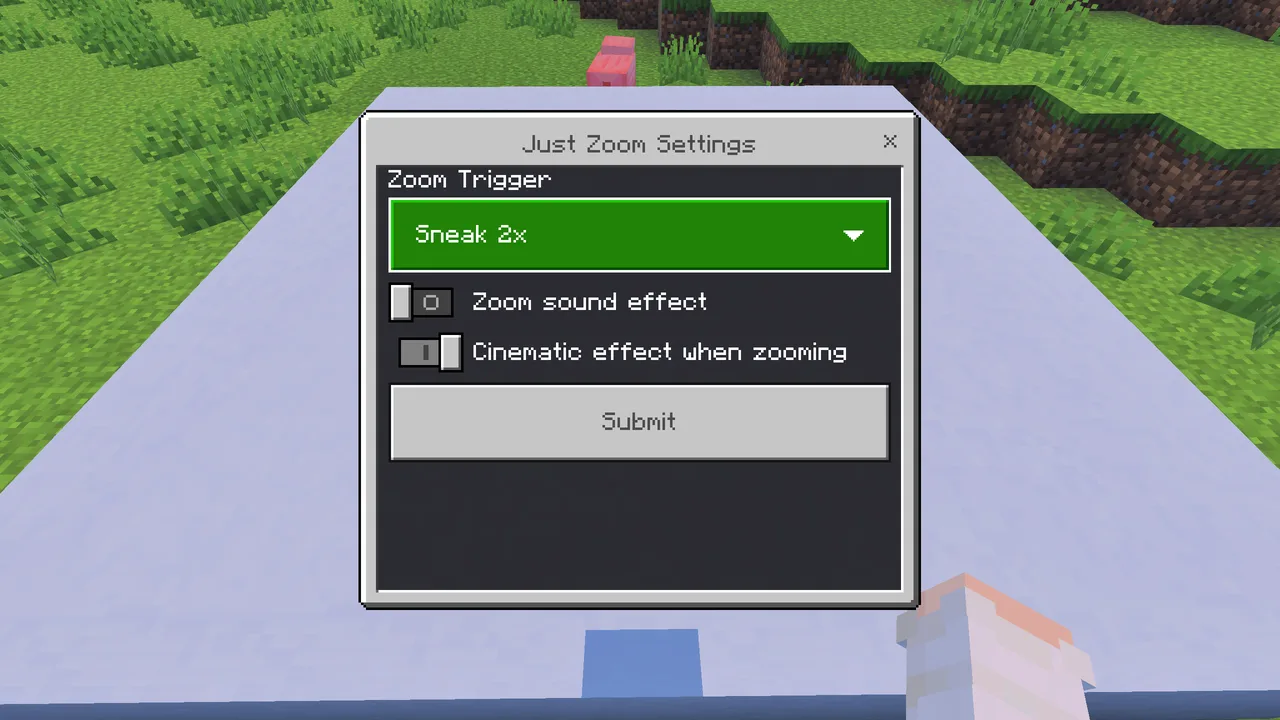
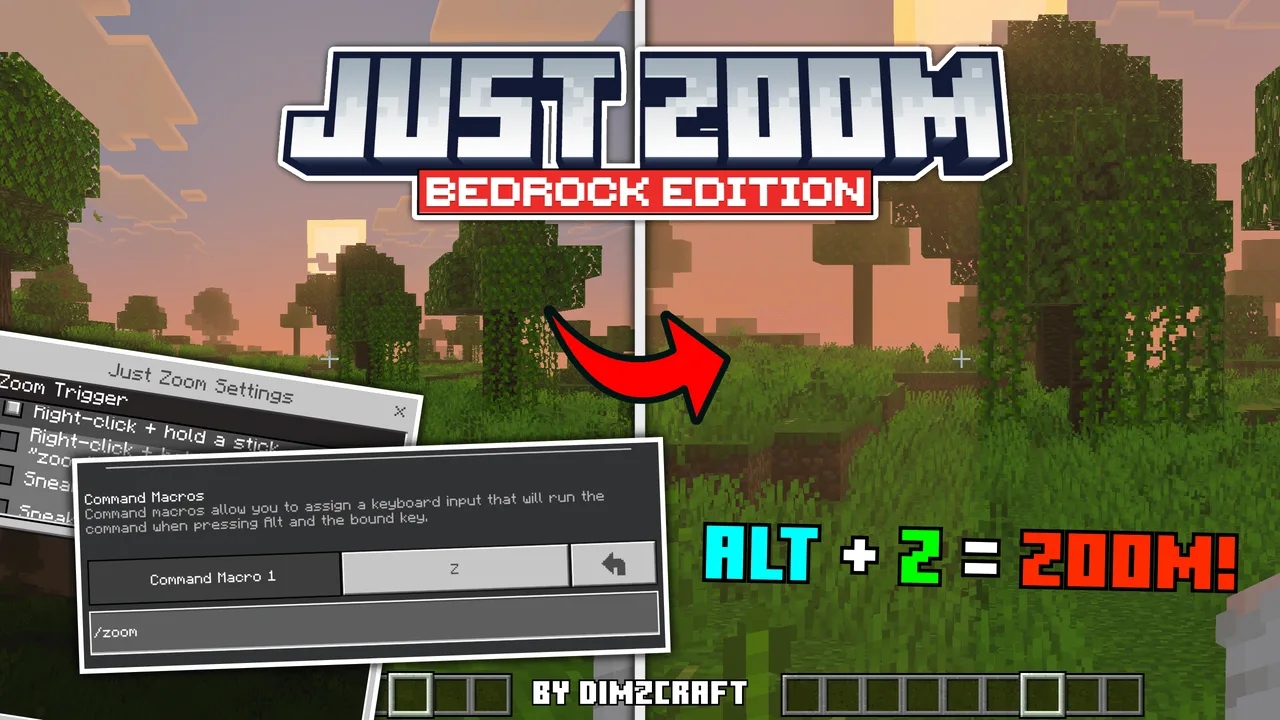
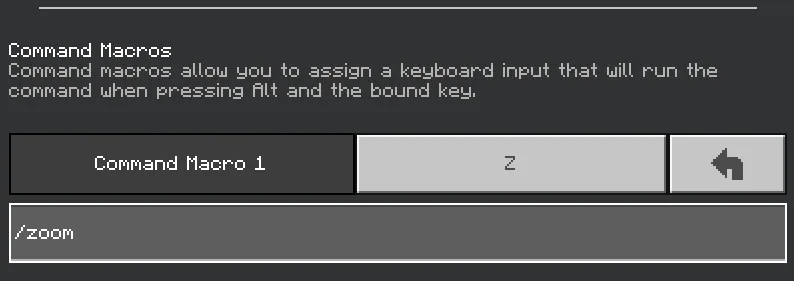
To utilize the zoom feature, players can easily configure their controls based on their preferences. The default trigger for zooming in is a double sneak action, which is particularly user-friendly for mobile gamers. For those using keyboard input, players can assign a specific key combination, such as Alt + X, to activate the zoom function. This flexibility ensures that everyone can find a setup that suits their playstyle. For even more customization, players can type "/setting" in the chat to explore various triggers, which might include right-clicking with specific items or using sticks.
What makes Just Zoom stand out is its user-friendly interface and achievement-friendly design. Players can engage with this addon without worrying about compromising their achievements, making it a valuable addition to a survival experience. The zoom function is easy to activate, allowing you to seamlessly switch between normal and zoomed-in views, enhancing your ability to survey the land.
Moreover, the addon includes options to tailor the zoom experience further. Players can disable the sound effect associated with zooming, allowing for a quieter experience, or adjust cinematic effects that may enhance the visuals without detracting from gameplay. This makes exploring caves, mountains, or vast plains even more enjoyable.
In terms of practical applications, the Just Zoom addon proves invaluable in various gameplay scenarios. For instance, when entering a new biome, zooming can help identify points of interest, such as villages, temples, or unique terrains, without the need to trek blindly into unknown territory. It aids strategic planning as players can assess threats like hostile mobs or environmental hazards from a safe distance. Additionally, in multiplayer settings, players can use the zoom feature to keep tabs on their companions or spot other players, giving a tactical advantage in cooperative or competitive gameplay.
The appeal of Just Zoom lies not just in its functionality, but also in how it enhances the overall gaming experience. It encourages exploration by removing the limitations that come with traditional vision in the game. Players can spend more time enjoying the beauty of their crafted worlds rather than feeling restricted by the need for a spyglass. It’s an essential tool for those who wish to fully embrace the environment around them.
In summary, the Just Zoom addon is a remarkable enhancement for Minecraft Bedrock Edition players who seek to elevate their exploration experience. It provides the essential zoom functionality that opens up a whole new world of possibilities, encouraging players to venture out and discover everything their Minecraft world has to offer, all while being customizable to fit individual preferences. With such a simple yet profound addition, players can now navigate and explore with ease, making each adventure even more thrilling and engaging.
About the Content
CHANGELOG:
- Initial release with core zooming features
- Introduced customizable zoom controls for better accessibility
- Added options to disable sound effects during zooming
- Improved compatibility with different devices and control schemes
- Enhanced visual effects for a more immersive zoom experience
Installation
Installing the Just Zoom addon in Minecraft Bedrock Edition is straightforward and can be completed in a few simple steps:
1. **Download the Addon**: Obtain the Just Zoom addon file from the source where it’s available. Ensure that the file format is .mcaddon for compatibility.
2. **Open Minecraft**: Launch Minecraft Bedrock Edition on your device.
3. **Access Settings**: Navigate to the settings menu from the main screen.
4. **Go to Storage**: Click on the "Storage" tab to manage your addon files.
5. **Import the Addon**: Tap on the "Import" button and select the Just Zoom .mcaddon file you downloaded earlier. This action will install the addon into your game.
6. **Activate the Addon**: After importing, head to the "World" settings where you can find the option to activate your newly installed addon under the "Behavior Packs" and "Resource Packs" sections. Make sure to enable both parts of the addon.
7. **Create or Load a World**: Start a new world or load an existing one where you want to use the Just Zoom functionality. Ensure that the packs are applied to the world.
8. **Set Up Controls**: If you wish to customize zoom controls, go to the controls settings and assign your preferred key or action for zooming in.
9. **Enjoy**: Enter your world and start exploring with your new zoom capabilities!
With these steps completed, you’re all set to experience zooming in Minecraft Bedrock Edition like never before!
Supported Minecraft Versions
26.10
If the download button doesn't work, click here for alternatives
If you are the original creator and would like this content removed, please submit a request through our DMCA page.