MCPE Raiyon's Dynamic Lighting Enhancement
Skip to DownloadTransform your Minecraft Bedrock nighttime adventures with Raiyon's Dynamic Lightning addon. Say goodbye to the tedious task of gathering coal and crafting endless torches. This innovative addon introduces dynamic lighting mechanics, allowing for an immer
Description
Raiyon's Dynamic Lightning addon brings a transformative lighting experience to Minecraft Bedrock Edition, revolutionizing the way players approach lighting in the game. Instead of relying on the traditional method of mining coal and crafting stacks of torches, players can now enjoy a more dynamic and realistic approach to illumination. This addon allows for the creation of light sources that can illuminate surroundings based on their proximity, enhancing the gameplay's ambiance and utility.
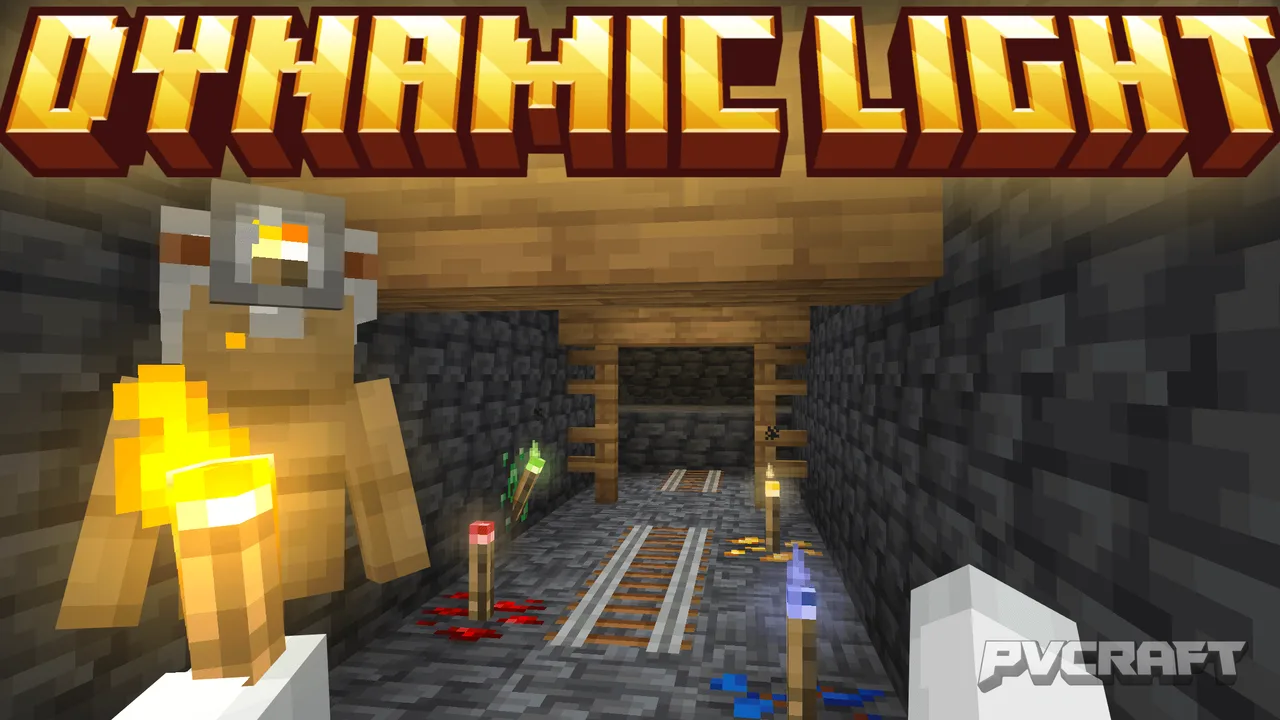
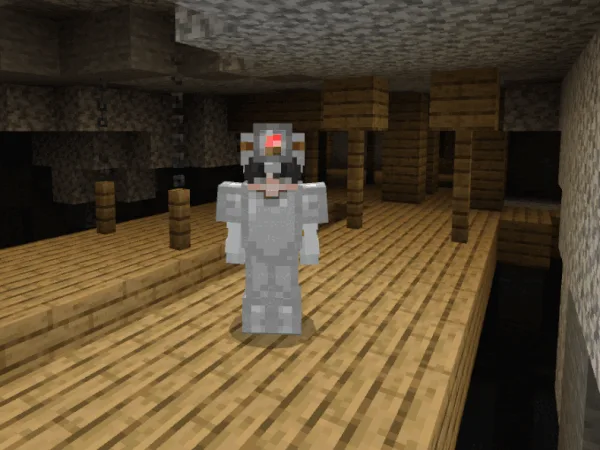
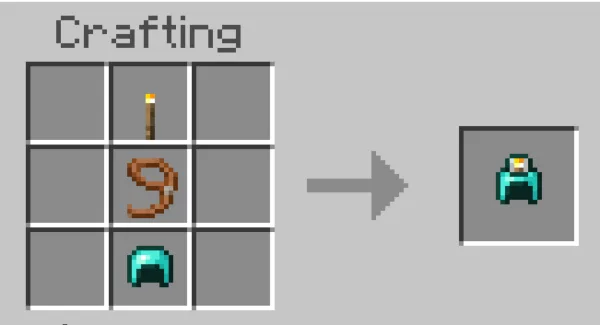
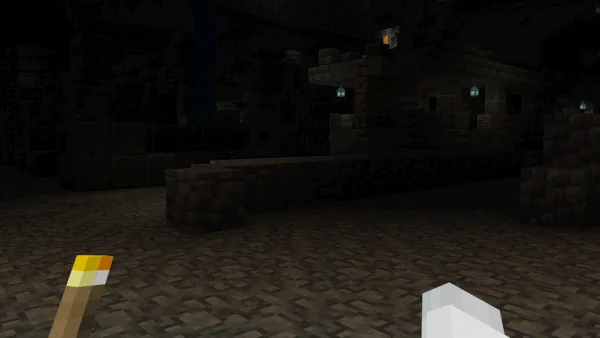
One of the standout features of this addon is the introduction of items that emit light when held in hand. Players can now wield torches, lanterns, and other light-emitting items seamlessly. For instance, if a player holds a torch in their off-hand while exploring a dark cave, they will notice that the area around them becomes illuminated, making it easier to navigate through the darkness. This feature adds a practical element to gameplay, especially for those who enjoy exploring complex cave systems and structures.
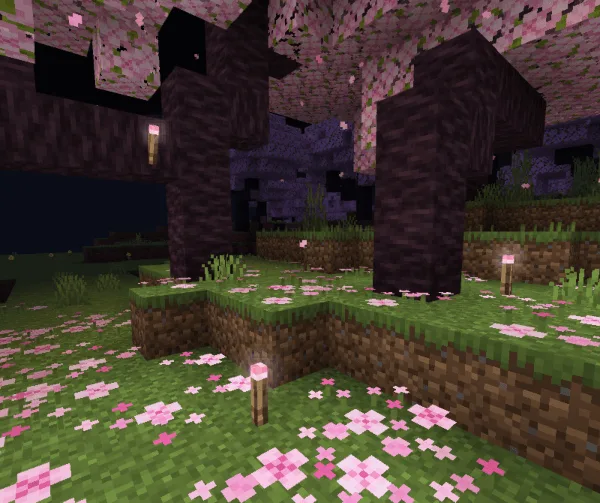
Moreover, players have the ability to customize their light sources. The addon includes 16 new torch variants that are available in a range of colors, allowing players to personalize their lighting preferences. This means that every player can create a unique aesthetic for their world, using color-coded lighting to signify different areas or simply for stylistic choice. Furthermore, these colored torches can be utilized in various builds, enhancing the overall visual appeal of constructions.
In addition to above-ground lighting, Raiyon's Dynamic Lightning also shines underwater. The newly introduced Sea Torch is specially designed for underwater exploration, providing a reliable source of light in the depths of oceans and rivers. This feature not only aids in visibility but also encourages players to explore aquatic environments that may have previously been daunting due to darkness. The addon ensures that players can light up their surroundings without having to return to the surface for air, enhancing the overall underwater experience.
Another interesting aspect of this addon is the impact of mobs on light emission. Certain mobs can emit light under specific conditions, such as when they are on fire, about to explode, or submerged in water. This mechanic adds an extra layer of strategy and excitement to encounters, making the game feel more alive and reactive to players’ actions. Imagine navigating through a dark forest, and spotting glowing mobs in the distance, indicating potential danger or adventure.
The addon is designed to be easy to install and does not disable achievements, allowing players to enjoy new features without compromising their progress in the game. It integrates smoothly with existing gameplay mechanics in Minecraft Bedrock, ensuring that players can seamlessly transition into using dynamic lighting without encountering conflicts or bugs.
For a fully immersive experience, players can also combine this addon with other gameplay enhancements, such as building elaborate structures that utilize dynamic lighting to create atmospheric settings for various activities, like parties or celebrations within the game. The possibilities are endless, and creativity is encouraged as players harness the power of light to shape their Minecraft worlds.
In summary, Raiyon's Dynamic Lightning is not just about lighting; it's an enhancement that encourages exploration, creativity, and a more vivid experience in Minecraft Bedrock. With features designed specifically for underwater and surface gameplay, players are equipped with the tools needed to take their adventures to the next level, illuminating dark paths and creating unique environments that reflect their personal touch.
About the Content
CHANGELOG:
- Initial release featuring basic dynamic lighting.
- Introduced underwater lighting options with the Sea Torch.
- Added 16 new torch variants in different colors.
- Enhanced light emission from mobs during certain actions.
- Optimized for better performance across devices.
Installation
Installing Raiyon's Dynamic Lightning addon to your Minecraft Bedrock Edition is a straightforward process that can enhance your gameplay experience significantly. Here’s how to do it:
1. **Download the Addon**: First, obtain the Raiyon's Dynamic Lightning addon file from a trusted source. Ensure you have the correct version compatible with your game.
2. **Locate the File**: Once downloaded, locate the file on your device. It typically comes in a .mcpack format, which is specifically designed for Minecraft Bedrock Edition.
3. **Install the Addon**: Double-click the .mcpack file, and it should automatically open Minecraft Bedrock Edition. You will see a notification confirming that the addon has been imported successfully.
4. **Access Your Worlds**: Open Minecraft and navigate to the 'Settings' menu, then to 'Storage.' Here, you can find your downloaded packs listed under 'Behavior Packs' and 'Resource Packs.'
5. **Apply the Addon**: To use the addon, select the world you want to play in or create a new one. Inside the world settings, scroll down to 'Behavior Packs' and 'Resource Packs.' Click on 'My Packs' and tap the '+' icon next to Raiyon's Dynamic Lightning to apply it.
6. **Start Playing**: Once applied, enter the world and enjoy the new dynamic lighting features. Explore caves, underwater, and beyond, utilizing the innovative lighting mechanics to enhance your gameplay experience!
By following these steps, you can easily incorporate Raiyon's Dynamic Lightning into your gaming adventures, opening up a new world of exploration and creativity.
Supported Minecraft Versions
26.0.02
If the download button doesn't work, click here for alternatives
If you are the original creator and would like this content removed, please submit a request through our DMCA page.