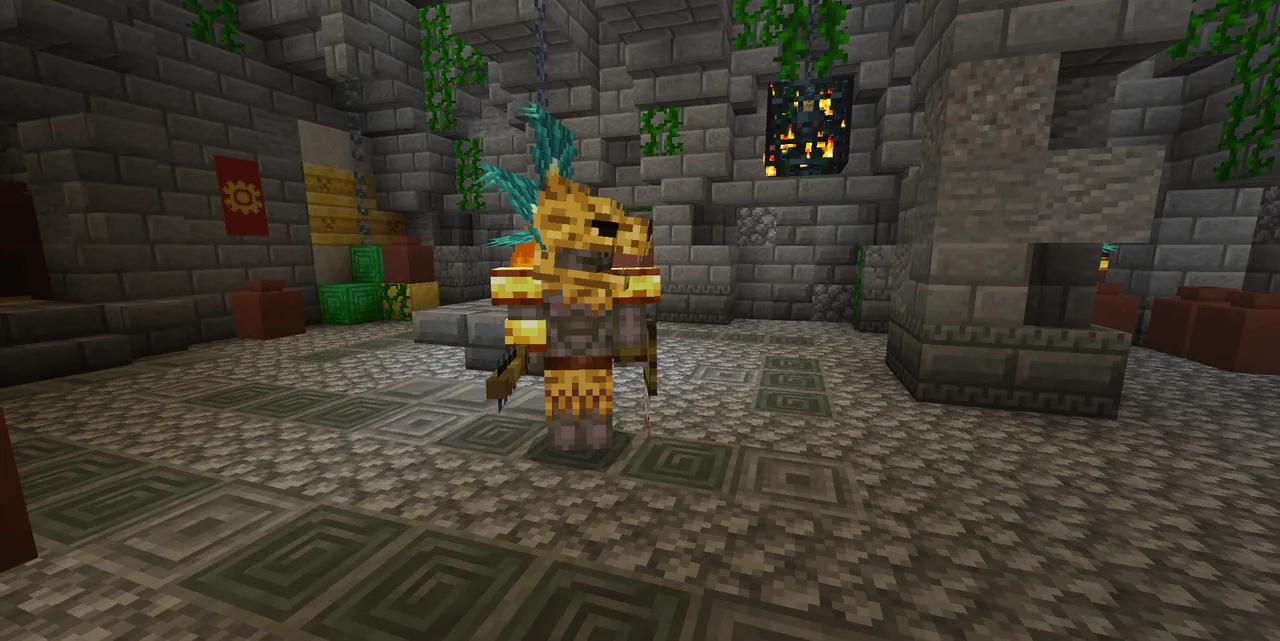
MCPE Tonalli: A Journey Through Mexica Mythology in Minecraft
Skip to DownloadTonalli immerses players in a vibrant world inspired by Mexica mythology, offering unique adventures through ancient temples, epic battles with legendary creatures, and quests that intertwine the destinies of gods and mortals.
Description
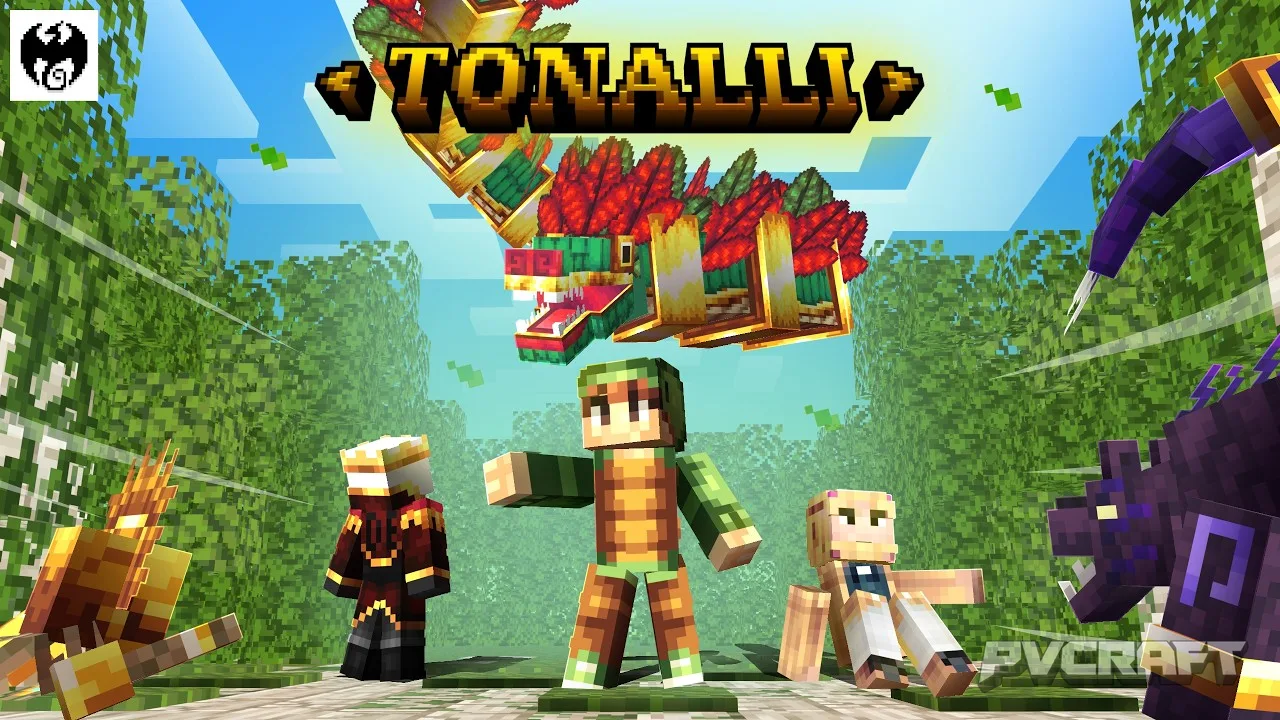
Tonalli is an innovative Minecraft Bedrock Add-On that transports players into the rich and fascinating world of Mexica mythology. This add-on offers an expansive experience, allowing players to explore ancient temples, engage with legendary creatures, and confront the eternal struggle between the forces of the Sun and Night. Designed with a unique narrative and gameplay elements, Tonalli enhances the exploration and adventure facets of Minecraft, making it a must-try for anyone looking to delve deeper into a mythological narrative.
### Immersive Exploration
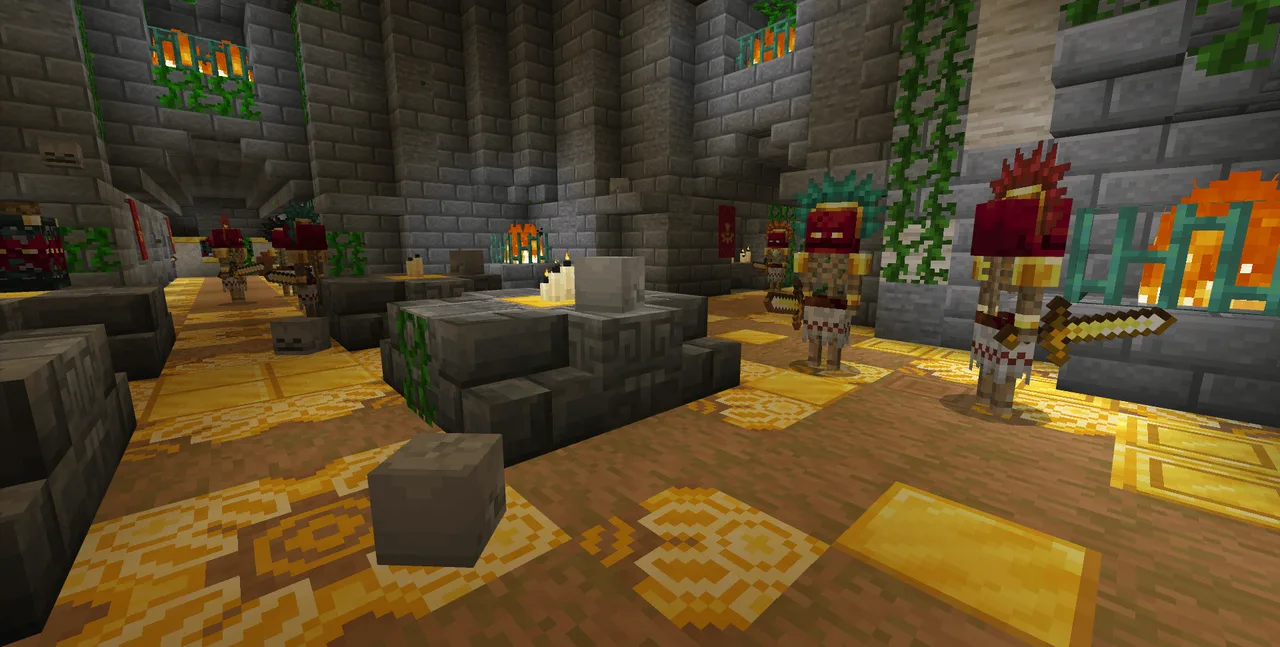
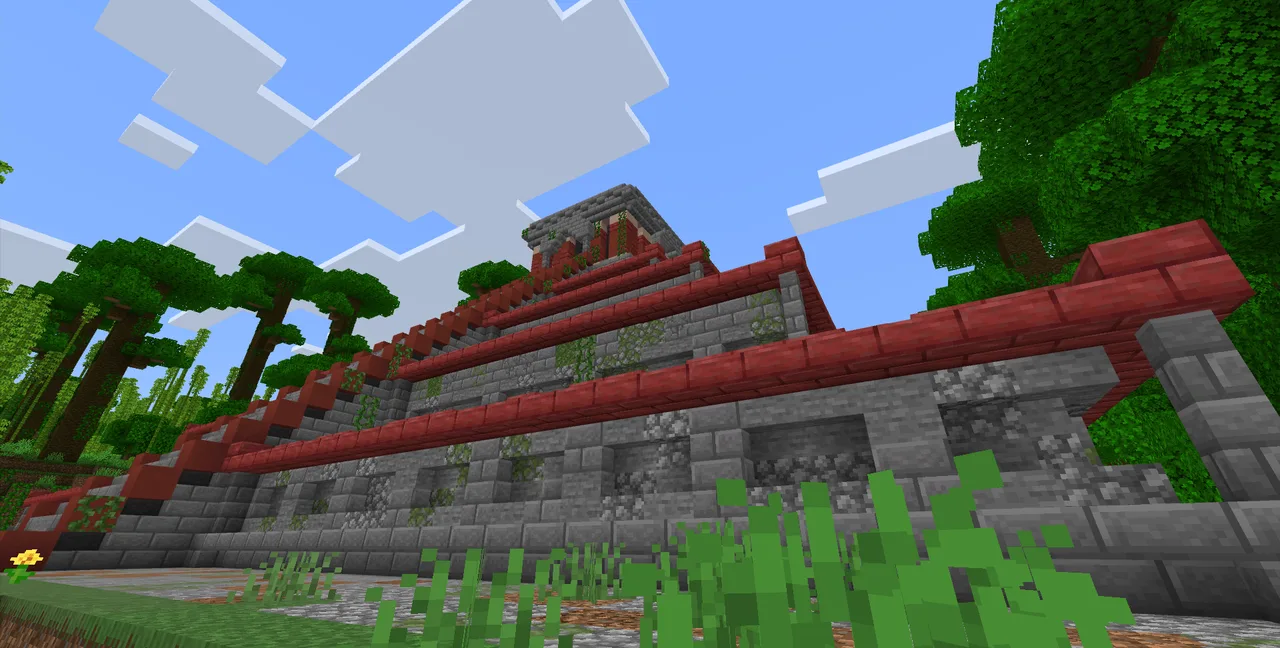
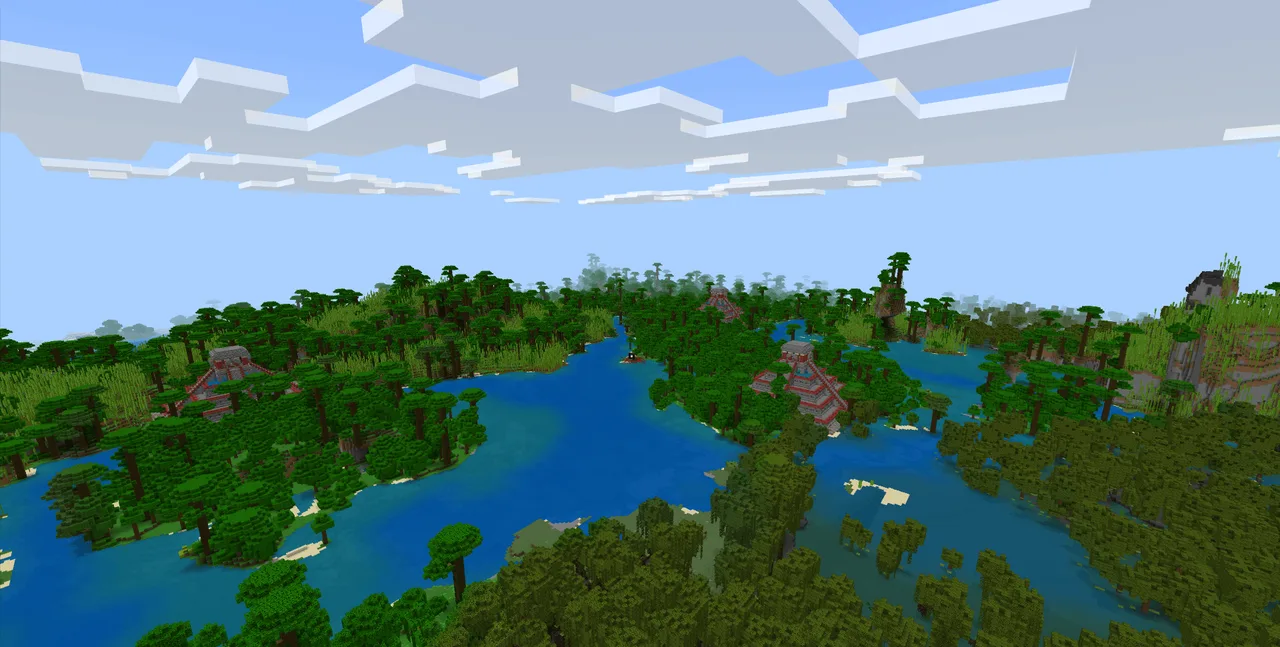
In Tonalli, players can embark on exciting quests set within beautifully crafted ancient sites that reflect the architectural grandeur of the Mexica civilization. These temples and ruins are not just mere structures; they are filled with secrets, puzzles, and lore that encourage thorough exploration. As you traverse these ancient areas, you'll come across hidden relics and artifacts that offer glimpses into the Mexica culture and traditions. This aspect of the add-on not only enriches the gameplay but also provides educational insight into a proud and vibrant civilization.
### Legendary Creatures and Epic Battles
Tonalli introduces a host of legendary creatures inspired by Mexica mythology, each presenting unique challenges and lore. Players will face off against formidable foes that require strategic combat skills. These battles are not merely about strength; they often require understanding the mythical narratives behind each creature, making the encounters more engaging. The thrill of the fight, combined with the narrative context, adds depth to the player's experience, making every battle memorable.
### Engaging Quests
The add-on features a series of quests that challenge players to engage deeply with the game's lore. As you interact with various characters, including deities and mythological figures, you will learn about their stories and the historical context of their lore. Completing these quests not only grants rewards but also allows players to experience a compelling narrative that binds them to the world they've entered. This innovative storytelling approach transforms traditional Minecraft gameplay into an immersive adventure.
### Building and Creativity
Tonalli also influences the creative aspects of Minecraft, encouraging players to build using the unique blocks and items inspired by Mexica designs. The add-on provides new decorative and functional blocks that allow for the creation of intricate builds that echo the aesthetics of ancient Mexica architecture. This adds a new layer of creativity and allows players to express their artistic vision in ways that align with the cultural themes presented in the add-on.
### Immersion and Atmosphere
One of the standout features of Tonalli is the atmosphere it creates. Players are enveloped in a world where the aesthetics, soundscapes, and unique gameplay mechanics come together to foster a sense of immersion. The add-on enhances the overall feel of Minecraft, making it feel like a living, breathing world where players are not just participants but integral to the unfolding mythos. This immersive experience is ideal for players looking for something beyond the vanilla game, providing depth and context that enriches every moment spent in this vibrant environment.
### Who Should Try Tonalli?
Tonalli is perfect for players who appreciate storytelling, cultural exploration, and engaging gameplay. If you enjoy games that weave rich narratives with challenging mechanics, this add-on will resonate with you. It caters to a variety of play styles, whether you're a combat-focused player or someone who prefers exploration and building. However, those who prioritize fast-paced gameplay without narrative depth might not find it as appealing. For those looking to immerse themselves in a new world filled with challenges and stories, Tonalli represents an exciting addition to Minecraft Bedrock Edition.
### Installation Guide
Installing Tonalli is straightforward, and you can start your journey through Mexica mythology in just a few steps:
1. **Download the Add-On**: Obtain the Tonalli add-on file, ensuring it is compatible with Minecraft Bedrock Edition.
2. **Open Minecraft**: Launch the Minecraft Bedrock Edition on your device.
3. **Access Settings**: Navigate to the "Settings" menu from the main screen.
4. **Import the Add-On**: Under the "Storage" section, find the option to import a new pack. Select the downloaded Tonalli add-on file from your device.
5. **Activate the Add-On**: Once imported, you will find Tonalli in your list of available add-ons. Select it and activate it for either your world or for the specific game mode you're playing.
6. **Start a New Game or Load an Existing One**: Create a new world or load an existing world where you wish to use the add-on. Make sure the add-on is enabled in the world settings.
7. **Enjoy Your Adventure**: Dive into the world of Tonalli, explore ancient secrets, and battle legendary creatures!
By following these steps, players can easily incorporate Tonalli into their Minecraft experience, setting the stage for a rich journey through Mexica mythology and culture. Get ready to face the challenges and uncover the mysteries that await you within this fascinating add-on.
About the Content
CHANGELOG:
- Initial release featuring core Mexica-themed content
- Introduced new legendary creatures for players to battle
- Added diverse ancient structures and temples for exploration
- Implemented quests tied to Mexica mythology
- Enhanced gameplay mechanics for better player experience
Installation
To install the Tonalli add-on, follow these detailed steps:
1. **Download the Add-On**: First, you need to download the Tonalli add-on file. Ensure that the file is compatible with your version of Minecraft Bedrock Edition.
2. **Launch Minecraft**: Open the Minecraft Bedrock app on your device, whether it be mobile, console, or Windows.
3. **Go to Settings**: From the main menu, look for the "Settings" button and click on it to access your game settings.
4. **Import Add-On**: In the settings menu, find the "Storage" option. Here, you will see an option to import new packs. Locate the downloaded Tonalli add-on file on your device and select it.
5. **Activate the Add-On**: After importing, head to the "Worlds" tab or the specific game mode where you want to use the add-on. Make sure to enable Tonalli in the list of available add-ons.
6. **Create or Load a World**: Now, you can start a new world or load an existing one. While setting up, ensure that the Tonalli add-on is activated in the world settings.
7. **Explore and Enjoy**: Once everything is set, enter your world and immerse yourself in the rich lore and challenges that Tonalli offers. Discover ancient temples, face legendary creatures, and engage with the vibrant narrative of Mexica mythology.
Supported Minecraft Versions
26.40 26.30
If the download button doesn't work, click here for alternatives
If you are the original creator and would like this content removed, please submit a request through our DMCA page.