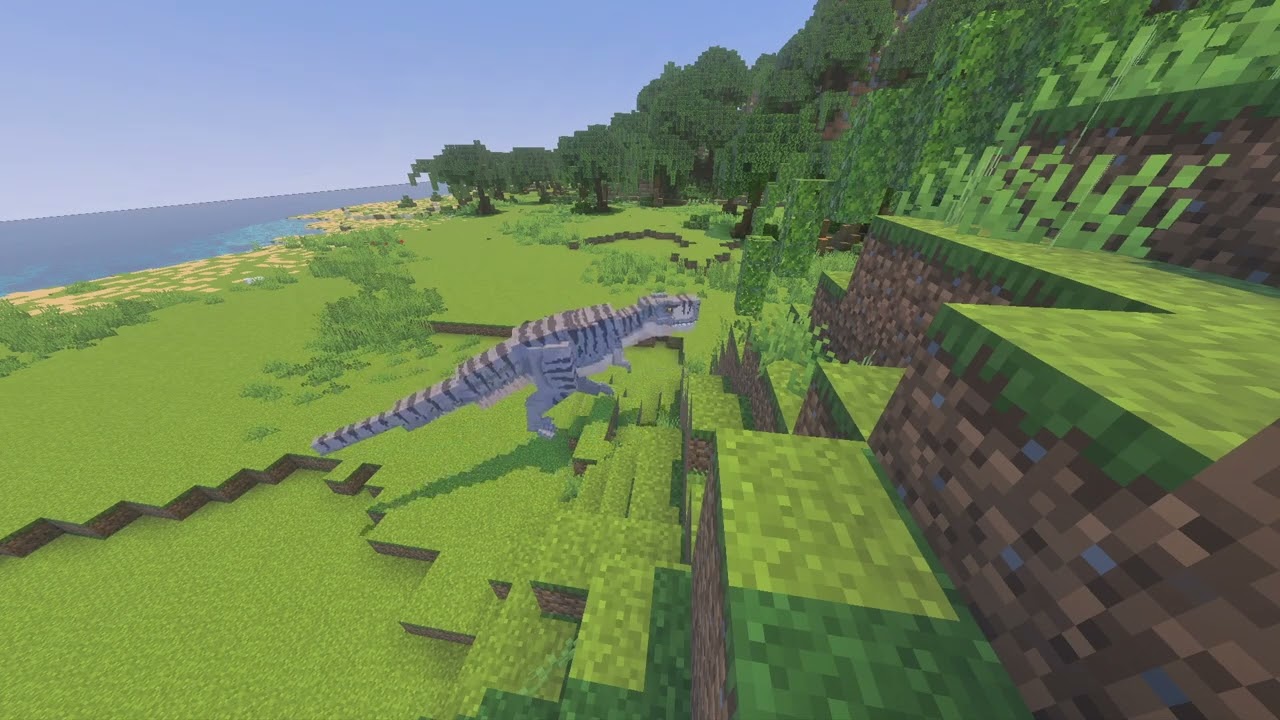
MCPE Isla Matanceros (Island Only)
Skip to DownloadDiscover Isla Matanceros, the third largest of the Five Deaths islands, faithfully recreated from Jurassic World Evolution. This pure terrain map offers a pristine, build-ready canvas of steep cliffs, rugged mountains, and diverse coasts, perfect for crea
ad
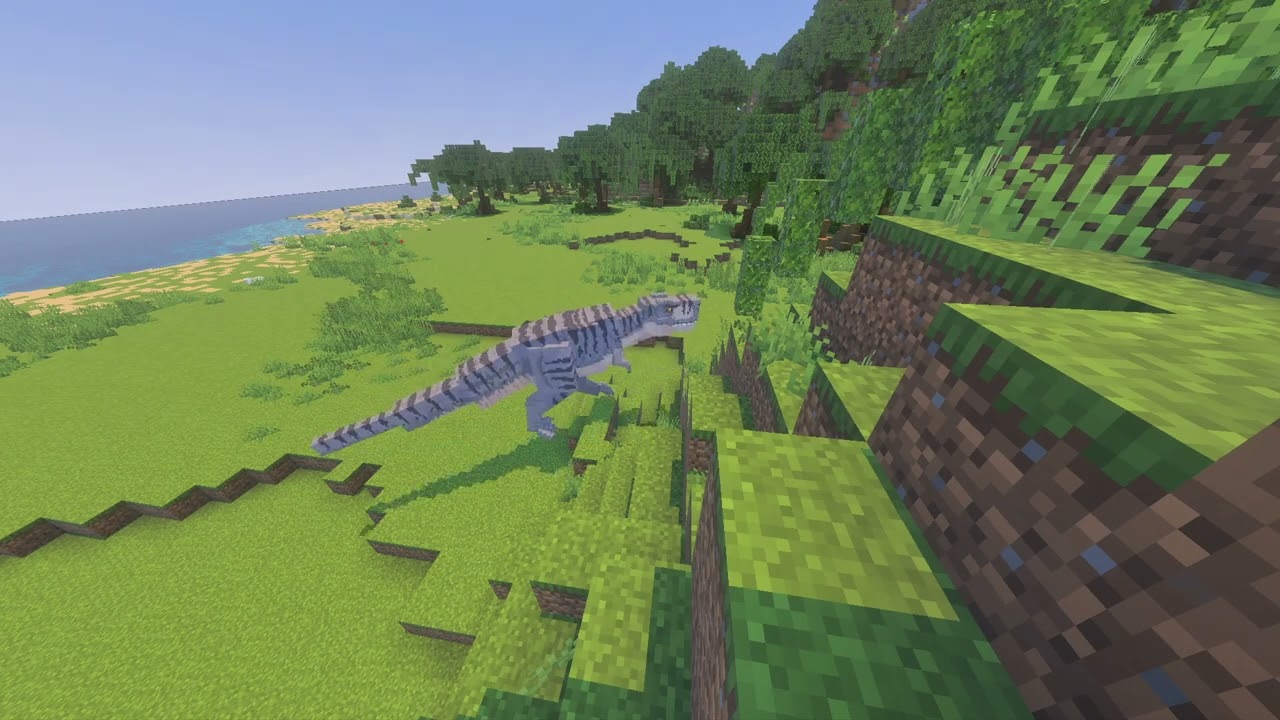
Loading video...
Description
Claim your own corner of the Muertes Archipelago with this meticulously crafted terrain map of Isla Matanceros. Directly inspired by its depiction in the Jurassic World Evolution game, this map delivers the island in its raw, natural state—a completely blank slate awaiting your vision. As the oldest and third largest of the Five Deaths, Matanceros presents a unique geography defined by its history, free from any pre-existing structures.
The island's distinctive folded-rectangle shape is perfectly captured, featuring flat northern and southern coasts ideal for major construction, a convex western shore battered by virtual waves, and a sheltered, concave eastern bay perfect for a hidden dock or lagoon facility. While the island bears no massive volcanic peaks, its landscape is far from boring. Scattered throughout the central and northern regions are dramatic, rugged mountains and steep cliffs that provide breathtaking vistas and natural barriers. This is the ultimate foundation for builders who want to dictate every aspect of their park's development.
ad
About the Content
This "Isla Matanceros (Island Only)" project is a dedicated geographical translation, bringing the iconic island from the management simulator Jurassic World Evolution into the immersive world of Minecraft. The core philosophy of this map is to provide an authentic, unadulterated landscape that serves as the perfect foundation for ambitious builders, role-players, and park creators. By focusing exclusively on the topography and excluding any man-made builds, it empowers you to become the ultimate park designer.
A Topographer's Dream:
The map is a masterclass in terrain generation, replicating the island's complex layout with precision. The defining feature is the island's coastline. The northern and southern "flat" coasts are not perfectly level but consist of wide, beach-fringed plains gently rising inland, offering prime real estate for visitor centers and guest amenities. The convex western shore is a wild, exposed coastline of rocky bluffs and turbulent waters, challenging you to build in harmony with the untamed elements. In stark contrast, the concave eastern shore forms a natural, sheltered harbor, a serene and logically perfect location for your park's arrival point and logistical hub.
Inland Diversity and Challenge:
Moving inland, the terrain reveals its true character. The absence of tall volcanic peaks is compensated by the presence of rugged, isolated mountains and dramatic erosional cliffs that break up the central and northern regions. These features create natural paddocks and breathtaking scenic overlooks, forcing creative park layout designs. The river systems flow logically from these higher points, carving valleys that are ideal for placing herds of grazing dinosaurs. The biome diversity is carefully managed to reflect a tropical island setting, with a mix of dense forests, open grasslands, and sparse, rocky highlands. This attention to detail ensures that every build site feels unique and integrated into the environment, just as it would in the best park management games. This map isn't just a location; it's a tool for creation, inviting you to impose your own narrative and design on a truly authentic Jurassic foundation.
Installation
Your Blueprint for Installation:
Embarking on your Isla Matanceros project requires a correct initial setup. Follow this guide to ensure your blank canvas is ready for your masterpieces.
Step 1: Acquisition
Initiate the process by clicking the download link on this page. Your browser will securely retrieve the map archive file (typically a .zip file) from our partnered MediaFire host.
Step 2: Preparation & Placement
Locate the downloaded file. For this map to function, the world folder inside must be placed correctly. Extract the contents of the .zip file to a temporary location. You will see a folder named after the map. Now, open your Minecraft launcher and start the game. Navigate to the 'Singleplayer' menu. While in this menu, press the Windows key + R on your keyboard, type %appdata%\.minecraft\saves into the Run dialog, and press Enter. This will open your Minecraft saves directory in a new window.
Step 3: Integration & Initiation
Drag the extracted "Isla Matanceros" folder from your temporary location directly into the open saves folder. Close the window and return to Minecraft. The "Isla Matanceros (Island Only)" world will now be listed among your singleplayer worlds. Select it and hit 'Play'. You will spawn on the pristine shores of your very own island, ready to survey the land and begin your construction journey.
Supported Minecraft Versions
1.21
If the download button doesn't work, click here for alternatives
If you are the original creator and would like this content removed, please submit a request through our DMCA page.