MCPE Enhanced Body Actions and Item Carrying System
Skip to DownloadTransform your gameplay with the Enhanced Body Actions and Item Carrying System! This addon allows players to sit, lie down, crawl, wall climb, and even pick up and carry mobs, players, or blocks. Enjoy a more immersive experience in Minecraft Bedrock Edi
Description
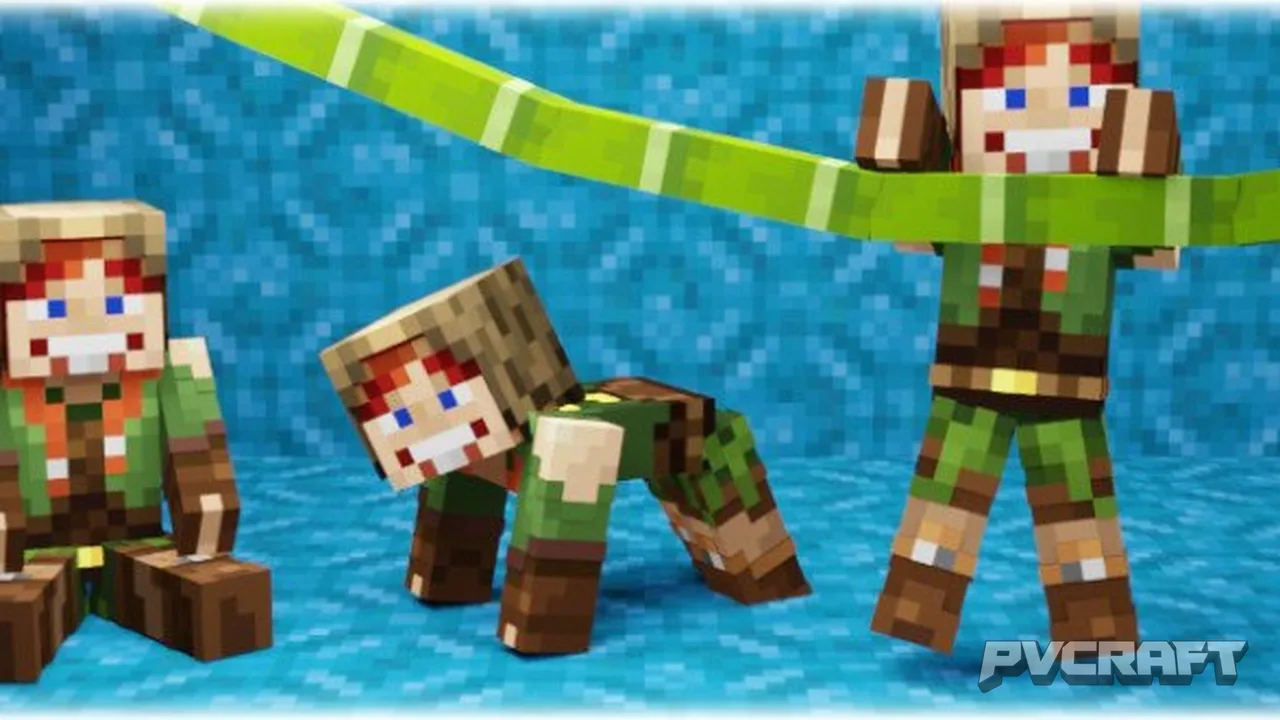
The Enhanced Body Actions and Item Carrying System addon for Minecraft Bedrock Edition is designed to enrich your gameplay experience by introducing a variety of realistic body actions that were previously unavailable in the game. With this addon, players gain the ability to sit, lie down, crawl, and climb walls, making the interactions within the game world feel much more dynamic and engaging. This functionality is especially useful in multiplayer scenarios where communication and interactions with other players can be greatly enhanced.
### Key Features of the Addon
1. **Versatile Body Actions**: Players can perform a range of actions to express themselves and navigate the world. The ability to sit or lie down allows for more realistic role-playing scenarios, while crawling and wall climbing open up new possibilities for exploration and creativity.
2. **Realistic Movement**: The first-person camera adjusts automatically based on your character's posture, providing a more immersive experience. For instance, when lying down, the camera angle shifts to reflect your position, making it feel as if you are actually lying on the ground.
3. **Crawling Mechanics**: Players can crawl through tight spaces, like 1-block gaps, which adds a layer of strategy to gameplay. For example, you might need to crawl to escape danger or to enter hidden areas that were previously inaccessible.
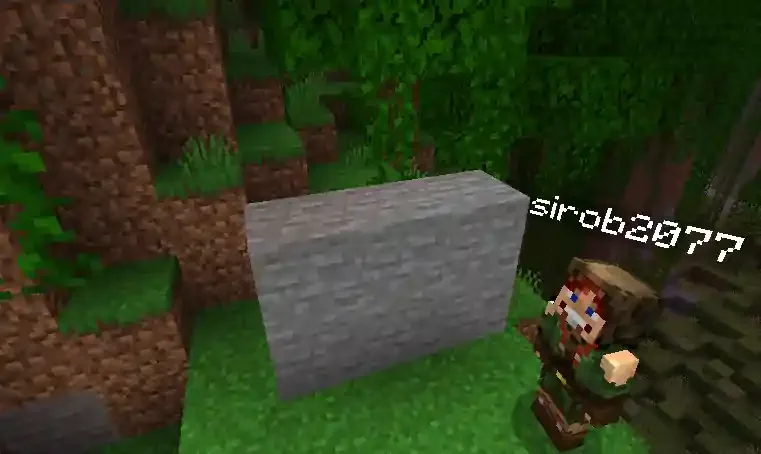
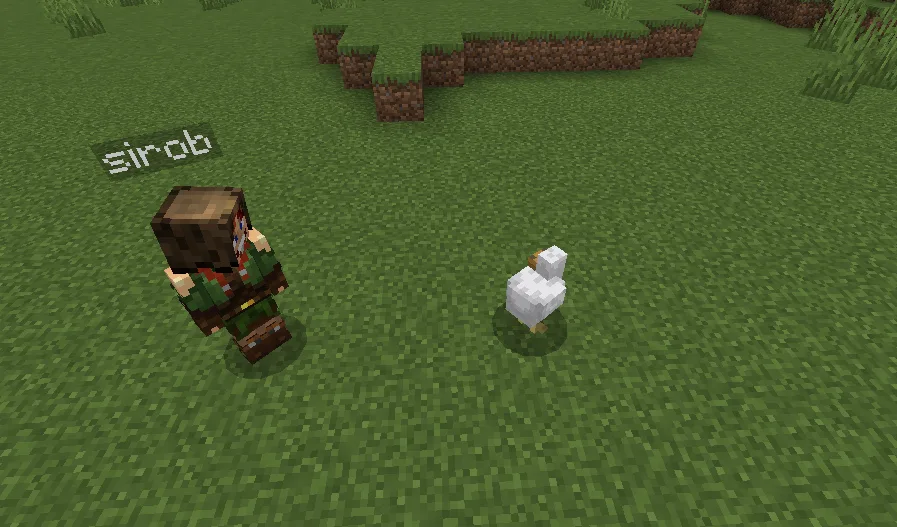
4. **Pickup and Carry Functionality**: One of the most exciting features of this addon is the ability to pick up and carry various entities. Whether it's a player, a mob, or even a storage block, this mechanic allows for creative gameplay and strategic interactions. Imagine rescuing a fallen companion or relocating valuable items to a safer location—all with a simple action.
5. **Multiplayer Compatibility**: The addon functions seamlessly in multiplayer environments, facilitating interactions among friends. You can coordinate actions, such as picking up a teammate to move them out of harm's way, enhancing cooperation and teamwork.
### How It Works in Bedrock
Utilizing this addon in Minecraft Bedrock is straightforward. Players must follow specific controls for each action:
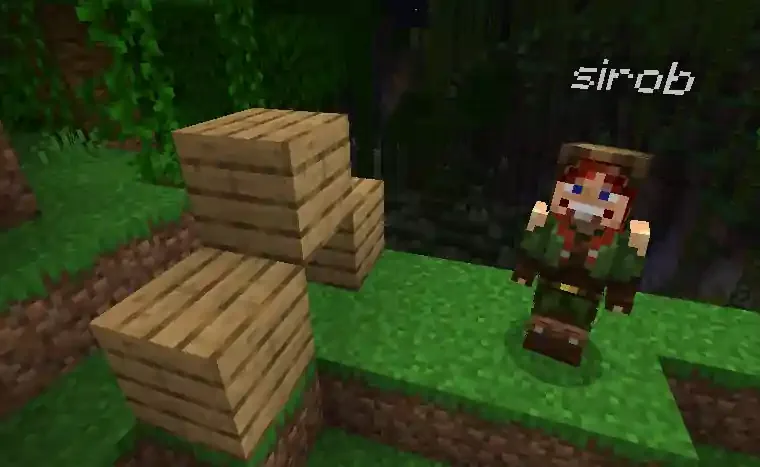
- **Sitting**: To sit, simply look downward as far as possible and sneak. Your character will adjust into a sitting position.
- **Lying Down**: Conversely, to lie down, look upward and sneak, which will transition your character into a lying position.
- **Crawling**: Once seated, you can begin to crawl by walking forward. For a more standard crawl (like on all fours), simply jump while already crawling. This allows players to maneuver through small openings with ease.
- **Wall Climbing**: When approaching a wall, look slightly up and jump to grab onto it. Make sure both hands are free for this action. This mechanic adds a parkour-like element to the gameplay, allowing for creative exploration.
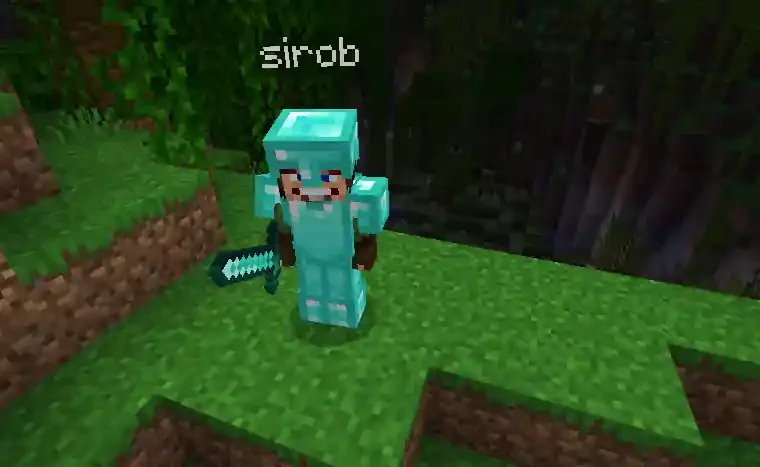
- **Picking Up Items**: To pick up a mob or block, ensure your hands are empty, sneak close to the target, and jump. This action lets you carry any transportable entity to a desired location, which can be a game-changer in many scenarios.
### Practical Applications and Tips
- **Strategic Gameplay**: Use the crawling mechanic to sneak past enemies or navigate traps without being detected. This can be especially useful in PvP or adventure modes.
- **Role-playing Scenarios**: Engage with friends in creative story-driven gameplay by using the sitting and lying down actions to simulate various scenes.
- **Resource Management**: Carrying blocks like chests or furnaces allows players to transport their resources efficiently. This can save time when setting up a base or moving to a new location.
- **Team Support**: In multiplayer, picking up a teammate can be a great way to help them escape danger or assist them when they fall in combat.
In summary, the Enhanced Body Actions and Item Carrying System addon not only adds fun and excitement to the gameplay but also enhances the level of interaction and realism in Minecraft Bedrock Edition. By incorporating these new actions into your game, you'll open up a world of possibilities for exploration, creativity, and teamwork.
About the Content
CHANGELOG:
- Initial release featuring core body actions like sitting, crawling, and wall climbing.
- Introduced the ability to pick up and carry mobs, players, and blocks.
- Enhanced compatibility for multiplayer gameplay.
- Fixed minor bugs related to crawling mechanics.
- Optimized performance for smoother animation transitions.
Installation
To install the Enhanced Body Actions and Item Carrying System addon in Minecraft Bedrock Edition, follow these steps:
1. **Download the Addon**: Make sure you have the addon file saved on your device.
2. **Open Minecraft**: Launch your Minecraft Bedrock Edition.
3. **Create a New World or Edit an Existing One**: You can either create a new world or edit an existing one where you want to apply the addon.
4. **Access World Settings**: In the world menu, click on the 'Edit' button for the selected world.
5. **Behavior Packs and Resource Packs**: Scroll down to find the sections for Behavior Packs and Resource Packs. Tap on them to add the downloaded addon files.
6. **Select the Addon**: Choose the Enhanced Body Actions and Item Carrying System addon from your file list and add it to both the Behavior and Resource Packs.
7. **Enable Experimental Features**: Ensure to enable the 'Beta APIs' experimental feature in the world settings to ensure the addon functions correctly.
8. **Save and Enter the World**: Save your settings and enter the world. The addon should now be active, allowing you to enjoy the new gameplay mechanics!
Remember to check that you are using the stable version of Minecraft, as beta or preview versions may cause compatibility issues.
Supported Minecraft Versions
1.21.120
If the download button doesn't work, click here for alternatives
If you are the original creator and would like this content removed, please submit a request through our DMCA page.