MCPE Vitality Lives System
Skip to DownloadIntroducing the Vitality Lives System for Minecraft Bedrock Edition! This innovative addon replaces traditional gameplay by introducing a unique lives mechanic, allowing players to retain their items upon death if they have remaining lives. Enhance your s
Description
The Vitality Lives System is a revolutionary addon designed specifically for Minecraft Bedrock Edition, fundamentally altering how players engage with the game's survival mechanics. Traditionally, players lose all their items upon death, creating a somewhat punishing experience that can deter exploration and experimentation. The Vitality Lives System injects a fresh layer of strategy by allowing players to maintain their inventory as long as they have lives remaining. This unique mechanic not only elevates the stakes when venturing into dangerous territories but also encourages players to embrace risks without the constant fear of losing their hard-earned gear.
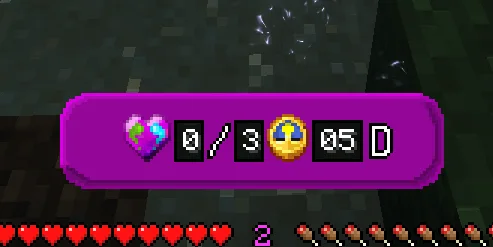
Upon installation, the Vitality Lives System introduces a new UI that displays the current vitality status of the player, showing how many lives they have left. This interface is crucial as it helps players strategize their adventures. Each life represents an opportunity to keep items intact after death. If players run out of lives, they will drop their belongings at their death location, adding a layer of urgency and challenge. This feature transforms ordinary gameplay into an adrenaline-pumping experience where each decision counts, especially in high-stakes scenarios.
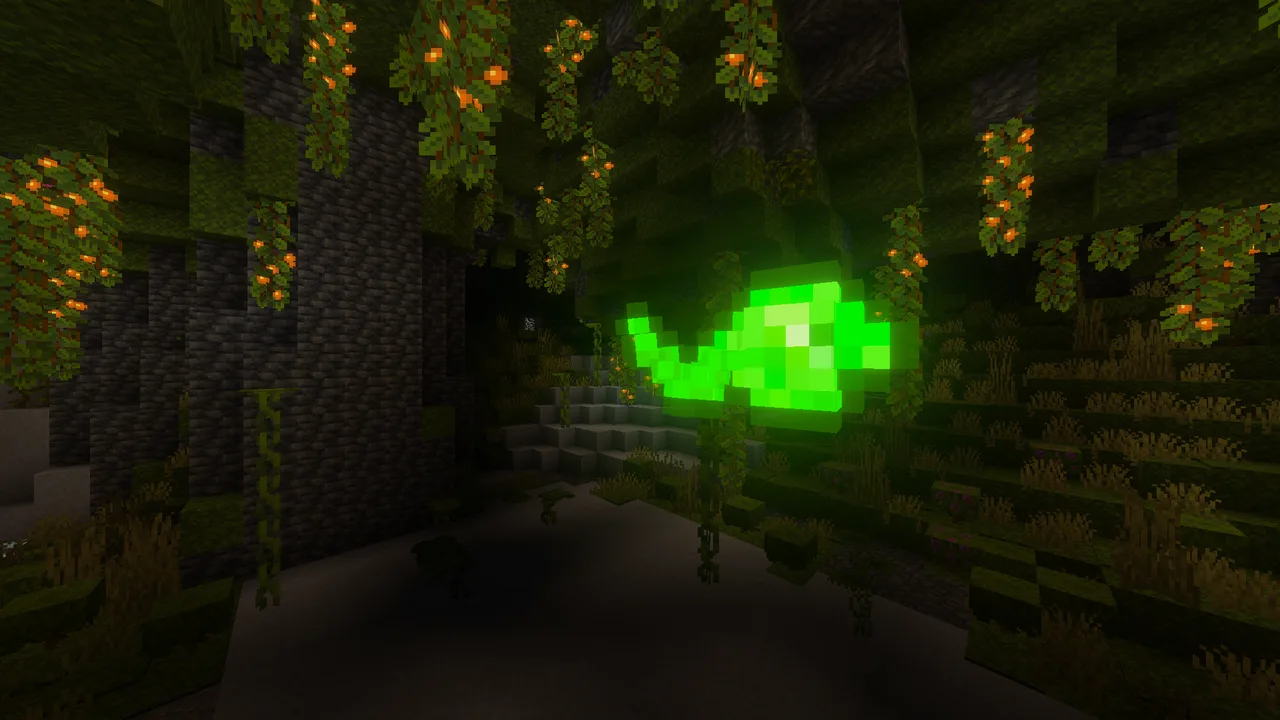
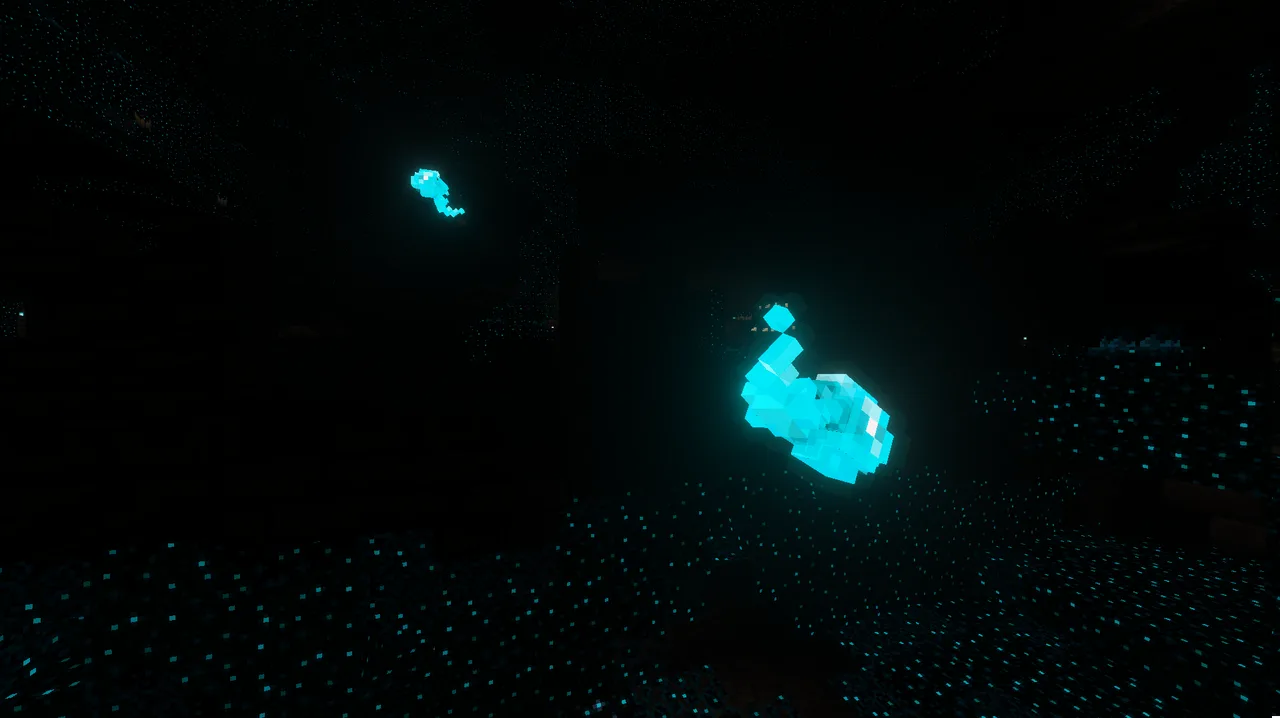
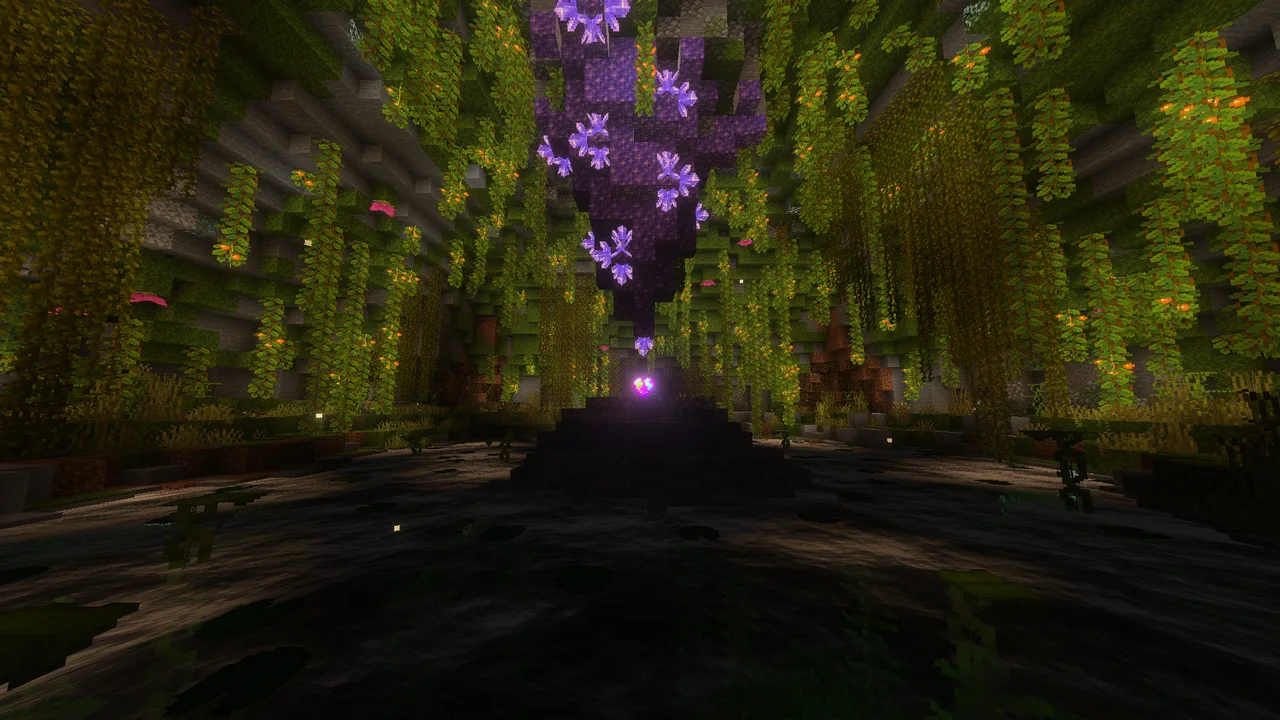
The addon also comes with custom entities like Vital Souls and Fatal Souls. Vital Souls are gentle spirits found in lush cave environments, symbolizing hope and vitality. Collecting these souls can bolster your vitality count. On the other hand, Fatal Souls are remnants of those who have perished in the Deep Dark, and encountering them often leads to perilous situations. Both types of souls are tied into the addon’s mechanics, enhancing the lore and feel of the game, while also providing players with unique opportunities to expand their gameplay.
Beyond lives and souls, the addon introduces new structures called Roots of Life, where all vitality is gathered. These structures serve as vital points in the game, providing players with resources, lore, and opportunities for exploration. They also enhance the visual diversity of the game, making the world feel more alive and interactive. Players are encouraged to seek out these structures, not just for their aesthetic value, but for the gameplay advantages they offer.
In terms of weaponry and tools, the Vitality Lives System doesn't disappoint. It adds a suite of new items that are designed to complement the lives mechanic, each with special abilities that can help players navigate the challenges ahead. These items can be discovered through exploration or crafted using new recipes available in the addon, ensuring that players have plenty of motivation to dig deeper into their Minecraft world.
This addon is ideal for players who want to enhance their Minecraft experience without making drastic changes to the core gameplay mechanics. It strikes a balance between staying true to Minecraft’s survival essence while introducing enough innovation to feel fresh and engaging. Whether you’re an experienced player looking for new challenges or a newcomer wanting to explore the depths of Minecraft with a safety net, the Vitality Lives System provides a tailored experience that invites creativity and experimentation.
Overall, the Vitality Lives System is a testament to how community-driven content can elevate the Minecraft experience. It encourages players to take risks, explore new areas, and utilize a variety of strategies to survive. With features that enhance gameplay, provide new challenges, and offer a more forgiving approach to death, it’s a must-try for anyone looking to enrich their Minecraft Bedrock adventures.
About the Content
CHANGELOG:
- Initial release of the Vitality Lives System.
- Introduced custom structures to enhance gameplay aesthetics.
- Added new entities, including Vital Souls and Fatal Souls.
- Implemented item retention mechanics upon death, depending on lives.
- Improved overall balance for better gameplay experience.
Installation
Installing the Vitality Lives System in Minecraft Bedrock Edition is a straightforward process, even for newcomers. Follow these steps to get started:
1. **Download the Addon**: Begin by downloading the Vitality Lives System addon file, which typically comes in a .mcaddon or .mcpack format.
2. **Open Minecraft**: Launch your Minecraft Bedrock Edition game. Make sure you are running the latest version for the best compatibility.
3. **Access Settings**: In the main menu, navigate to the ‘Settings’ menu. Here, you will find options for managing your game.
4. **Activate the Addon**: Go to the ‘Storage’ section and select ‘Import’ to load your downloaded addon. This will automatically integrate the new content into your game.
5. **Create or Edit a World**: Choose to create a new world or edit an existing one. In the world settings, scroll down to the ‘Behavior Packs’ and ‘Resource Packs’ sections. You’ll see the Vitality Lives System among the list of available packs.
6. **Apply the Addon**: Select and apply the addon to both the resource and behavior packs. Make sure they are enabled for your world.
7. **Start Your Adventure**: Once everything is set, start your world! You should see the new systems in place, ready for you to explore and enjoy.
By following these steps, you'll be ready to experience the unique mechanics of the Vitality Lives System in your Minecraft Bedrock Edition game. Enjoy your new adventures!
Supported Minecraft Versions
26.10
If the download button doesn't work, click here for alternatives
If you are the original creator and would like this content removed, please submit a request through our DMCA page.