MCPE Abandoned Jurassic World (Fallen Kingdom)
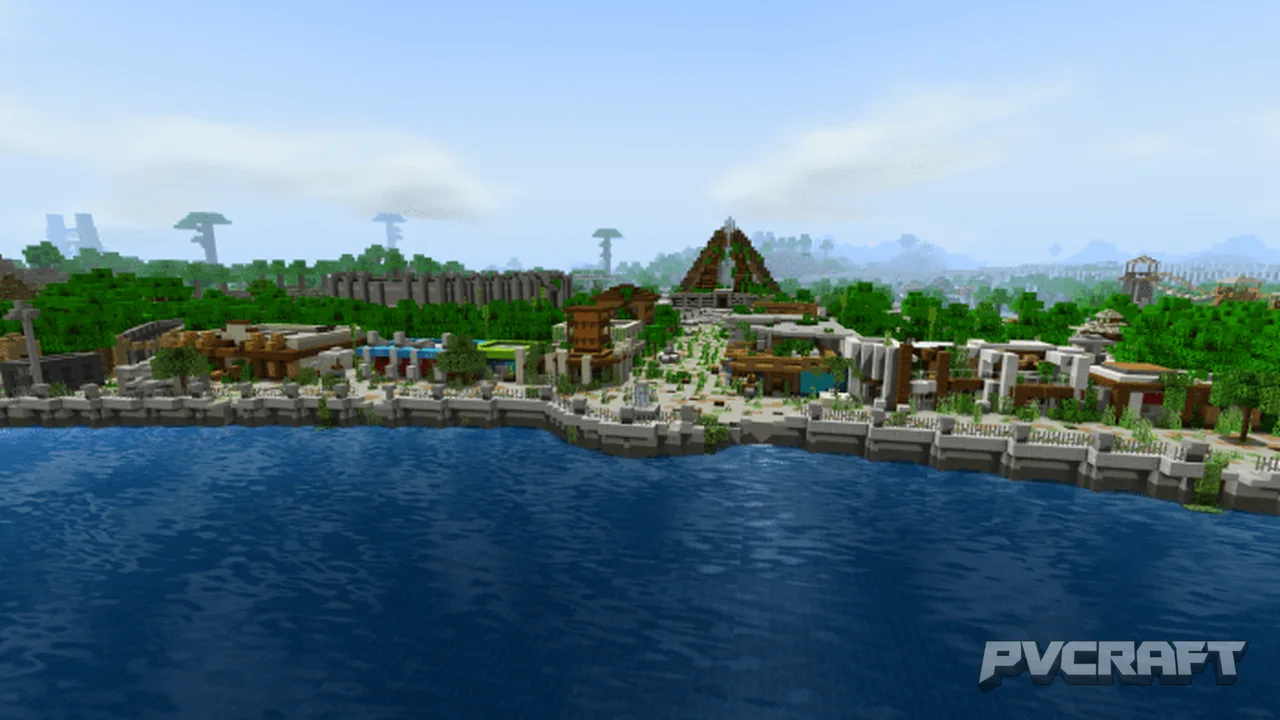
Skip to DownloadWalk down Main Street and explore the various buildings located in the hub of Jurassic World!
ad
Description
This map does not come with dinosaurs. However, there are many great dinosaur addons available on MCPEDL, such as The Fallen Kingdom Project or yDino Craft.
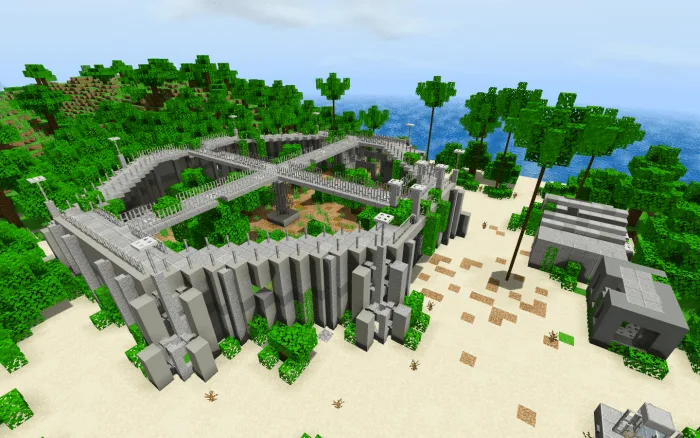
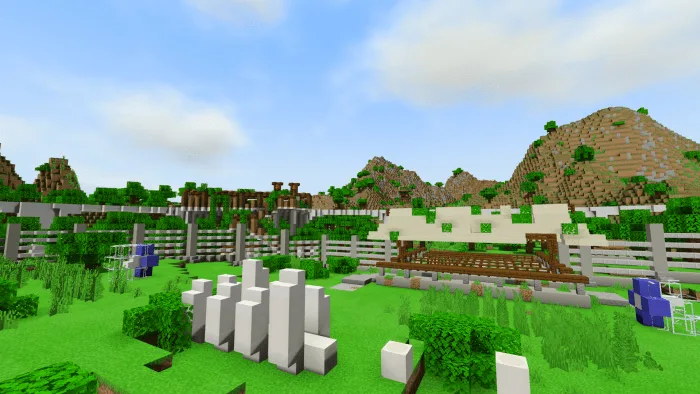
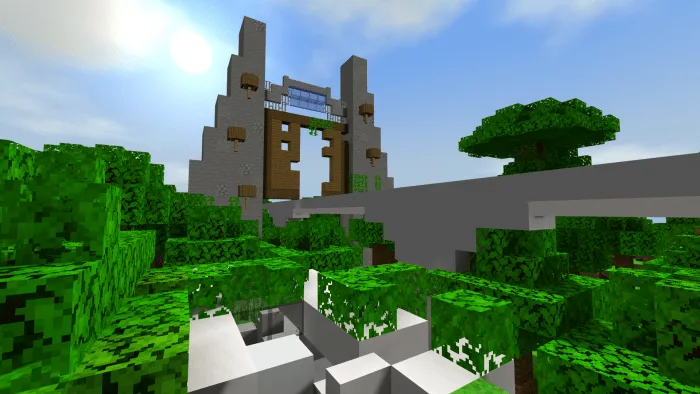
The above pictures were taken using the ESBE_2G shaders.
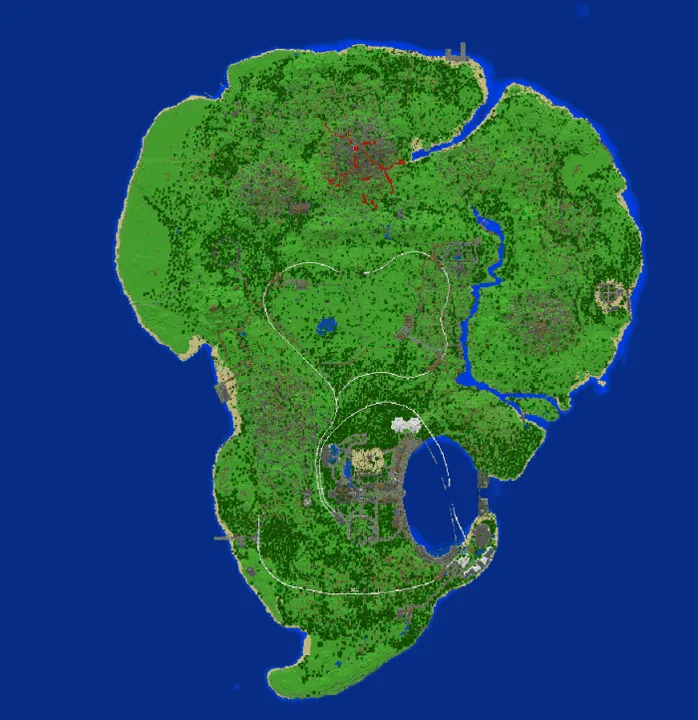
I used World Painter and MCC Toolchest to create the terrain of Isla Nublar, and port it over to Bedrock. Additionally, I used the World Fabricator Addon by GoggledGecko to edit the world in Minecraft Bedrock.
I created all of the structures myself, after being inspired by SmithyMC, Waremark, and the fan-made game Jurassic Explorer.
This map is not a 1:1 scale recreation of Jurassic World, as some features were adjusted to better fit Minecraft.
This map will continue to be updated. Leave any suggestions or feedback you have in the comments section below!
Changelog
-Added Underwater Observatory
-Added Resort Hotels
-Added Golf Course
-Terrain update and island expansion
-Added Jurassic World Control Center
-Updated the fence between Main Street and the Lagoon
-Moved locations of some buildings to fit new terrain
ad
About the Content
After the catastrophic events of 2015, the Jurassic World resort was abandoned, with many of the facilities falling into ruin. In this map, you can explore the remains of what was once a world-class theme park.
This map includes several iconic locations seen in Jurassic World and Jurassic World: Fallen Kingdom.
Please note that this is a fan-made creation, and is not associated with or endorsed by Universal Studios or any of its affiliates or properties. Please keep supporting the original IP holders and their content. Jurassic Park and Jurassic World are trademarks and copyrights of Universal Studios and Amblin Entertainment, Inc.
Installation
In order to download a file off of Mediafire, click the link, and then the green download button. After your file has downloaded, you are free to close the tab. This is my first time using Mediafire, so hopefully it works!
After downloading the file, open it, and it should automatically import the file and launch Minecraft.
Note: If the world does not appear to function (Level Import Failed), then change the .mcworld into a .zip format, and extract the contents. Paste the folder into your Minecraft Worlds folder.
Supported Minecraft Versions
1.16
If the download button doesn't work, click here for alternatives
If you are the original creator and would like this content removed, please submit a request through our DMCA page.