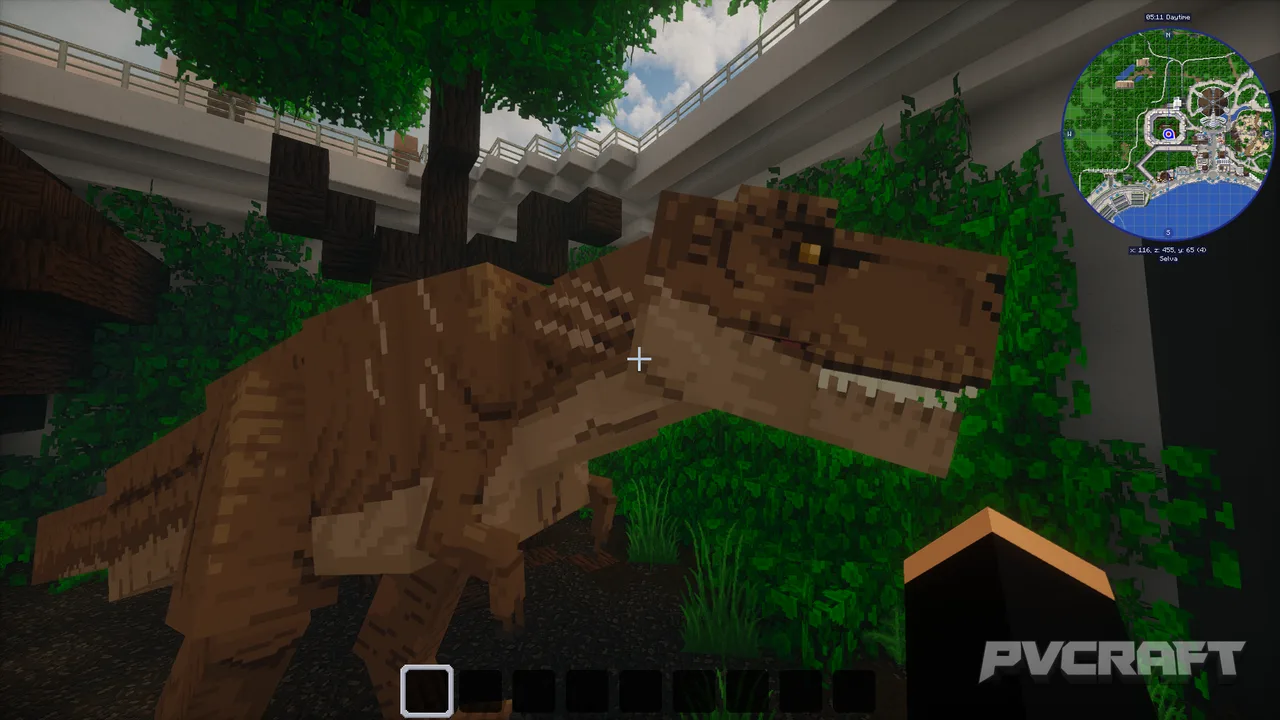
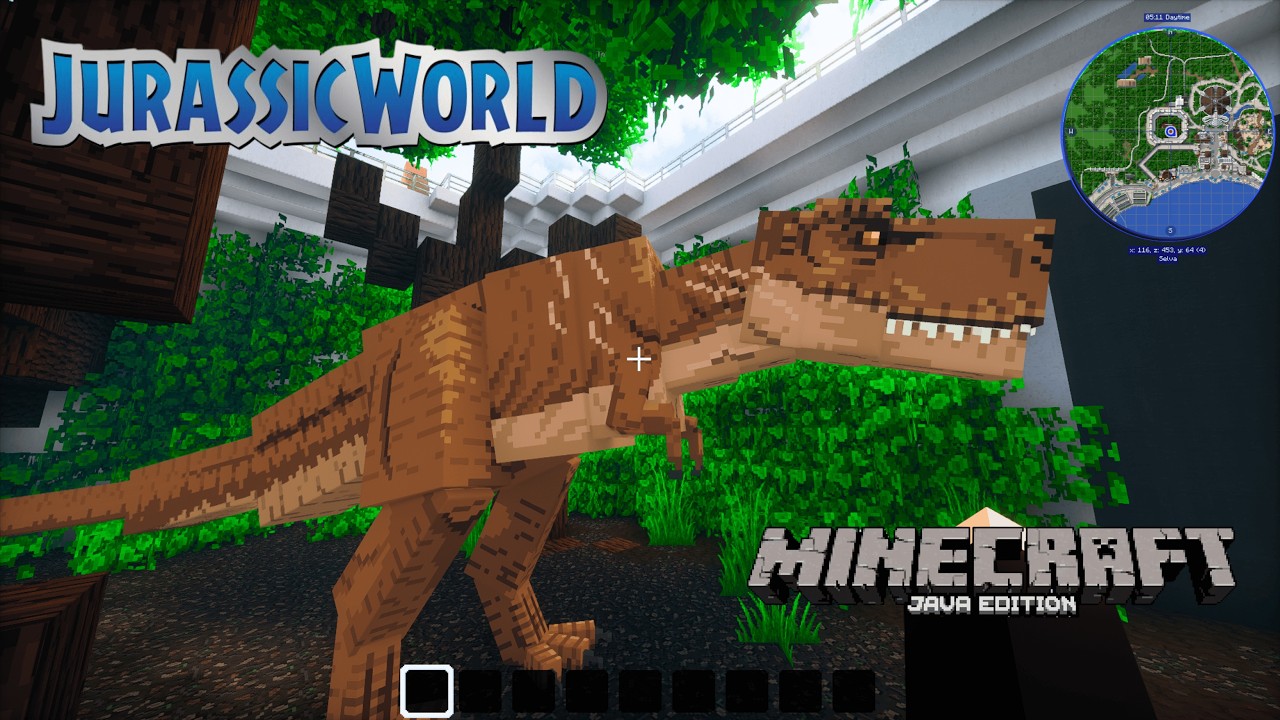
MCPE Jurassic World By Pedrovisqui (Java Edition) BETA 1.0
Skip to DownloadExplore the immersive Jurassic World created by Pedrovisqui Encounter lifelike dinosaurs and discover thrilling attractions in this expansive map. (ITS A BETA VERSION)
ad
Loading video...
Description
The Jurassic World map by Pedrovisqui is a must-try for any fan of dinosaurs and the Jurassic Park franchise, now available for Minecraft Bedrock Edition. This stunning creation is designed as an expansive theme park where players can explore an environment filled with lifelike dinosaurs, incredible landmarks, and various attractions that mimic the movie experience.
Upon entering Jurassic World, players will be greeted by a meticulously crafted landscape featuring diverse biomes. From lush jungles to open plains, the park is designed to not only be visually appealing but also to create a realistic ecosystem where dinosaurs can roam. Each area has been carefully constructed to reflect the distinct habitats necessary for different dinosaur species, allowing players to witness these magnificent creatures in their natural settings.
One of the standout features of this map is the inclusion of various dinosaur models. Each dinosaur has been designed with great attention to detail to provide an authentic feel. As players wander through the park, they can see these creatures in action—whether it's a gentle Brachiosaurus calmly munching on foliage or a powerful Tyrannosaurus rex lurking in the shadows. This level of realism enhances the immersive experience, making players feel like they have stepped right into a dinosaur wonderland.
In addition to the dinosaurs, the Jurassic World map boasts several interactive attractions. Players can visit the visitor center, which serves as a hub for information and exploration. Inside, players can access helpful signs, learn about the different dinosaur species featured in the park, and engage with exhibits that explain the backstory of Jurassic World. There are also themed rides, such as a tour vehicle experience that simulates a safari through the different dinosaur enclosures.
The map also allows players to undertake various challenges and quests, adding another layer of gameplay. These challenges could range from collecting specific resources to completing park maintenance tasks, giving players objectives to work toward, thus enhancing the replayability of the map.
Furthermore, the Jurassic World map is compatible with most smartphones, consoles, and Windows devices that run Minecraft Bedrock Edition. This accessibility ensures that a wide range of players can dive into the world Pedrovisqui has created, making it easier for fans to share their experiences with friends, whether they are on mobile or console.
Beside the positive aspects, there may be limitations players should consider. Depending on the device performance, the map's complexity with high detail could lead to lag in some cases. Players with lower-end devices may experience slower performance, especially when surrounded by numerous dinosaurs and attractions at once. However, most modern devices should handle the map without major issues. It is also essential to ensure that any mods or resource packs used are compatible to enhance the experience further.
Overall, Jurassic World by Pedrovisqui in Minecraft Bedrock Edition offers a rich and engaging experience that celebrates both the dinosaur theme and the creativity of Minecraft. Whether you're approaching it as a casual gamer or a dedicated fan, this map promises entertainment and exploration for hours on end.
ad
About the Content
The Jurassic World map by Pedrovisqui brings the famous dinosaur theme park into the realm of Minecraft Bedrock Edition. This map is designed for players who are fans of both Minecraft and the Jurassic Park franchise. It features intricate builds that replicate iconic locations from the movies, including the visitor center, numerous attractions, and a variety of dinosaurs roaming freely throughout the environment.
CHANGELOG:
- Initial release
- Added a variety of dinosaur models
- Included interactive attractions for players
- Enhanced environment with realistic biomes and landscapes
- Improved lighting for a more immersive experience
Installation
To install the Jurassic World map by Pedrovisqui in Minecraft Bedrock Edition, follow these steps:
1. **Download the Map**: Obtain the downloaded map file, usually in a .mcworld format, from the designated area.
2. **Locate the File**: Open the file location on your device where the map was downloaded. On mobile devices, this might be in your 'Downloads' folder; on Windows, it could be in 'Downloads' or another specified location.
3. **Open the Map**: Simply tap or double-click on the downloaded .mcworld file. This action should automatically open the map in Minecraft Bedrock Edition, prompting a quick import.
4. **Load Minecraft**: Launch Minecraft Bedrock Edition on your mobile, console, or Windows device.
5. **Access the Map**: Navigate to the 'Play' menu and select the 'Worlds' tab. Here, the newly imported Jurassic World map should be visible in the list of your worlds.
6. **Start Playing**: Click on the Jurassic World map to enter and begin your adventure!
7. **Optional Adjustments**: If needed, explore settings to adjust your gameplay experience, such as difficulty level, game mode, and other options related to rendering graphics for optimal performance.
Following these steps will ensure that you successfully install and enjoy the thrilling Jurassic World created by Pedrovisqui. Dive into the adventure today!
Supported Minecraft Versions
1.20.1
If the download button doesn't work, click here for alternatives
If you are the original creator and would like this content removed, please submit a request through our DMCA page.