MCPE One Block Plus Adventure
Skip to DownloadExperience a unique survival challenge with the One Block Plus map for Minecraft Bedrock Edition. Start on a single regenerating block and explore various biomes and dimensions as you gather resources and build your world. This enhanced version integrates
ad
Description
One Block Plus is an innovative map designed exclusively for Minecraft Bedrock Edition that takes the classic One Block survival challenge to a whole new level. In this unique gameplay experience, players begin their journey on a single block that regenerates endlessly. As you break this initial block, you'll uncover a world of possibilities, leading to various biomes, resources, and even the dimensions of the Nether and the End. This map incorporates a variety of addons that enhance the core experience, making it easier and more enjoyable to play, especially for those who appreciate a streamlined survival mode.
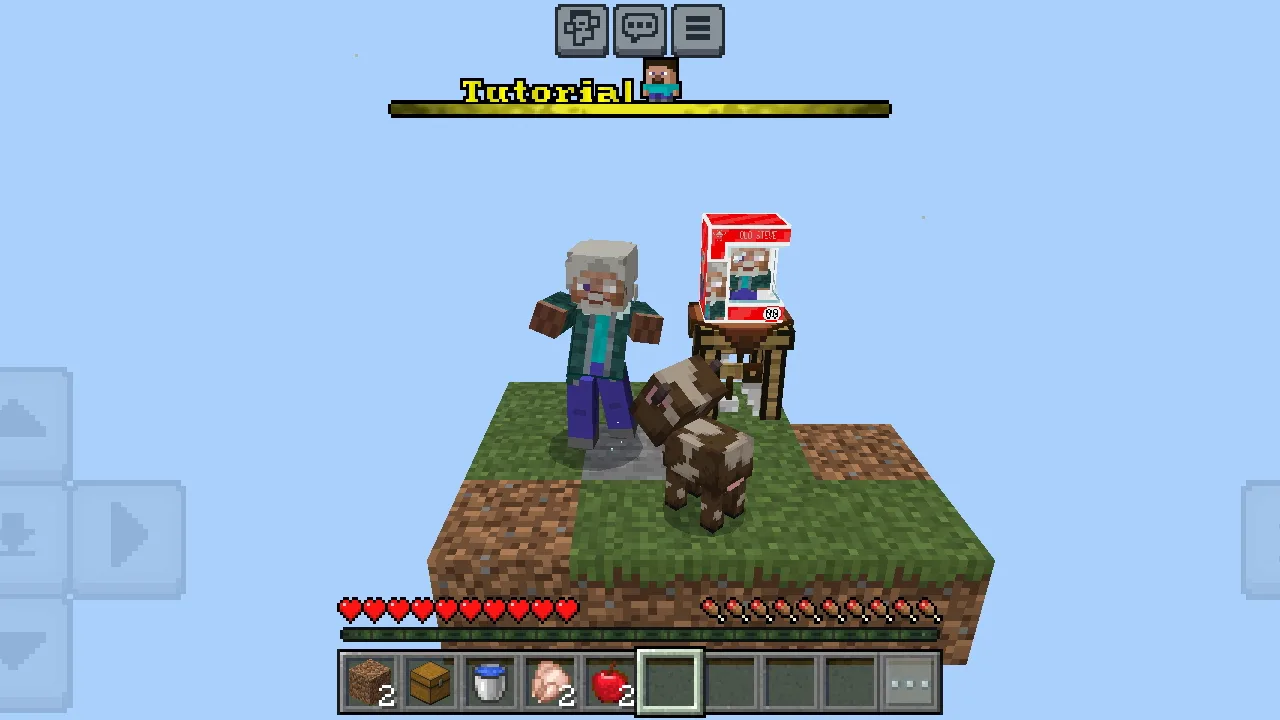
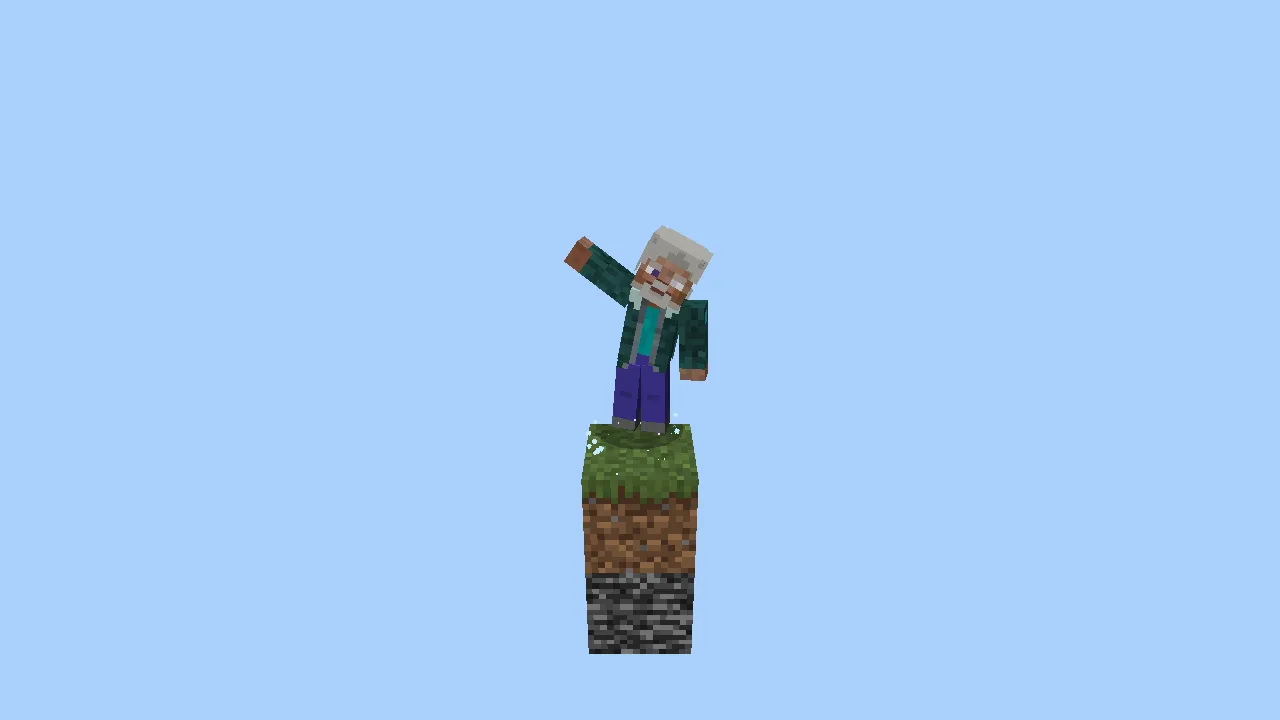
When you first spawn in the One Block Plus map, you're placed on a grass block. The initial phase allows you to break the first four blocks safely without falling. However, as you continue to dig deeper, the challenge ramps up, and you must navigate with care to avoid plummeting into the void below. Players must pay close attention to on-screen messages that provide helpful tips and announce the activation of various addons as you progress.
The map is structured into ten different game stages, each representing a unique biome or area of gameplay. As you advance through these stages, you will encounter different resources and mobs, which contribute to your overall survival strategy. From lush forests to arid deserts, each biome offers distinct challenges and opportunities, encouraging creative building and resource management.
### Addons to Enhance Your Experience
One of the standout features of One Block Plus is the integration of several practical addons, designed to simplify the gameplay experience:
- **Time Add**: This feature accelerates the in-game time momentarily, allowing crops and trees to grow faster. This mechanic is particularly beneficial for players focused on agriculture, as it helps create a sustainable food source quickly.
- **Tree Capitator**: This addon revolutionizes wood gathering. When you chop down a tree, not only does the trunk you cut fall, but any adjacent and underlying trunk blocks will also break. This means you can gather wood much more efficiently, allowing for quicker construction and resource accumulation.
- **Cobblestone Generator**: A fun addition that enables you to create your own cobblestone generator, providing a reliable source of building materials. The instructions for using this feature are outlined in-game, making it accessible even for new players.
- **AutoReplant**: After harvesting crops, this addon automatically replants them, saving you the time and effort in maintaining your farm. This is a game-changer for those who want to focus on building and exploring rather than tedious farming tasks.
- **FunkoBox**: As an exciting collectible aspect, players can find 1 out of 30 collectible Funko items in chests that spawn from the regenerating block. This feature not only adds an element of surprise but also encourages exploration and treasure hunting throughout the game world.
The combination of these addons ensures that players have a more user-friendly experience, allowing them to focus on survival and creativity rather than getting bogged down by mundane tasks. The map's design encourages players to explore and innovate, providing endless opportunities for creativity and adventure.
### Strategies for Success
To make the most out of your One Block Plus experience, here are some strategies:
1. **Plan Your Resources**: As you progress through each stage, keep track of the resources you need for future builds. It’s often wise to build a small base near your block to store items and create a safe haven.
2. **Utilize Addons Effectively**: Take full advantage of the addons available. For instance, maximize the use of the Time Add to grow crops faster, which is essential for food sustainability.
3. **Be Cautious When Digging**: As you break blocks, always be aware of your surroundings. Falling into the void can quickly end your play session, so consider building a platform around your block as you expand.
4. **Explore Different Biomes**: Each biome has unique elements and mobs. Exploring these can yield different resources and opportunities for building, so be sure to venture out of your immediate area.
5. **Engage with Collectibles**: The FunkoBox system adds a fun collectible hunt to your game. Make it a point to find all 30 collectibles, which can add an extra layer of enjoyment and achievement to your experience.
With its engaging mechanics and thoughtful design, One Block Plus offers an excellent way to experience Minecraft Bedrock Edition in a fresh, exciting manner. Whether you're a seasoned player or new to the game, this map promises hours of exploration, challenge, and creativity.
ad
About the Content
CHANGELOG:
- Initial release featuring the core One Block gameplay mechanics.
- Introduced 10 distinct game stages with various biomes and challenges.
- Added several addons to enhance gameplay, including faster crop growth and automatic replanting.
- Implemented features like tree capitating for more efficient resource gathering.
- Fine-tuned user interface messages to improve gameplay understanding.
Installation
To install the One Block Plus map on Minecraft Bedrock Edition, follow these steps:
1. **Download the Map**: Obtain the One Block Plus map file from the appropriate source.
2. **Locate the File**: Once downloaded, find the .mcworld file in your device’s downloads folder.
3. **Open Minecraft**: Launch Minecraft Bedrock Edition on your device (Windows, console, or mobile).
4. **Import the Map**: Tap or click on the "Play" button, then select the "Import" option. Browse to the downloaded .mcworld file and select it. Minecraft will automatically import the map.
5. **Access the Map**: After the import process is complete, return to the "Play" menu. Your One Block Plus map will appear in the list of available worlds.
6. **Start Playing**: Select the One Block Plus map and enjoy your new adventure. Remember to adjust your game settings to match your preferences for an optimal experience.
Ensure that you have sufficient storage space on your device before installing the map. Happy crafting!
Supported Minecraft Versions
1.21.70
If the download button doesn't work, click here for alternatives
If you are the original creator and would like this content removed, please submit a request through our DMCA page.