MCPE Verity Bedrock Companion
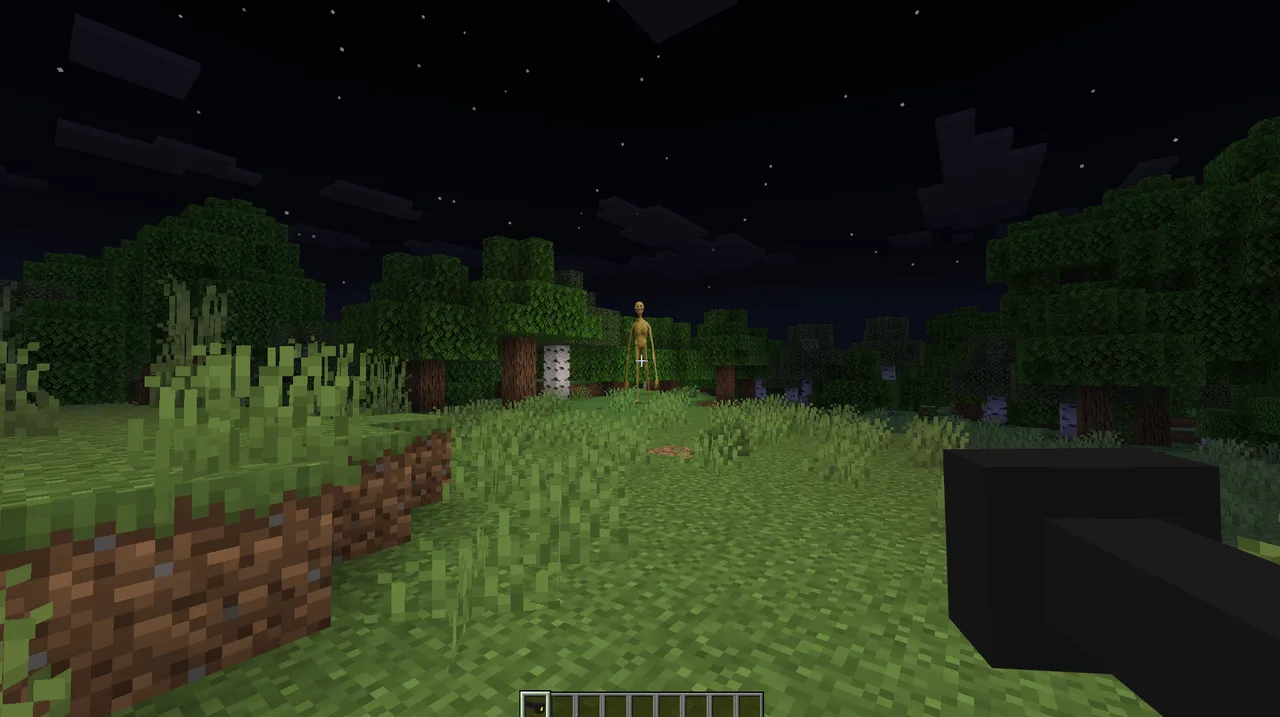
Skip to DownloadDiscover Verity, your new companion in Minecraft Bedrock Edition! This unique addon introduces a helpful ally that offers insights and entertainment while ensuring an engaging gaming experience.
Description
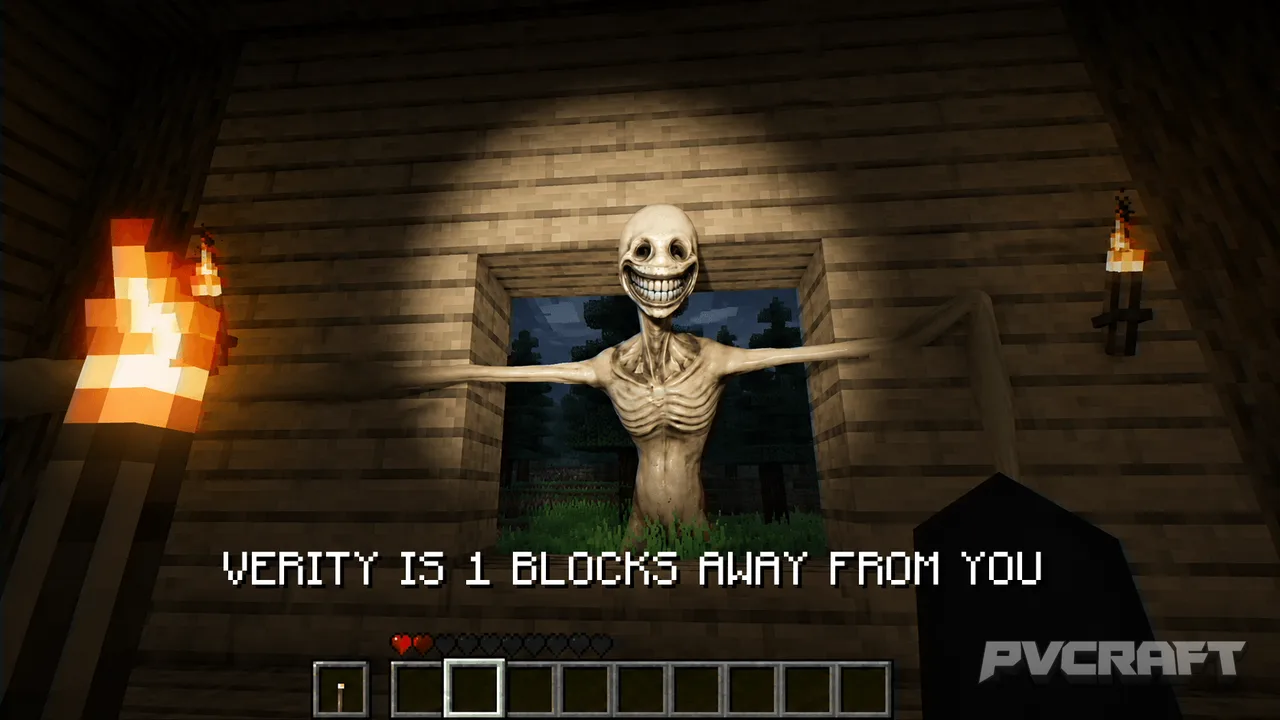
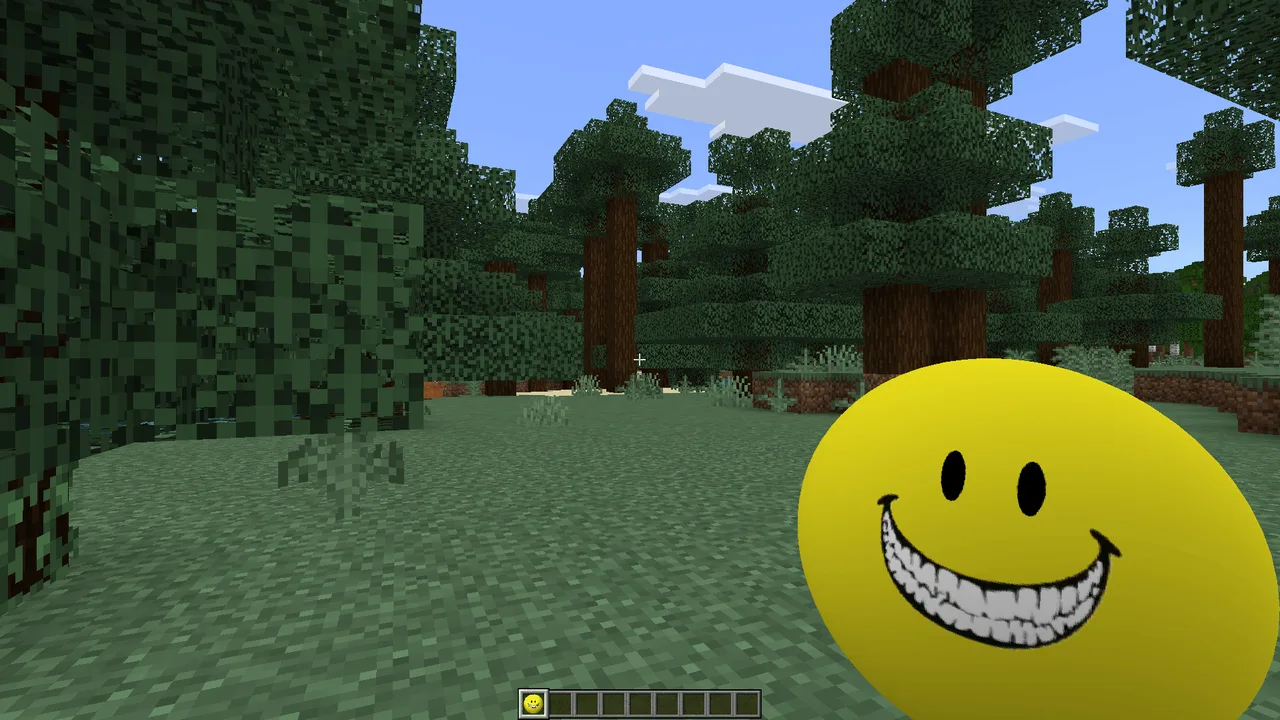
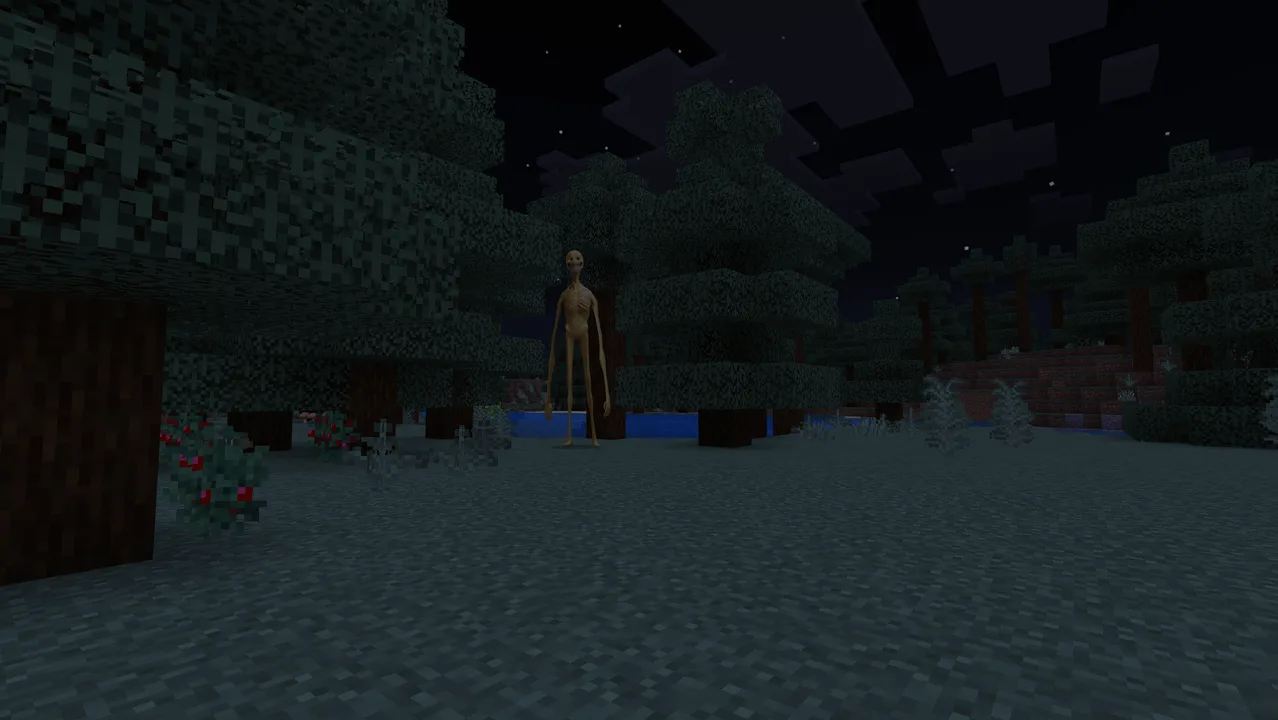
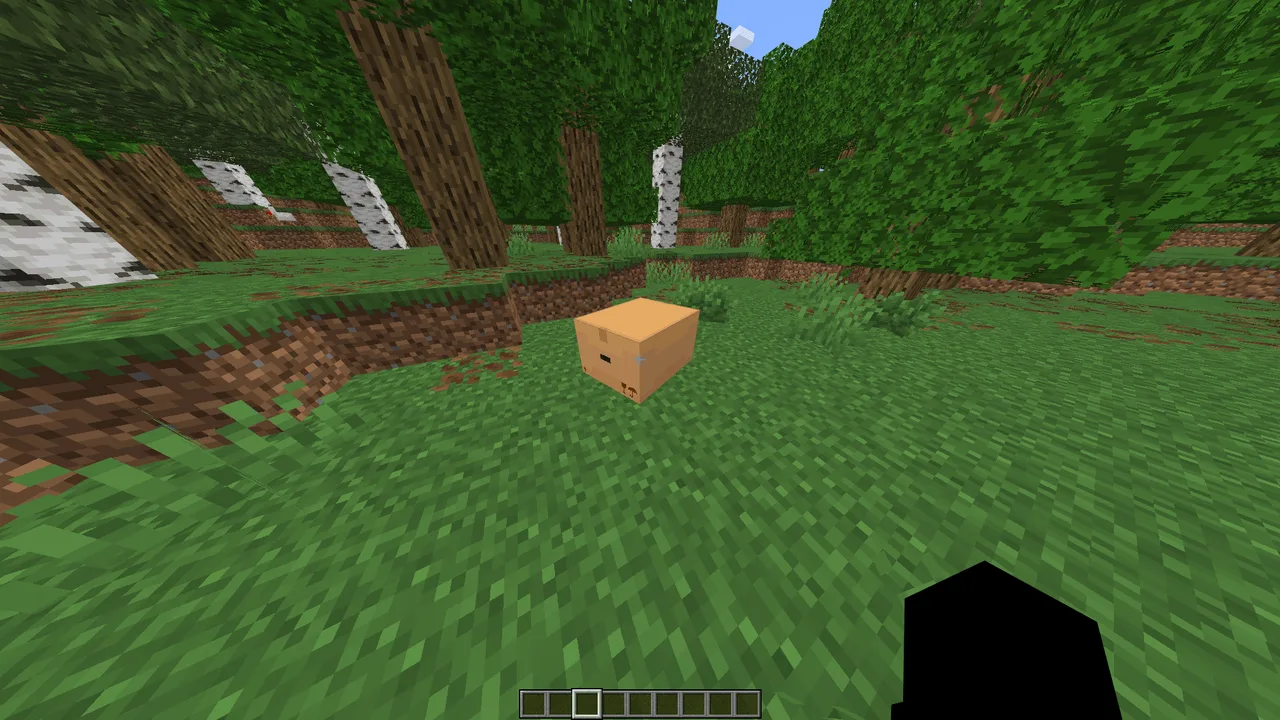
Introducing Verity, a remarkable companion designed specifically for Minecraft Bedrock Edition players. This addon transforms your gaming experience by adding a friendly helper character that not only enhances gameplay but also introduces a sense of mystery and exploration. Verity acts as a guide, providing players with useful information about their surroundings and answering queries based on a wide range of topics, from game mechanics to fun trivia. Verity is not just an ordinary NPC; he possesses unique features that distinguish him from traditional game helpers.
When actively engaged in gameplay, Verity can be summoned to your side. Players can ask him questions that cover numerous aspects of Minecraft and its mechanics. He can provide insights on resource locations, offer advice on crafting recipes, and even entertain you with interesting facts. However, Verity comes with certain quirks; he has his own personality and preferences. For instance, he doesn’t appreciate being abandoned and can become upset if you stray too far from his vicinity. This dynamic adds an engaging layer to the companion experience, making it essential for players to keep him near.
One of the standout features of Verity is his ability to chat with you when he is on the ground. You can initiate conversations by simply saying, "Hey Verity." He responds to many questions, including mathematical inquiries and even music requests. Imagine being able to ask your companion to play your favorite tune while you build or explore! This interaction creates a lively atmosphere, making gameplay more enjoyable and less solitary.
Moreover, Verity has a backstory that adds depth to his character. He is said to be older than Minecraft itself, which means he has a wealth of knowledge to share with players. While he serves as a helpful entity, a sense of mystery surrounds him, particularly regarding a village to the east that he prefers to avoid discussing. This enigmatic element sparks curiosity, encouraging players to explore and discover more about the game world.
In practical terms, Verity operates through a well-developed AI that can sometimes be resource-intensive. Players are advised to enable experimental features in their game settings to fully enjoy Verity's capabilities. For those who may experience performance issues, it’s suggested to provide feedback to the developer for potential enhancements or a lighter version of the addon in the future. Overall, Verity is designed to be a delightful addition to your Minecraft journey, enhancing both gameplay and exploration.
As you delve deeper into the game with Verity by your side, remember that his companionship comes with rules. For example, do not invite others to your world after two days of having Verity as your companion, as he dislikes sharing attention. Keeping him happy ensures that he performs optimally, helping you navigate the vast landscapes of Minecraft with ease.
In summary, Verity is more than just a companion; he is an integral part of your Minecraft experience, enriching gameplay with his knowledge, personality, and engaging interactions. Whether you are building monuments or exploring caves, having Verity at your side will transform your adventure into an unforgettable journey filled with discovery and fun.
About the Content
CHANGELOG:
- Initial release featuring core functionalities
- Enhanced interaction options for better user experience
- Fixed issues with audio cues
- Improved responsiveness of Verity's AI
- Optimized performance for smoother gameplay
Installation
To install the Verity addon in Minecraft Bedrock Edition, follow these steps:
1. **Download the Addon**: First, ensure that you have the addon file saved on your device. This will typically be in the form of a .mcaddon file.
2. **Open Minecraft**: Launch Minecraft Bedrock Edition on your device. Ensure that you're running the latest version to avoid compatibility issues.
3. **Access Settings**: In the main menu, navigate to the settings menu by clicking on the gear icon.
4. **Navigate to Storage**: In the settings, scroll down to the "Storage" section. This will show you the add-ons and packs available.
5. **Import the Addon**: Tap on "Import" and find the .mcaddon file you downloaded. Select it to import the addon into your game.
6. **Enable Experimental Features**: Before starting your world, be sure to enable experimental features in the game settings. This is crucial for Verity to function properly.
7. **Create or Edit a World**: Either create a new world or edit an existing one. Make sure to activate the Verity addon in the world settings under the "Behavior Packs" and "Resource Packs" sections.
8. **Start Your Adventure**: Once the world is loaded, you should now be able to interact with Verity. Enjoy your new companion as you explore the vast Minecraft landscapes!
Remember to keep Verity close and engage with his features to make the most of your gaming experience.
Supported Minecraft Versions
26.30
If the download button doesn't work, click here for alternatives
If you are the original creator and would like this content removed, please submit a request through our DMCA page.