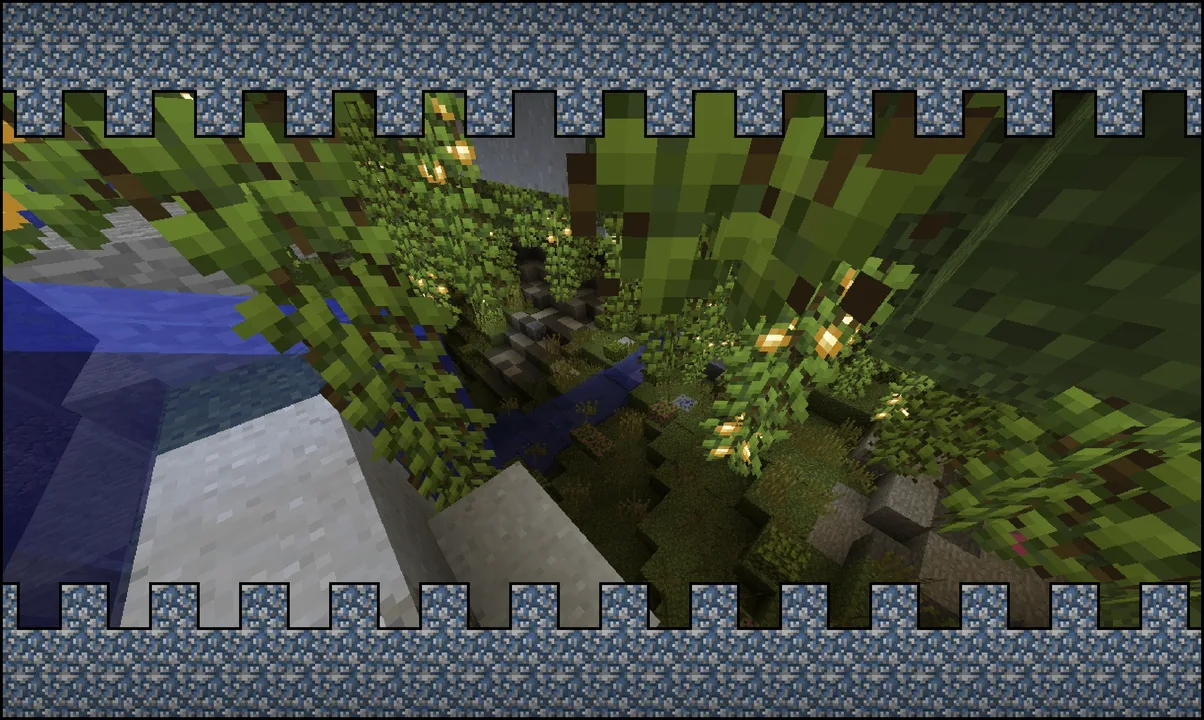
MCPE Classic Texture Revival for Minecraft Bedrock
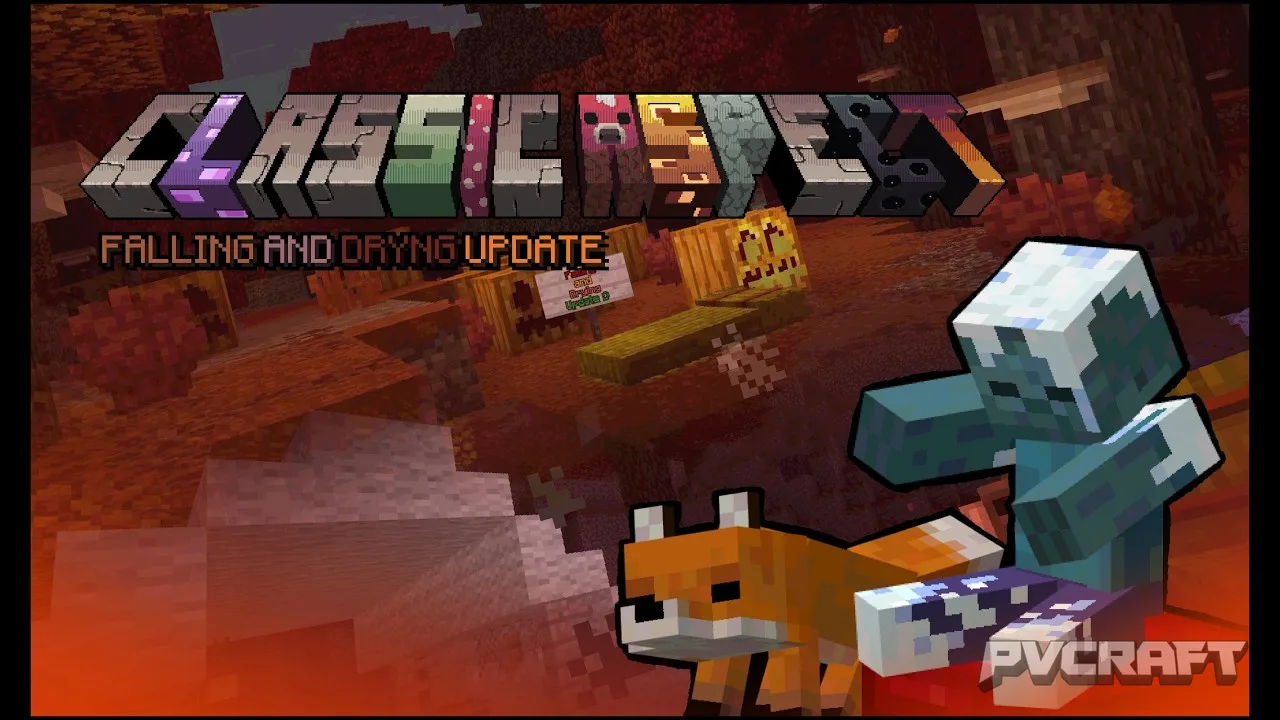
Skip to DownloadClassic Aspect is a texture pack designed to bring back the nostalgic look of earlier Minecraft versions. It transforms the new textures into a retro style reminiscent of the classic aesthetic, making it a perfect choice for players looking to relive the
ad
Description
For players nostalgic for the classic days of Minecraft, the Classic Aspect texture pack serves as a bridge between the past and the present. This texture pack revives the old-school look of Minecraft by modifying the newer textures to resemble those iconic styles we all remember. By doing so, it creates a unique gameplay experience that combines modern functionality with a retro visual aesthetic. Whether you're a seasoned player or new to the blocky universe, Classic Aspect offers something special for everyone.
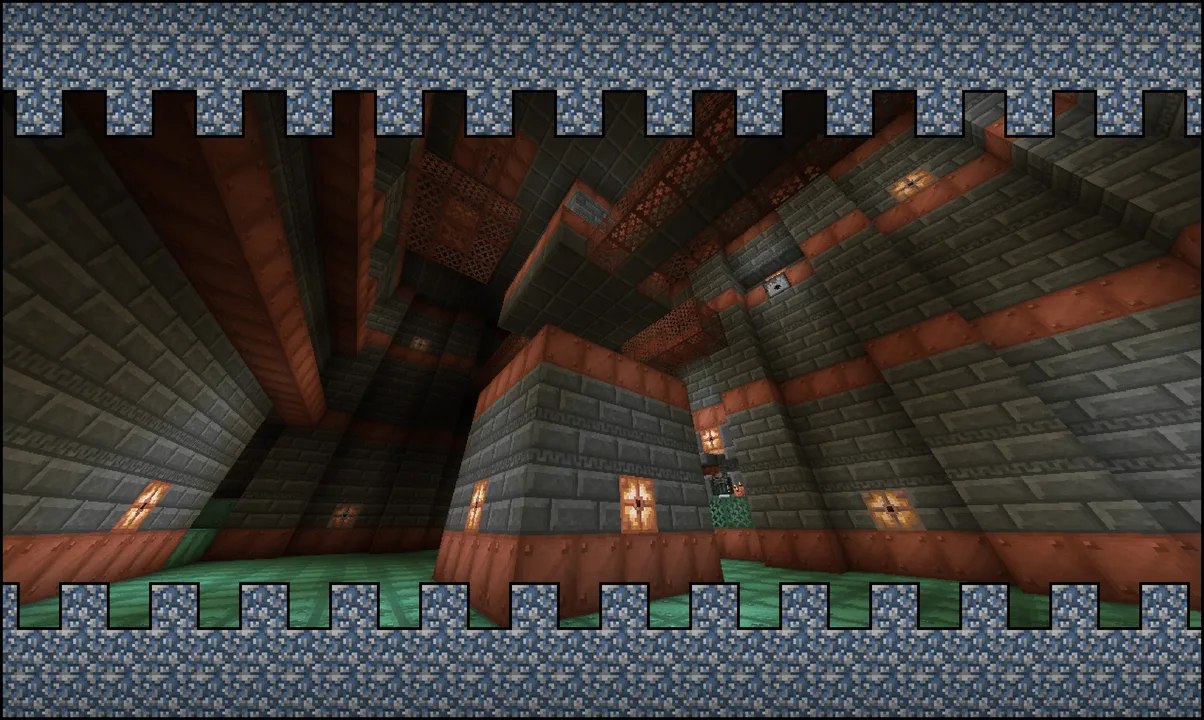
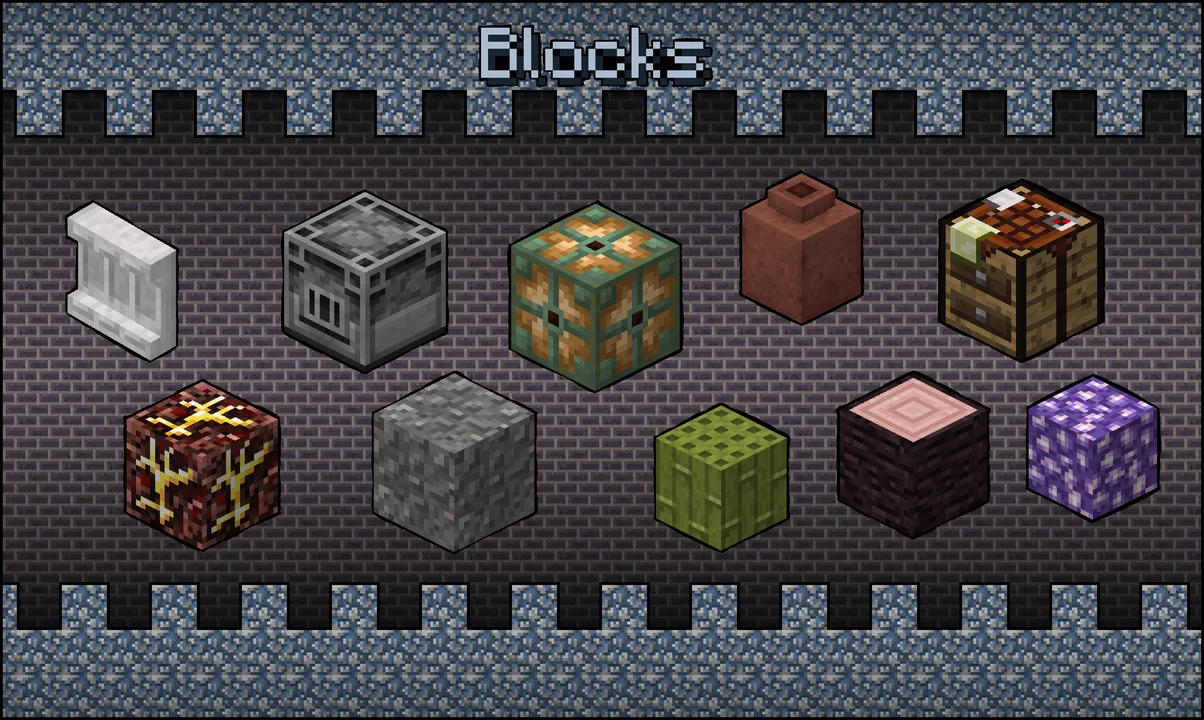
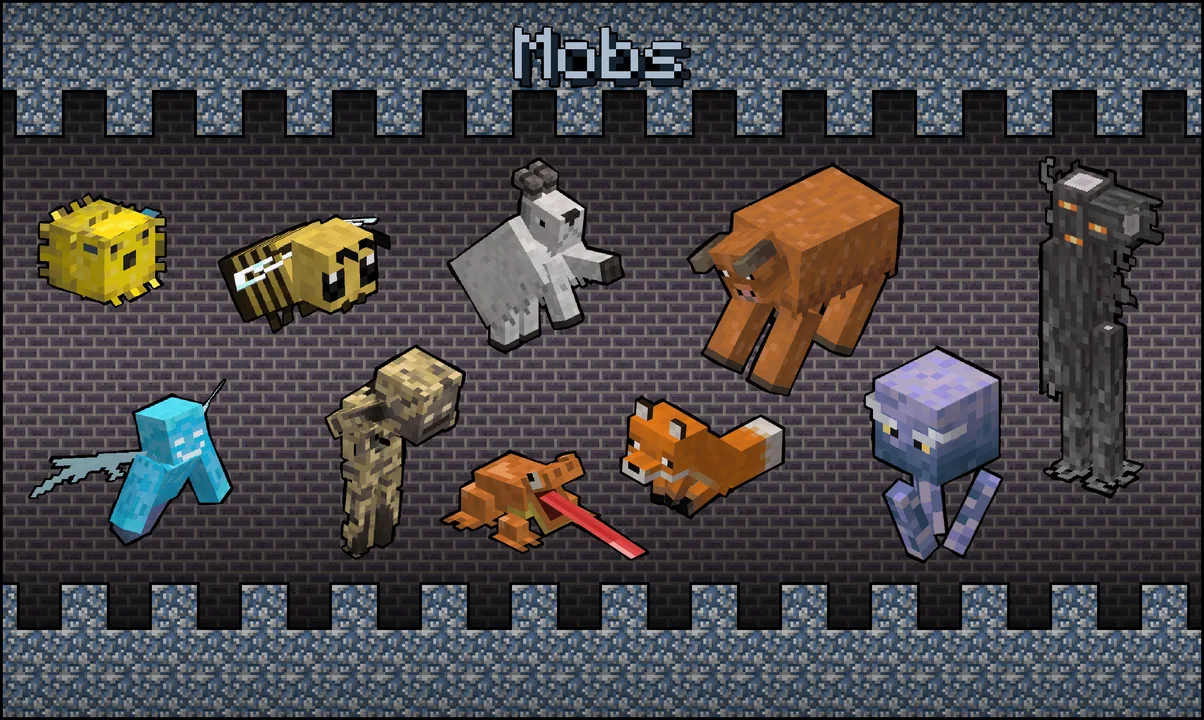
One of the key features of this texture pack is its faithful recreation of classic textures. Every new item and block introduced into Minecraft since the texture overhaul has been redrawn to fit the nostalgic style that many players long for. This means when you explore the vast landscapes or build intricate structures, you'll feel like you're stepping back into the earlier versions of Minecraft. The vibrant colors and simpler designs evoke a sense of nostalgia, making it an excellent choice for players who appreciate the roots of the game.
Gameplay-wise, using Classic Aspect can significantly enhance your experience, especially in survival and adventure modes. The textures make it easier to identify blocks and items, which can be particularly beneficial during exploration. For instance, when you’re mining in caves, the classic textures can help you quickly spot ores and other materials, making your resource gathering more efficient. This enhancement is crucial in survival gameplay where every second counts.
In creative mode, this texture pack shines by allowing players to construct visually appealing builds that resonate with the timeless styles of earlier Minecraft iterations. Builders can experiment with various designs and color schemes, all while enjoying the straightforward aesthetics of Classic Aspect. This can inspire creativity and encourage players to embrace a more artistic approach to their builds.
One noteworthy aspect of the Classic Aspect texture pack is its inclusion of subpacks. These additional packs allow players to select different themes, such as Legacy or Alpha, which cater to your specific nostalgia levels. Each subpack brings subtle variations in texture styles, making it easy for players to customize their experience according to their preferences. This feature allows for a level of personalization that can make your Minecraft world feel uniquely yours.
Performance is another factor to consider when using texture packs. Classic Aspect is optimized for Minecraft Bedrock, ensuring that it runs smoothly on a variety of devices, from mobile phones to gaming consoles. Players have reported that it does not heavily impact their device's performance, allowing for a seamless gaming experience without lag or texture loading issues. This compatibility is crucial for those who want to preserve their gameplay fluidity while enhancing the visual aspect of the game.
However, while Classic Aspect provides a nostalgic touch, it may not appeal to everyone. Players who prefer the sleek and crisp designs of the latest textures might find this pack less appealing. Additionally, those who are used to the more detailed and vibrant textures available might perceive the classic textures as too simplistic. Therefore, if you enjoy more modern aesthetics, this pack might not suit your tastes.
Ultimately, Classic Aspect is perfect for players who want to immerse themselves in the roots of Minecraft while enjoying the modern gameplay mechanics of Bedrock Edition. It's a great way to relive those early days, whether you're building, exploring, or surviving. Whether you are a veteran player looking to recapture the essence of your first adventures or a newcomer wanting to see what Minecraft was like before the updates, this texture pack offers a delightful experience that enhances gameplay without detracting from the core game mechanics.
Installation of Classic Aspect is straightforward and user-friendly for all versions of Minecraft Bedrock Edition. Just follow these easy steps to get started:
1. **Download the Texture Pack**: Obtain the Classic Aspect texture pack file, ensuring it’s compatible with Minecraft Bedrock Edition.
2. **Open Minecraft Bedrock Edition**: Launch the game on your preferred device, whether it be a console, mobile, or Windows.
3. **Access Settings**: Navigate to the main menu and select the 'Settings' option.
4. **Go to Storage**: Scroll down to find the 'Storage' section in the settings menu.
5. **Import the Pack**: Within the storage section, look for the option to ‘Import’ or ‘Manage Packs’. Select it and find the downloaded texture pack file to import it into the game.
6. **Apply the Texture Pack**: After importing, return to the 'Settings' and navigate to 'Global Resources'. Here, you will see your imported pack under ‘Available Packs’. Simply select it and click the arrow to apply it to your game.
7. **Create or Enter a World**: Now that you’ve applied the texture pack, enter an existing world or create a new one to experience the classic textures in your Minecraft journey.
By following these steps, you’ll be fully equipped to enjoy the vintage visual transformation that Classic Aspect brings to your gameplay. Dive into your Minecraft world with a fresh perspective, and relish in the charm of its classic aesthetics.
ad
About the Content
CHANGELOG:
- Original release featuring classic textures adapted for new Minecraft items
- Updated for better compatibility with the latest Bedrock updates
- Enhanced texture clarity and color balance for a more vibrant look
- Fixed minor bugs affecting visibility on specific blocks
- Added new optional subpacks for various classic themes
Installation
1. **Download the Texture Pack**: Start by downloading the Classic Aspect texture pack file from a trusted source.
2. **Access the Game**: Launch Minecraft Bedrock Edition on your device.
3. **Navigate to Settings**: Go to the main menu and choose 'Settings'.
4. **Storage Management**: Look for the 'Storage' section and select 'Manage Packs'.
5. **Import the File**: Click the option to import or add a new pack, then locate the downloaded texture pack file.
6. **Select and Apply**: Once imported, return to 'Global Resources' in the settings and select the texture pack to apply it.
7. **Load Your World**: Enter a new or existing world to start playing with the Classic Aspect textures.
Supported Minecraft Versions
26.50 26.40 26.30 26.20 26.13 26.12
If the download button doesn't work, click here for alternatives
If you are the original creator and would like this content removed, please submit a request through our DMCA page.