MCPE OptiDark Texture Pack for Minecraft Bedrock
Skip to DownloadOptiDark is a dedicated texture pack designed for Minecraft Bedrock Edition, enhancing gameplay by reducing lag and optimizing visual performance while maintaining clean, stylish graphics. Perfect for players looking to improve their game experience on lo
ad
Description
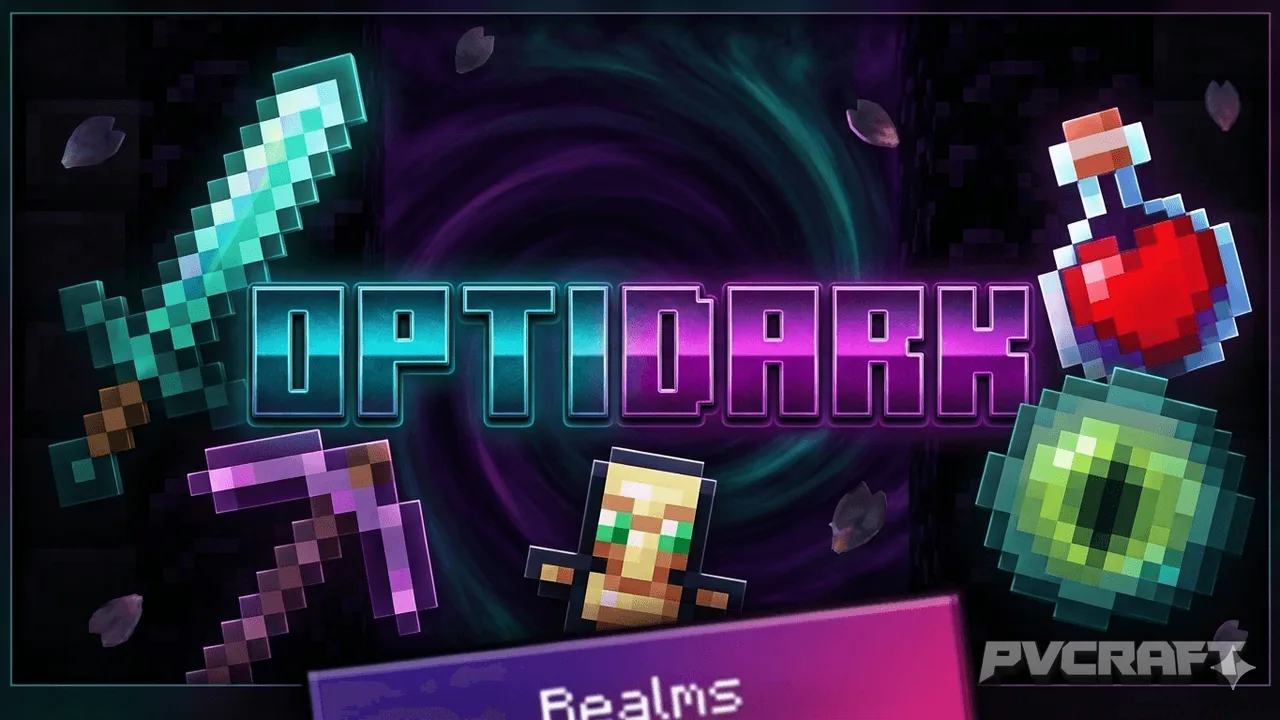
In the diverse world of Minecraft Bedrock Edition, performance and visual quality are often at odds, especially for players on mobile devices or older consoles. The OptiDark Texture Pack emerges as a compelling solution to this challenge. Created by snowgem, this texture pack is tailored to reduce lag while enhancing the overall aesthetic experience of the game. With this pack, you can expect a sleeker, more polished interface coupled with significant performance benefits, making exploration and creativity more enjoyable.
One of the primary benefits of using the OptiDark pack is its focus on performance optimization. Lag can severely impact your ability to explore, build, and engage in combat within Minecraft. By streamlining textures and improving how the game loads visual assets, this pack helps maintain a stable frame rate, particularly on devices that might struggle with the default graphical settings. Players who have experienced frustrating lag spikes will appreciate the smoother gameplay that OptiDark facilitates.
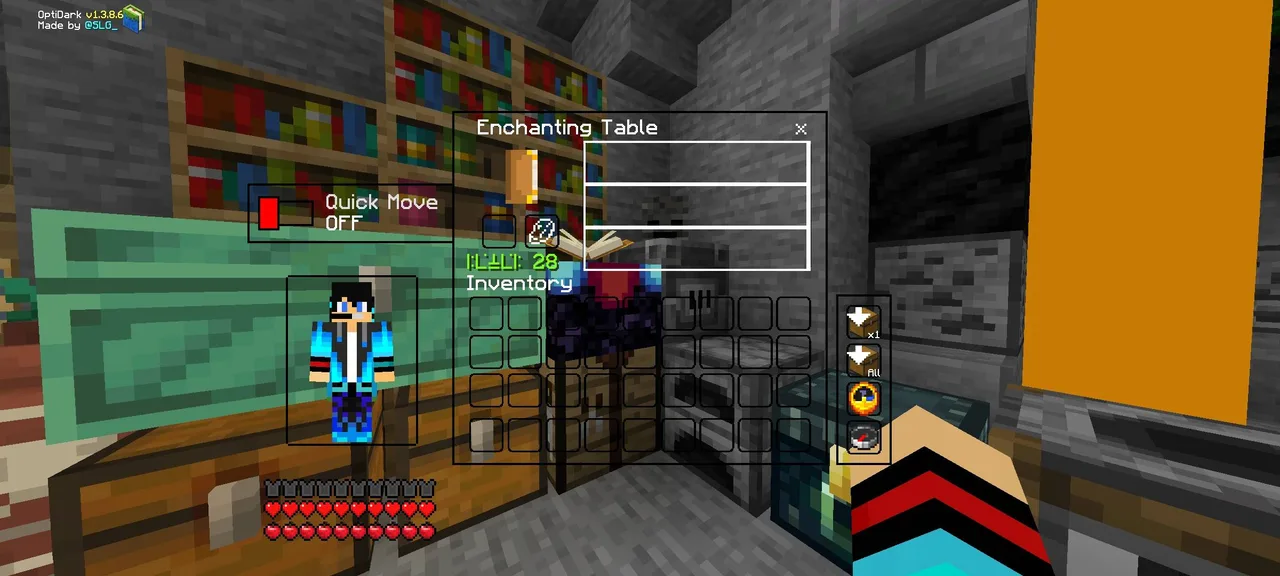
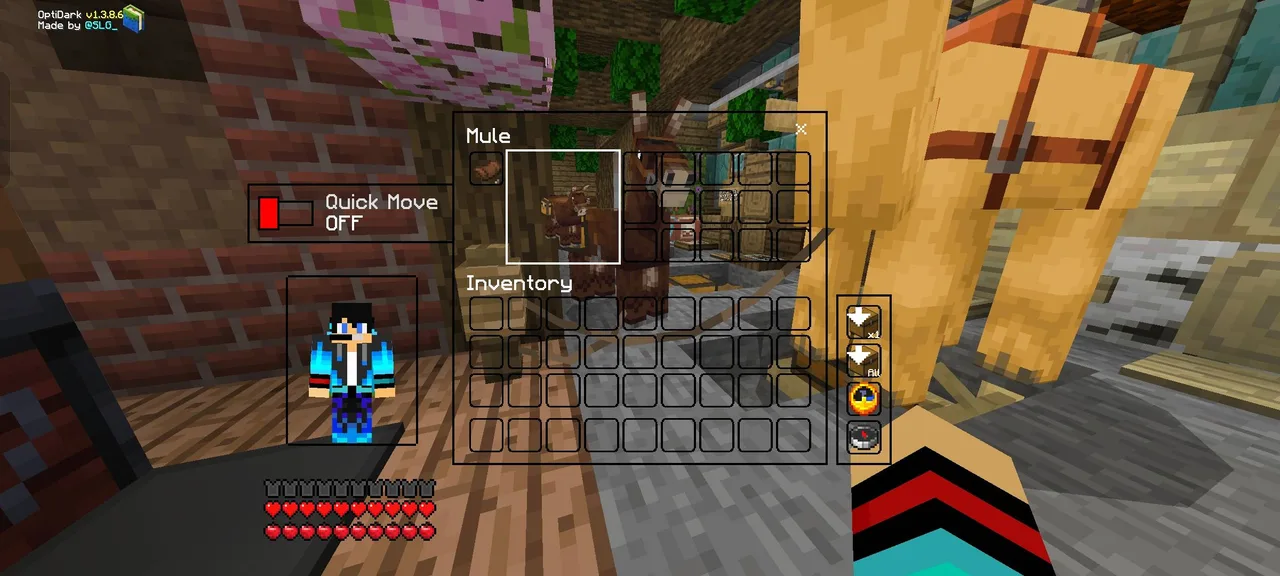
The design philosophy behind OptiDark also emphasizes a minimalist aesthetic, with clean user interface elements that do not detract from the immersive experience that Minecraft offers. This means that as you mine, craft, and build, your surroundings will not just look good but also feel less cluttered. A clean UI can enhance your gameplay experience by allowing for easier navigation through menus and inventories, which is particularly beneficial during intense gaming sessions.
Moreover, OptiDark includes a variety of graphical features aimed at enhancing your experience. Custom loading screens and backgrounds help to deliver a fresh look each time you enter the game. The smooth font changes and custom control button UI also contribute to a more cohesive gaming experience. Such modifications provide clarity and ease, allowing players to focus more on gameplay rather than struggling with an awkward interface.
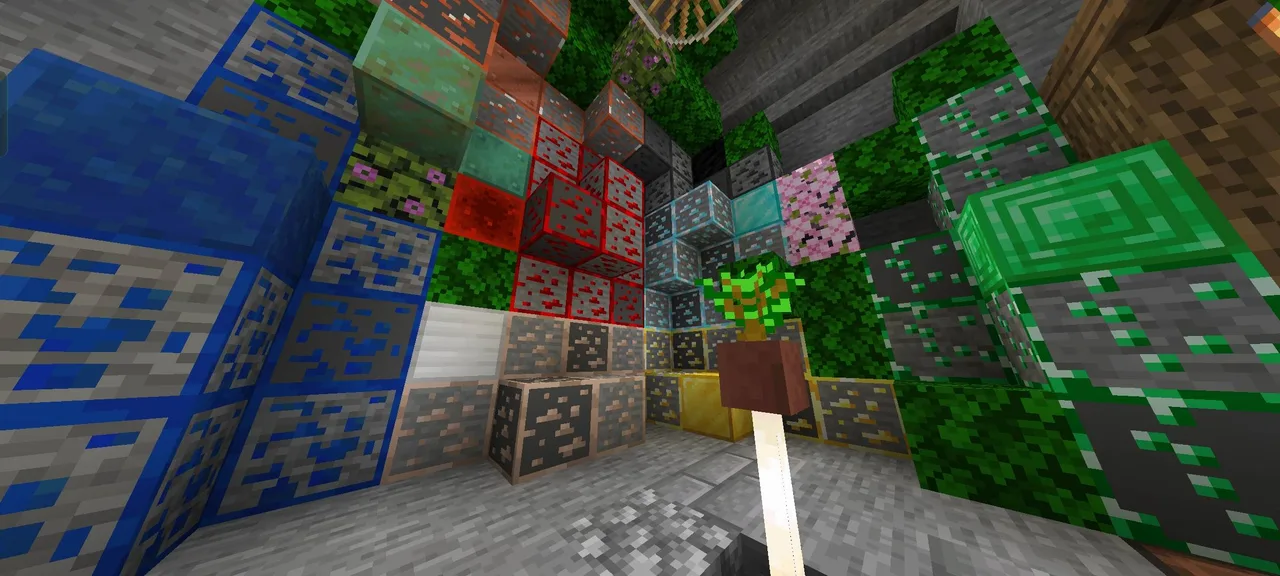
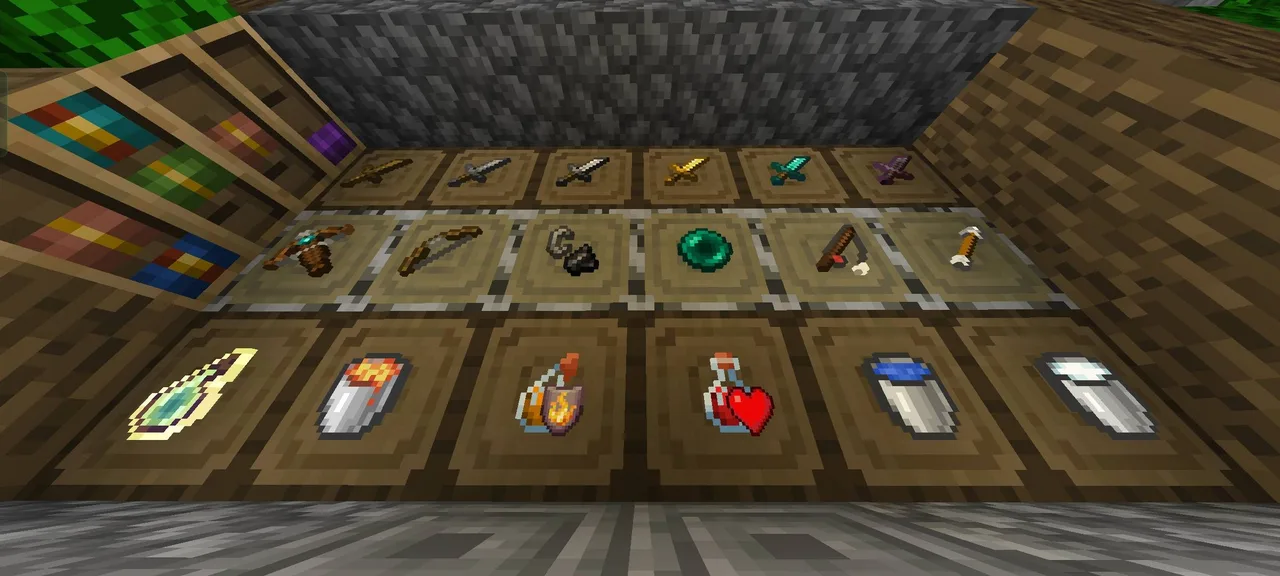
In terms of visual changes, the texture pack also revamps several blocks and items in the game. For instance, players will notice modifications in the appearance of certain building materials, offering a refreshing twist compared to the vanilla textures. The outlined ores and detailed resource blocks not only look appealing but can also assist in gameplay by making resources easier to identify in the environment. This can be particularly beneficial in survival mode, where quick recognition of materials can give players a strategic advantage.
Furthermore, the pack’s adjustments don't just stop at aesthetics; they extend to gameplay mechanics as well. For example, players can experience enhanced particle effects, or in some cases, the reduction of unnecessary animations that can bog down performance. The low fire and clean water textures not only look better but also help in managing the graphical load on your device. This combination of visual appeal and performance optimization makes OptiDark a well-rounded choice for any player looking to enhance their Minecraft experience.
Players who benefit the most from OptiDark are those who engage heavily in creative building or survival gameplay, particularly on lower-end devices. If you often find yourself frustrated with lag during critical moments, this texture pack can make a noticeable difference. However, players who prefer more complex graphical designs or are using high-end devices may not fully appreciate the simplicity and optimizations of this pack.
In summary, OptiDark serves as a bridge between performance and aesthetics within Minecraft Bedrock Edition. Its focus on a clean interface and optimization makes it an invaluable tool for many players. Whether you're battling mobs in survival mode or building the ultimate fortress in creative mode, this texture pack adds a layer of refinement that can significantly enhance your gameplay experience. If you're looking to minimize lag while enjoying a visually appealing world, OptiDark may be just what you need.
ad
About the Content
CHANGELOG:
- Initial release with core features
- Added enhancements for smoother gameplay
- Improved texture clarity and detail
- Optimized settings for low-end devices
- Addressed minor bugs affecting visual performance
Installation
To install the OptiDark texture pack in Minecraft Bedrock Edition, follow these steps:
1. **Download the Texture Pack**: Obtain the OptiDark texture pack file, which is typically in .mcpack format.
2. **Access Minecraft**: Launch Minecraft Bedrock Edition on your device. Ensure that you have a stable internet connection.
3. **Import the Pack**: Once the .mcpack file is downloaded, tap on it. Minecraft should automatically launch and prompt you that the pack has been imported successfully.
4. **Apply the Pack**:
- Go to the main menu and click on ‘Settings.’
- Navigate to ‘Storage’ and select ‘Resource Packs.’
- Locate OptiDark in the list of available packs and click on it to activate.
5. **Create or Load a World**: To see the changes, either create a new world or load an existing one. Ensure that you have the OptiDark pack selected in the world settings.
6. **Enjoy Your New Experience**: After entering your world, you should notice the graphical changes and performance enhancements that OptiDark brings. Explore, build, and enjoy a smoother Minecraft experience!
Supported Minecraft Versions
26.40
If the download button doesn't work, click here for alternatives
If you are the original creator and would like this content removed, please submit a request through our DMCA page.