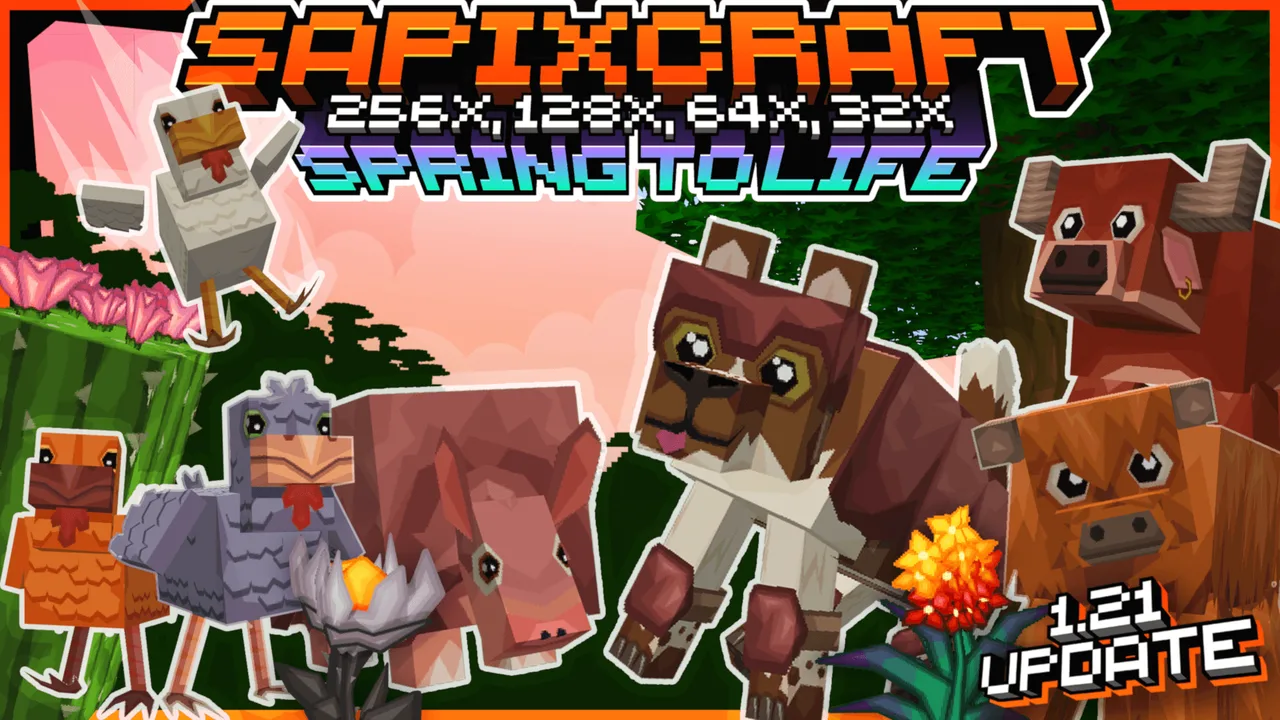
MCPE Sapixcraft Bedrock 32x Lite Texture Pack
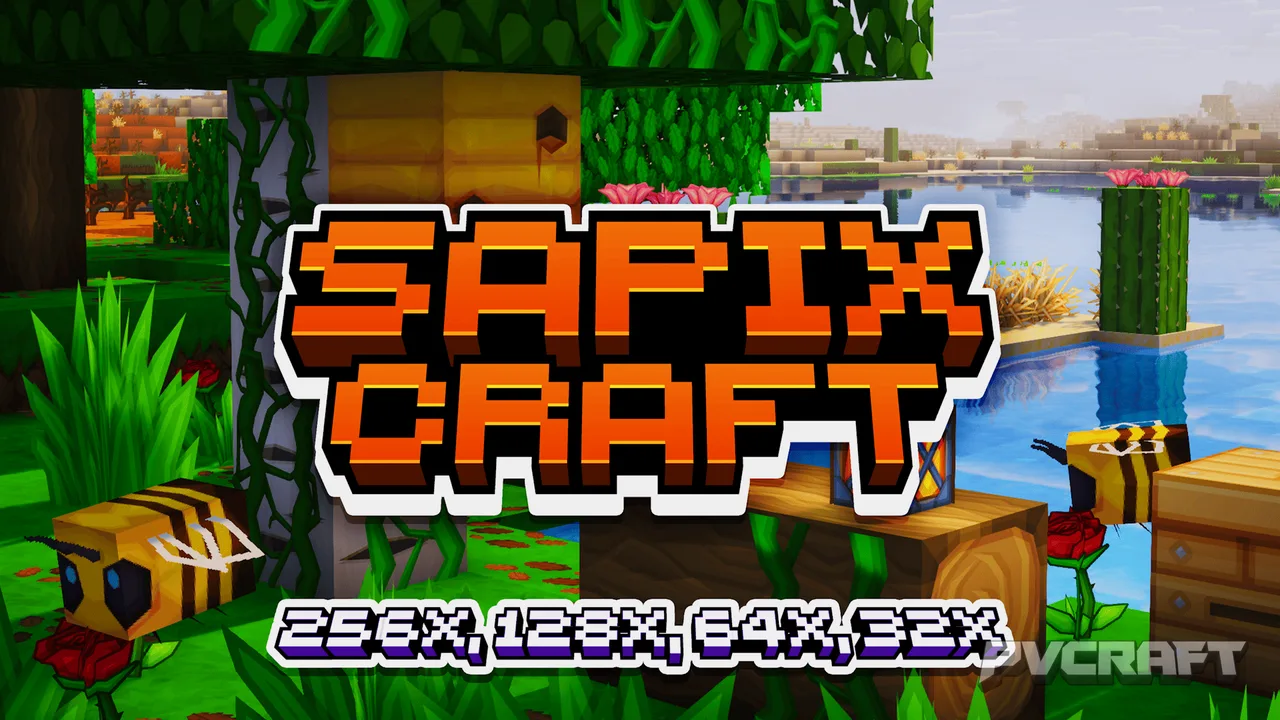
Skip to DownloadTransform your Minecraft Bedrock experience with the 32x Lite texture pack by Sapix. This vibrant, cartoony style enhances the game’s visuals while retaining its classic charm, perfect for players seeking a fresh aesthetic.
ad
Description
In the world of Minecraft Bedrock Edition, the visuals can make or break your immersive experience. Enter the Sapixcraft Bedrock 32x Lite texture pack, a quality addition for players who crave a visually appealing yet playable environment. This texture pack reimagines the Minecraft aesthetic with a bold, vibrant palette that breathes new life into the game while staying true to its roots. Designed with performance in mind, it is particularly suited for those who enjoy a smooth gaming experience without compromising on style.
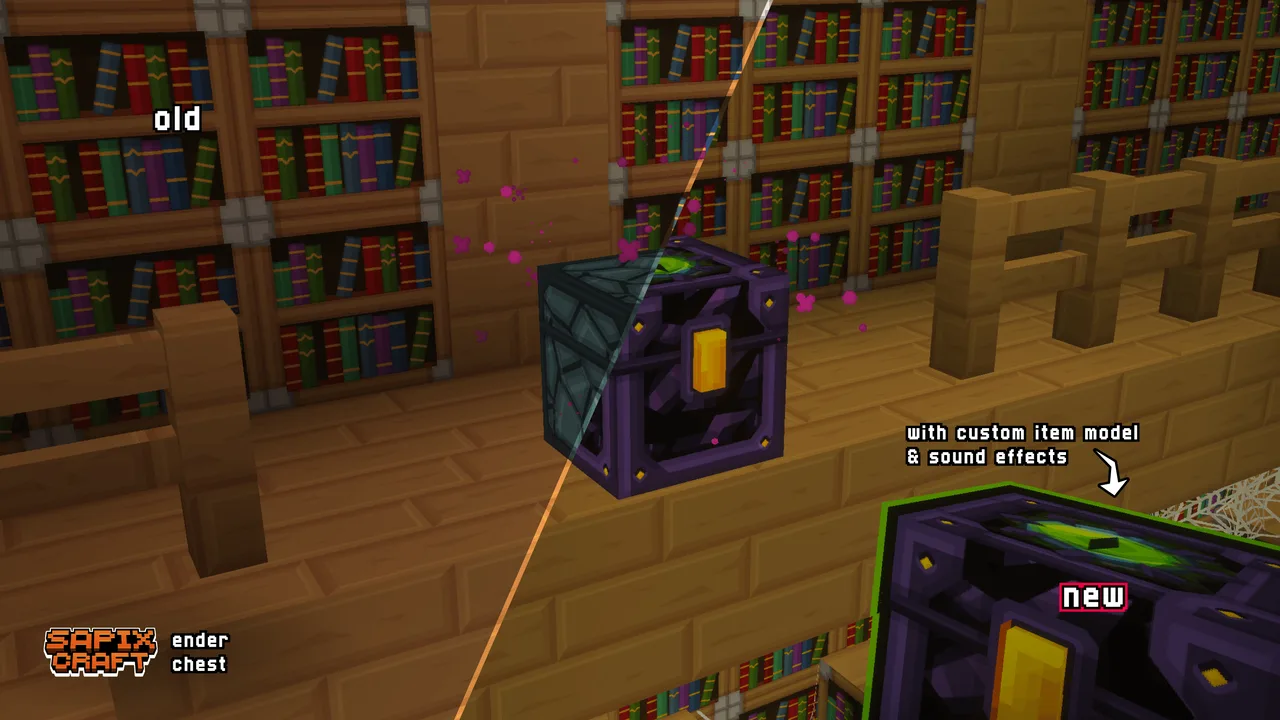
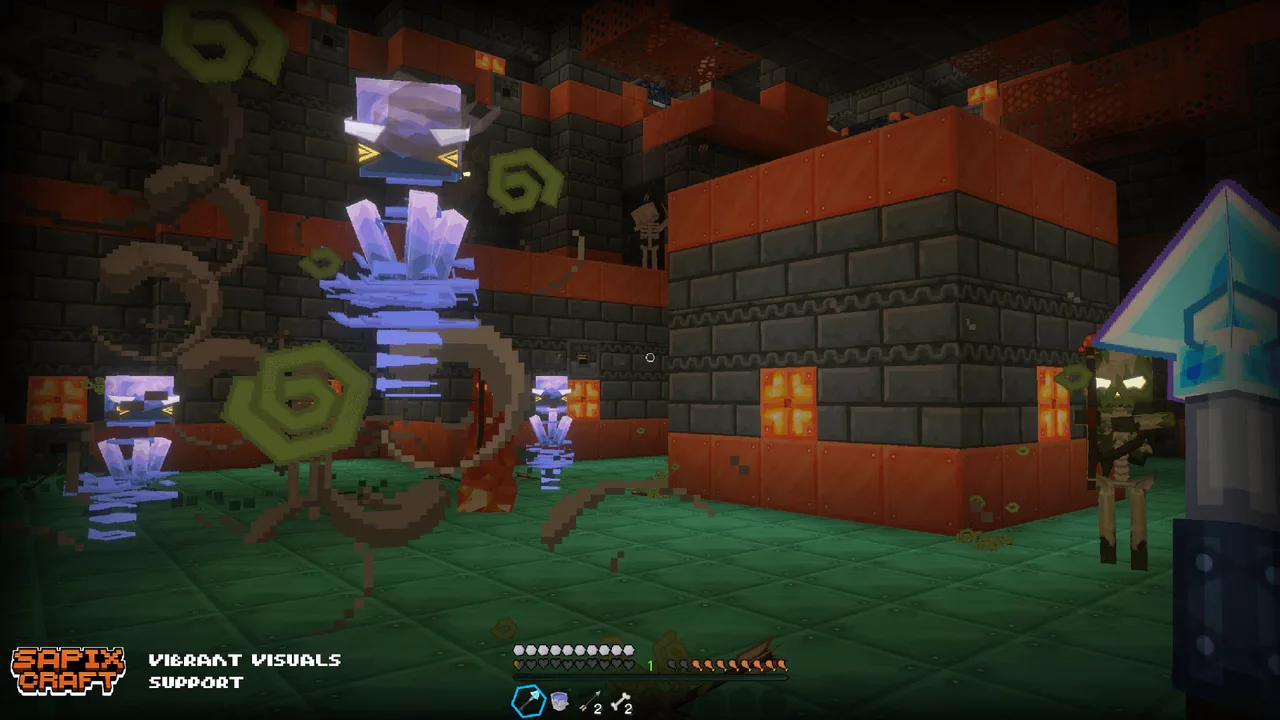
One of the standout features of the Sapixcraft texture pack is its unique cartoony style. Unlike many traditional texture packs that may lean towards realism, this option embraces a playful aesthetic. This choice can significantly enhance your building projects in creative mode, where visual flair is key to expressing your architectural aspirations. From colorful landscapes to whimsically styled blocks, players can cultivate environments that reflect their unique style, making every crafting session a delight.
The pack operates at a resolution of 32x, which is a sweet spot for those who desire improved clarity over the default textures without the significant performance hit that higher resolutions might incur. This makes it particularly advantageous for players on mobile devices or less powerful consoles who still want a rich visual experience. The Lite version ensures that you can enjoy the enhanced graphics without lagging gameplay, allowing for seamless exploration and building.
When you install the Sapixcraft texture pack, you’ll immediately notice how the textures transform the ambiance of your world. Grass appears lush and vibrant, while wood blocks exhibit a warm, inviting hue. This shift not only makes landscapes more engaging but also contributes to a more immersive gameplay experience. Exploring your surroundings becomes a feast for the eyes, and the joy of crafting in such an environment can reignite your creative spark.
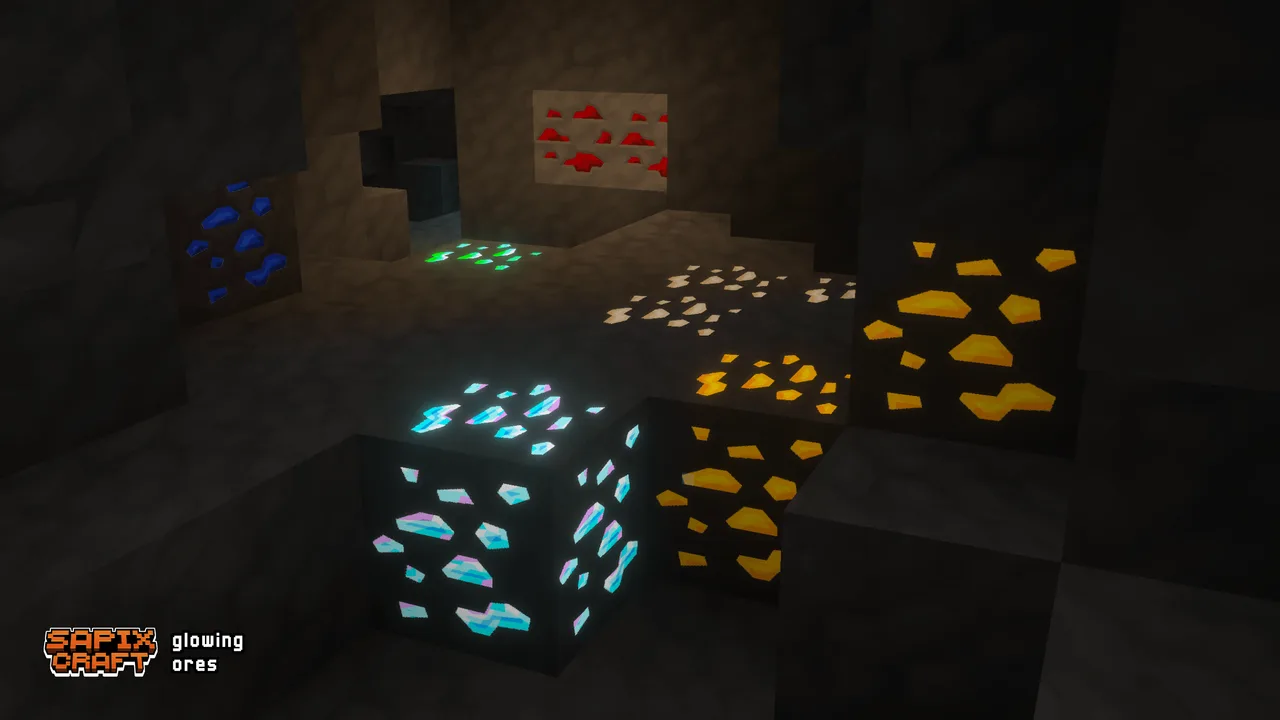
In survival mode, the textured elements can lead to a more engaging interaction with the world. The clearer and more colorful environments can make identifying resources easier, which is a practical benefit for players navigating caves or dense forests. The textures also aid in making your base feel more personalized and unique as your surroundings take on a character of their own through the enhanced detail.
While the Sapixcraft texture pack is incredibly appealing, it is worth noting a couple of considerations. Some players may find that the cartoony style does not suit their preferred aesthetic, especially if they lean towards a more realistic or gritty look. For those users, other texture packs might be more appropriate. Additionally, while the 32x resolution is optimized for performance, players with older devices may still experience some frame rate drops during heavy gameplay scenarios, such as during intense battles or when rendering large structures.
Overall, the Sapixcraft Bedrock 32x Lite texture pack is a wonderful choice for players looking to refresh their Minecraft Bedrock experience. It strikes a balance between style and performance, making it ideal for various playing styles, whether you’re a builder, an explorer, or a fighter. The whimsical, cartoonish textures create a unique environment that captures the essence of Minecraft while inviting players to engage more deeply with their worlds. If you seek a vibrant twist to your Minecraft adventures, this texture pack is definitely worth considering.
ad
About the Content
CHANGELOG:
- Initial release of the 32x Lite texture pack.
- Enhanced color vibrancy for natural elements.
- Improved cartoonish textures for a whimsical look.
- Optimized for performance on mobile and console.
- Fixed minor bugs affecting texture display in certain biomes.
Installation
Installing the Sapixcraft Bedrock 32x Lite texture pack is a straightforward process. Follow these steps to enhance your Minecraft experience:
1. **Download the Texture Pack**: Start by downloading the texture pack file from your chosen source. Ensure it’s compatible with Minecraft Bedrock Edition.
2. **Open Minecraft**: Launch the Minecraft Bedrock Edition on your device.
3. **Access Settings**: From the main menu, navigate to 'Settings'. You’ll find this option at the bottom of the screen.
4. **Select Storage**: In the settings menu, scroll down and select 'Storage'. This is where you can see your installed packs.
5. **Import the Pack**: Look for the 'Import' button. Click it, and navigate to the location where you saved the downloaded texture pack. Select the file to import it into Minecraft.
6. **Activate the Pack**: After importing, go back to the 'Settings' menu, select 'Global Resources', and locate the Sapixcraft texture pack. Tap on it and select 'Activate' to apply the pack to your game.
7. **Start a Game**: With the texture pack activated, enter your world. You should immediately notice the vibrant new textures enhancing your gameplay experience.
Make sure to adjust any in-game settings if necessary to optimize performance and enjoy the best experience with the new textures.
Supported Minecraft Versions
26.30 26.20 26.13 26.12
If the download button doesn't work, click here for alternatives
If you are the original creator and would like this content removed, please submit a request through our DMCA page.