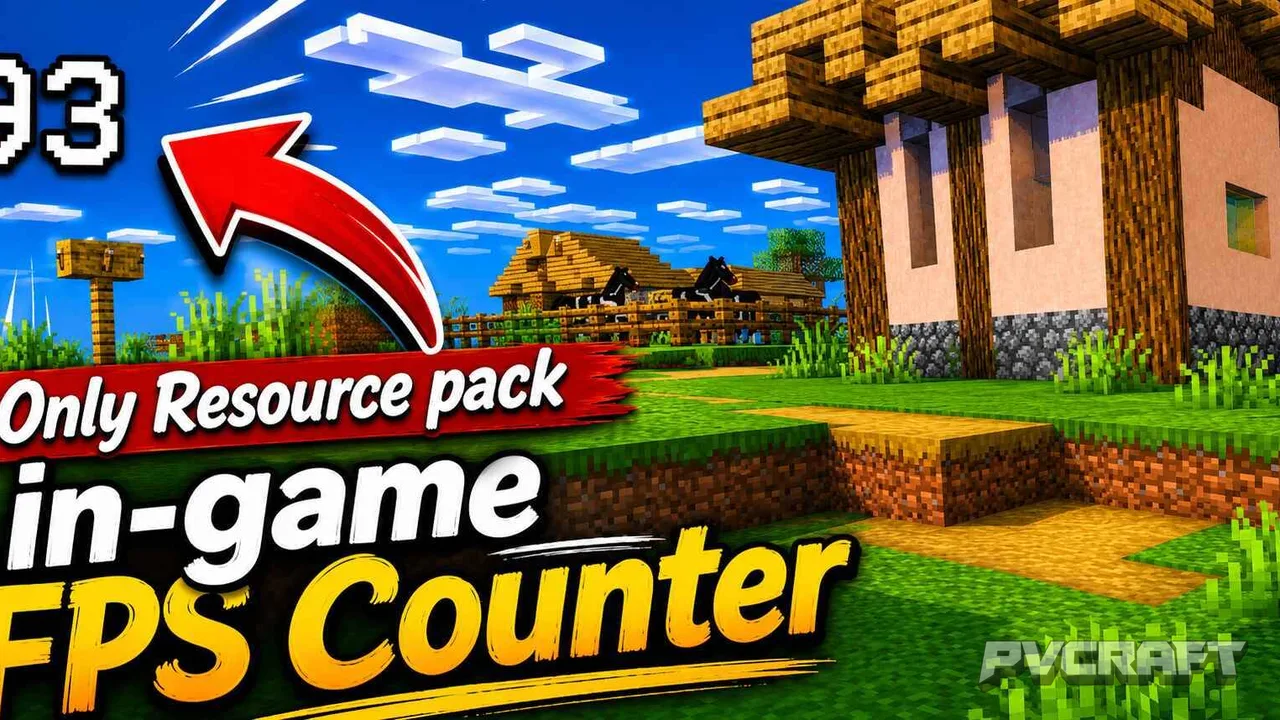

MCPE Real FPS Counter for Minecraft Bedrock
Skip to DownloadThe Real FPS Counter texture pack for Minecraft Bedrock Edition provides players with an in-game display of their frames per second (FPS) right on the HUD. This tool enhances gameplay by allowing players to monitor performance in real-time, ensuring smoot
ad
Description
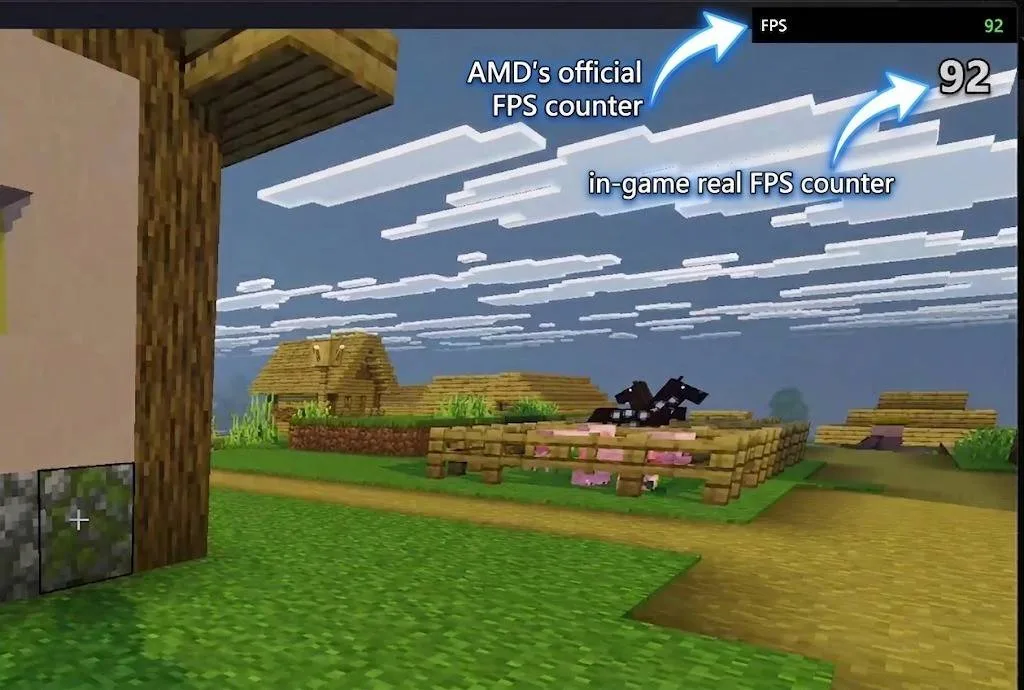
The Real FPS Counter texture pack is a unique and incredibly useful addition for players of Minecraft Bedrock Edition who want to keep an eye on their performance metrics while immersed in the game. This texture pack seamlessly integrates an FPS counter into the game’s HUD (Heads-Up Display), allowing players to monitor their frames per second in real-time without any intrusive overlays or interruptions. The ability to see your FPS while playing can lead to a more enjoyable gaming experience, particularly in scenarios where performance is critical, such as competitive PvP matches or when exploring vast, complex worlds.
What sets this texture pack apart is its user-friendly design. Once installed, the FPS counter appears on the screen, showing the current frames per second without obscuring important gameplay elements. This allows players to gauge their Minecraft experience effectively. If you notice your FPS dipping, you can quickly adjust your settings, whether it’s lowering render distance, disabling fancy graphics, or managing other visual options, to achieve a smoother performance.
Beyond just being a handy tool for performance monitoring, the Real FPS Counter texture pack also ensures that all achievements remain enabled. This means players can strive for their in-game goals without sacrificing the ability to track their performance. Many other mods or addons may disable achievements, making this feature particularly appealing as it provides a full-fledged gaming experience.
In terms of compatibility, the Real FPS Counter is designed specifically for Minecraft Bedrock Edition. It performs optimally across various platforms, including mobile devices, consoles, and Windows systems. Regardless of how you play Minecraft, you can take advantage of this FPS counter to enhance your gameplay. The texture pack does not require any behavior pack, simplifying the installation process and making it accessible to a broader audience.
Installation is straightforward, which means you won’t need to deal with complicated setups. Once installed, you can jump right into the action without worrying about additional configurations. The FPS counter provides constant updates, allowing players to keep an eye on their performance metrics as they navigate through blocky terrains or engage in combat.
For players who prioritize performance, particularly in high-stakes situations like PvP battles or when exploring new worlds filled with intricate builds and numerous entities, this texture pack becomes essential. Knowing your frame rate can be the difference between a smooth victory or a lag-induced defeat. As you battle against foes or mine through massive caves, having immediate access to this information is invaluable.
Furthermore, the Real FPS Counter can also be beneficial for content creators. Streamers and YouTubers often need to maintain high frame rates for smooth video output. By utilizing this texture pack, they can monitor their performance while gaming, ensuring that their viewers enjoy a seamless experience without technical hiccups.
Overall, the Real FPS Counter texture pack is a game-changer for Minecraft Bedrock players focused on performance and competitive play. Its straightforward integration and functionality allow players to maintain a smooth gaming experience while providing essential performance data. Whether you’re a casual player looking to optimize your settings or a dedicated gamer aiming to improve your skills, this texture pack will undoubtedly enhance your Minecraft experience.
ad
About the Content
CHANGELOG:
- Initial release featuring in-game FPS display
- Improved HUD integration for better visibility
- Enhanced compatibility with various devices
- Minor bug fixes for smoother performance
- Updated textures to enhance visual clarity
Installation
Installing the Real FPS Counter texture pack in Minecraft Bedrock Edition is a simple process. Follow these steps to ensure you have the pack set up correctly:
1. **Download the Pack**: Locate the Real FPS Counter texture pack file on your device. It should be in .mcpack format, which is compatible with Minecraft Bedrock.
2. **Open Minecraft**: Launch Minecraft Bedrock Edition on your device. If you’re using a mobile device, console, or Windows, ensure you’re logged into your account.
3. **Access Settings**: From the main menu, click on 'Settings'. This will take you to the options menu where you can manage your game settings.
4. **Select Storage**: In the settings menu, go to the 'Storage' section to find the option to manage your texture packs and behavior packs.
5. **Import the Pack**: Click on 'Import' and select the downloaded .mcpack file. The game will automatically recognize the file and import it into your texture packs.
6. **Activate the Pack**: Once imported, navigate back to the main settings menu and go to 'Global Resources'. Here, you will see your new texture pack. Tap on it and select 'Activate' to enable the FPS counter in your game.
7. **Start Your Game**: Exit the settings and select your world or start a new game. You should now see the FPS counter displayed on your HUD, allowing you to monitor your performance as you play.
By following these steps, you will have the Real FPS Counter texture pack installed and ready to enhance your Minecraft Bedrock gaming experience.
Supported Minecraft Versions
26.20
If the download button doesn't work, click here for alternatives
If you are the original creator and would like this content removed, please submit a request through our DMCA page.