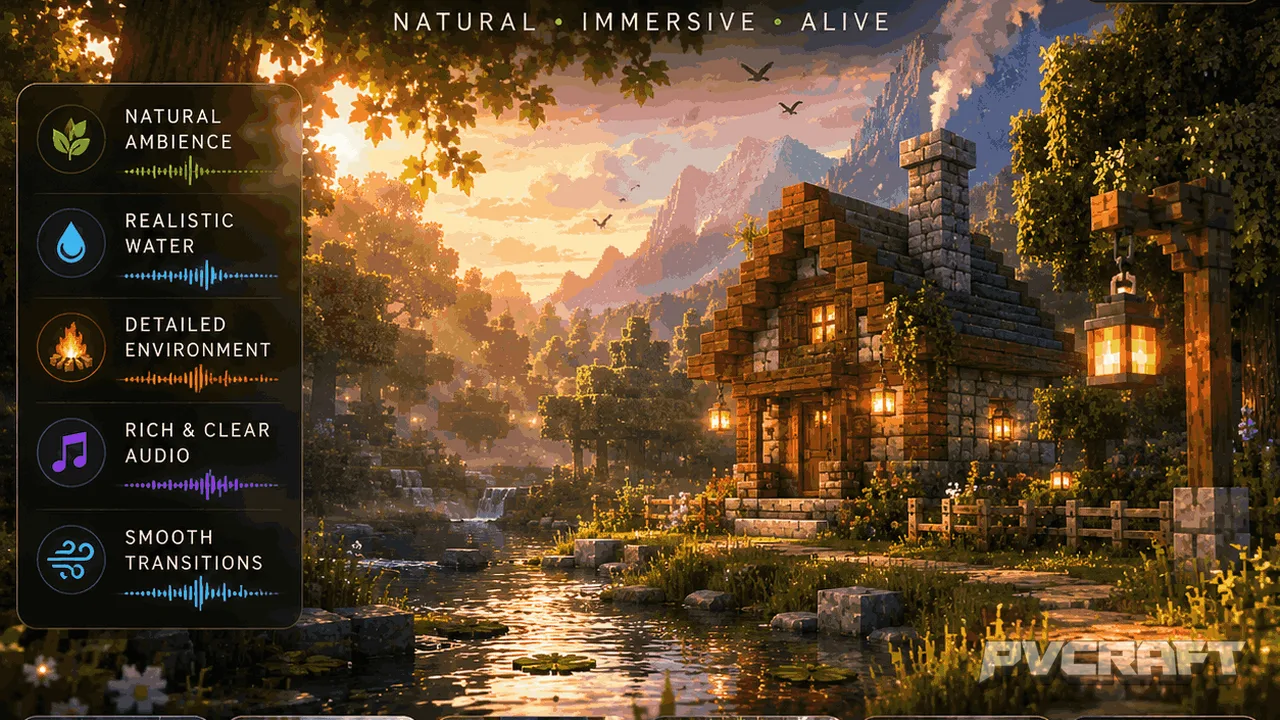
MCPE Realistic Sound Experience for Minecraft Bedrock
Skip to DownloadEnhance your Minecraft Bedrock experience with the More Sounds Realistic texture pack, transforming ordinary sound effects into immersive, high-definition audio. This pack enriches every action, from footsteps to combat sounds, for a more engaging gamepla
ad
Description
In the world of Minecraft Bedrock Edition, sound plays a crucial yet often overlooked role in shaping a player's experience. The More Sounds Realistic texture pack brings a significant enhancement in audio quality, transforming the mundane, robotic sounds of vanilla Minecraft into a rich tapestry of immersive audio. This transformation is not merely cosmetic; it fundamentally alters how players engage with their environments, enhancing everything from exploration to combat.
Imagine wandering through a dense forest or traversing a sandy desert. With the More Sounds Realistic pack, each step you take resonates differently, echoing the unique characteristics of each terrain. Whether you are walking on grass, stone, or sand, the distinct sounds create an auditory landscape that feels alive. This level of detail is not just for show; it impacts gameplay by providing players with audio cues that enhance navigation and immersion.
In combat scenarios, the audio overhaul becomes even more apparent. Players will experience punchy weapon sounds that add a satisfying layer to each strike, be it with a sword, bow, or any other weapon. The distinct sounds of arrows whizzing by or swords clashing against armor provide immediate feedback that can be vital in the heat of battle. This realism not only enriches the gameplay but can also contribute to strategic advantages, as players can gauge the intensity of combat through sound alone.
The More Sounds Realistic pack doesn’t stop at just combat and movement; it extends to ambient sounds as well. Environments such as caves, forests, and underwater realms are brought to life with layered soundscapes that mimic real-world acoustics. For example, the echo of your footsteps in a cave or the rustle of leaves in a forest creates a setting that feels more authentic and engaging. Such detail can alter how players approach exploration and discovery, encouraging deeper interaction with the world around them.
This texture pack is particularly beneficial for survival mode players who rely on auditory information to make split-second decisions. The realistic sound effects can provide alerts to nearby mobs or changes in the environment that may otherwise go unnoticed. In a survival context, these enhancements can mean the difference between thriving and simply surviving.
Moreover, the More Sounds Realistic pack is designed with performance in mind. It is optimized to run smoothly on all devices that support Minecraft Bedrock Edition. This means that players can enjoy the enriched audio experience without worrying about lag or reduced performance, ensuring that the immersive soundscapes do not come at the cost of gameplay fluidity.
However, it's important to note that the overall experience may vary based on individual preferences and hardware capabilities. Players who prefer the minimalist sounds of vanilla Minecraft might find the new audio effects overwhelming or distracting at first. In contrast, those seeking deeper immersion and realism are likely to find it a vital addition to their gaming toolkit.
This pack is perfect for players who enjoy custom experiences and wish to enhance the way they interact with Minecraft's environments. Whether you're building, exploring, or engaging in battles, the audio enhancements create a more engaging atmosphere that pulls you deeper into the Minecraft world. For builders, the satisfaction of placing blocks or triggering mechanisms is amplified with the new sound effects, making each construction project feel more rewarding.
In summary, the More Sounds Realistic texture pack is more than just an auditory upgrade. It enhances gameplay, increases immersion, and provides practical benefits for survival and exploration. Players who download this pack will find themselves in a more vibrant and alive Minecraft universe, where every step, every action, and every interaction has a sound that resonates with realism.
ad
About the Content
CHANGELOG:
- Initial release featuring enhanced audio effects
- Expanded sound library with additional environmental sounds
- Improved footstep audio across different terrains
- Fixed minor glitches in ambient sound transitions
- Optimized for smoother performance on all devices.
Installation
Installing the More Sounds Realistic texture pack in Minecraft Bedrock Edition is a straightforward process. Follow these steps to get it set up:
1. **Download the Pack**: First, acquire the .mcpack file from the designated source. Ensure you have the latest version compatible with your Minecraft Bedrock.
2. **Import to Minecraft**:
- **For Windows 10/11**: Simply double-click the downloaded .mcpack file. This action should automatically launch Minecraft and import the pack.
- **For Android/iOS**: Use your device's file manager to locate the downloaded .mcpack file. Tap on the file and choose "Open with Minecraft" to import it.
3. **Activate the Pack**: Open Minecraft and navigate to the 'Settings' menu. Go to 'Global Resources' and find the More Sounds Realistic texture pack under "My Packs". Select it and click "Activate" to enable the pack within your game.
4. **Adjust Audio Settings**: For the best experience, make sure to adjust your audio settings in Minecraft. Increase the sound sliders to ensure you can fully appreciate the enhanced audio effects.
By following these steps, you'll be well on your way to enjoying a more immersive sound experience in Minecraft Bedrock Edition.
Supported Minecraft Versions
26.30 26.20 26.13 26.12 26.11
If the download button doesn't work, click here for alternatives
If you are the original creator and would like this content removed, please submit a request through our DMCA page.