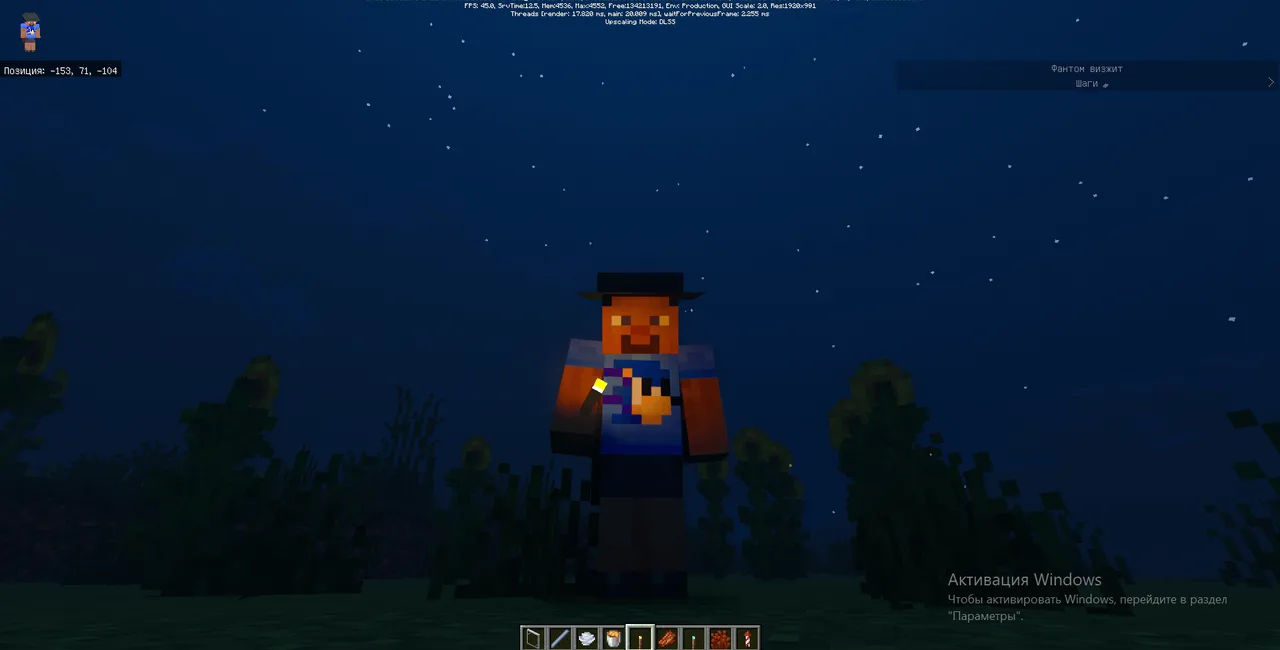
MCPE Enhanced Visual Experience with Default RTX
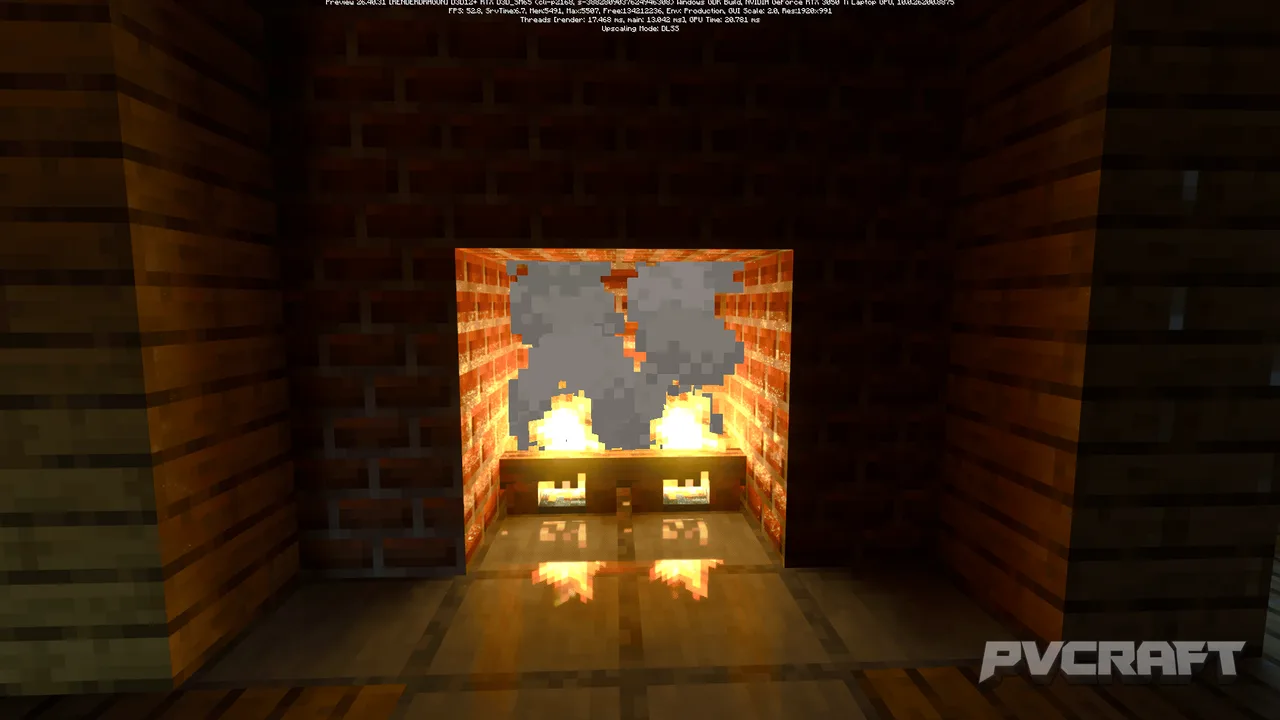
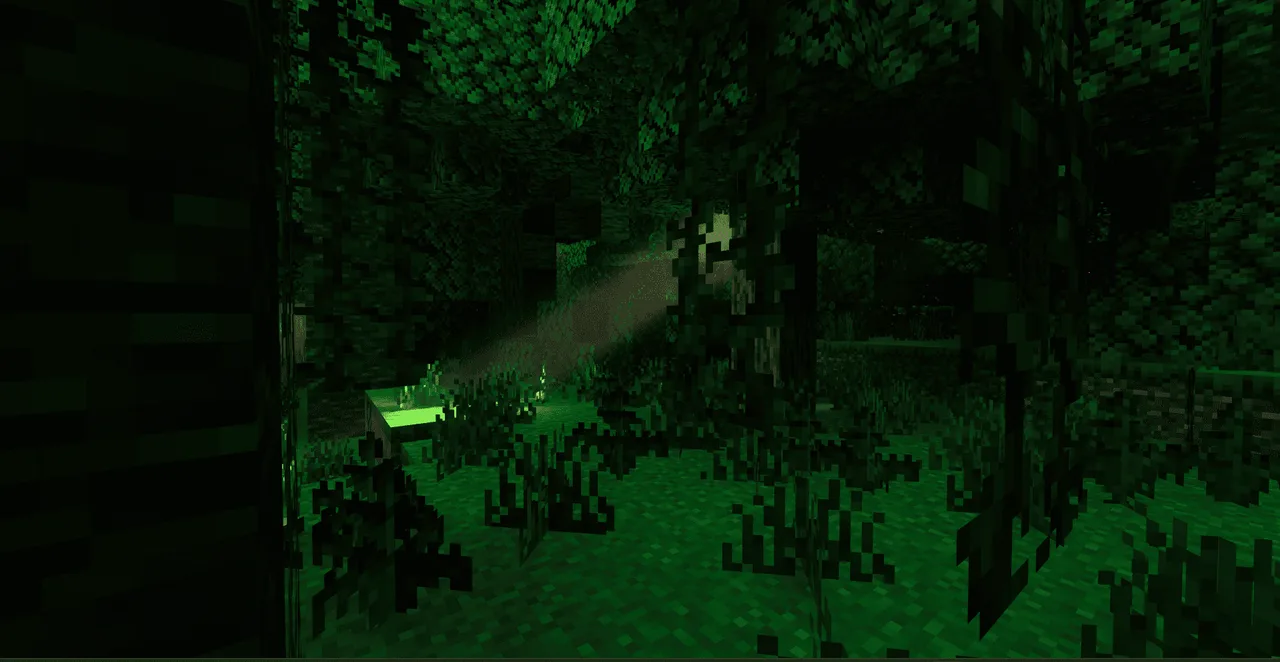
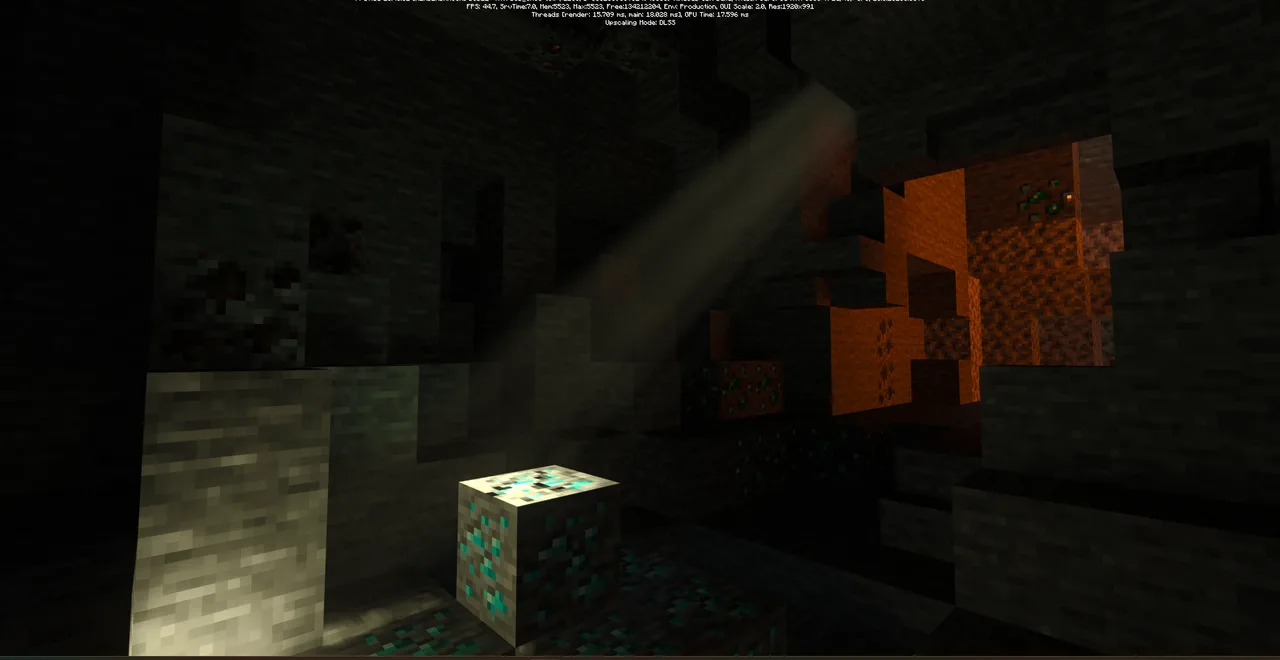
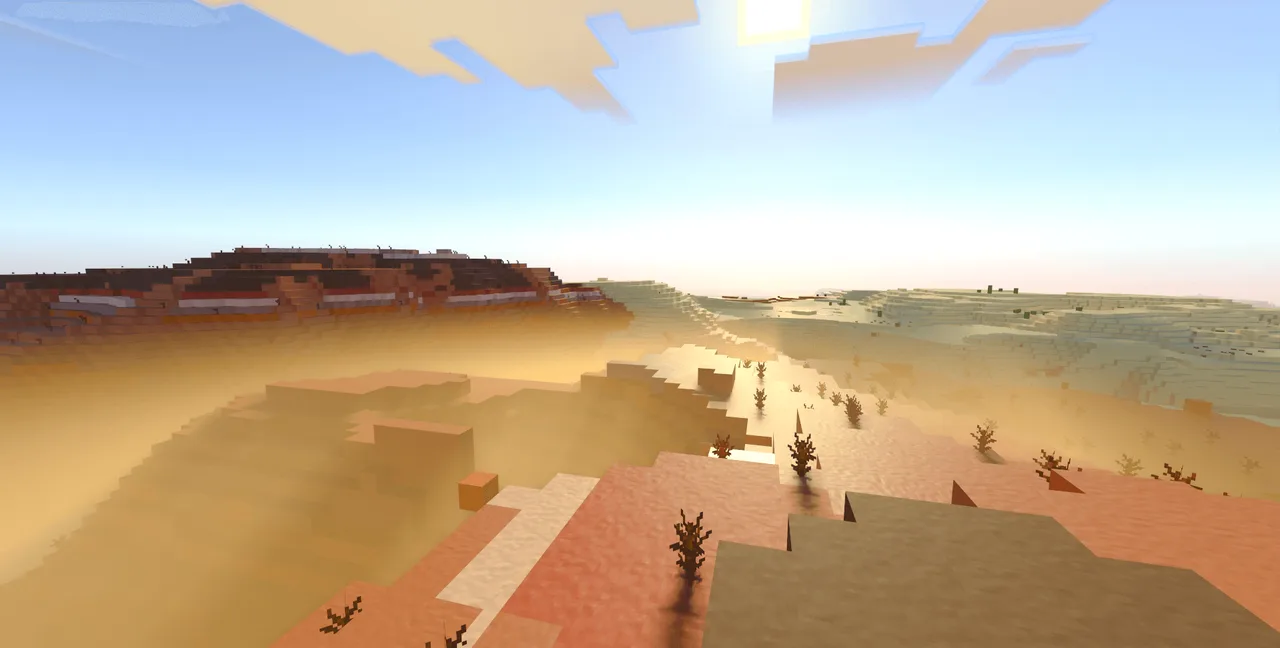
Skip to DownloadDefault RTX is a transformative ray-tracing texture pack for Minecraft Bedrock Edition, enhancing visuals while preserving the game's signature style. It introduces realistic textures and lighting effects, making exploration and building more immersive an
ad
Description
The Hammond's Dreams addon is an inventive addition to Minecraft Bedrock Edition, designed for players who have ever dreamt of resurrecting prehistoric creatures. Inspired by the iconic Jurassic Park franchise, this addon allows players to delve into the realms of genetic engineering and dinosaur management. The gameplay shift this addon introduces is significant, as it aligns your Minecraft experience with survival and creativity in ways that make every moment feel exhilarating.
Players will find themselves stepping into the shoes of a park manager, where they are tasked with the extraction and sequencing of dinosaur DNA. This is no ordinary Minecraft activity; the process is intricate and requires the use of specialized machines that the addon provides. These machines enable players to manipulate DNA, which serves as the core mechanic for creating new species of dinosaurs.
The immersive aspect of Hammond's Dreams truly shines when players begin constructing their dinosaur facilities. Not only do you need to gather resources to create the machines, but you must also design your facility to accommodate various dinosaur species. Each dinosaur has unique needs and behaviors, which adds a layer of strategy to your gameplay. Proper management of these creatures is crucial, and players will quickly realize that building a successful park extends beyond mere aesthetics; it requires careful planning and resource management.
In addition to the dinosaurs, players are also introduced to a selection of vehicles inspired by the franchise. These vehicles enhance the experience by allowing players to traverse their parks with ease, making exploration more engaging. Imagine driving through a lush environment while observing your creations roaming freely. It’s an experience that adds an incredible level of immersion to your Minecraft sessions.
The gameplay changes brought about by Hammond's Dreams cater to various player types. If you thrive on creative building, this addon offers endless possibilities for designing your unique dinosaur park. For survival enthusiasts, the management aspects introduce challenges that will keep you engaged. Balancing resource gathering, park expansion, and dinosaur wellbeing creates a dynamic environment where players must make thoughtful decisions. Whether you’re setting out on a new adventure or managing an existing park, every action contributes to the overall experience.
However, players should be mindful of some limitations. The addon requires a decent understanding of park management since the dinosaurs have particular needs that, if neglected, can lead to chaos. Additionally, the machines and vehicles may require some familiarization to utilize effectively. Newcomers may find it daunting initially, but the sense of accomplishment from mastering the mechanics is rewarding.
Overall, Hammond's Dreams is not just about adding new content to Minecraft; it's about transforming the way players interact with the game world. It invites you to imagine, create, and manage a thriving dinosaur ecosystem, challenging you to maintain balance between creativity and functionality. For fans of dinosaurs, adventure, and park management, this addon is an essential addition to your Minecraft experience.
Installation of Hammond's Dreams is straightforward, allowing players to jump right into the action. Here’s how to install the addon:
1. **Download the Addon**: Obtain the Hammond's Dreams addon file, ensuring it is compatible with the latest version of Minecraft Bedrock Edition.
2. **Locate the Minecraft Folder**: On your device, navigate to the Minecraft application data folder. This can usually be found in the app data or storage settings depending on whether you are using mobile, console, or Windows.
3. **Add to the Behavior and Resource Packs**: Place the downloaded files into the resource and behavior packs folders. Make sure to follow any additional instructions provided with the addon for file placement.
4. **Open Minecraft**: Launch the game and navigate to the settings menu. From there, select the “Storage” option and ensure that your newly added packs are visible.
5. **Create or Edit a World**: You can either create a new world or edit an existing one. In the world settings, apply the Hammond's Dreams resource and behavior packs.
6. **Start Playing**: Once the packs are applied, enter your world and start the journey of building and managing your dinosaur park.
With these steps, you’ll be ready to explore the prehistoric wonders that Hammond's Dreams has to offer. Happy crafting!
ad
About the Content
CHANGELOG:
- Initial release introducing ray-tracing textures for Bedrock Edition.
- Enhanced performance across various device types.
- Adjusted lighting algorithms for improved realism.
- Fixed several visual bugs affecting performance in RTX mode.
- Added support for new blocks and entities with updated textures.
Installation
To install the Hammond's Dreams addon for Minecraft Bedrock Edition, follow these detailed steps:
1. **Download the Addon**: Click on the download link for Hammond's Dreams. Ensure that the file is in .mcpack format, which is compatible with Minecraft Bedrock Edition.
2. **Access the Minecraft Folder**: Depending on your device, locate the Minecraft application data folder. On Windows, it can often be found in the app data directory. For mobile devices, it is typically located in the internal storage under the Minecraft folder.
3. **Add the Addon**: Open the downloaded .mcpack file. This action should automatically import the addon into your Minecraft game. If not, you may need to manually copy the files into the appropriate resource and behavior packs folders within the Minecraft directory.
4. **Check Game Settings**: Launch Minecraft and navigate to the settings menu. Go to the “Storage” section to ensure that Hammond's Dreams packs are listed there.
5. **Create a New World**: Start by either creating a new world or selecting an existing one. In the world settings, apply the Hammond's Dreams resource and behavior packs to that world.
6. **Enter Your World**: After the packs are applied, enter your world. You are now ready to indulge in the excitement of dinosaur management and park building with Hammond's Dreams!
By following these steps, you will seamlessly integrate Hammond's Dreams into your Minecraft experience and embark on your unique prehistoric adventure.
Supported Minecraft Versions
26.30
If the download button doesn't work, click here for alternatives
If you are the original creator and would like this content removed, please submit a request through our DMCA page.