MCPE Lumen Visual Texture Pack for Minecraft Bedrock
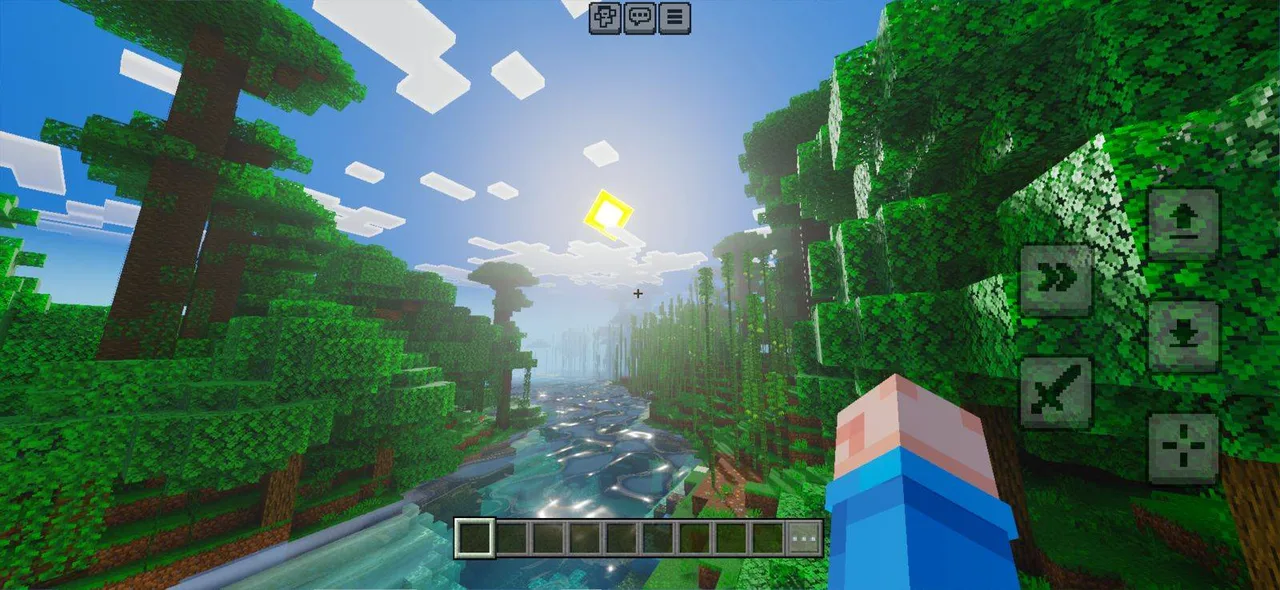
Skip to DownloadExperience Minecraft like never before with the Lumen Visual texture pack, transforming the game's aesthetics into a stunning, immersive world. Designed for Bedrock Edition, this pack enhances visuals while maintaining the beloved vanilla feel.
ad
Description
The Lumen Visual texture pack is a revolutionary enhancement for players who wish to elevate their Minecraft experience on Bedrock Edition. This pack redefines the visuals of the game, creating a vibrant and striking world that maintains the charm of the classic Minecraft aesthetic while introducing a suite of improvements that breathe new life into your builds and adventures.
At the core of Lumen Visual is a commitment to enhancing depth, realism, and atmosphere within the game. Every texture has been carefully designed to evoke a sense of immersion, from the intricate details on blocks to the dynamic effects that come into play during combat and environmental interactions. With this texture pack, players can expect a visually rich experience that is not only beautiful but also functional, as many of the new textures and effects contribute directly to gameplay.
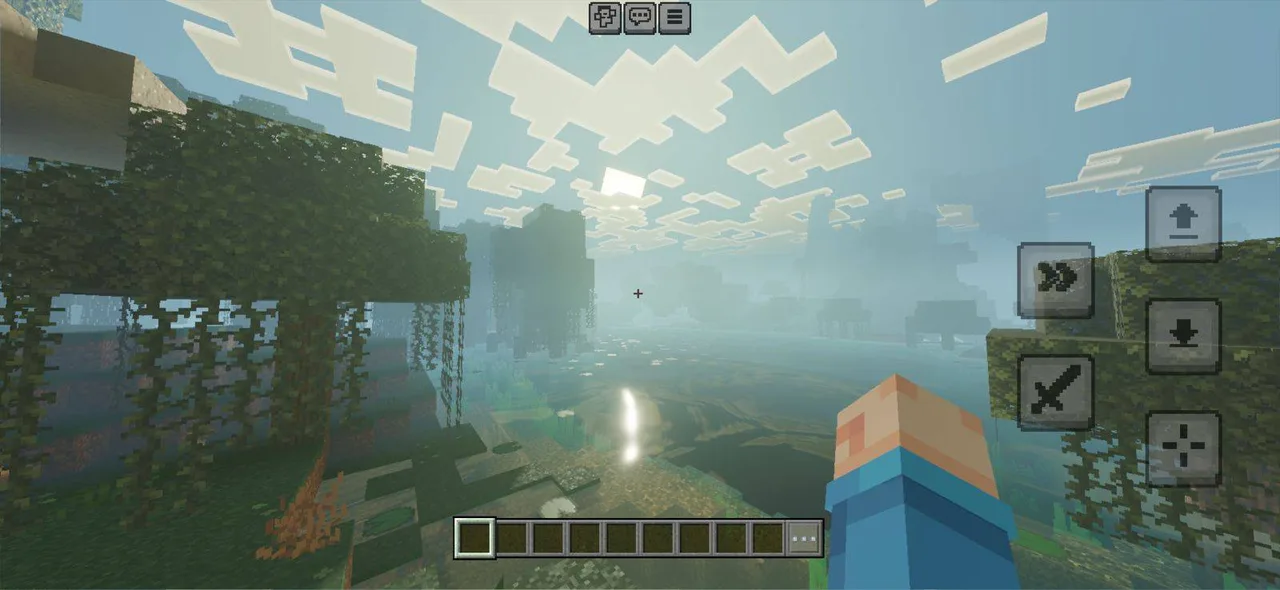
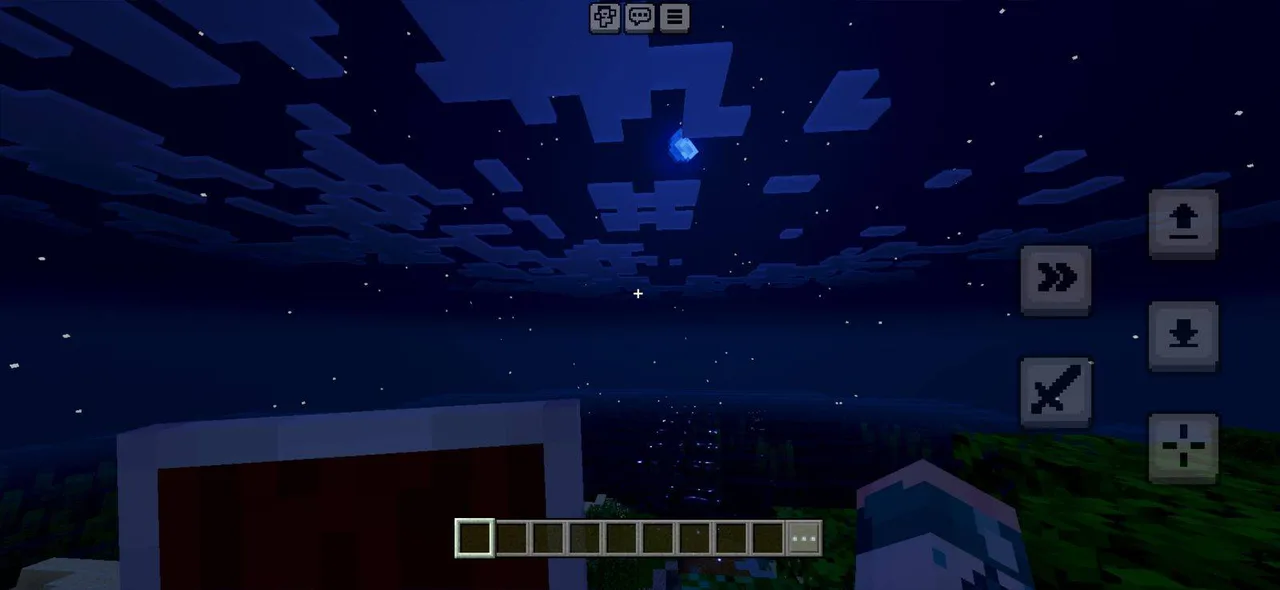
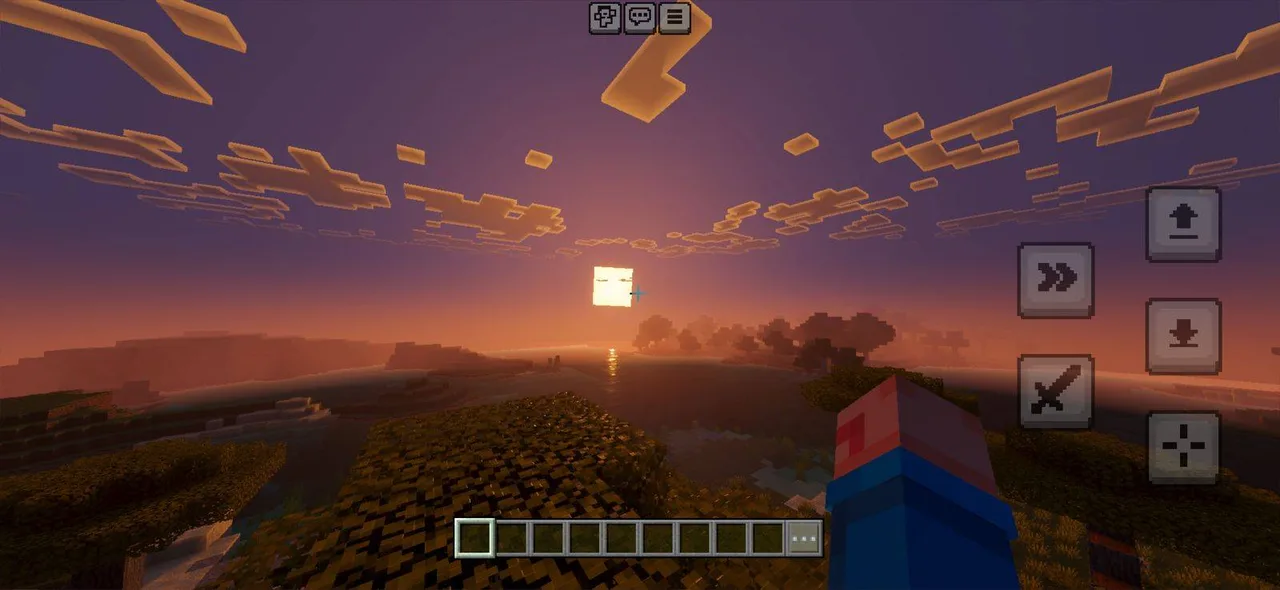
One of the standout features of Lumen Visual is its dual sky system. Players can choose between two sky options: the Realistic Sky, which offers breathtaking vistas with a cinematic depth, and the Vanilla+ Sky, which presents a refined classic look. This choice allows players to customize their atmospheric experience, shaping their world according to their personal preferences. The improved sky textures are complemented by enhanced lighting effects that create stunning sunrises and sunsets, further enriching the gameplay experience.
Moreover, Lumen Visual is optimized for various devices, ensuring that mobile players can enjoy smooth performance without sacrificing visual fidelity. The adjustments made for mobile optimization allow players to revel in the detailed textures and effects without experiencing lag or stuttering, making exploration and building a seamless experience.
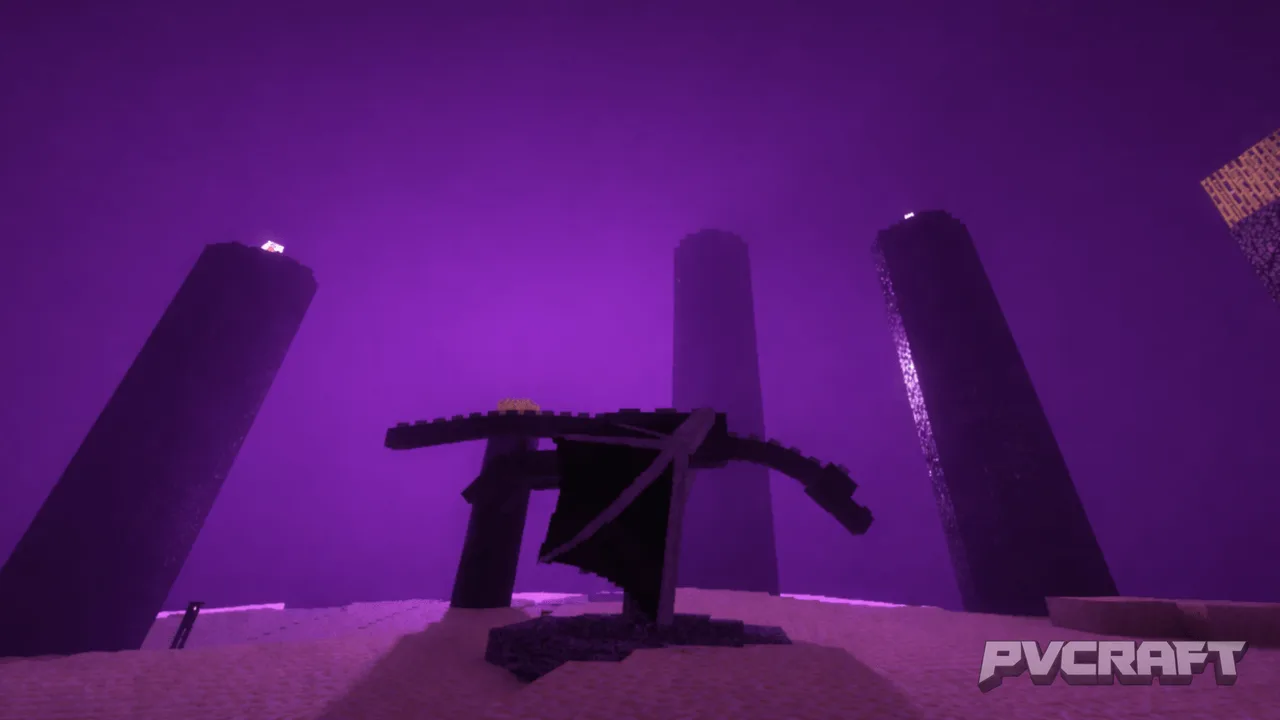
The texture pack also introduces several unique gameplay elements. For instance, the atmospheric ambiance has been meticulously fine-tuned across all dimensions, creating distinctive environments whether players find themselves in the Overworld, Nether, or End. This level of detail enhances immersion, as players will notice subtle changes in lighting and sound, contributing to a more engaging experience.
Dynamic particle effects are another exciting addition. These effects enhance the visual feedback during interactions and combat, making explosions, magic, and other events feel more impactful. For example, the enhanced visuals during a battle with Endermen or a Creeper explosion will noticeably elevate the tension and excitement of these encounters.
Additionally, the pack boasts a comprehensive overhaul of the user interface, including a custom Boss Bar designed to make boss fights feel more epic. The visual changes not only provide a fresh look but also improve clarity, ensuring that players can easily navigate their menus and information during intense gameplay moments.
Lumen Visual is more than just a collection of textures; it’s a commitment to the Minecraft community. The developers are continuously working on updates, adding new features and refining existing ones based on player feedback. This dedication ensures that players receive a fresh and evolving experience, with more hidden details and surprises waiting to be discovered over time.
In conclusion, Lumen Visual offers an expansive upgrade for Minecraft Bedrock Edition that will captivate players seeking a more immersive and visually appealing experience. Whether you are constructing elaborate castles or embarking on perilous adventures, the stunning visuals and thoughtful design of this texture pack will transform the way you play and explore the beloved world of Minecraft.
ad
About the Content
CHANGELOG:
- Initial release featuring high-definition textures
- Introduced dynamic particle effects for enhanced gameplay
- Optimized for mobile performance, ensuring smooth visuals
- Added a dual sky system for varied atmospheric experiences
- Updated textures for blocks to improve realism and depth
Installation
Installing the Lumen Visual texture pack on Minecraft Bedrock is a straightforward process that enhances your gameplay experience. Follow these steps to install it successfully:
1. **Download the Texture Pack**: Begin by downloading the Lumen Visual texture pack file. Ensure that you save it to a location on your device where you can easily find it.
2. **Open Minecraft Bedrock Edition**: Launch the Minecraft Bedrock Edition game on your device.
3. **Access Settings**: Navigate to the main menu and select 'Settings.' Find 'Storage' and click on it to view the options.
4. **Import the Texture Pack**: Go back to the main menu and select 'Global Resources'. Here, you will see the option to 'Import.' Click on it, and then find the downloaded Lumen Visual texture pack file. Select it to begin the import process.
5. **Activate the Pack**: Once the import is complete, return to the 'Global Resources' menu. You should see Lumen Visual listed there. Click on it and select 'Activate' to apply the texture pack to your game.
6. **Start Your Game**: Finally, return to the main menu and start your world. You will now experience Minecraft with the stunning visuals provided by the Lumen Visual texture pack.
If you encounter any issues during installation, ensure that you're using the correct file format and that your game is up to date. Enjoy the transformed world of Minecraft!
Supported Minecraft Versions
26.10
If the download button doesn't work, click here for alternatives
If you are the original creator and would like this content removed, please submit a request through our DMCA page.