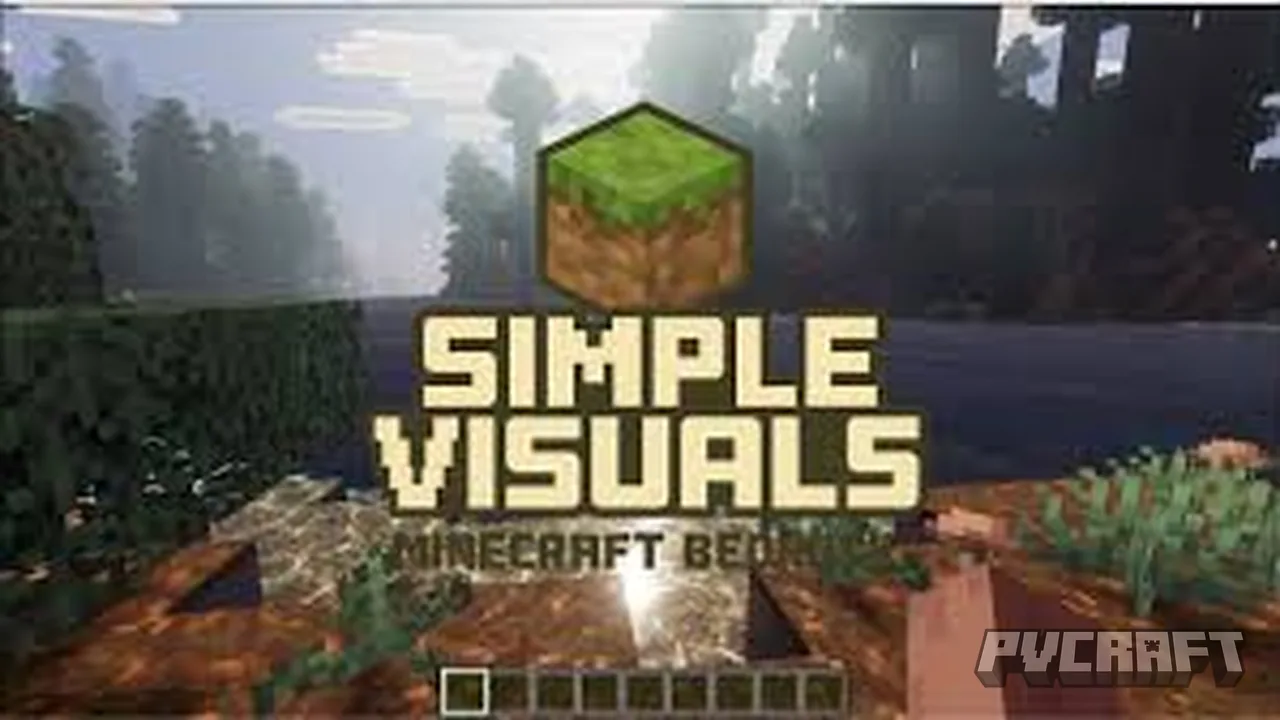
MCPE Simple Visuals Shaders
Skip to DownloadEnhance your Minecraft Bedrock Edition gameplay with the Simple Visuals Shaders, designed to improve the appearance of your world while maintaining performance.
ad
Description
The Simple Visuals Shaders for Minecraft Bedrock Edition are specifically created to upgrade the visual elements of the game without sacrificing performance. This shader pack is perfect for players seeking a more immersive aesthetic while navigating through their Minecraft worlds. With a focus on simplicity, the shaders enhance the base game’s graphics without overwhelming system capabilities, making it accessible for players on mobile devices, consoles, and Windows.
One of the major attractions of the Simple Visuals Shaders is its outstanding water texture overhaul. By improving the surface of water blocks, it reflects nearby environments, which adds a layer of realism that was previously lacking. When playing near oceans or rivers, you will notice how the water responds to the surrounding light and terrain, giving your aquatic adventures a fresh feel.
Another key feature is the enhanced lighting system. The Simple Visuals Shaders adjust the way light interacts with blocks, making the game world appear more dynamic. Bright sunlight casts sharper shadows during the day, while moonlight creates a softer glow at night. This feature enhances the overall mood, making exploration more enjoyable as the environment feels alive at different times of the day.
Additionally, the addition of dynamic shadows is a game-changer. As players move around, shadows from trees, buildings, and other structures shift naturally with the source of light. This not only makes landscapes more visually appealing but also aids in gameplay by providing a greater sense of depth. For instance, when you’re navigating your way through a forest, the varying light conditions create a more enchanting atmosphere.
Despite its many enhancements, the Simple Visuals Shaders are designed to be lightweight. Players can expect minimal performance drops, making it suitable for various devices, particularly those with lower specifications. This allows you to enjoy richer visuals without needing to upgrade your hardware. Furthermore, the shaders maintain compatibility with other popular texture packs and addons, meaning you can mix and match according to your preferences.
However, like any addon, it’s essential to note that performance may vary based on individual device capabilities. Players with significantly older consoles or lower-end mobile devices might experience some lag, especially in densely populated areas. It’s advisable to test the shaders in different environments to see how they perform in your specific scenario.
In conclusion, the Simple Visuals Shaders pack is a fantastic way for players to enhance their Minecraft experience, adding aesthetic improvements that breathe new life into the game. Whether you're a casual player seeking beauty in your builds or an adventurer exploring expansive landscapes, these shaders will elevate your gameplay in numerous ways. Dive into your Minecraft world with fresh perspectives and enjoy everything the Simple Visuals Shaders have to offer.
ad
About the Content
The Simple Visuals Shaders pack is a popular texture addon specifically tailored for Minecraft Bedrock Edition. It introduces a variety of visual enhancements, including better lighting effects, improved water textures, and dynamic shadows, without significantly impacting game performance. The shaders aim to give players a more immersive experience by making the world look more vibrant and realistic.
CHANGELOG:
- Initial release of Simple Visuals Shaders.
- Enhanced water textures for a clearer appearance.
- Improved lighting effects during day and night cycles.
- Added dynamic shadows that adjust based on sunlight.
- Fixed minor issues affecting texture displays.
- Reduced performance impact for smoother gameplay on lower-end devices.
Installation
Installing the Simple Visuals Shaders for Minecraft Bedrock Edition is a straightforward process that even novice players can master. Follow these steps to get started:
1. **Download the Shader Pack**: Begin by downloading the Simple Visuals Shaders pack from the designated source. Ensure that the file is compatible with Minecraft Bedrock Edition. Most downloads will be in .mcpack format, but check for any specific release notes included.
2. **Import the Shaders**: Once you’ve downloaded the pack, locate the file on your device. If you’re playing on mobile or Windows, tap or double-click the file, and it should automatically import into Minecraft. If you’re on console, refer to instructions specific to that platform, as the file management may vary.
3. **Activate the Shaders**: Launch Minecraft and go to the ‘Settings’ menu. From there, navigate to the ‘Global Resources’ section. You’ll find an option labeled ‘My Packs’ where the Simple Visuals Shaders will appear. Select the shader pack and click ‘Activate’. This action will add the shaders to your game’s active resource packs.
4. **Create or Load a World**: After activating the shaders, you can either create a new world or load an existing one. Ensure that the world settings support the use of shader packs. Typically, there aren’t specific settings needed beyond the usual game options.
5. **Enjoy Enhanced Visuals**: Once in the world, you should immediately notice the improved visuals. Take time to explore different environments and pay attention to the effects of enhanced water, lighting, and shadows as you immerse yourself in your Minecraft adventures.
6. **Adjust if Necessary**: If you find your game is running slower than desired, consider adjusting the graphics settings within Minecraft. Reducing render distance or disabling other resource packs may improve performance while still allowing you to enjoy the sleek visuals provided by the shaders.
In conclusion, the process of installing Simple Visuals Shaders is designed to enhance your gameplay experience quickly and easily. With just a few steps, you will be able to elevate the way you see and interact with your Minecraft world.
Supported Minecraft Versions
1.21
If the download button doesn't work, click here for alternatives
If you are the original creator and would like this content removed, please submit a request through our DMCA page.