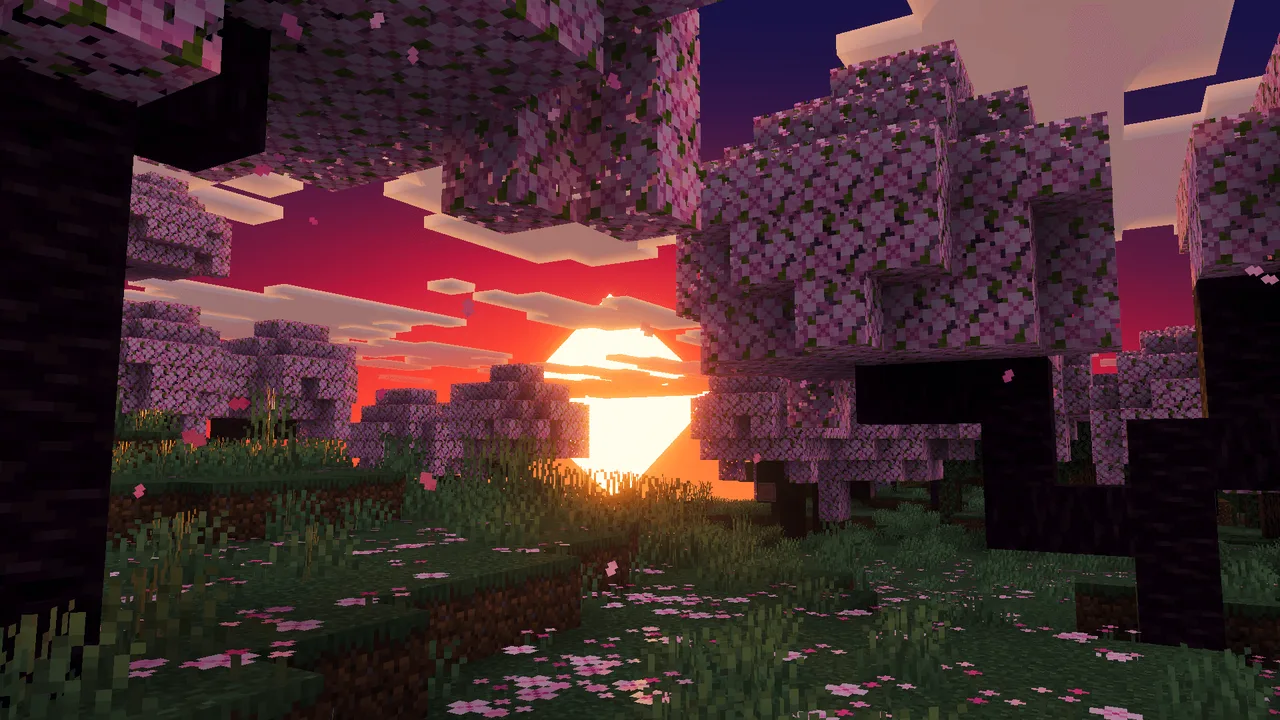
MCPE Astralex Visuals: Stunning Visual Enhancements for Minecraft Bedrock
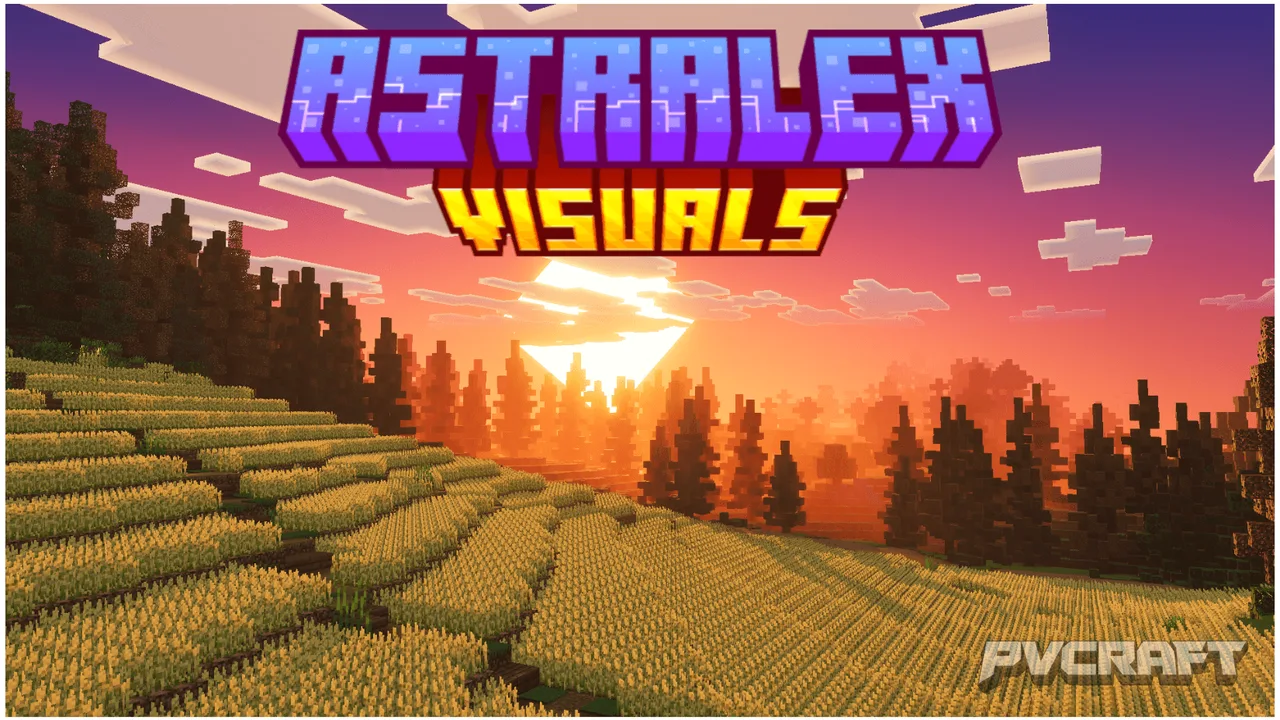
Skip to DownloadAstralex Visuals is an impressive texture pack designed for Minecraft Bedrock Edition, enhancing your game with cinematic-quality visuals, dynamic lighting effects, and realistic atmospheric elements. Experience breathtaking environments and immersive gam
ad
Description
In the vast world of Minecraft, visuals play a crucial role in enhancing the overall gaming experience. Astralex Visuals stands out as a premier texture pack tailored specifically for Minecraft Bedrock Edition, delivering breathtaking graphics that elevate the gameplay. This pack is not just about aesthetics; it fundamentally transforms how players interact with their environments. The visual fidelity of Astralex Visuals is built upon the RenderDragon engine, which is integral to the latest Minecraft Bedrock updates. This ensures compatibility across all platforms, including Windows, mobile devices, and consoles.
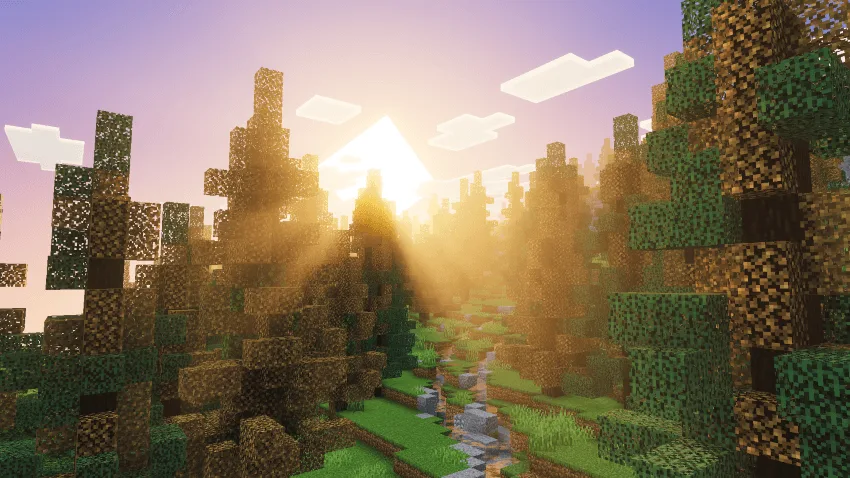
One of the hallmark features of Astralex Visuals is its incorporation of volumetric god rays. This effect allows light to filter through trees and other obstructions, creating a realistic scattering of light that adds depth and immersion to the game. Players exploring lush forests will appreciate how sunlight streams down, creating a serene atmosphere that enhances the beauty of the natural surroundings. It’s not just a visual gimmick; this feature can also affect gameplay, as navigating through shadows and light can influence player perceptions of safety or danger in various biomes.
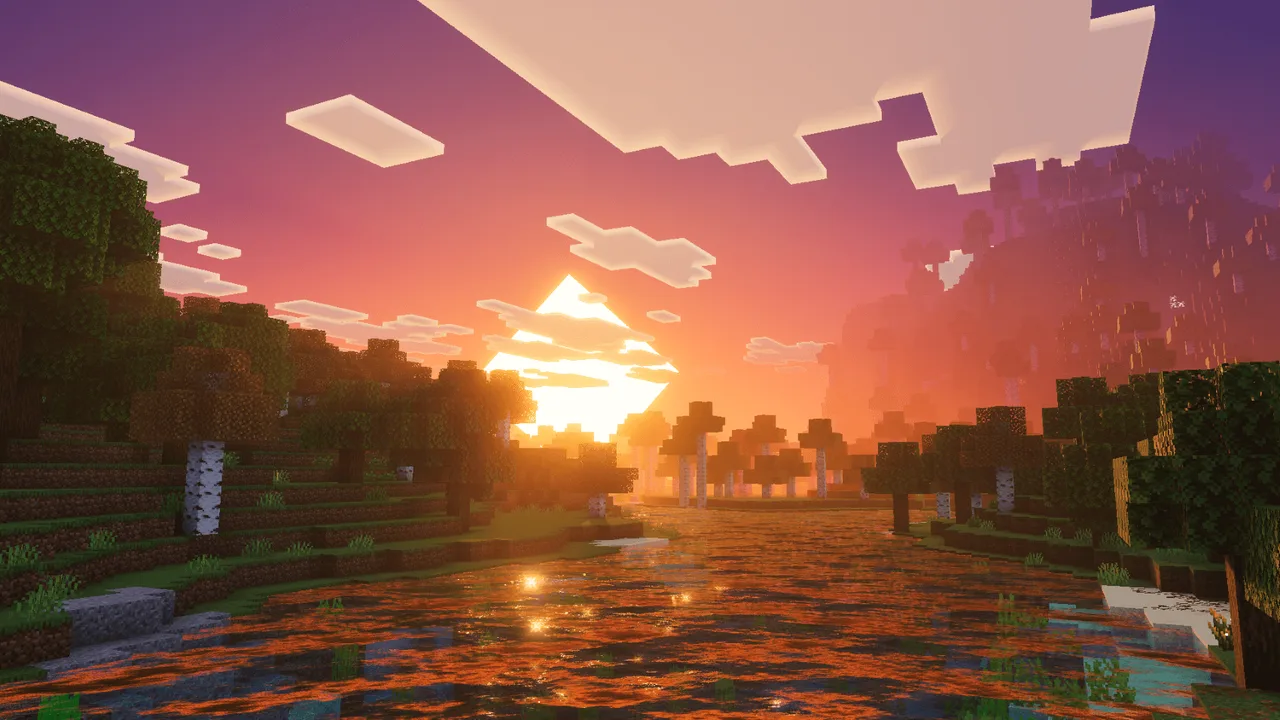
Moreover, the dynamic water reflections included in this texture pack are a game-changer. Gone are the days of flat, lifeless water surfaces. With Astralex Visuals, water bodies shimmer and reflect their surroundings in real-time. This means that players can see reflections of the sky, trees, and even their own characters, adding an extra layer of realism to aquatic environments. When standing by a lake or river, players will feel far more connected to their surroundings as the water reacts authentically to shifts in light and movement.
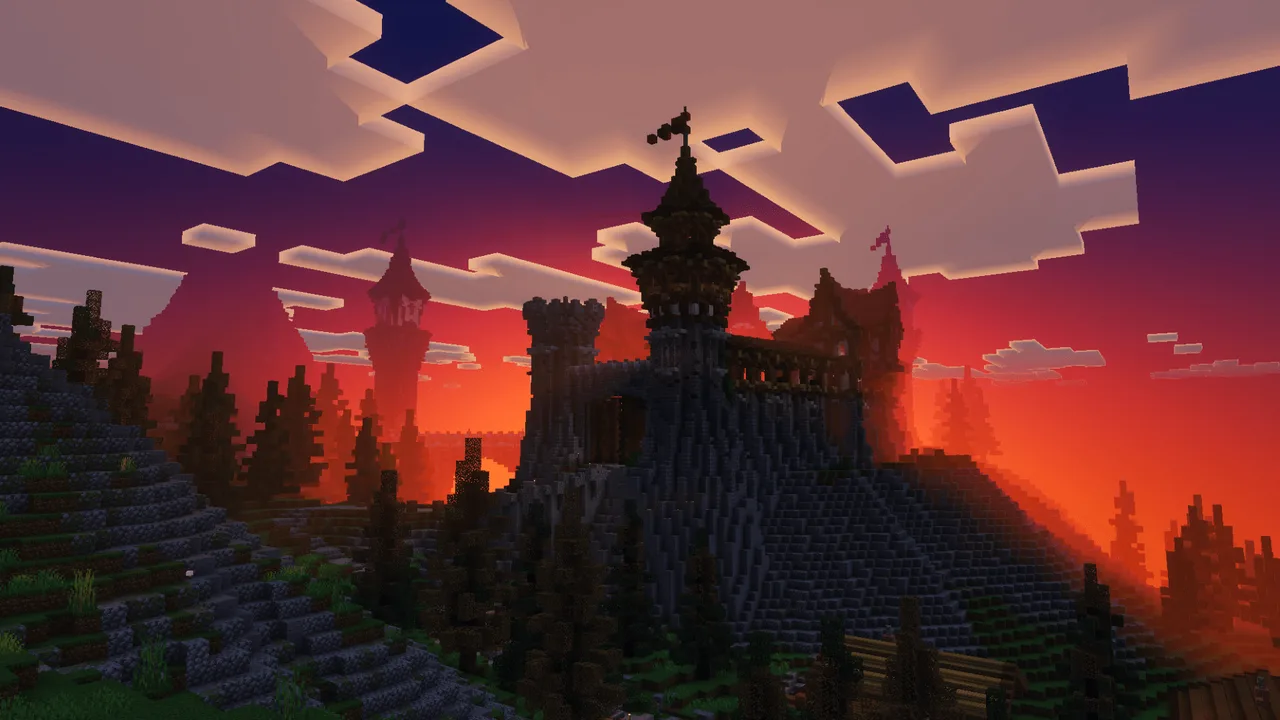
The atmospheric sky rendering is another standout feature that sets Astralex Visuals apart. The pack offers smooth sky gradients that evolve dynamically throughout the day cycle. Players can witness stunning sunrises and sunsets with enriched color palettes that emulate real-world phenomena. As clouds drift across the sky, they cast shadows on the terrain, enhancing the overall ambiance and making the Minecraft world feel more alive. This is particularly noticeable during exploration or when building in open landscapes, where the changing sky can inspire creative designs or mood shifts during gameplay.
Additionally, Astralex Visuals adds ambient occlusion effects, which improve the appearance of light and shadows in the game. This gives depth to blocks and structures, making them appear more three-dimensional and realistically illuminated. Players will find that their builds stand out with enhanced depth, showcasing finer details that might go unnoticed in standard graphics settings. The warmth and vibrancy of colors have been altered subtly to enhance visual appeal without compromising the game’s inherent charm.
The combination of these features results in an immersive experience that significantly enhances gameplay. Whether players are building elaborate structures, exploring vast biomes, or engaging in combat, the visual fidelity provided by Astralex Visuals enriches every aspect of the game. Players can also utilize the pack for cinematic recordings, showcasing their adventures in the best possible light, perfect for sharing with friends or on social platforms. The compatibility with various devices ensures that even those on mobile can enjoy the enhancements without detracting from performance.
To install Astralex Visuals, you can follow a straightforward process that integrates seamlessly with your Minecraft Bedrock experience. First, download the .mcpack file for the texture pack. After downloading, open the file directly; Minecraft will automatically import the pack into your game. This integration is designed to be simple and hassle-free. Once imported, navigate to the game’s settings menu, then select ‘Global Resources’ to apply the pack. You can activate it by moving it to the top of the list, which ensures it takes precedence over other resource packs you may have installed. With a few taps, you’ll be ready to enjoy the stunning visual transformations Astralex Visuals brings to your Minecraft adventures.
In summary, Astralex Visuals is more than just a texture pack; it’s a powerful tool that brings the world of Minecraft Bedrock to life. With its breathtaking environmental effects, detailed atmospheric rendering, and dynamic elements, it invites players to explore and engage with their surroundings on an entirely new level. Whether you are a seasoned player or new to the blocky world, Astralex Visuals will undoubtedly enhance your Minecraft experience.
ad
About the Content
CHANGELOG:
- Initial launch featuring core visual enhancements
- Introduced improved volumetric lighting effects
- Enhanced water reflection dynamics for better realism
- Updated atmospheric sky rendering with richer gradients
- Optimized for various devices to ensure smooth performance
Installation
To install Astralex Visuals on your Minecraft Bedrock Edition, follow these simple steps:
1. **Download the Texture Pack**: First, ensure you have the .mcpack file downloaded to your device. This file contains all the texture enhancements provided by Astralex Visuals.
2. **Open the .mcpack File**: Locate the downloaded file on your device and tap on it. Minecraft will automatically launch and begin the import process, adding the texture pack to your game.
3. **Access Settings**: Launch Minecraft and navigate to the main menu. From there, go to the ‘Settings’ option.
4. **Select Global Resources**: In the Settings menu, find and select ‘Global Resources’. This section allows you to manage your active texture packs.
5. **Apply the Pack**: You will see a list of available resource packs. Find Astralex Visuals and select it. Move it to the top of the list to ensure it is active. This will allow the pack to override any other textures you have.
6. **Enjoy Your Game**: Return to the main menu and start your game. You will now experience the enhanced graphics and features that Astralex Visuals offers. Explore, build, and enjoy the stunning new visuals that will make your Minecraft experience even more engaging!
Supported Minecraft Versions
26.10
If the download button doesn't work, click here for alternatives
If you are the original creator and would like this content removed, please submit a request through our DMCA page.