MCPE Vanilla Experience Plus Texture Pack for Bedrock
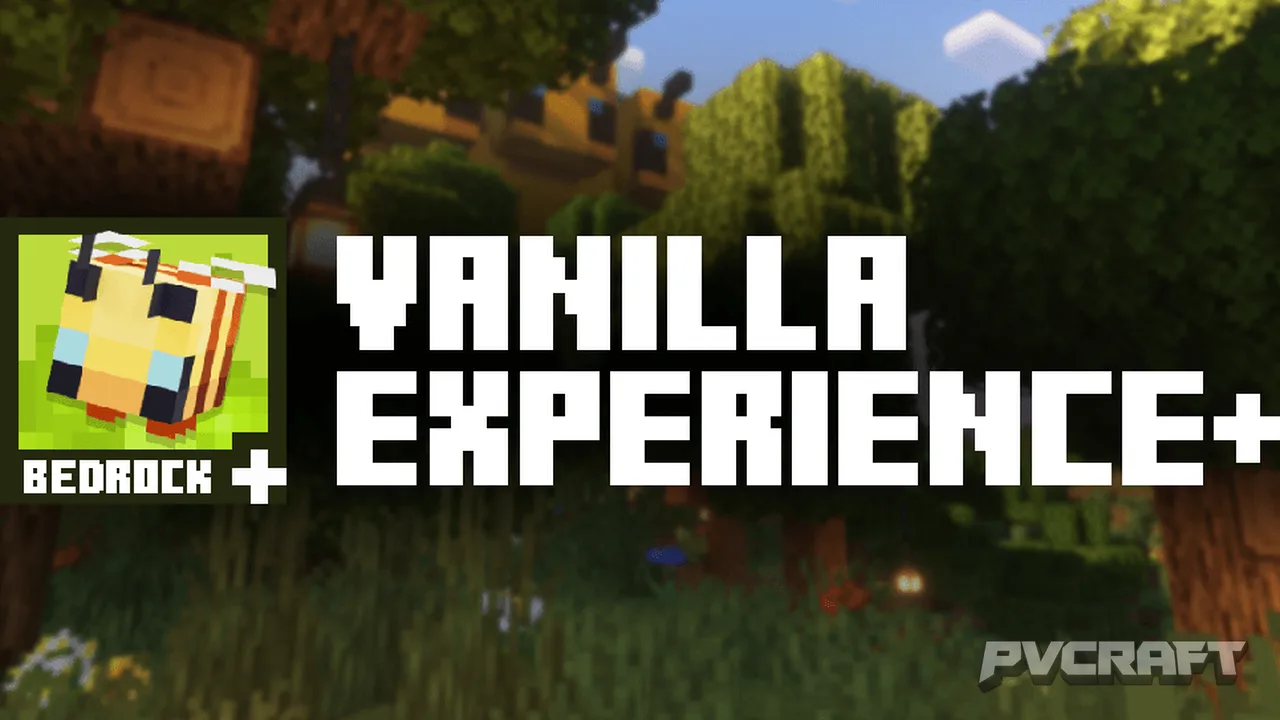
Skip to DownloadVanilla Experience Plus is a texture pack designed for Minecraft Bedrock Edition, enhancing the game's visuals while maintaining a true vanilla aesthetic. With refined textures and improved consistency, this pack transforms your gameplay experience withou
ad
Description
The Vanilla Experience Plus texture pack is an innovative resource pack crafted specifically for Minecraft Bedrock Edition. Its primary goal is to enhance the graphical fidelity of the game while remaining true to the original aesthetics that players have come to love. With this texture pack, players can expect a fresh yet familiar visual experience, as it enhances various elements without drastically altering the gameplay feel.
One of the standout features of the Vanilla Experience Plus is its focus on improving the color palettes across the game. For instance, players will notice that the hues of blocks are more vibrant and consistent, giving the world of Minecraft a more polished and cohesive look. This refinement extends to all biomes, ensuring that each environment you explore feels rich and full of life. Whether you’re traversing a lush forest or navigating through the arid desert, the improved textures will enrich your visual experience, making the world feel more immersive.
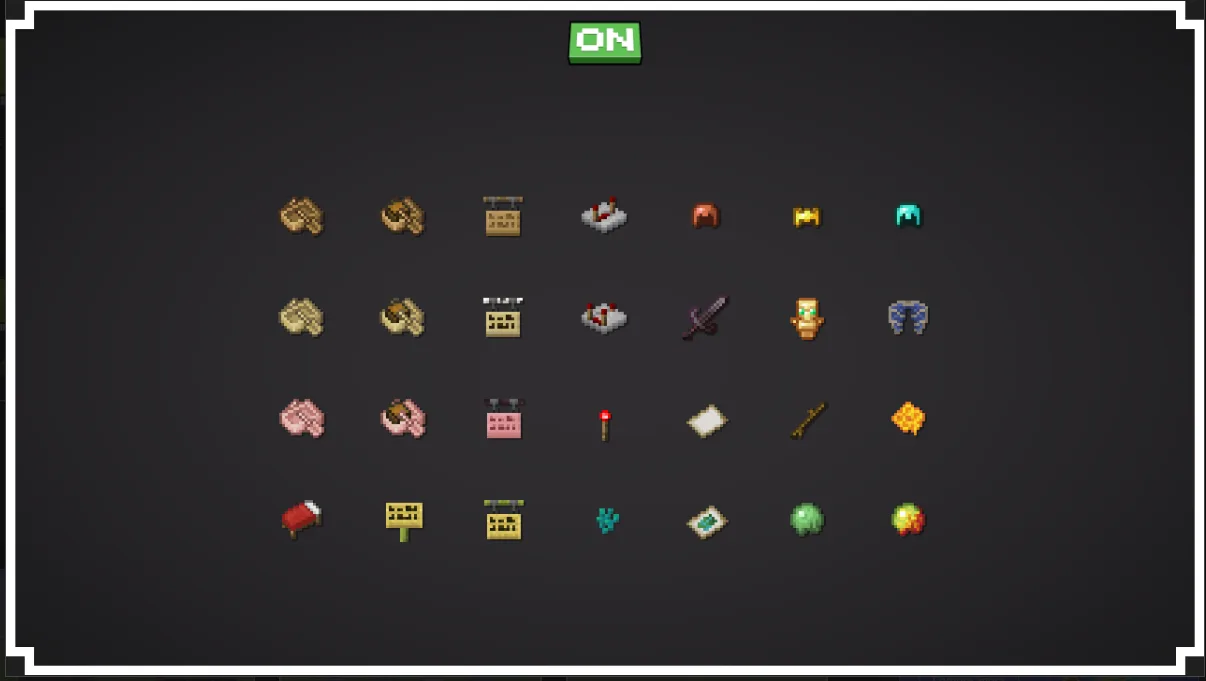
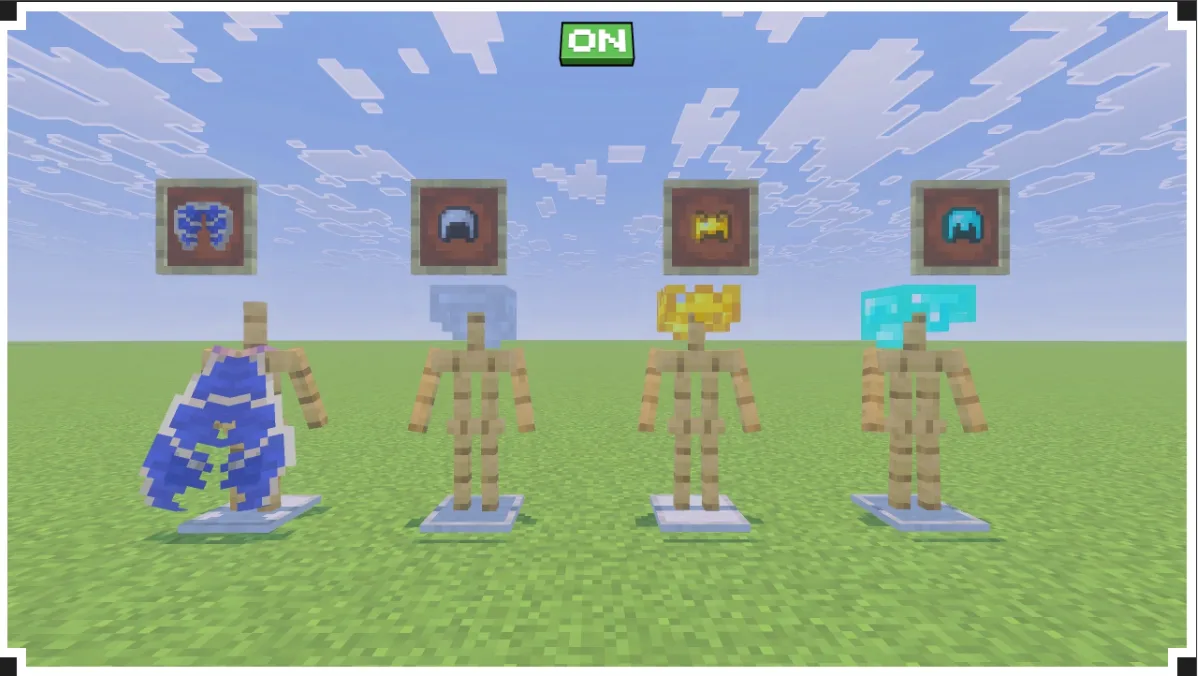
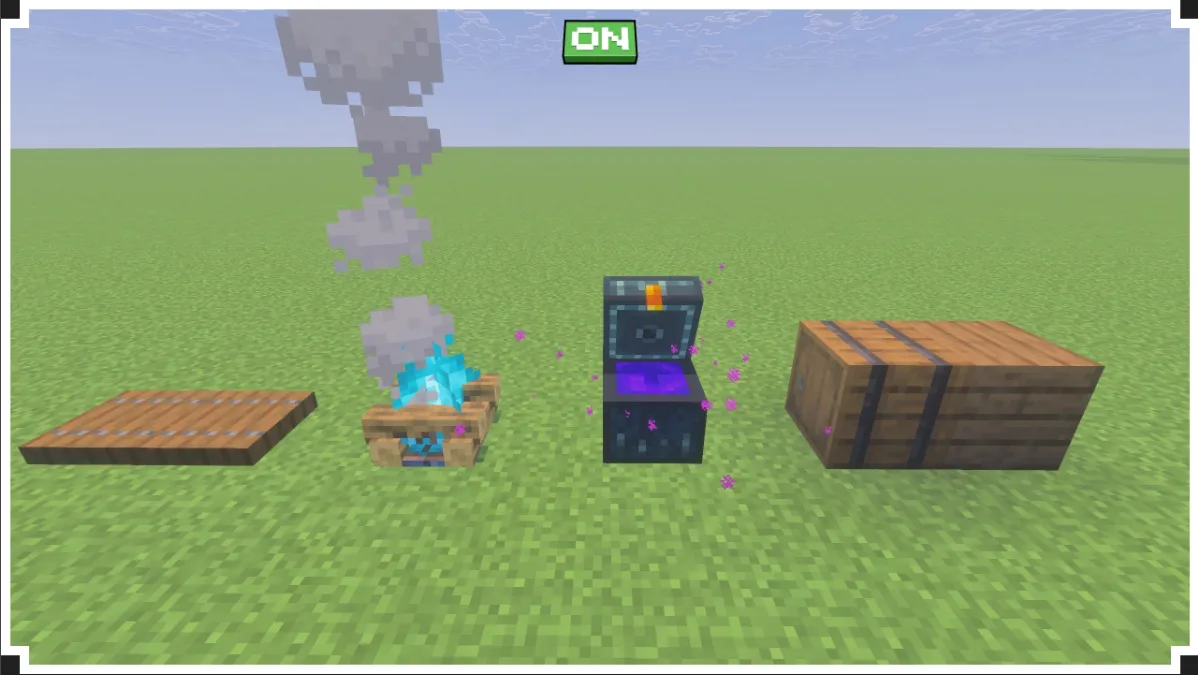
Additionally, the texture pack addresses some of the common visual inconsistencies found in the vanilla game. By refining textures for various blocks and items, such as ores, wood types, and plants, players will experience greater visual clarity. The new textures are designed to enhance your ability to differentiate between similar items, making gameplay more intuitive. For example, the updated designs for ores make them stand out more distinctly, which can be particularly beneficial when mining deep underground.
Moreover, the pack includes enhancements to the user interface, ensuring that it aligns well with the overall aesthetic improvements. This means that menus, inventory screens, and other UI elements are not only functional but also visually appealing. The careful attention to detail in these elements contributes to a more cohesive and enjoyable gameplay experience. Players can expect to find that the UI feels integrated into the world rather than simply overlaid on top of it.
Another highlight of the Vanilla Experience Plus is its consideration for Bedrock Edition's unique limitations. The developers have made thoughtful adjustments to ensure compatibility and performance across all devices that support Bedrock, including mobile phones, consoles, and Windows PCs. This ensures that no matter how you play, you can enjoy the improved visuals without compromising performance.
Besides the visual enhancements, the pack encourages player exploration. The refined textures not only make the game more visually appealing but also enhance the overall exploration experience. As you venture into different biomes, the distinct appearances of each biome add to the sense of discovery. For instance, the clear and vibrant textures of flowers, grasses, and trees will make your journey through Minecraft's diverse landscapes even more enjoyable.
Incorporating Vanilla Experience Plus into your game is as simple as a few clicks. The pack is designed to work seamlessly with existing worlds, so players can easily update their texture settings without starting new games. It also supports various gameplay languages, allowing players from different regions to enjoy the enhanced experience while retaining familiar text elements.
Whether you are a seasoned player looking to refresh your game with new visuals or a newcomer wishing for a more consistent and engaging experience, Vanilla Experience Plus is an excellent addition to your Minecraft Bedrock gameplay. Its blend of enhanced visuals, improved consistency, and adherence to the original style makes it a must-try for anyone seeking to immerse themselves deeper into the world of Minecraft.
ad
About the Content
CHANGELOG:
- Initial launch of the Vanilla Experience Plus texture pack
- Enhanced color palettes for various blocks and items
- Improved visual clarity and consistency
- Minor fixes for UI elements to better suit Bedrock Edition
- Added support for various gameplay languages and localization features
Installation
Installing the Vanilla Experience Plus texture pack in Minecraft Bedrock Edition is a straightforward process. Follow these steps to enhance your game:
1. **Download the Texture Pack**: Start by downloading the Vanilla Experience Plus texture pack file. Ensure that it is compatible with the Bedrock Edition of Minecraft.
2. **Open Minecraft**: Launch Minecraft on your device. Make sure you are using the Bedrock Edition.
3. **Navigate to Settings**: From the main menu, go to Settings. This option is usually found at the bottom of the screen.
4. **Select Storage**: Scroll down to find the ‘Storage’ option. Here, you can see all the resource packs available on your device.
5. **Import the Pack**: If the pack has not automatically imported, you can do so manually. Click on the 'My Packs' tab and then select 'Import' or the plus icon to add the pack from your downloads folder.
6. **Apply the Texture Pack**: Once the pack appears in your list, click on it to apply it. You may need to select it as your active texture pack to enable the enhancements.
7. **Play the Game**: Start or load a world to see the new textures in action. Enjoy exploring the updated visuals of your Minecraft world!
With these simple steps, you can transform your gaming experience with the Vanilla Experience Plus texture pack. Enjoy the enhanced aesthetics and improved gameplay elements!
Supported Minecraft Versions
26.30
If the download button doesn't work, click here for alternatives
If you are the original creator and would like this content removed, please submit a request through our DMCA page.