MCPE Sanctum 16x Texture Pack
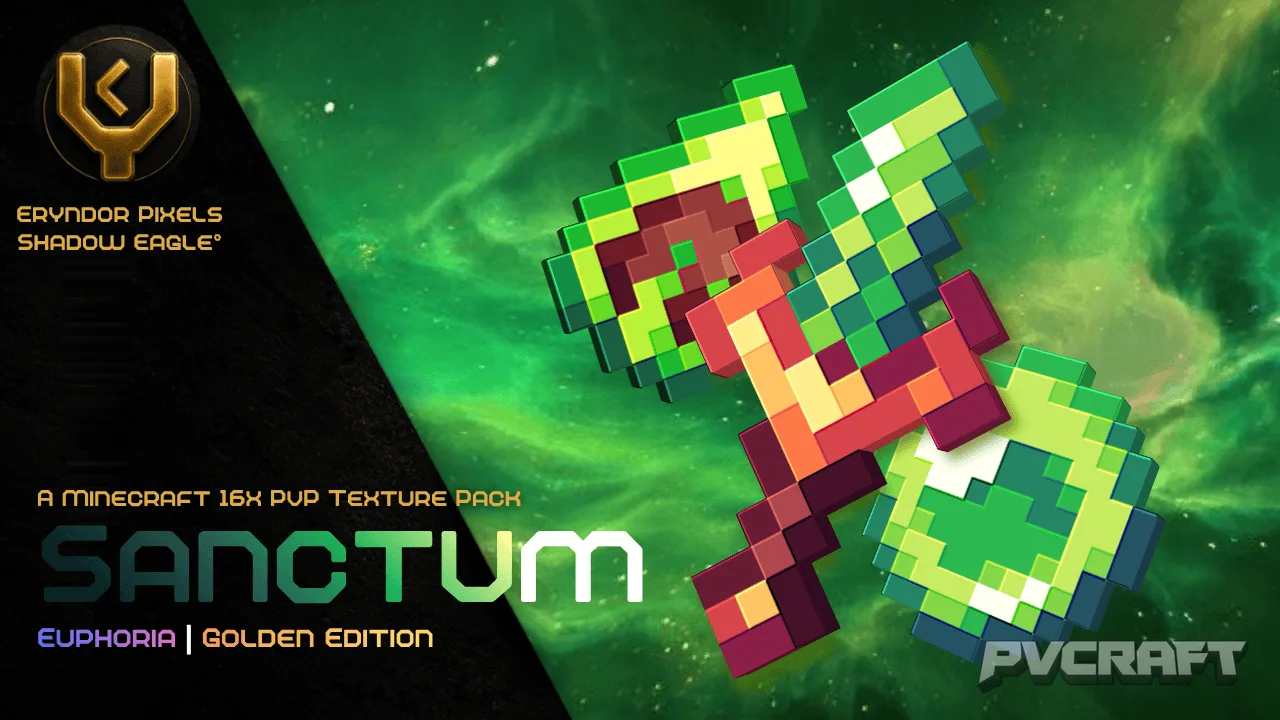
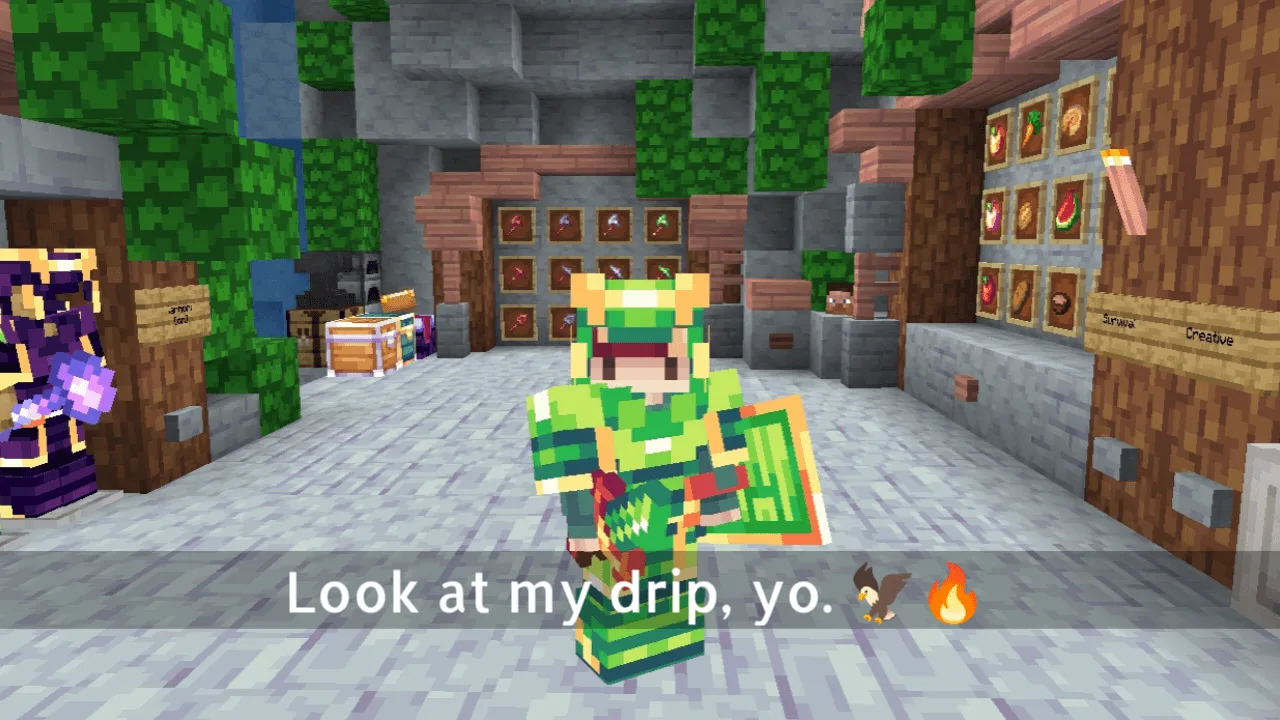
Skip to DownloadSanctum 16x is a beautifully crafted PvP texture pack themed around elegant green samurai aesthetics. It enhances your Minecraft Bedrock experience with essential features for combat while maintaining a sleek and clean visual style.
ad
Description
Step into the world of Minecraft Bedrock with the Sanctum 16x texture pack, a unique PvP-oriented pack designed for players who value both aesthetics and gameplay functionality. Featuring a striking green samurai theme, this texture pack transforms the visual experience of the game, making it stand out during intense battles. The Sanctum 16x pack is specifically tailored for players who actively engage in player vs. player combat, offering essential modifications that not only enhance the look of the game but also improve performance and usability.
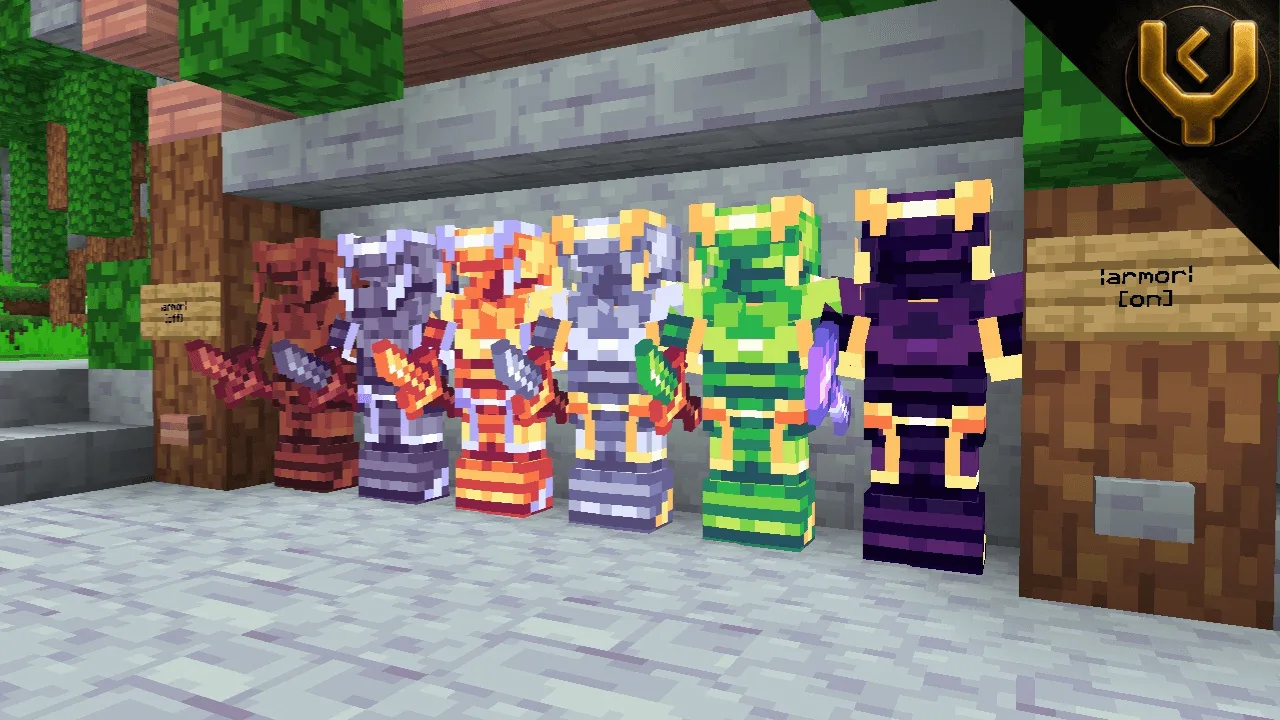
One of the standout features of the Sanctum 16x texture pack is its elegant design. The green samurai theme is not just about aesthetics; it reflects a commitment to creating an immersive combat environment. The textures are smooth and refined, ensuring that players can enjoy a polished look without sacrificing performance on lower-end devices. This is particularly significant for Minecraft Bedrock Edition, where performance can vary widely based on hardware.
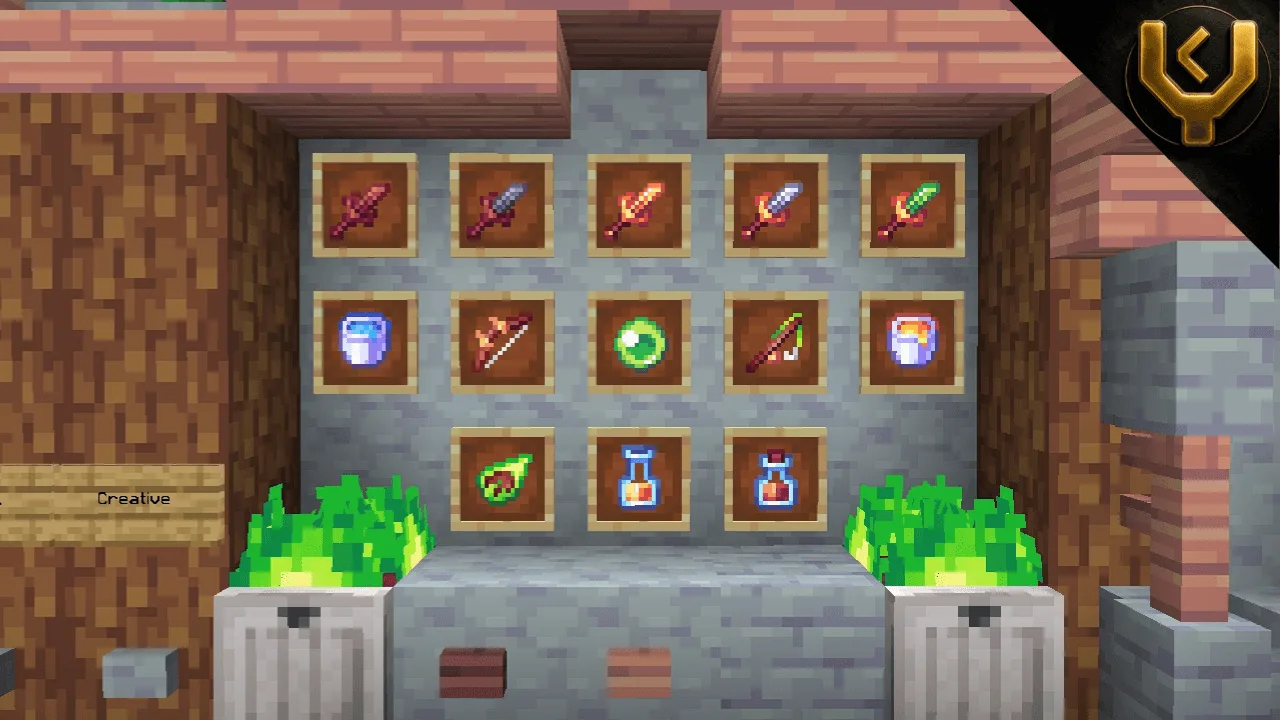
The pack includes a transparent inventory user interface, which allows players to see their surroundings while managing their items. In PvP scenarios, this can be crucial as it avoids the common issue of being ambushed while navigating the inventory. Additionally, the texture pack replaces standard swords with shorter variants, which can help players react more quickly in combat situations. This subtle change can give a tactical advantage, making melee encounters feel more fluid and responsive.
Another essential aspect of the Sanctum 16x pack is the optimized fire textures. In a game where visibility can be affected by various environmental factors, having low fire textures helps maintain clarity during gameplay, especially in intense battles or when exploring fiery areas like the Nether. This improvement ensures that players can focus on combat without being distracted or hindered by overwhelming visual effects.
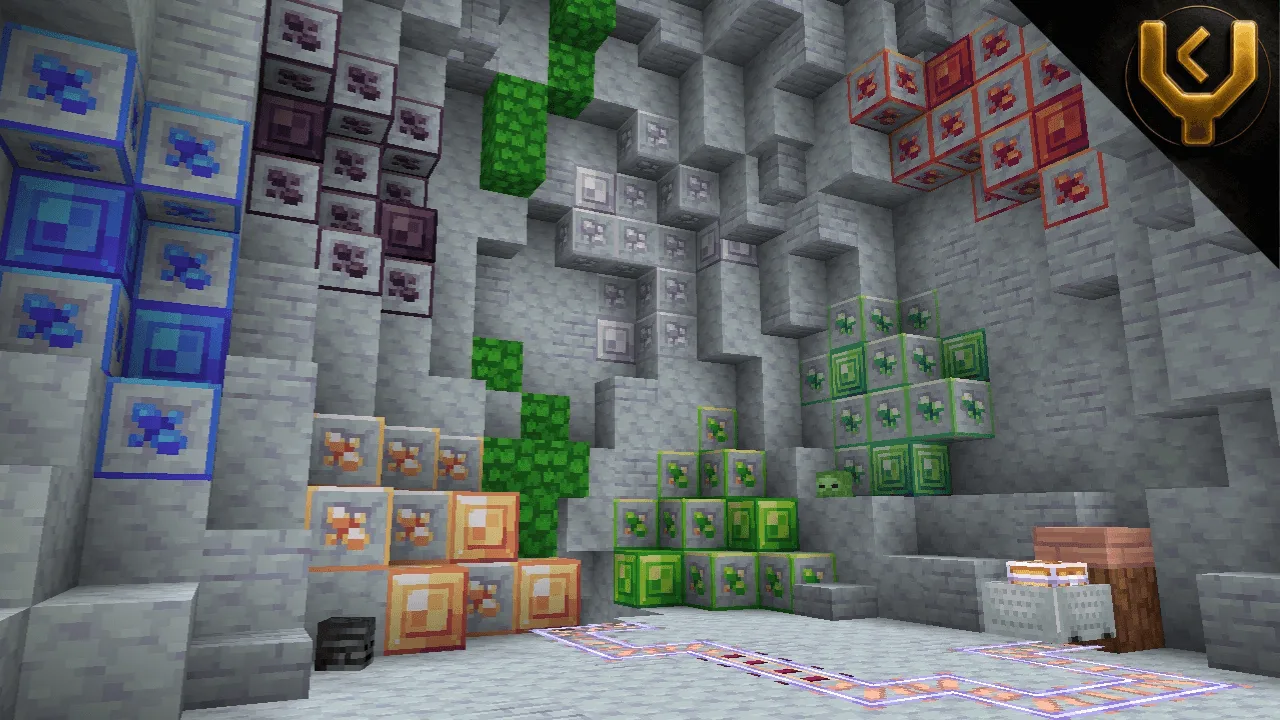
The outlined ores in the Sanctum 16x texture pack allow for easier identification of valuable resources. In competitive scenarios, where gathering materials quickly can mean the difference between victory and defeat, clearly defined ores can save precious time. Players will appreciate the enhanced clarity as they mine in search of diamonds or other crucial resources, ensuring they can gear up without wasting time on unnecessary distractions.
Furthermore, this texture pack is versatile, making it suitable for various gameplay styles beyond PvP. Whether you’re exploring, building, or engaging in cooperative play, the visual enhancements provided by the Sanctum 16x pack add a layer of enjoyment to the overall Minecraft experience. The combination of practicality and style makes it a fantastic choice for players who want to elevate their gameplay without compromising the classic feel of Minecraft.
Installation of the Sanctum 16x pack is straightforward, making it accessible for players of all technical abilities. Once installed, players can easily switch between this texture pack and their default settings, allowing for experimentation with different visuals that match their gameplay preferences. With the increasing demand for customizable experiences in Minecraft, utilizing texture packs like Sanctum 16x enriches the game significantly, providing a fresh take on the traditional aesthetic.
In conclusion, Sanctum 16x is more than just a texture pack; it is a carefully designed tool that enhances gameplay in Minecraft Bedrock Edition. With its focus on PvP essentials, attractive design, and practical enhancements, it is an excellent choice for players looking to refine their Minecraft experience while embracing a unique style. Whether engaged in battle or exploration, Sanctum 16x ensures that players remain immersed in a beautifully crafted world.
ad
About the Content
CHANGELOG:
- Initial release featuring core PvP functionalities
- Introduced transparent inventory user interface for better visibility
- Added short swords for quicker combat interactions
- Optimized fire textures to reduce visual obstruction
- Enhanced outlined ores for improved resource identification
Installation
To install the Sanctum 16x texture pack in Minecraft Bedrock Edition, follow these simple steps:
1. **Download the Texture Pack**: First, obtain the Sanctum 16x texture pack file, which is typically provided in a .mcpack format. Ensure that you save it in a location where you can easily find it.
2. **Open Minecraft**: Launch Minecraft Bedrock Edition on your device, whether it's mobile, console, or Windows.
3. **Access Settings**: From the main menu, navigate to 'Settings'. This option is usually found on the bottom right of the screen.
4. **Select Storage**: Within the Settings menu, scroll down and select 'Storage'. This will allow you to view your downloaded packs and manage them.
5. **Import the Texture Pack**: Next, find the downloaded Sanctum 16x .mcpack file and select it to import it into the game. The game should automatically recognize and add it to your available packs.
6. **Activate the Texture Pack**: After the pack has been imported, go back to the main menu and select 'Settings' again. Navigate to 'Global Resources' or 'Resource Packs'. Here, you’ll find Sanctum 16x listed among your available packs. Click on it and select 'Activate' to enable the texture pack.
7. **Enjoy Your New Experience**: Once activated, return to the game. The new textures will now be applied, enriching your Minecraft experience with the stunning visuals and enhancements of the Sanctum 16x pack.
Feel free to toggle back to the default textures at any time if you wish to switch it up or try other packs!
Supported Minecraft Versions
26.20
If the download button doesn't work, click here for alternatives
If you are the original creator and would like this content removed, please submit a request through our DMCA page.