MCPE Transparent Ocean User Interface Pack
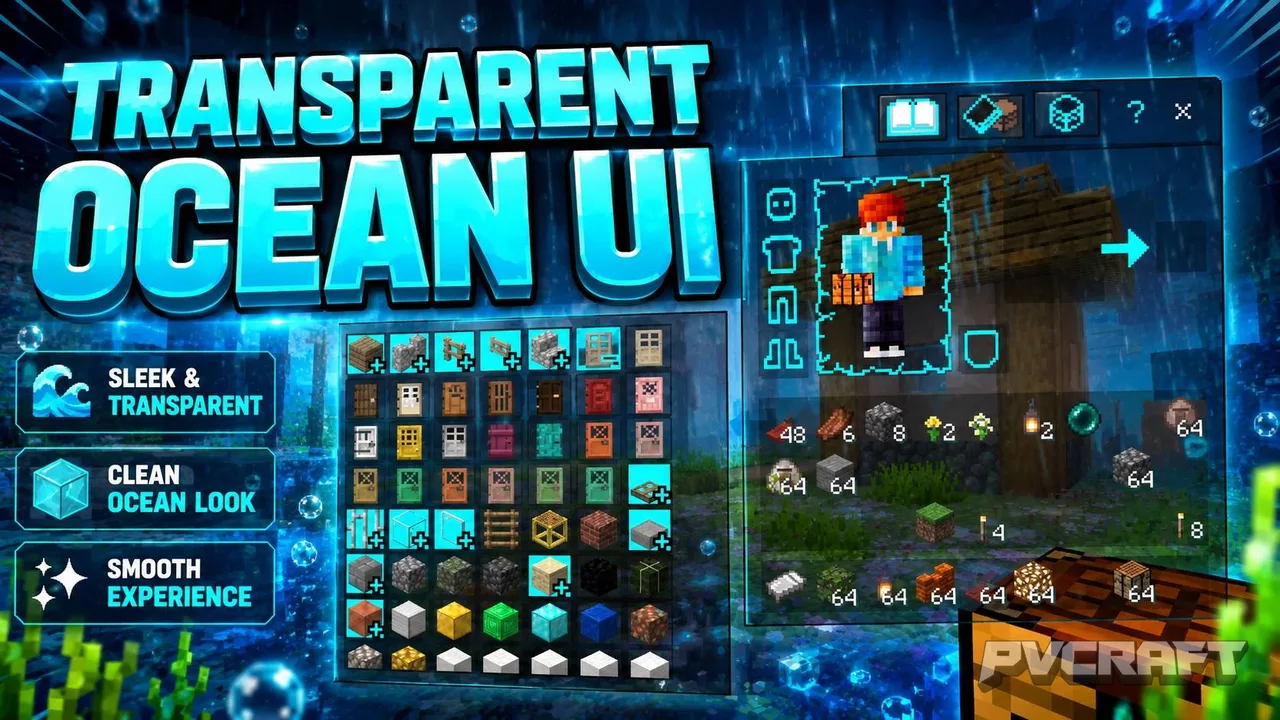
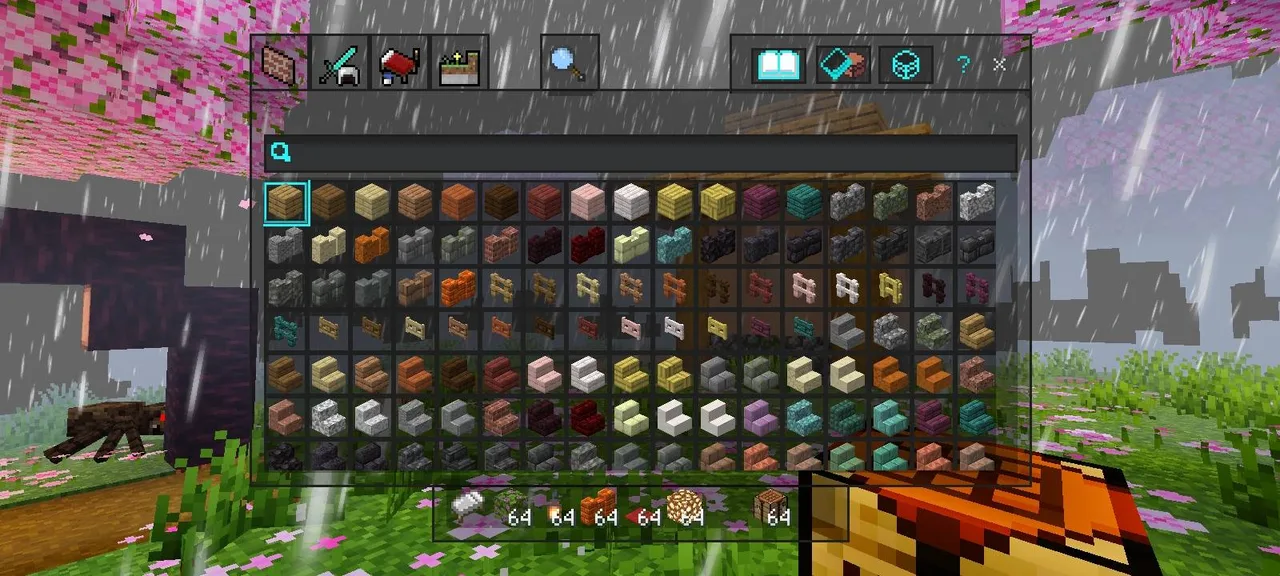
Skip to DownloadThe Transparent Ocean User Interface Pack transforms your Minecraft Bedrock Edition interface with a sleek, ocean-themed transparent aesthetic, enhancing your gaming experience without altering core gameplay.
ad
Description
In the vast world of Minecraft Bedrock Edition, players often seek ways to enhance their visual experience while maintaining the core mechanics that define gameplay. The Transparent Ocean User Interface Pack achieves this with a refreshing twist. This texture pack introduces a unique ocean-inspired aesthetic to the user interface, providing a clean and modern feel while remaining functional. With this pack, players can enjoy an immersive environment that complements the beautiful landscapes of Minecraft without hindering visibility or performance.
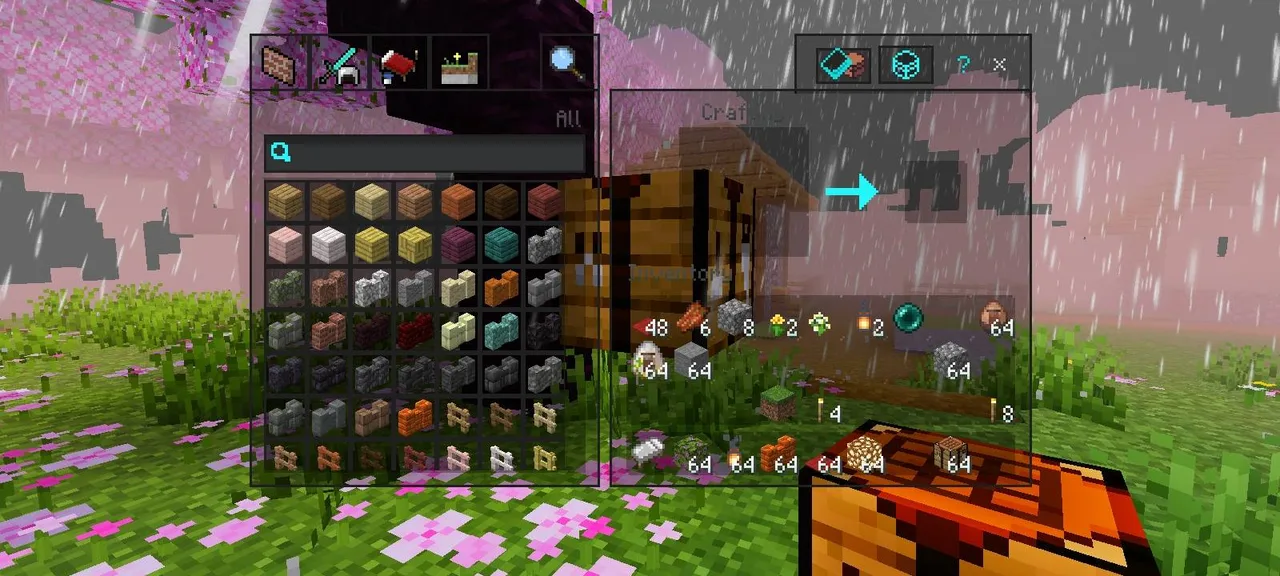
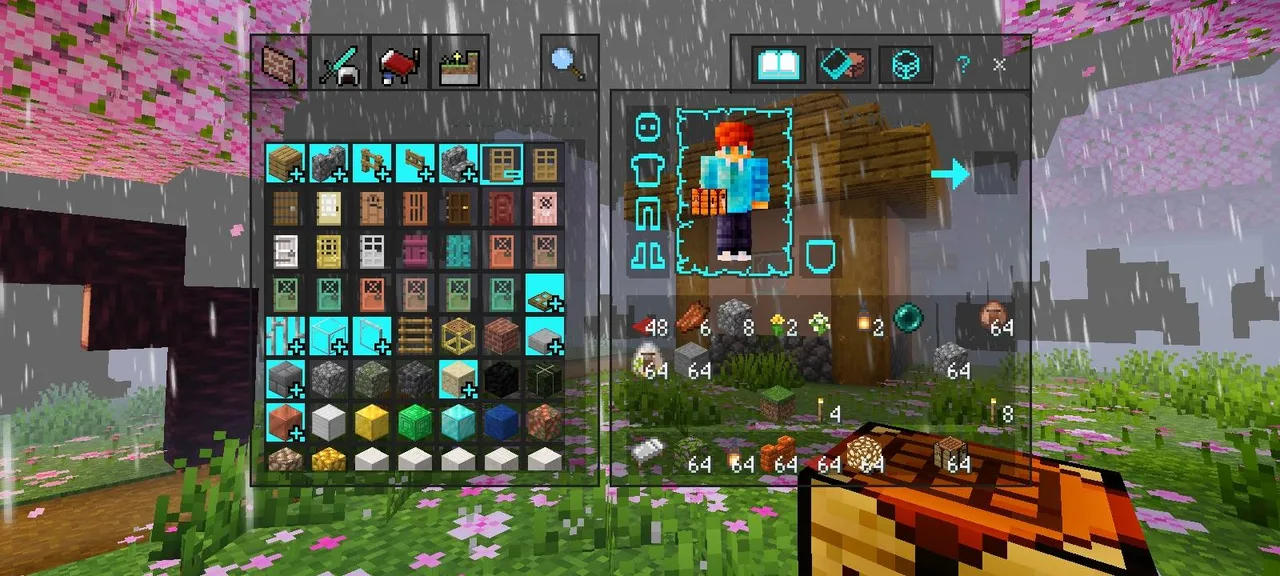
One of the standout features of the Transparent Ocean UI Pack is its transparent design. Unlike the traditional opaque interfaces that can sometimes obstruct views of the stunning blocks and landscapes players build and explore, this pack allows for a more fluid viewing experience. Whether you are mining deep underground or surveying your expansive creations from above, the new interface ensures that information is presented without overwhelming your screen.
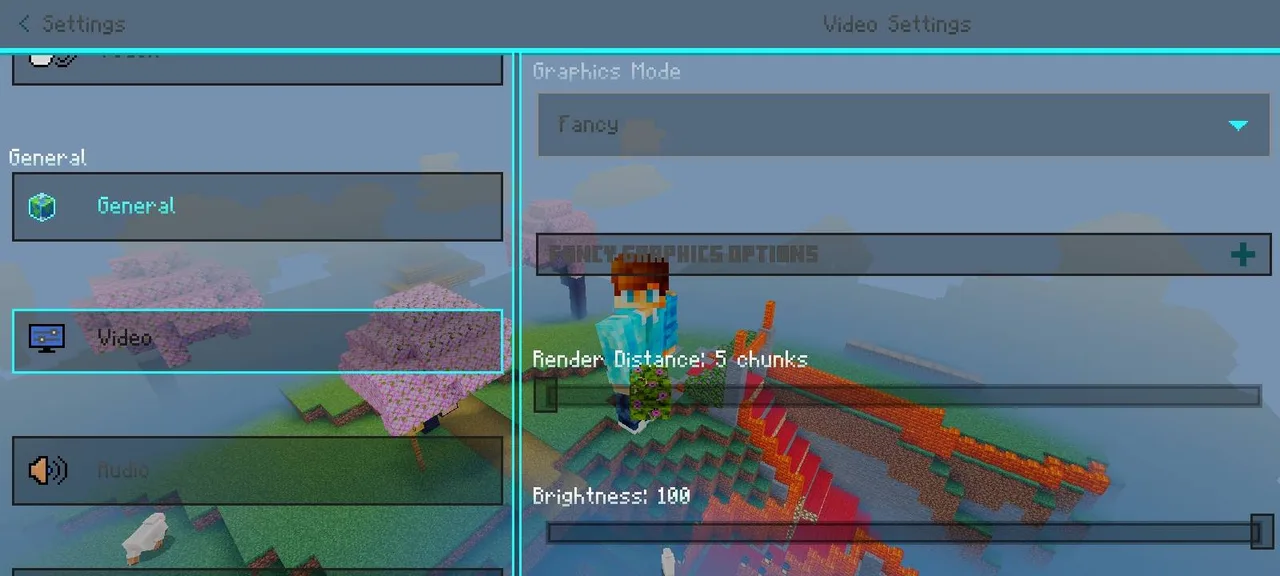
The ocean theme resonates throughout the UI, from the crafting tables to the inventory screens. This aesthetic choice creates a cohesive look that feels both organic and refreshing. Especially for players who enjoy building near water or in aquatic biomes, the interface acts as a visual extension of their surroundings. By incorporating soft blues and greens, players are greeted with a soothing color palette that enhances the overall ambiance of their adventures.
Moreover, this texture pack is designed specifically for Minecraft Bedrock Edition, making it lightweight and optimized for various devices, including mobile and console platforms. This optimization ensures that players won’t experience significant performance drops or lag, which can often detract from gameplay. The Transparent Ocean UI Pack operates seamlessly with the game, allowing players to dive into their worlds without the fear of technical hiccups.
Installation of the Transparent Ocean UI Pack is straightforward. Once downloaded, players simply need to import the .mcpack file into their game. After activation from the Global Resources menu or within their world settings, the pack can be moved up in the list to ensure it takes precedence over other texture packs. This ensures that players can enjoy the sleek new interface as soon as they enter their world.
In terms of compatibility, the Transparent Ocean UI Pack supports the latest updates for Minecraft Bedrock Edition. Therefore, players can rest assured that they can enjoy this unique interface alongside new game features and updates without the concern of compatibility issues. This makes it an ideal choice for both seasoned players and newcomers alike.
For those who enjoy exploring vast caves and underwater temples, the Transparent Ocean UI Pack enhances the experience by allowing players to see their surroundings more clearly. The interface does not interfere with the breathtaking underwater visuals. Instead, it complements the natural beauty of the game, allowing players to focus on their gameplay objectives without distraction.
Crafting and managing inventory can often be a tedious task in Minecraft. However, with the Transparent Ocean UI Pack, these tasks become more visually appealing. The transparent crafting interface allows players to view their surroundings while managing their resources, making it easier to plan construction projects or gather materials without missing out on important environmental cues.
Players who frequently participate in multiplayer modes will find this texture pack particularly useful. The clean and modern interface is not only pleasing to the eye but also enhances communication with teammates. With clearer visibility of inventory and crafting options, players can coordinate better during collaborative builds or resource gathering missions.
In conclusion, the Transparent Ocean UI Pack is more than just a visual update; it is a means of enhancing the overall Minecraft experience. Its ability to provide a transparent, ocean-themed interface without detracting from gameplay elements makes it a valuable addition for any player looking to refresh their gaming experience. Whether building intricate structures, exploring vast landscapes, or engaging in cooperative gameplay, this texture pack is designed to elevate immersion and enjoyment in the world of Minecraft Bedrock Edition.
ad
About the Content
CHANGELOG:
- Initial release featuring transparent interface elements
- Enhanced compatibility across various Bedrock devices
- Improved clarity for inventory and crafting menus
- Adjusted color palette for better visibility in various environments
- Optimized performance to reduce lag during gameplay
Installation
Installing the Transparent Ocean UI Pack is a simple process that allows you to quickly enhance your Minecraft Bedrock Edition experience. Follow these steps to get started:
1. **Download the Texture Pack**: First, make sure you have the .mcpack file on your device. This is typically done through a file manager or from your downloads folder.
2. **Import the Pack**: Open Minecraft Bedrock Edition. The game will automatically import the texture pack when you tap on the .mcpack file. If the pack does not import automatically, you may need to manually add it through settings.
3. **Activate the Resource Pack**: Navigate to the settings menu. From there, go to **Global Resources**. You will see a list of available packs. Find the Transparent Ocean UI Pack and tap on it to activate.
4. **Adjust Resource Pack Order**: To ensure the best visual experience, move the Transparent Ocean UI Pack to the top of your active resource packs list. This prioritization ensures that other packs do not override its features.
5. **Enter Your World**: Once activated, enter any of your worlds to see the new interface in action. Enjoy the refreshing transparent ocean-themed look as you explore, craft, and build!
By following these steps, you’ll seamlessly integrate the Transparent Ocean UI Pack into your Minecraft experience, enhancing both gameplay and immersion.
Supported Minecraft Versions
26.30 26.20 26.13 26.12 26.11
If the download button doesn't work, click here for alternatives
If you are the original creator and would like this content removed, please submit a request through our DMCA page.