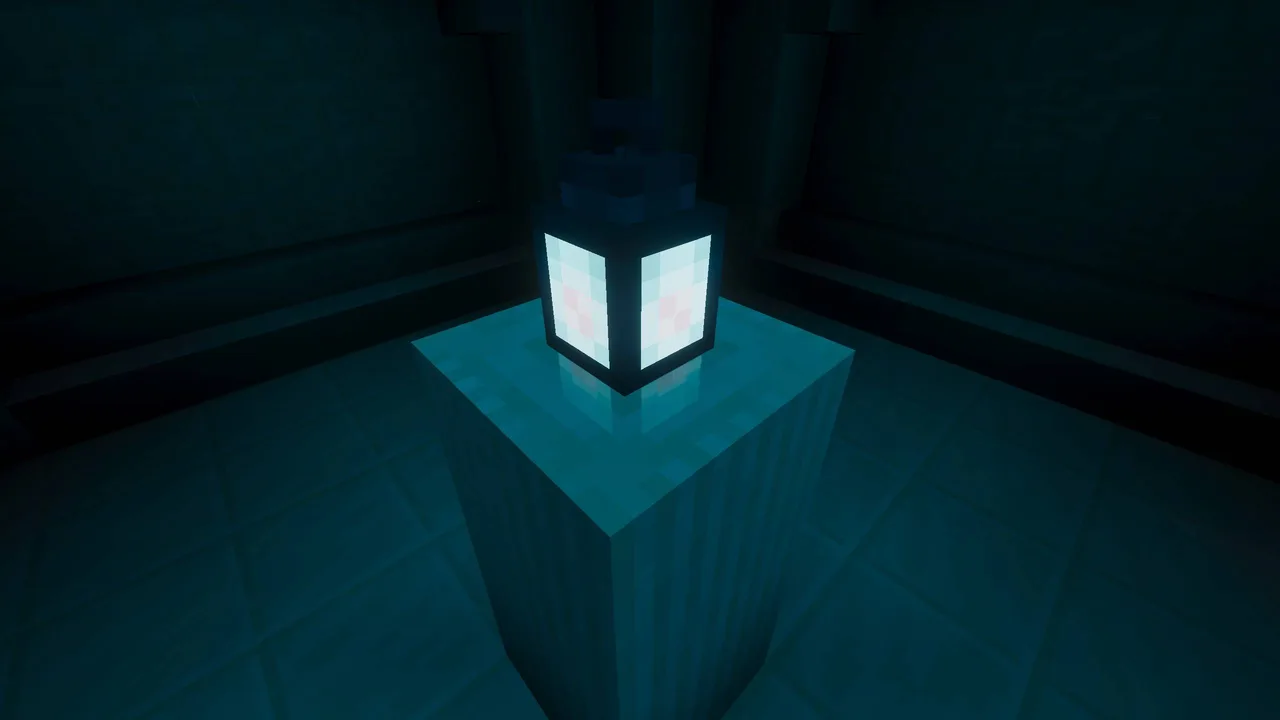
MCPE Summerset Visuals: A Vibrant Texture Pack for Bedrock Edition
Skip to DownloadSummerset Visuals transforms your Minecraft Bedrock experience with a vibrant, summer-inspired texture pack. It enhances the game’s visuals, making exploration and building feel fresh and lively, perfect for those looking to immerse themselves in a colorf
ad
Description
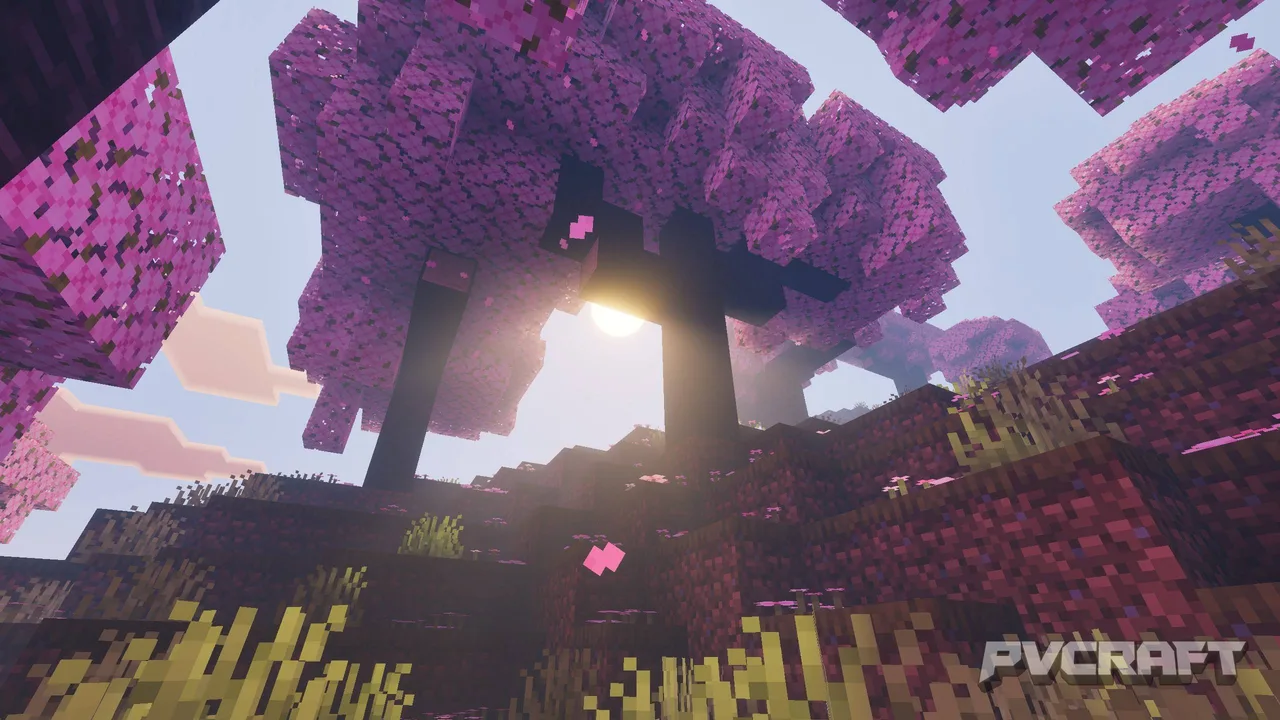
In the colorful world of Minecraft Bedrock Edition, visuals can significantly impact your experience. The Summerset Visuals texture pack offers a refreshing twist to the game by infusing it with a vibrant summer atmosphere. Players seeking to enhance the aesthetic of their blocks and landscapes will find themselves thoroughly immersed in this beautifully crafted pack. With an emphasis on vibrant colors and realistic textures, this pack aims to elevate the overall gameplay experience, making it a must-have for fans of the game.
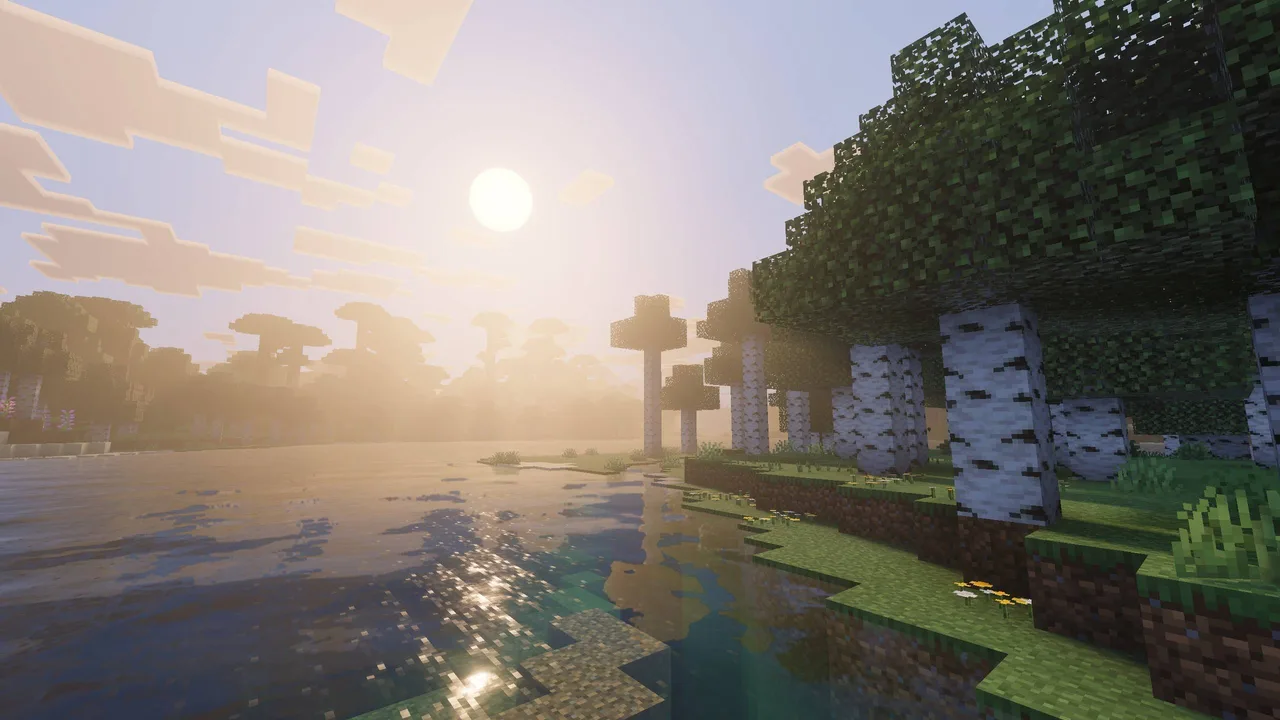
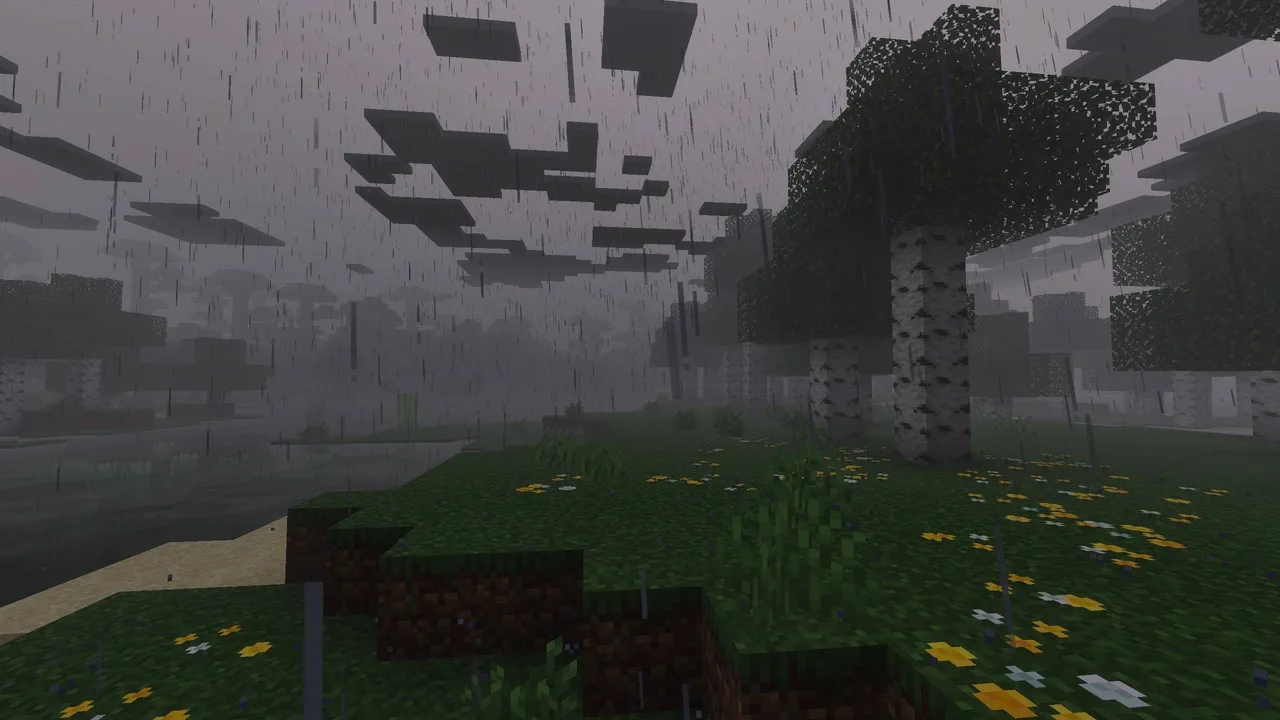
The core appeal of Summerset Visuals lies in its ability to transform the look and feel of your Minecraft environment. As you venture through lush forests or explore vast mountains, you'll notice the enhanced color palette that breathes new life into familiar places. This is particularly beneficial for players who enjoy exploration and adventure, as the vibrant visuals can make the world feel more alive and inviting. Players will find joy in the improved textures on blocks, which give them a more polished and high-quality appearance, enhancing not only aesthetics but also immersion.
One of the standout features of Summerset Visuals is its use of Physically Based Rendering (PBR) maps. This technology enhances the realism of reflective surfaces, especially for ore blocks. As you mine for diamonds or gather resources, the way light interacts with these surfaces feels more dynamic and engaging, making tasks like mining feel more rewarding. Players who often dive into resource gathering will appreciate the subtle but impactful changes that improve the overall visual feedback of their activities.
Building enthusiasts will also find much to love in this texture pack. The vibrant colors make it easier to differentiate between various blocks, which can be particularly helpful during the building process. Whether you’re constructing a cozy cottage or a towering castle, the clarity and vibrancy of the textures can inspire creativity and innovation. This transformation of the game’s blocks can lead to new architectural styles and ideas, pushing players to explore different design possibilities.
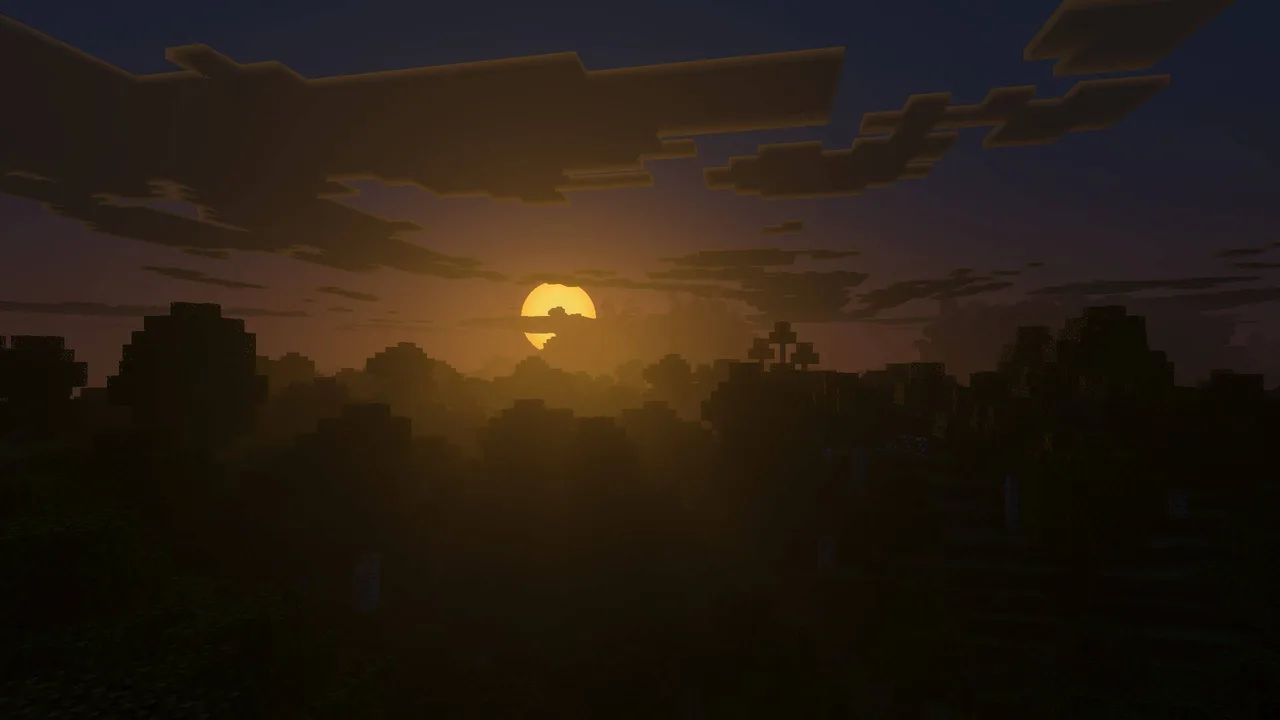
Moreover, the sun and moon textures in Summerset Visuals have been upgraded to provide a more realistic appearance. This detail is not just cosmetic; it influences the overall ambiance of the game. As day transitions into night, players will notice how the lighting changes, adding depth to their environments. The custom cloud patterns also contribute to an enriched sky, making every sunrise and sunset a visual treat. Such changes are particularly prominent during gameplay, encouraging players to step outside their builds and enjoy the natural beauty of their world.
However, players should be aware of the performance considerations when using texture packs. While Summerset Visuals is optimized for various devices, those with older hardware may experience some slowdown, especially in visually complex areas. It's advisable for players to test the pack in different environments to gauge performance. Players on mobile devices or lower-end consoles may need to adjust their expectations regarding performance and visual fidelity.
In terms of compatibility, Summerset Visuals is designed specifically for Minecraft Bedrock Edition. This means players can confidently install the pack without worrying about cross-version issues that often plague other platforms. The pack enhances gameplay in both survival and creative modes, making it suitable for any player looking to elevate their Minecraft experience. Suitable for everyone from casual players to hardcore builders, this pack invites all players to step into a vibrant summer-themed world that encourages creativity and exploration.
In conclusion, Summerset Visuals is an excellent choice for Minecraft Bedrock players who want to enhance their gaming experience. The vibrant colors, improved textures, and realistic elements contribute to a more engaging environment, making exploration and building both enjoyable and visually rewarding. Whether you’re wandering through a colorful forest or crafting your dream home, this texture pack brings a sense of liveliness and warmth to your Minecraft adventures. With its ease of installation and solid performance, it’s a worthwhile addition for any player eager to refresh their game’s visuals.
ad
About the Content
CHANGELOG:
- Initial release with vibrant summer-themed textures
- Enhanced PBR maps for reflective surfaces and ore blocks
- Updated sun and moon textures for a realistic appearance
- Custom cloud patterns to enrich the sky visuals
- Optimized textures for better performance on various devices
Installation
Installing the Summerset Visuals texture pack in Minecraft Bedrock Edition is a straightforward process. Follow these steps to get started:
1. **Download the Texture Pack:** First, ensure that you have the Summerset Visuals texture pack file downloaded on your device. It should be in .mcpack format.
2. **Open Minecraft Bedrock Edition:** Launch the game and navigate to the main menu.
3. **Access Settings:** From the main menu, go to the 'Settings' option.
4. **Navigate to Storage:** In the settings menu, scroll down to find the 'Storage' section where you can manage your texture packs.
5. **Import the Texture Pack:** Use the 'Import' option to locate and select the downloaded .mcpack file. Minecraft will automatically import the textures into your game.
6. **Apply the Texture Pack:** After importing, go back to the main menu, and select 'Create New' or enter an existing world. In the world settings, find the 'Resource Packs' option and select Summerset Visuals from your installed packs.
7. **Enjoy Your Game:** Once you’ve applied the texture pack, start your game. You’ll immediately notice the vibrant changes in your Minecraft world.
Ensure you check for any updates to the texture pack occasionally, as developers may enhance performance or visuals over time.
Supported Minecraft Versions
26.40
If the download button doesn't work, click here for alternatives
If you are the original creator and would like this content removed, please submit a request through our DMCA page.