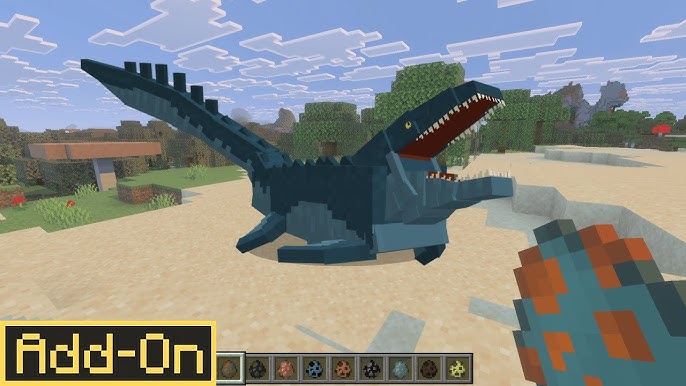
MCPE Jurassic Project New Era Update
Skip to DownloadWelcome to the New Era of Jurassic Project! This groundbreaking update overhauls the game with a fossil-based DNA extraction system. Discover 64 species by unearthing fossils, processing them in new machines, and cloning dinosaurs yourself. The power to r
Loading video...
Description
The Jurassic Project has evolved! The New Era update fundamentally changes how you interact with prehistoric life, moving beyond simple spawning to a deep, engaging scientific process. In this version, the world is not pre-populated with dinosaurs; you must become a geneticist and build them from the ground up. Your journey begins with the thrilling hunt for fossils—common, aquatic, and plant—scattered beneath the earth.
These fossils are processed into valuable genetic material, which is then used in a series of custom machines to clone and incubate your very own dinosaurs. This update also reintroduces the Growth Serum, a vital tool for accelerating the development of baby dinosaurs, whether wild or tamed. With 64 species of land, air, and marine reptiles to discover, plus new decorative plants, the New Era offers the most immersive and rewarding dinosaur restoration experience in Minecraft.
About the Content
Jurassic Project: New Era is a complete systematic overhaul that transforms Minecraft into a paleontological simulation. This isn't an addon where dinosaurs simply roam the landscape; it's a complex game of scientific discovery and bio-engineering where you actively rebuild an extinct ecosystem piece by piece. The removal of custom spawn eggs reinforces this philosophy, making every dinosaur you encounter the direct result of your own effort and ingenuity.
The Fossil-Based Progression System:
The core gameplay loop is a multi-stage process of de-extinction:
The Excavation Phase: The adventure starts underground. You must explore caves and dig sites to find three types of fossil blocks: Common Fossils (for terrestrial creatures), Aquatic Fossils (for marine life), and Plant Fossils (for prehistoric flora). Each fossil block, when broken, yields specific items.
The Analysis & Extraction Phase: The raw fossil items are not the final product. They must be processed. This is done using new, custom-built machines. Placing a fossil into the appropriate machine will process it and yield one of several key items:
Carnivore Remains / Herbivore Remains: The genetic building blocks for land dinosaurs.
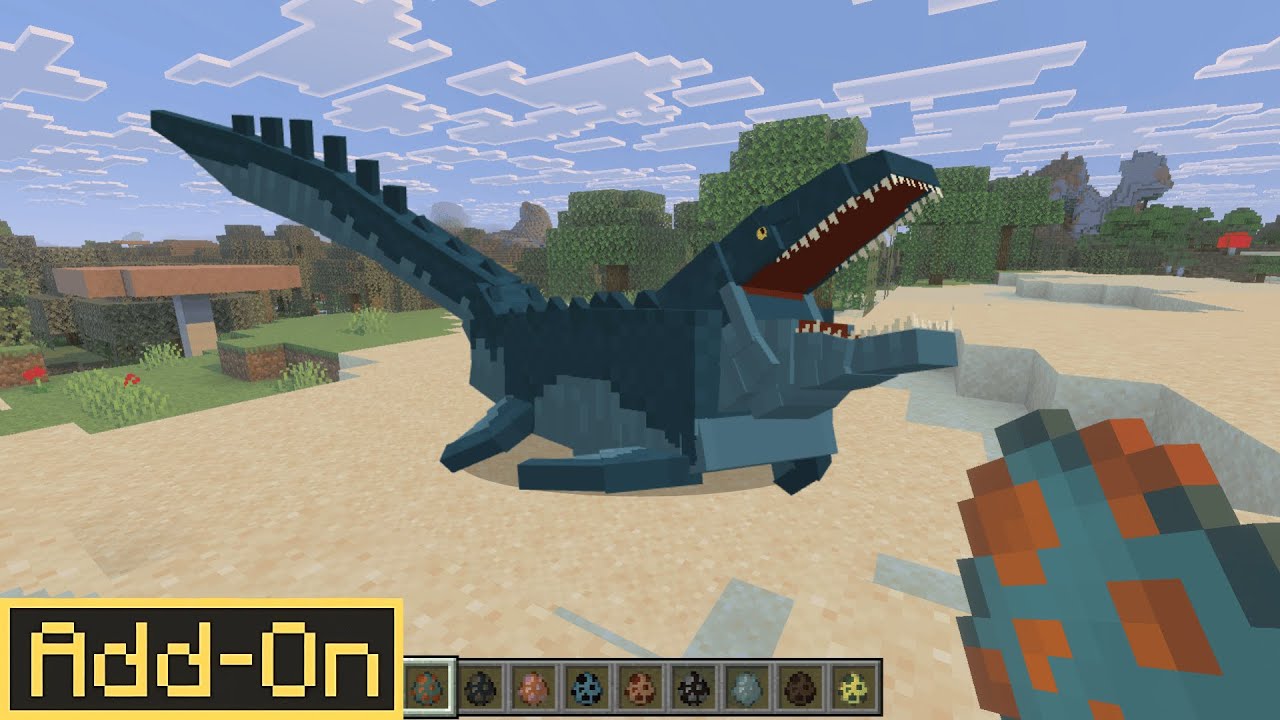
Aquatic Animal Remains: Used for cloning marine reptiles like Mosasaurus.
Flying Animal Remains: Essential for creating Pteranodons and other flying reptiles.
Plant Fossils (Processed): Used to cultivate the addon's new prehistoric plants and trees.
The Cloning & Growth Phase: The acquired remains are used in a Cloning Machine to create a species-specific dinosaur embryo. This embryo is then placed in an Incubator to gestate. After a period of time, a baby dinosaur will hatch. To rapidly mature your new creature, you can use the Growth Serum on it. This serum works on both tamed and wild babies, allowing you to quickly build a thriving ecosystem or expedite your taming efforts.
This intricate system, combined with a diverse roster of 64 accurately modeled species, makes Jurassic Project: New Era a deeply satisfying and educational mod that rewards patience and strategic thinking.
Installation
Implementing the New Era in Your World:
To begin your career in genetic restoration, you must first correctly install the addon. The process is designed for a seamless setup.
Step 1: Secure the Update
Download the latest version of the "Jurassic Project New Era" addon by clicking the link on this page. You will receive the standard .mcaddon file package.
Step 2: Initiate the Import Process
Locate the downloaded file on your device. The most reliable method is to double-click the .mcaddon file. When your operating system prompts you to choose an application, select Minecraft. The game will launch and automatically handle the import of all behavior and resource assets.
Step 3: Activate the Scientific Modules
The addon is now installed in your global library. To use it, you must enable it for a specific world. Go to that world's 'Settings'. Navigate to 'Behavior Packs', find "Jurassic Project New Era," and activate it. It is imperative that you also go to the 'Resource Packs' menu and activate the matching resource pack. This two-step activation is non-negotiable for the machines and dinosaurs to function and appear correctly.
Step 4: Begin Your Research
Load into your world. You will not immediately see dinosaurs. Your first task is to gather resources and build the core machines: the Fossil Analyzer, the Cloning Machine, and the Incubator. Then, start mining for fossils! The entire prehistoric world is waiting to be rediscovered by you.
Supported Minecraft Versions
1.21
If the download button doesn't work, click here for alternatives
If you are the original creator and would like this content removed, please submit a request through our DMCA page.