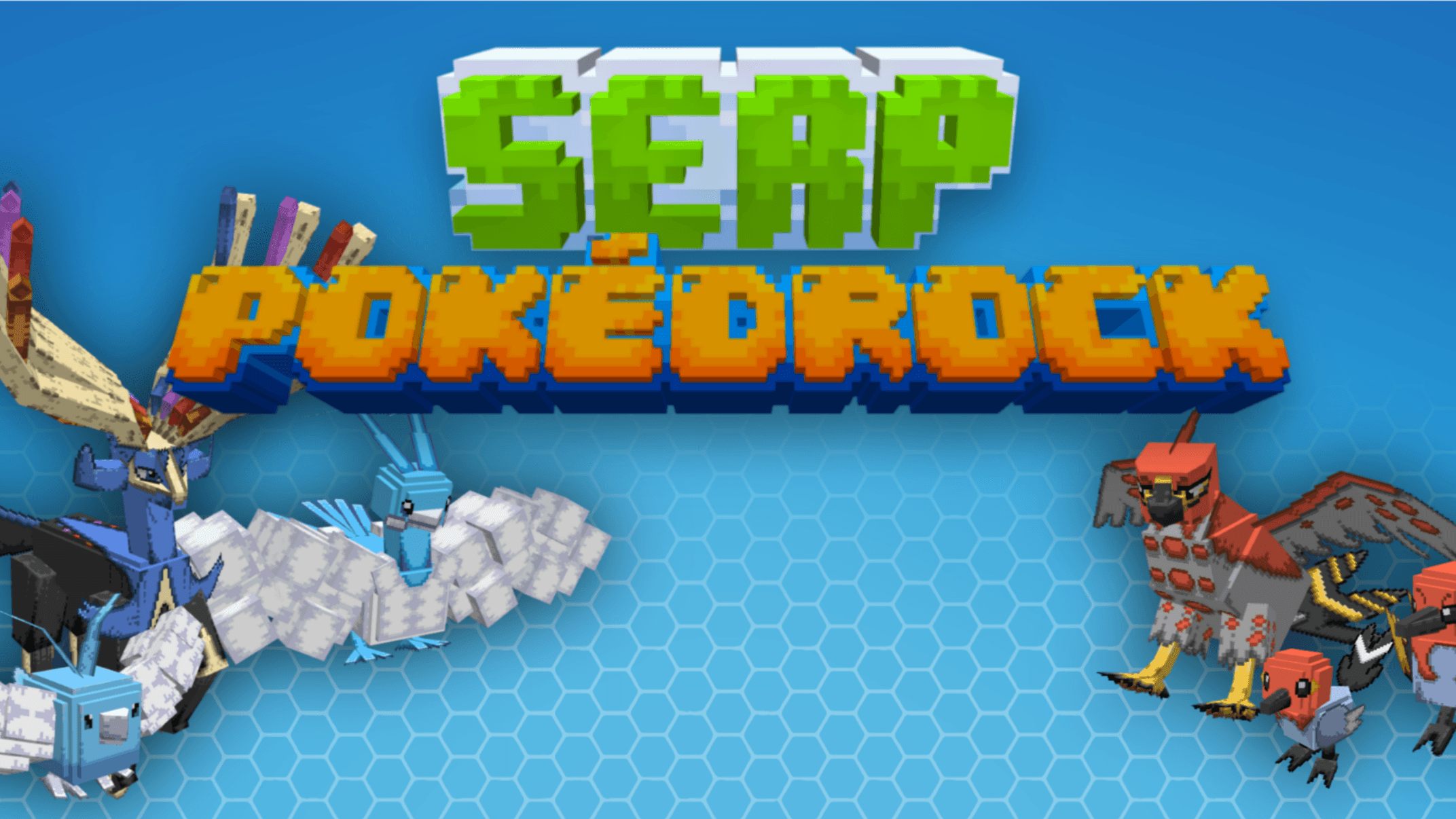
MCPE SERP Pokedrock (Pokémon Addon) 1.28.4 Update
Skip to DownloadBegin your ultimate Pokémon adventure in Minecraft with SERP Pokédrock! Choose your starter, explore regions, and catch 'em all in this comprehensive Pokémon conversion addon. The definitive way to experience Pokémon in Minecraft Bedrock!
Description
Experience the world of Pokémon like never before with SERP Pokédrock Addon for Minecraft Bedrock Edition! This incredible conversion mod brings the entire Pokémon experience directly into your blocky world. Start your journey by selecting your favorite region and choosing between classic starter Pokémon, just like in the official games.
Upon entering your world, you'll receive your chosen starter Pokémon, a beginner trainer kit, and two charges for your essential Pokévial tool. Explore vast landscapes, encounter wild Pokémon, and build your dream team. The addon has been meticulously updated to version 1.28.4, offering improved stability, new features, and crucial bug fixes. Whether you're a seasoned Pokémon master or a new trainer, this addon delivers an authentic and immersive Pokémon adventure within the Minecraft universe.
About the Content
SERP Pokédrock represents a monumental achievement in Minecraft addon development of Pokemon anime, seamlessly blending two beloved franchises into one cohesive gameplay experience. This isn't just a simple mob replacement; it's a full-fledged Pokémon game built within Minecraft's engine, complete with progression systems, exploration mechanics, and the classic "catch 'em all" philosophy that defines the Pokémon series.
A Complete Pokémon Journey:
The addon faithfully recreates the core Pokémon experience from the ground up. When you first spawn into your world, you're presented with a choice of iconic regions from the Pokémon universe, each offering a unique starting environment and Pokémon distribution. Then comes the most important decision: selecting your starter Pokémon. Will you choose the fiery Charmander, the aquatic Squirtle, or the grassy Bulbasaur? This choice defines your early-game strategy and team composition.
Once your journey begins, you receive a beginner trainer kit containing essential items like Poké Balls, potions, and other tools necessary for a budding Pokémon trainer. The Pokévial, a custom-made device unique to this addon, allows you to track, analyze, and encounter wild Pokémon in their natural habitats. With two initial charges, you must use this tool strategically as you explore the world, searching for rare species and building a diverse Pokédex.
Gameplay Systems and Features:
SERP Pokédrock goes beyond basic Pokémon spawning by implementing sophisticated game mechanics:
Battle System: Engage in turn-based battles with wild Pokémon and other trainers using your team's unique moves and abilities.
Evolution & Progression: Your Pokémon gain experience, level up, and can evolve into their more powerful forms, mirroring the progression of the official games.
Crafting & Items: Find and craft various items, including different types of Poké Balls, healing items, and held items that provide strategic advantages in battle.
Exploration & Discovery: Different biomes house different Pokémon species, encouraging extensive exploration to complete your Pokédex.
The addon also includes a convenient "/function reset" command, allowing you to wipe your progress and start a new adventure whenever you desire. This is particularly useful for trying different starter choices, experiencing new updates, or resolving any rare bugs that may occur. Version 1.28.4 brings enhanced stability, smoother gameplay, and continued support from the dedicated development team.
Installation
How to Install SERP Pokédrock & Begin Your Quest:
Embarking on your Pokémon adventure requires a proper installation. Follow these steps carefully to ensure your game runs smoothly.
Step 1: Download the Addon
Click the official download link on this page to obtain the SERP_Pokedrock.mcaddon file. Make sure you're getting version 1.28.4 or newer for the best experience.
Step 2: Automatic Installation Process
Locate the downloaded file on your device. To install, simply open the .mcaddon file with Minecraft. Double-click it (on PC) or tap on it (on mobile), then select Minecraft from the application list. The game will launch and automatically unpack and install all necessary files.
Step 3: Activate the Pokémon World
The addon is now on your device. To bring the Pokémon world to life, you must activate it for your chosen world. Enter the world's settings, go to the 'Behavior Packs' section, find "SERP Pokédrock," and press 'Activate'. This is crucial: You must also go to the 'Resource Packs' menu and activate the "SERP Pokédrock" resource pack. This dual activation is mandatory for all Pokémon models, textures, and game mechanics to function correctly.
Step 4: Start Your Adventure!
Load into your world. You will be greeted with a selection screen to choose your region and starter Pokémon. After making your choices, you'll receive your starter and beginner kit. Your Pokémon journey is now live! Remember, you can always use "/function reset" in the chat to start over if needed.
Supported Minecraft Versions
1.21
If the download button doesn't work, click here for alternatives
If you are the original creator and would like this content removed, please submit a request through our DMCA page.