MCPE Food Stats Texture Pack
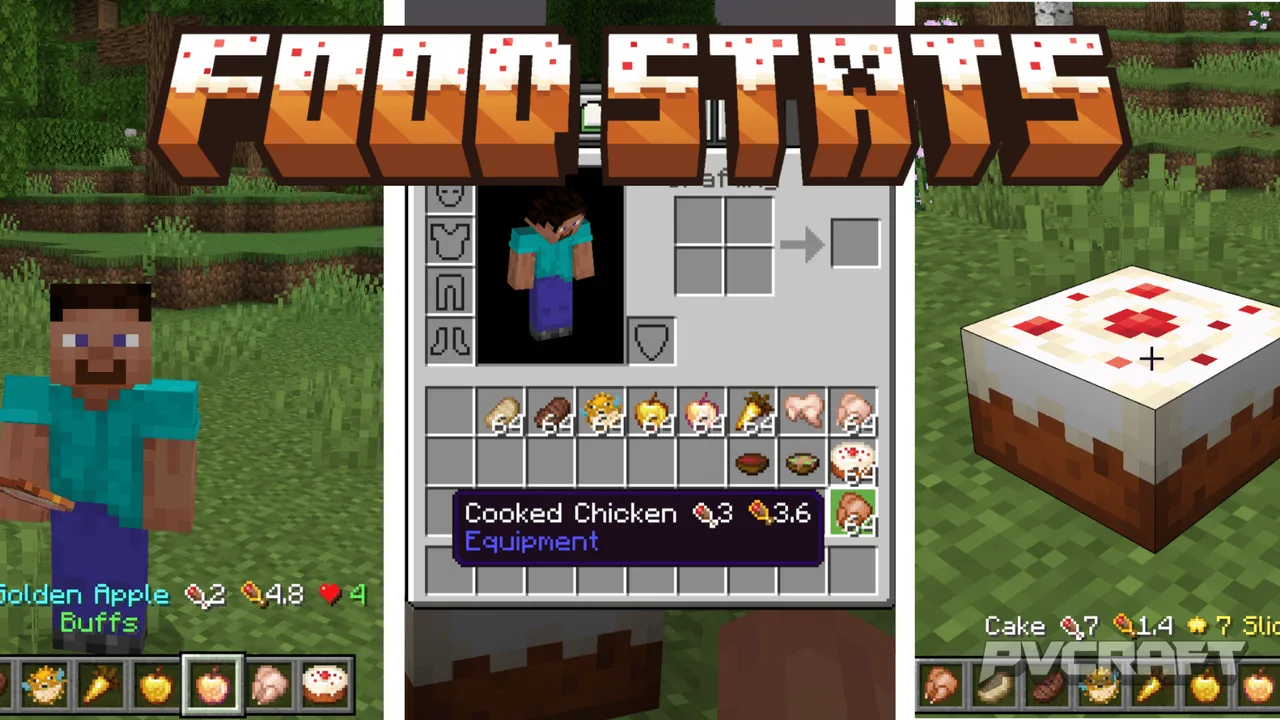
Skip to DownloadThe Food Stats texture pack transforms your Minecraft Bedrock experience by displaying essential food-related information directly on food items. This pack enhances gameplay by showing hunger points, saturation values, and potential effects, allowing play
ad
Description
Navigating the vast world of Minecraft Bedrock Edition often involves making critical decisions about what to eat in order to maintain your health and survival. The Food Stats texture pack serves as a valuable resource for players who want to enhance their understanding of the food mechanics within the game. With this texture pack installed, players can easily view essential statistics regarding food items, thus facilitating better survival strategies.
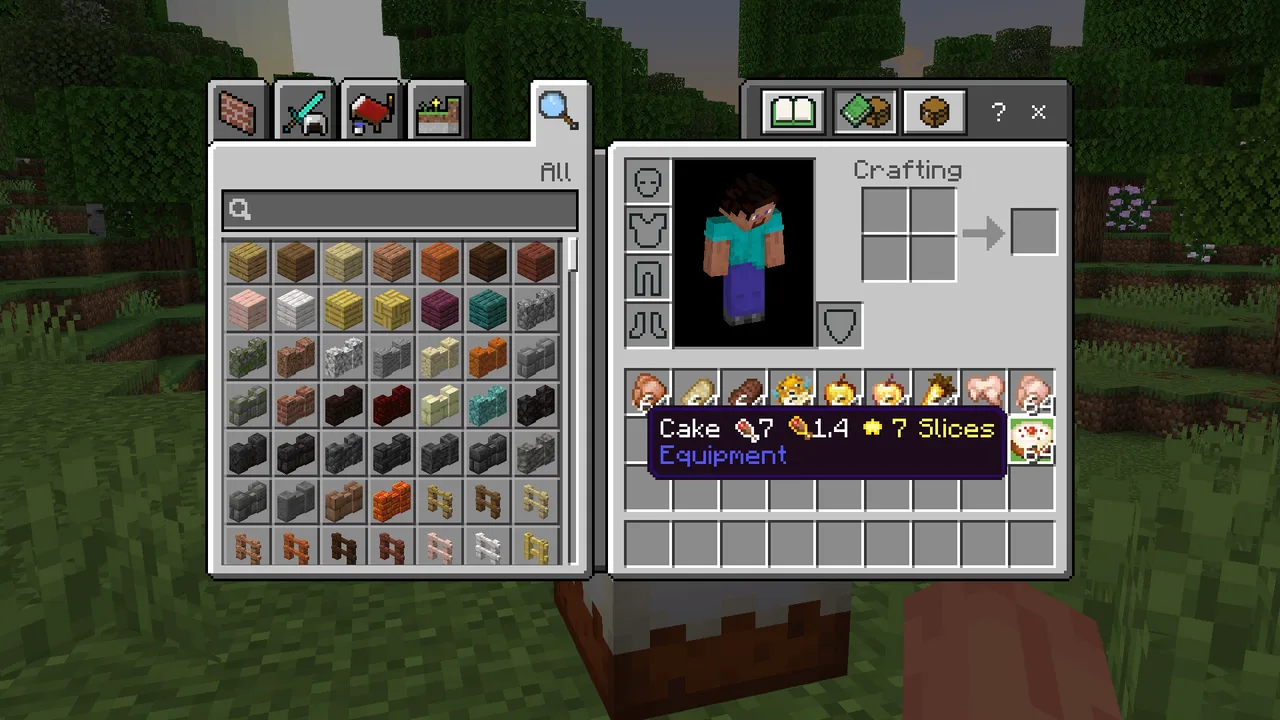
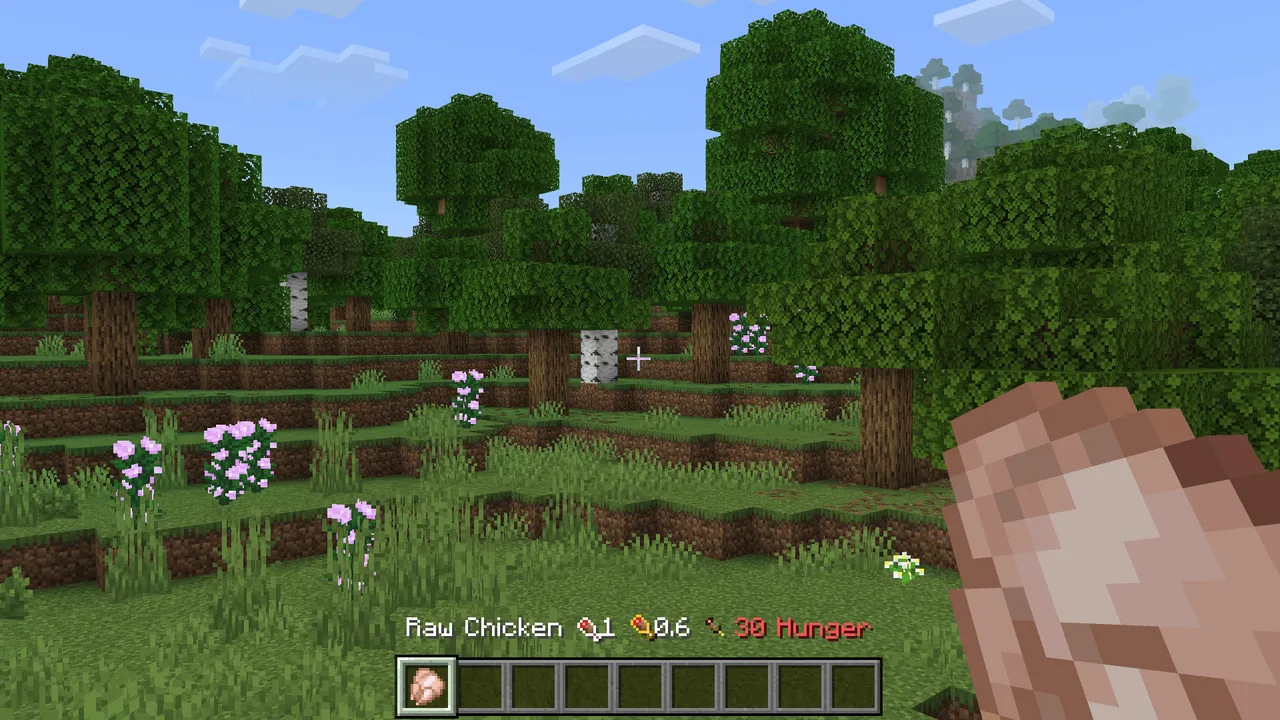
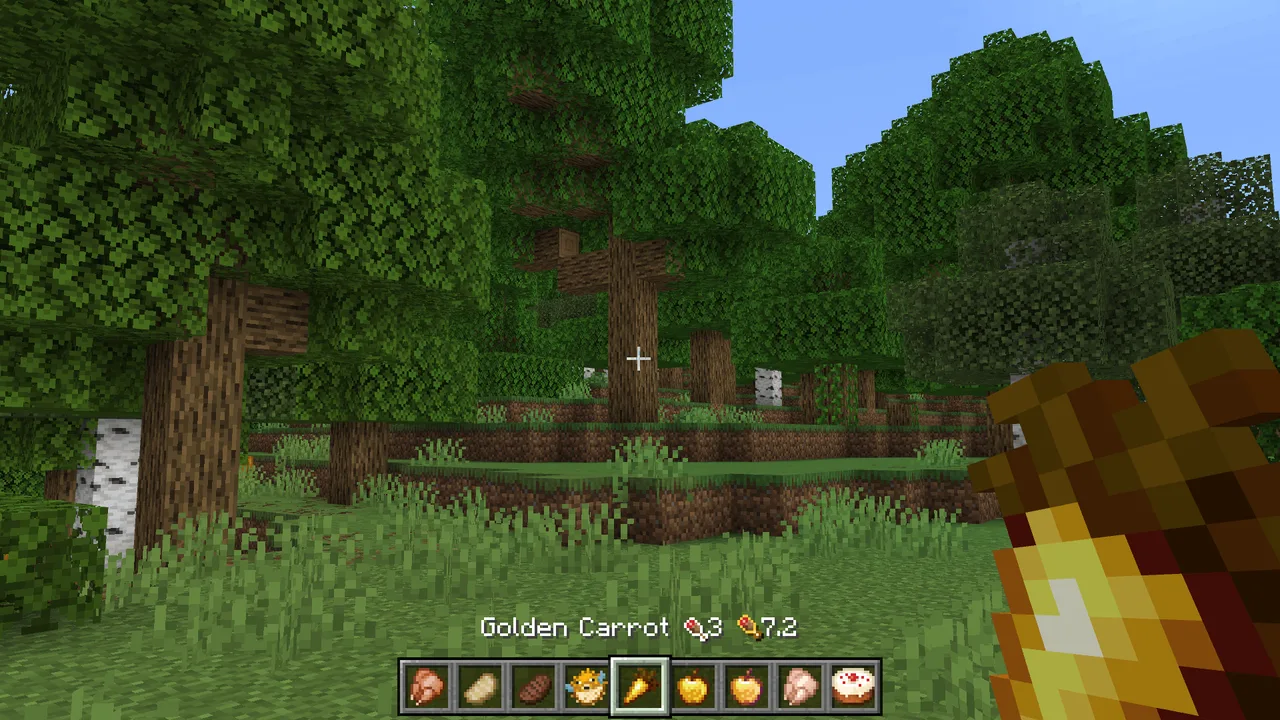
In Minecraft, food plays a vital role in maintaining a player's health and stamina. Each food item has specific hunger points it restores and a saturation value that influences how quickly a player’s hunger depletes. However, without the right tools or information, it can be challenging to discern which food items are the most beneficial. This is where the Food Stats texture pack comes into play. It modifies the names of food items in your inventory, hotbar, and crafting menus to display crucial data clearly. For instance, you can see the number of hunger points a food item restores, its saturation value, and any associated effects, such as whether it has a chance to inflict poison or nausea.
One of the standout features of this texture pack is its straightforward usability. Players can simply glance at their food items without having to pause the game or consult external resources. This not only enhances the gameplay experience but also allows players to make quicker decisions, which is especially important in survival scenarios or during intense gameplay moments. Whether you’re out foraging for food or cooking meals in your base, knowing the benefits of each food item at a glance can significantly influence your gameplay strategy.
The Food Stats texture pack provides a wealth of information beyond just basic hunger values. For example, you will find details on negative status effects that certain foods can cause, along with the percentage chance of them occurring. This is critical for players who want to avoid undesirable outcomes. Conversely, positive effects such as regeneration and absorption are also clearly indicated, allowing players to select foods that offer beneficial buffs during challenging encounters. Additionally, unique items like Cake and Chorus Fruit come with their special notes, which can inform players about slice consumption and the teleportation feature when eating Chorus Fruit.
This texture pack is perfect for players at all levels. Newcomers can benefit immensely from the clear indications, as they learn about the food system, while seasoned players will appreciate the efficiency it introduces into their gameplay. The pack is particularly useful in hardcore mode, where food choices can mean the difference between life and death. With every bite of food potentially impacting survival, having immediate access to food stats can be a game-changer.
Installation is straightforward, and this texture pack does not require any additional behavior packs, making it lightweight and easy to integrate into your existing game setup. It supports multiple languages—31 in total—ensuring that players around the world can enjoy the enhancements it offers without language barriers. By simply adding the resource pack to your Minecraft settings, you can unlock a new level of understanding regarding the food items you interact with in the game.
In summary, the Food Stats texture pack serves as an essential tool for any Minecraft Bedrock player looking to optimize their survival experience. With its ability to display crucial food-related data directly on items, players can enhance their decision-making and gameplay fluidity significantly. This texture pack not only enriches the Minecraft experience but also empowers players to utilize their resources effectively, ensuring they are always one step ahead in their survival adventures.
ad
About the Content
CHANGELOG:
- Initial release featuring basic hunger and saturation stats
- Expanded effects descriptions to include positive and negative impacts
- Enhanced visual clarity for better in-game usability
- Fixed minor bugs related to item name visibility
- Improved language support for various regions, now covering 31 languages
Installation
To install the Food Stats texture pack in Minecraft Bedrock Edition, follow these simple steps:
1. **Download the Texture Pack**: First, ensure that you have the Food Stats texture pack file downloaded onto your device. The file will typically have a `.mcpack` extension.
2. **Open the File**: Locate the downloaded file on your device. Tap on the file, and it should automatically open Minecraft Bedrock Edition, initiating the import process.
3. **Access Settings**: Once Minecraft is open, navigate to the main menu and select ‘Settings.’ This will direct you to various game options.
4. **Select Storage**: Within the settings menu, find the ‘Storage’ option and click on it. Here, you can verify that the Food Stats texture pack has been successfully imported into your game.
5. **Activate the Texture Pack**: Go back to the main settings menu and select ‘Global Resources.’ You will see your imported texture pack listed. Click on it, and select ‘Activate’ to enable it in your game.
6. **Create or Load a World**: After activation, either create a new world or load an existing one to experience the Food Stats texture pack. You will notice enhanced item names for food in your inventory and hotbar.
7. **Enjoy Your Updated Experience**: Start playing and enjoy the benefits of having immediate access to food statistics, which will enhance your survival gameplay.
By following these steps, you ensure that you can easily integrate the Food Stats texture pack into your Minecraft Bedrock experience, allowing for a more informed and enjoyable gameplay session.
Supported Minecraft Versions
26.20
If the download button doesn't work, click here for alternatives
If you are the original creator and would like this content removed, please submit a request through our DMCA page.