MCPE Spectral Horizons Texture Pack for Enhanced Visuals
Skip to DownloadTransform your Minecraft Bedrock experience with the Spectral Horizons texture pack. This vibrant visuals pack elevates your gameplay with bright colors, custom PBR settings, and a cartoony aesthetic, making your world feel alive and immersive.
ad
Description
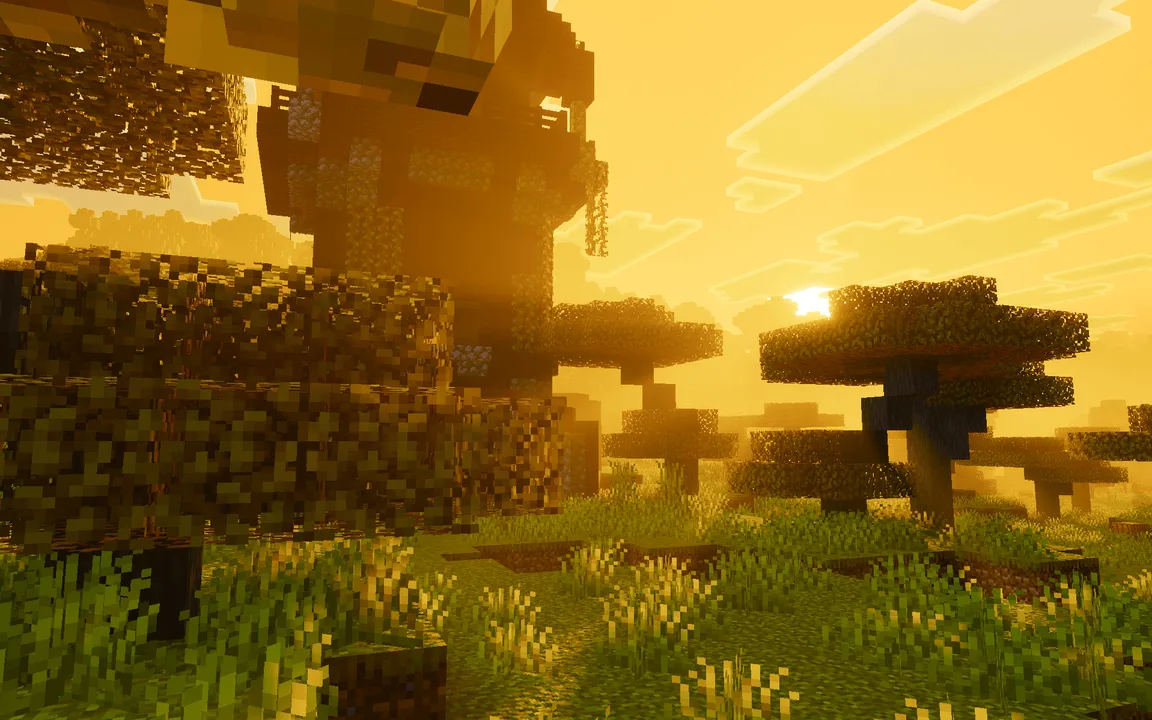
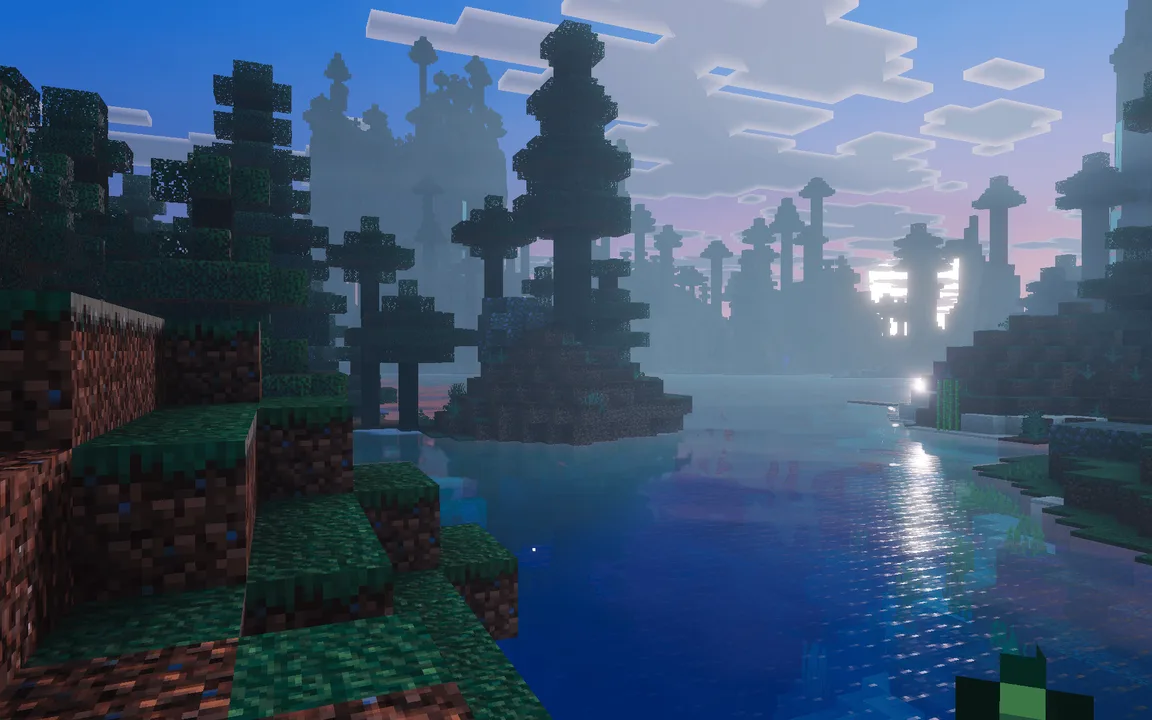
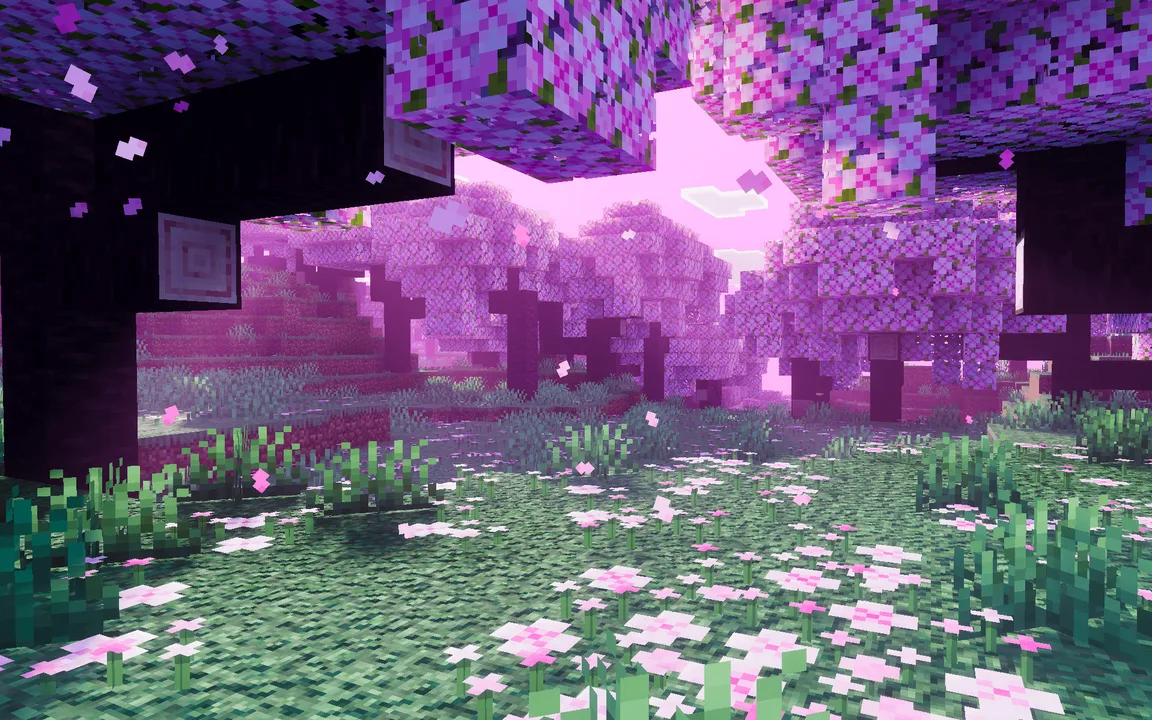
Spectral Horizons is a meticulously crafted texture pack designed specifically for Minecraft Bedrock Edition. It offers players a refreshing take on the game’s visuals, moving away from the typical realism found in many other packs. Instead, this texture pack embraces a vibrant, cartoonish style that infuses your world with dynamic colors and an overall sense of whimsy. From the lush greenery of forests to the serene blues of water bodies, every aspect of the environment is enhanced, making exploration a significantly more engaging experience.
One of the standout features of Spectral Horizons is its use of custom Physically Based Rendering (PBR), which provides a new layer of depth to textures. This technology allows for improved light interaction with surfaces, enabling them to appear more lifelike while still maintaining the charming Minecraft aesthetic. Players will notice how sunlight gleams off water surfaces or how the leaves in trees catch the light differently at various times of the day. This attention to detail not only beautifies the game but also deepens immersion in the Minecraft world.
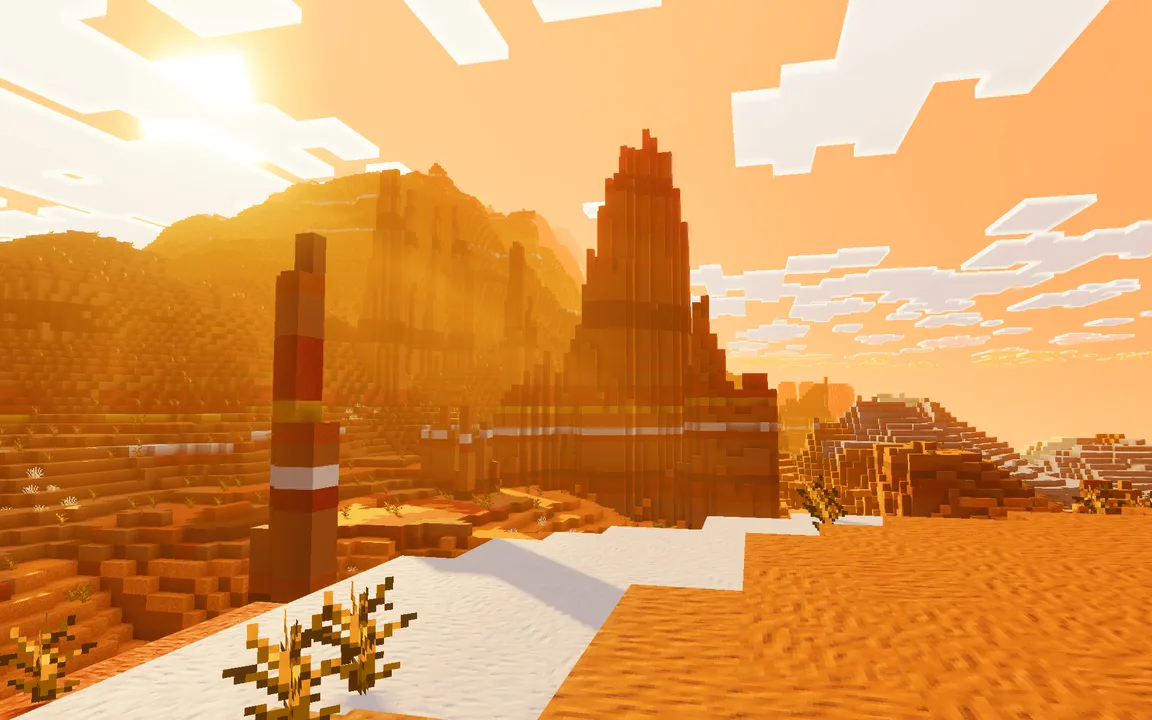
The pack introduces unique colored fog that adapts to different biomes, enriching the atmosphere and enhancing the visual storytelling of your environment. For instance, stepping into a desert biome may envelop you in an orange haze, while a lush jungle would present a vibrant green mist. This differentiation in fog not only makes the landscapes aesthetically pleasing but also helps with navigation, ensuring you can easily identify biomes from a distance.
In addition to altered fog, Spectral Horizons modifies the moon's appearance depending on the biome you are in. This feature adds a whimsical charm, with different hues adorning the moon, further enhancing the nighttime experience. Players can find themselves captivated while exploring under a lavender moon or a golden orb, making night expeditions feel special and unique.
Another remarkable aspect of this texture pack is the emphasis on glowing elements throughout the game. Certain blocks have enhanced glowing features which can illuminate dark caves or add flair to your builds. This is particularly useful in survival scenarios where lighting can be a crucial factor for safety against hostile mobs. The glowing effects also allow for creative building options in both survival and creative modes, making it easier to create visually striking bases or landmarks.
The impact of such a vibrant texture pack is especially significant for players who enjoy building and exploring. Builders will appreciate the enhanced definition of blocks, which can inspire creativity and innovation. Whether constructing a rustic village or a futuristic city, the lively colors and textures can significantly influence the aesthetic of the builds. Players will find themselves motivated to construct elaborate structures that pop against the vibrant backgrounds created by this pack.
For those who enjoy exploration and adventure, the new visuals can transform routine gameplay into a breathtaking experience. Each journey through a forest or across a mountain becomes a visual feast, making it feel as if you are wandering through a living painting. The colorful landscapes can draw players into the world, encouraging them to venture further and discover new areas.
It's important to note that while Spectral Horizons brings a wealth of visual enhancements, players should ensure their devices can handle the added graphical details. The pack is designed for devices that support vibrant visuals, so if you're playing on a lower-end device, you might need to consider the performance implications before downloading. However, for players with devices that can manage these graphics, the result is a more immersive and enjoyable Minecraft experience.
In summary, Spectral Horizons is not just a simple texture pack; it is a complete overhaul of the visual experience in Minecraft Bedrock Edition. It caters to those looking to enrich their gameplay with a bright, colorful aesthetic while enhancing the overall depth and atmosphere of the game. This pack is ideal for players who prioritize visual storytelling and those who appreciate a playful, lively environment as they explore, build, and survive in their Minecraft worlds.
ad
About the Content
CHANGELOG:
- Initial release with vibrant color palette
- Introduced custom PBR textures for enhanced detail
- Added colored fog effects in various biomes
- Custom moon colors included for specific environments
- Enhanced glowing effects for certain blocks and items
Installation
Installing Spectral Horizons in Minecraft Bedrock Edition is straightforward. Follow these steps to ensure you get the full visual experience:
1. **Download the Texture Pack**: Obtain the Spectral Horizons texture pack file compatible with Bedrock Edition.
2. **Import the Texture Pack into Minecraft**: Open Minecraft Bedrock Edition and navigate to the main menu. Go to 'Settings', then select 'Storage'. Here, you should see an option to import the texture pack file you downloaded. Simply follow the prompts to import it into your game.
3. **Activate the Texture Pack**: Once imported, head back to 'Settings' and scroll to 'Global Resources'. You will find your new texture pack listed. Tap on it to activate it.
4. **Enable Vibrant Visuals**: Ensure that the Vibrant Visuals setting is turned on in your video settings, as Spectral Horizons is designed to work in conjunction with this feature.
5. **Launch Your World**: After activation, load into your existing world or create a new one to start enjoying the vibrant new visuals that Spectral Horizons offers.
By following these steps, you can easily incorporate this texture pack into your gameplay, enhancing your experience and enjoyment of Minecraft Bedrock Edition.
Supported Minecraft Versions
26.50
If the download button doesn't work, click here for alternatives
If you are the original creator and would like this content removed, please submit a request through our DMCA page.