MCPE Plush Furniture and Decorations for Cozy Spaces
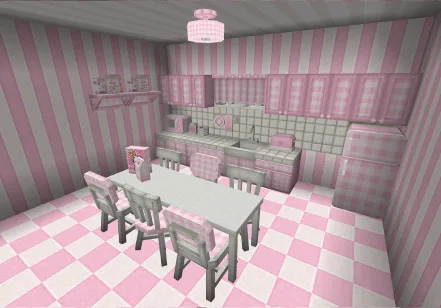
Skip to DownloadTransform your Minecraft Bedrock worlds with the Plush Furniture addon, featuring an array of adorable pink-themed furniture and decorations. Perfect for creating warm, inviting spaces in your builds, this addon enhances your living experience by bringing
Description
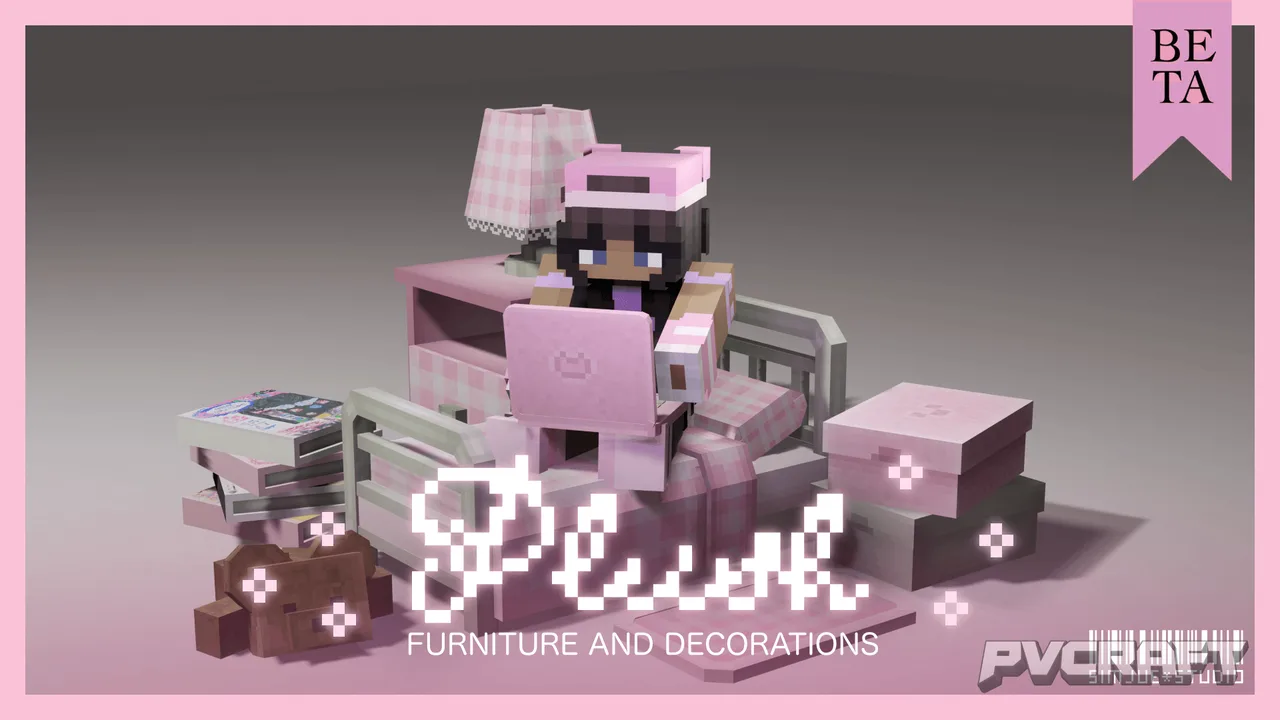
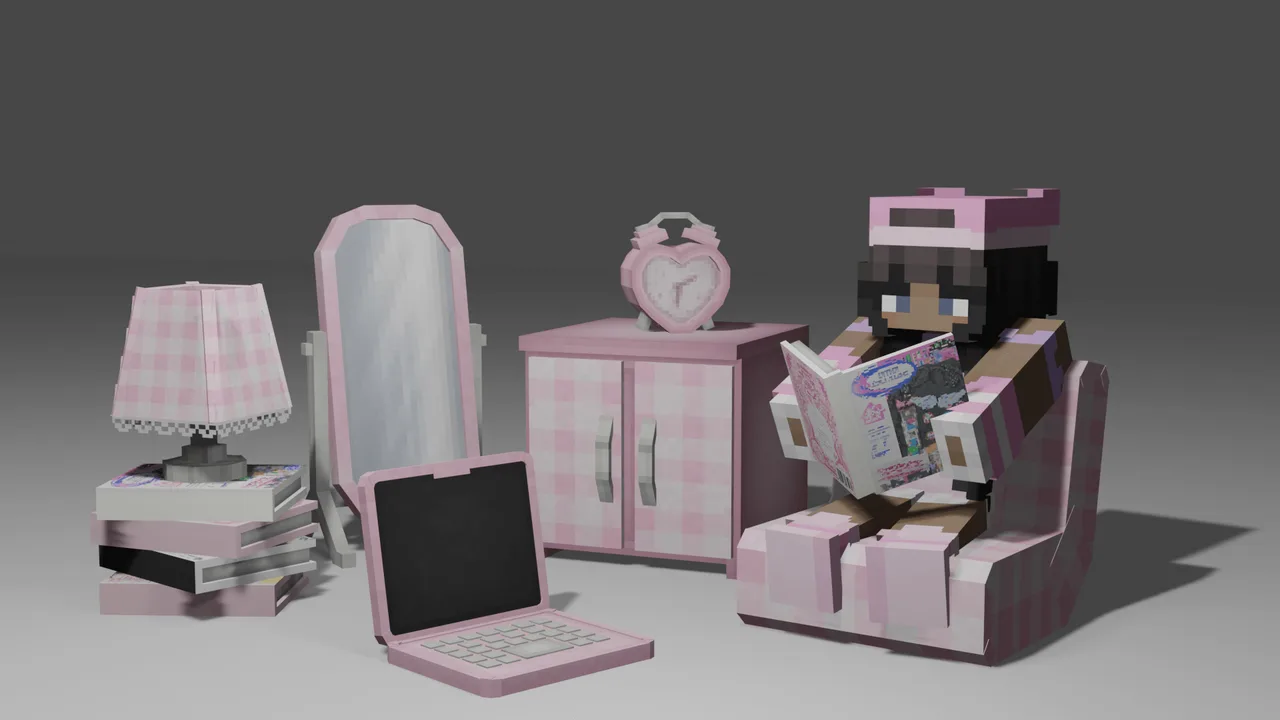
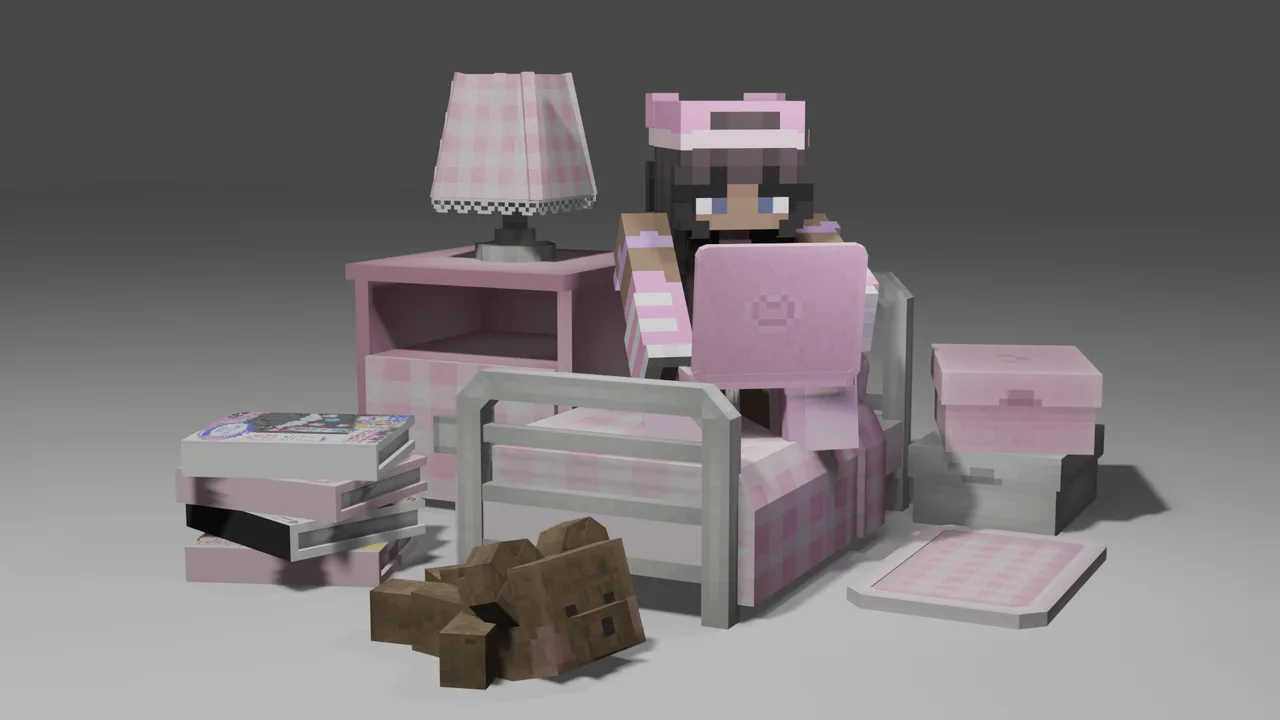
The Plush Furniture addon for Minecraft Bedrock Edition offers players an opportunity to enhance their building experience by introducing a delightful collection of furniture and decorative items that radiate warmth and charm. This addon is particularly suited for players who enjoy creating cozy spaces such as living rooms, bedrooms, and kitchens filled with personality. With a distinctly cute, pink theme, the furniture adds a playful yet elegant touch to any setting.
One of the standout features of this addon is the ability to use chairs interactively. Unlike standard furniture that serves static purposes, the addition of seatable chairs allows players to immerse themselves more fully in their builds. You can sit on these chairs and experience a more realistic living space where you can truly connect with your surroundings. This simple mechanic can significantly enhance your role-playing adventures, making them feel more authentic.
Another useful function is the ability to rotate furniture and decor using a Stick. This option empowers players to customize their layouts without limitations, allowing for creative expression. You can adjust the orientation of tables, couches, and other items to fit snugly in your desired arrangement. Furthermore, the addon allows for precise placement of furniture using a Feather, ensuring that each item is positioned exactly where you want it. This attention to detail is crucial for players focused on aesthetics or those who pride themselves on creating visually stunning interiors.
The addon also introduces the feature of connected tables, which automatically link when placed adjacent to one another. This innovation not only simplifies the process of creating larger dining tables or workspace desks but also maintains a cohesive look that flows beautifully throughout your space. This feature is especially beneficial for players who love hosting in-game gatherings or creating intricate interior layouts. With connected tables, the possibilities for design expand, allowing for more creative dining experiences in your virtual Minecraft world.
Lighting plays a significant role in establishing ambiance within any build, and the Plush Furniture addon delivers on this front as well. Players can interact with lamps and lights, toggling them on and off to create the perfect atmosphere. This feature is essential for setting the mood during evening gameplay sessions or when showcasing your cozy builds to friends. By having control over the lighting, players can shift from bright, cheerful settings during day-time play to relaxing, intimate spaces at night.
While the addon is currently in beta, it opens up several exciting possibilities for players who appreciate decorative elements in their builds. However, like any beta software, users may encounter bugs or quirks. Reporting these issues can help improve the addon, making it a more polished experience for everyone. Whether you’re a creative builder, a roleplay enthusiast, or someone simply looking to beautify their Minecraft space, this addon stands as a charming addition to your collection.
In summary, the Plush Furniture addon enhances the player experience in Minecraft Bedrock by providing a robust selection of interactive, aesthetically pleasing furniture. This addon is ideal for players who focus on creating immersive environments and enjoy the little details that contribute to the overall experience. It encourages creativity in both building and role-playing, ensuring that your Minecraft world feels more like home. With plush furniture and decorations, your builds can come to life in ways that standard blocks never could, allowing you to build more personalized, inviting spaces that reflect your unique style.
About the Content
CHANGELOG:
- Initial release featuring a variety of plush-themed furniture items
- Added functionality for players to sit on chairs
- Included rotating and precise placement options for decorations
- Introduced automatic table connections for larger surfaces
- Enhanced interaction with lamps and lights for improved ambiance
Installation
Installing the Plush Furniture addon in Minecraft Bedrock is a straightforward process. Follow these steps to enhance your gameplay:
1. **Download the Addon**: First, obtain the Plush Furniture addon file from the source you trust. Ensure you are downloading the correct file format (usually .mcpack or .mcaddon).
2. **Open Minecraft Bedrock**: Launch your Minecraft Bedrock Edition on your device.
3. **Access Settings**: Navigate to the main menu and select "Settings" to open the game settings.
4. **Select Storage**: In the Settings menu, find the option labeled "Storage" which allows you to view and manage your installed packs.
5. **Import the Addon**: Locate the downloaded addon file. Double-click the file or use the "Open" option to import it directly into Minecraft. The game should automatically register it.
6. **Enable the Addon**: After importing, return to the main menu. Start a new world or edit an existing one. In the world settings, scroll down to find "Behavior Packs" and "Resource Packs." Select the Plush Furniture addon for both sections to enable it in your world.
7. **Create or Load Your World**: Once the addon is enabled, create a new world or load an existing one. The new furniture and decorations should now be available for use.
8. **Enjoy Your New Decorations**: Take some time to explore the new features, arrange your furniture, and enjoy the added charm to your Minecraft environment!
By following these steps, you'll successfully install the Plush Furniture addon and breathe new life into your building experience in Minecraft Bedrock.
Supported Minecraft Versions
26.40
If the download button doesn't work, click here for alternatives
If you are the original creator and would like this content removed, please submit a request through our DMCA page.