MCPE Xnova Model – Enhanced First-Person Experience
Skip to DownloadThe Xnova Model texture pack transforms the first-person view in Minecraft Bedrock Edition by incorporating smaller hands, slimmer arms, and reduced item sizes. This enhancement significantly improves gameplay visibility and precision while maintaining th
ad
Description
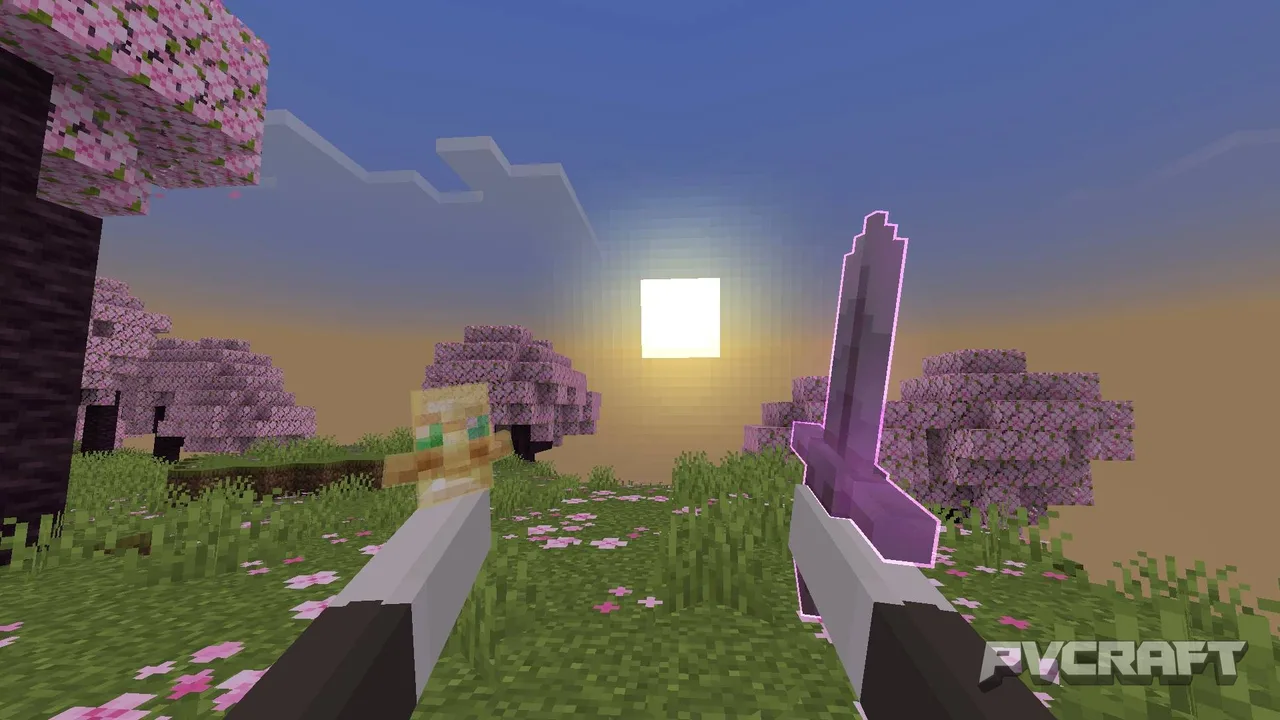
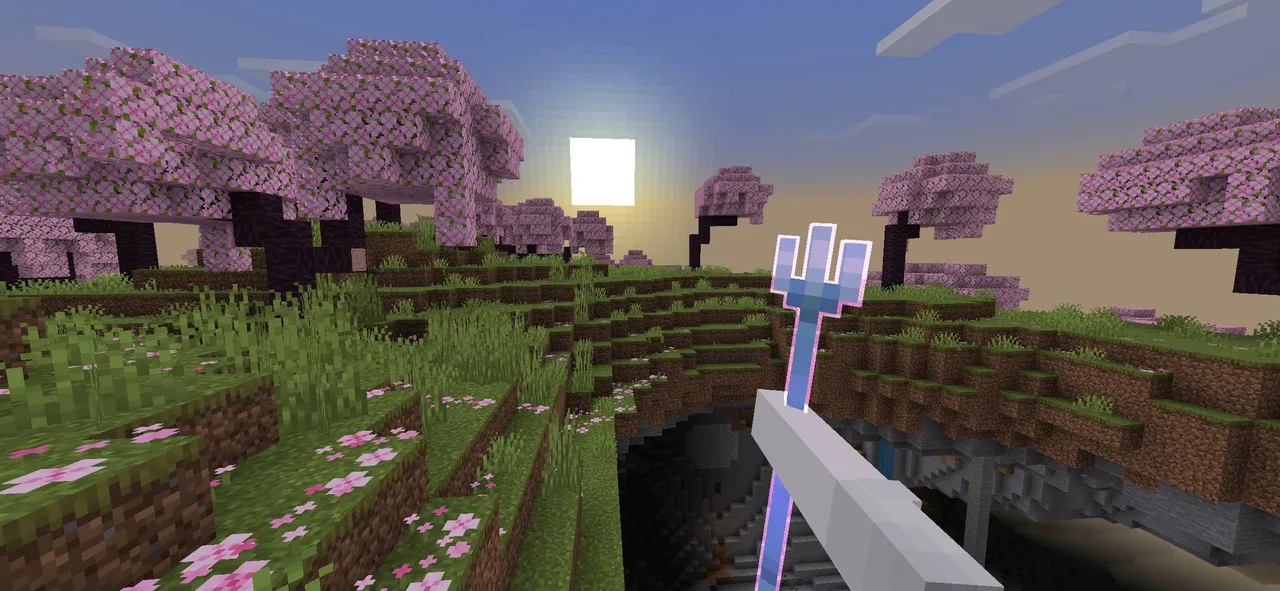
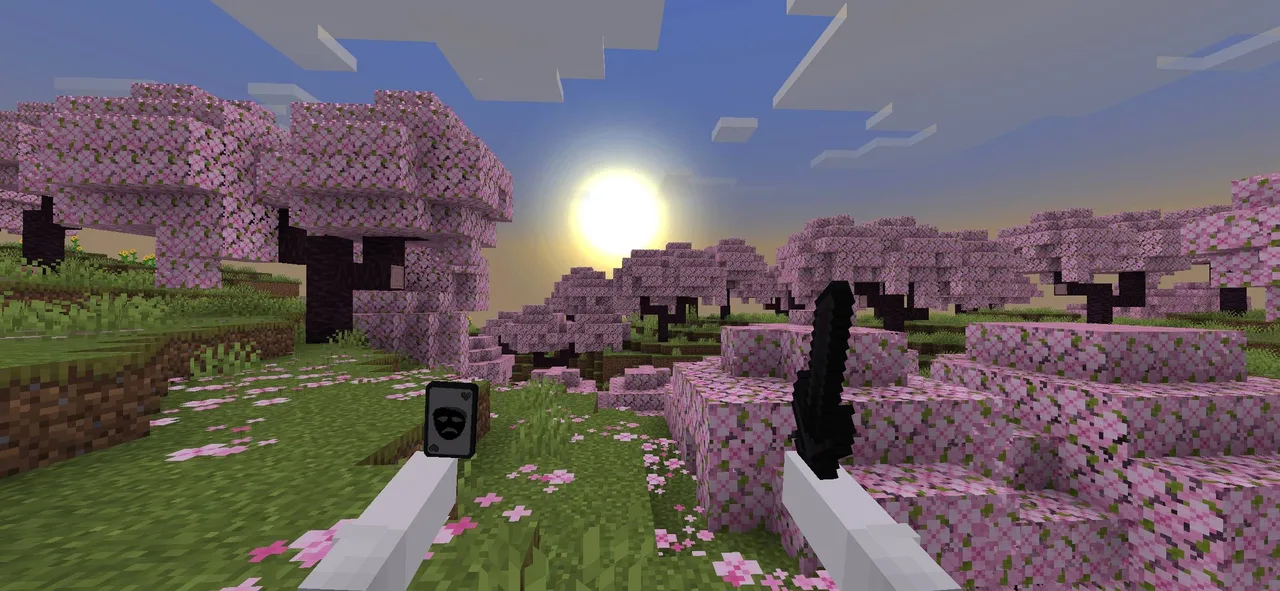
The Xnova Model texture pack is designed to significantly improve the first-person perspective in Minecraft Bedrock Edition, making the gameplay experience more intuitive and visually appealing. This texture pack introduces a series of thoughtful modifications to player models, particularly focusing on their hands and how items are presented in the player's view. With the Xnova Model, players will notice a refined appearance with smaller hands and slimmer arms, which not only enhances the visual quality but also creates a more immersive gameplay experience.
One of the most notable features of the Xnova Model is the adjustment of item sizes when held. In the standard view, items can often appear bulky, obscuring important visual aspects of the game world. With this texture pack, items are scaled down, allowing for improved visibility. This means that players can enjoy a clearer view of their surroundings while interacting with items, whether they are crafting, mining, or engaging in combat. The aesthetic is designed to feel familiar yet refreshing, adhering to the vanilla style of Minecraft while elevating the overall experience.
The texture pack's enhancements also extend to the animations associated with holding items. The Xnova Model introduces custom animations for various tools and weapons, such as swords, pickaxes, and bows. These animations have been meticulously crafted to appear smoother and more natural, reducing the rigidity often seen in traditional first-person views. This fluidity adds another layer of immersion, making actions like swinging a sword or mining a block feel more satisfying and realistic.
Additionally, players can choose from multiple hand modes within the texture pack. This feature allows you to personalize your experience based on your gameplay style. Whether you prefer a more compact look for PvP scenarios or want a balanced aesthetic for survival gameplay, you can easily switch between different hand models in the settings. This customization option enhances the user experience, giving players control over how their character interacts with the world.
The modifications to blocks and items are also significant. Blocks appear smaller when held, which helps to declutter the first-person view. This change is particularly beneficial during building or combat, as it minimizes distractions and allows for a clearer focus on the task at hand. The overall presentation of items and blocks is cleaner, aligning well with the streamlined visuals of the Xnova Model.
For competitive players, the texture pack includes an exclusive PvP mode designed to enhance the fight experience. This mode features refined textures that improve clarity during combat, ensuring that players can engage their opponents with minimal visual obstruction. The UI has been adjusted to a darker theme, which helps in identifying key information quickly, thus giving you an edge in high-stakes scenarios.
In summary, the Xnova Model texture pack is an exceptional resource for anyone looking to enhance their Minecraft Bedrock Edition experience. By improving first-person visuals, providing customizable hand options, and creating a more dynamic interaction with items, this texture pack sets a new standard for immersive gameplay. Whether you're building, exploring, or engaging in combat, the Xnova Model ensures you do so with greater precision and visual satisfaction.
If you’re ready to elevate your Minecraft gameplay, consider trying the Xnova Model texture pack to experience these enhancements firsthand!
ad
About the Content
CHANGELOG:
- Initial release of the Xnova Model texture pack, enhancing first-person visuals and interactions.
- Added new hand animation modes for varied gameplay experiences.
- Improved item holding animations to create a more dynamic feel.
- Fixed bugs related to texture rendering in first-person mode.
- Optimized performance for smoother gameplay across devices.
Installation
Installing the Xnova Model texture pack in Minecraft Bedrock Edition is a straightforward process. Follow these steps to get started:
1. **Download the Texture Pack**: Begin by downloading the Xnova Model texture pack file. Ensure you have it saved in a known location on your device.
2. **Open Minecraft**: Launch Minecraft Bedrock Edition on your device (mobile, console, or Windows).
3. **Access Settings**: From the main menu, navigate to the 'Settings' option. This will open a new menu where you can customize your game experience.
4. **Select Storage**: Within Settings, look for the 'Storage' section. Here, you will see an option to manage your resource packs.
5. **Import the Pack**: In the Storage menu, find 'Import' and select it. Locate the Xnova Model texture pack file you downloaded and select it for import. The game will process the file and make it available in your resource packs list.
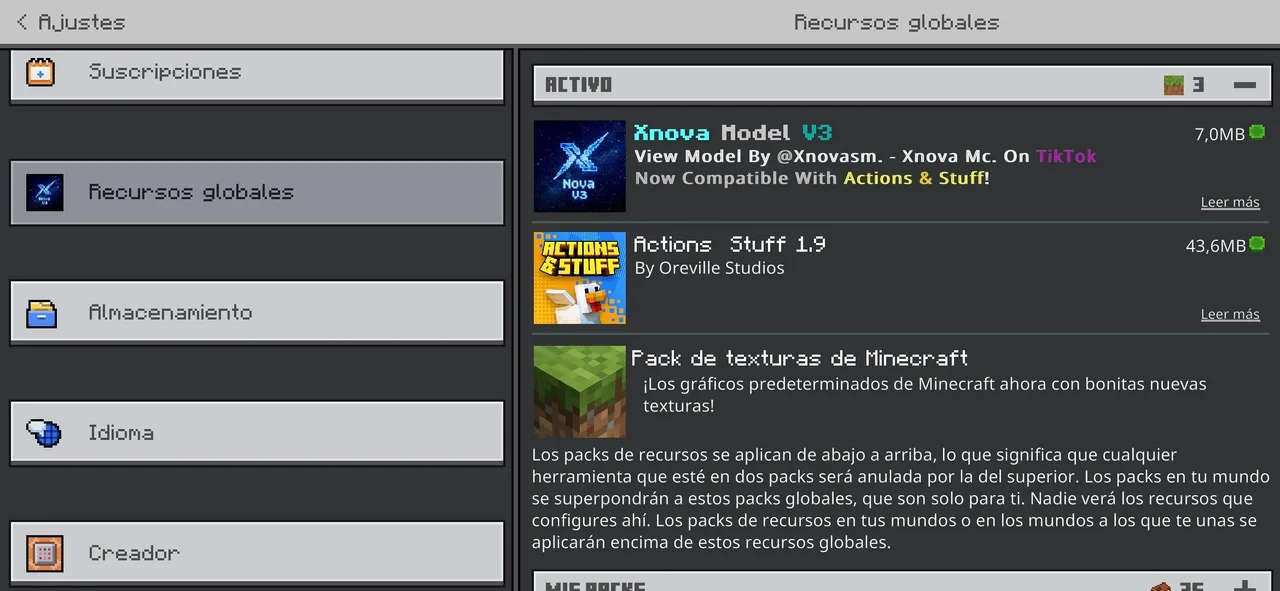
6. **Activate the Texture Pack**: Once imported, go back to the main Settings menu and select 'Global Resources.' You will see a list of available resource packs. Find Xnova Model in the list, click on it, and choose 'Activate.' This will apply the texture pack to your game.
7. **Start a Game**: After activation, start a new game or load an existing world. You should now see the enhancements of the Xnova Model texture pack in action. Enjoy your enhanced first-person experience!
By following these steps, you can easily install the Xnova Model texture pack and begin enjoying its features right away. If you encounter any issues during installation, ensure the pack is compatible with your current version of Minecraft Bedrock Edition.
Supported Minecraft Versions
26.10
If the download button doesn't work, click here for alternatives
If you are the original creator and would like this content removed, please submit a request through our DMCA page.